
How to Redesign a Weebly Website With AI
Learn how to redesign your Weebly site using an AI tool called Repaint. A step-by-step guide to modernizing your website without rebuilding it from scratch.

Introduction
Weebly made website building easy before most builders did, and plenty of small business sites still run on it. But the platform has stood still. Since Square acquired it in 2018, Weebly hasn't made a meaningful update, while website builders around it kept improving.
If your site is on Weebly, you probably already know it's showing its age. What's kept most people there is the work involved in leaving. Rebuilding by hand means re-entering years of pages, posts, and images into a new tool. That's no longer something you have to do yourself. AI tools can import your existing site and design a new one around your content, so leaving doesn't mean starting over.
In this guide, I'll show you how to redesign a Weebly website with an AI tool called Repaint.
Why Redesign a Weebly Website with AI?
The biggest upgrade is design freedom. Weebly gives you a fixed menu of section types and building blocks, and your site can only be what those blocks allow. If no block does what you want, you can't have it. Repaint works from a description instead of a parts list. If you can say what you want, it can build it.
The other upgrade is how you edit. Weebly's editor is manual. You open the page, find the block, and adjust it yourself. Repaint's editor is conversational. You type what should be different, and the AI finds the right places and makes the changes. Weebly has never added anything like this, and at this point it probably never will.
None of it requires re-entering your content. Repaint pulls the pages, text, and images from your live site automatically. That's what makes redesigning a years-old site practical.
How AI Website Migration Works
Repaint visits your live site the same way a visitor would. It reads your text, downloads your images, and takes screenshots of each page to understand the layout. Then it rebuilds the site in Repaint with a design you choose, and from there you make edits by chatting with AI. It never needs your Weebly login. The live URL is enough.
Your Weebly site stays live and unchanged while you work, and your visitors keep landing on it. Nothing switches until you point your domain at the new site. If you never swap the domain, your current site stays exactly as it is.
Step 1: Import Your Content
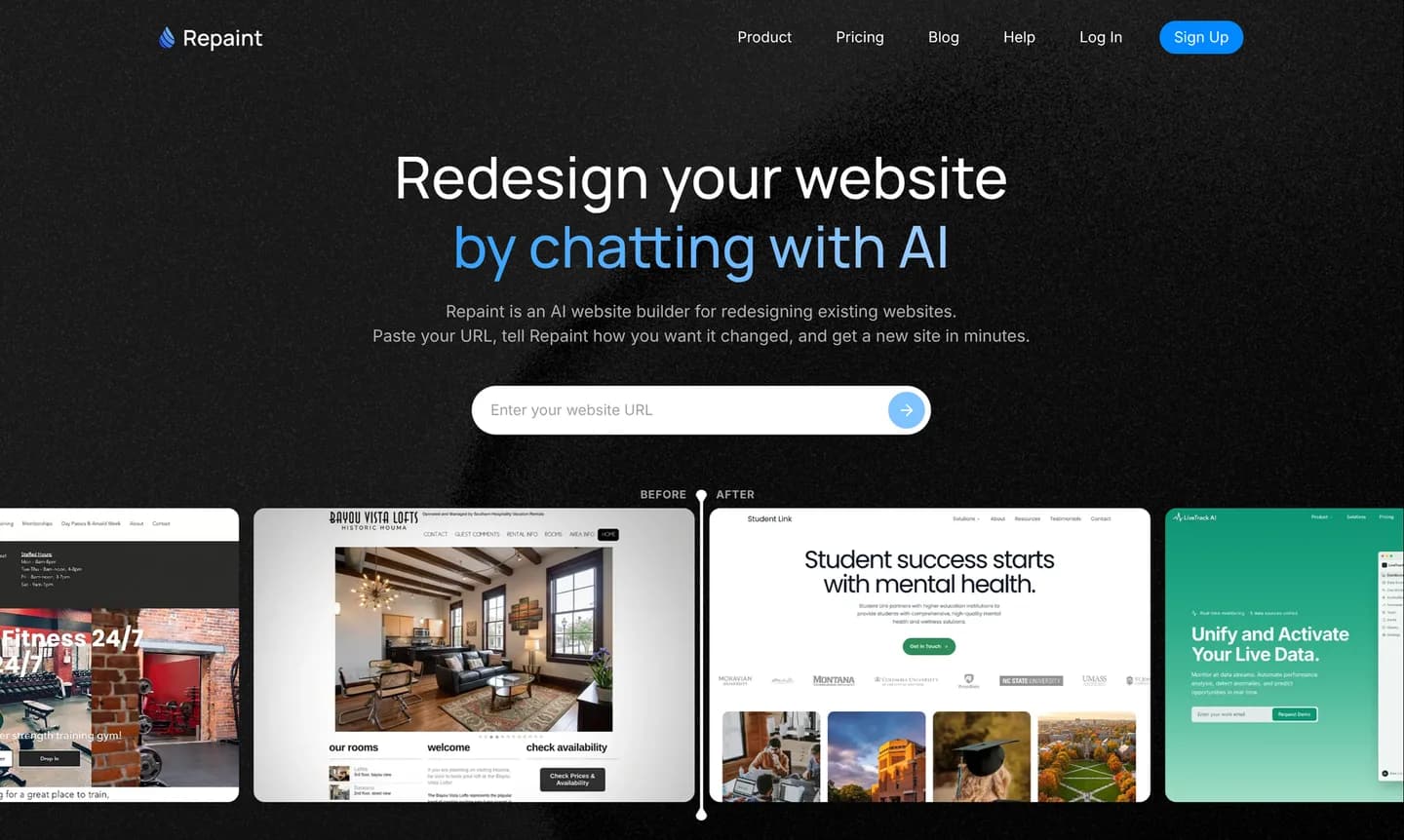
Start by copying the URL of your live Weebly site. Then:
- Go to the AI website redesign tool.
- Paste in your Weebly website URL and submit.
- Create a Repaint account.
Any live address works, whether it's your custom domain or a free .weebly.com subdomain. Repaint scans the site page by page, reading the text, saving the images, and capturing screenshots of the design. What it collects becomes the source material for the new site.
If anything is missing after the scan, you can give it to Repaint directly. Paste text into the chat, upload files and images, or point Repaint at another source like a Google Business profile. Repaint folds whatever you give it into the site.
Step 2: Generate Your Website
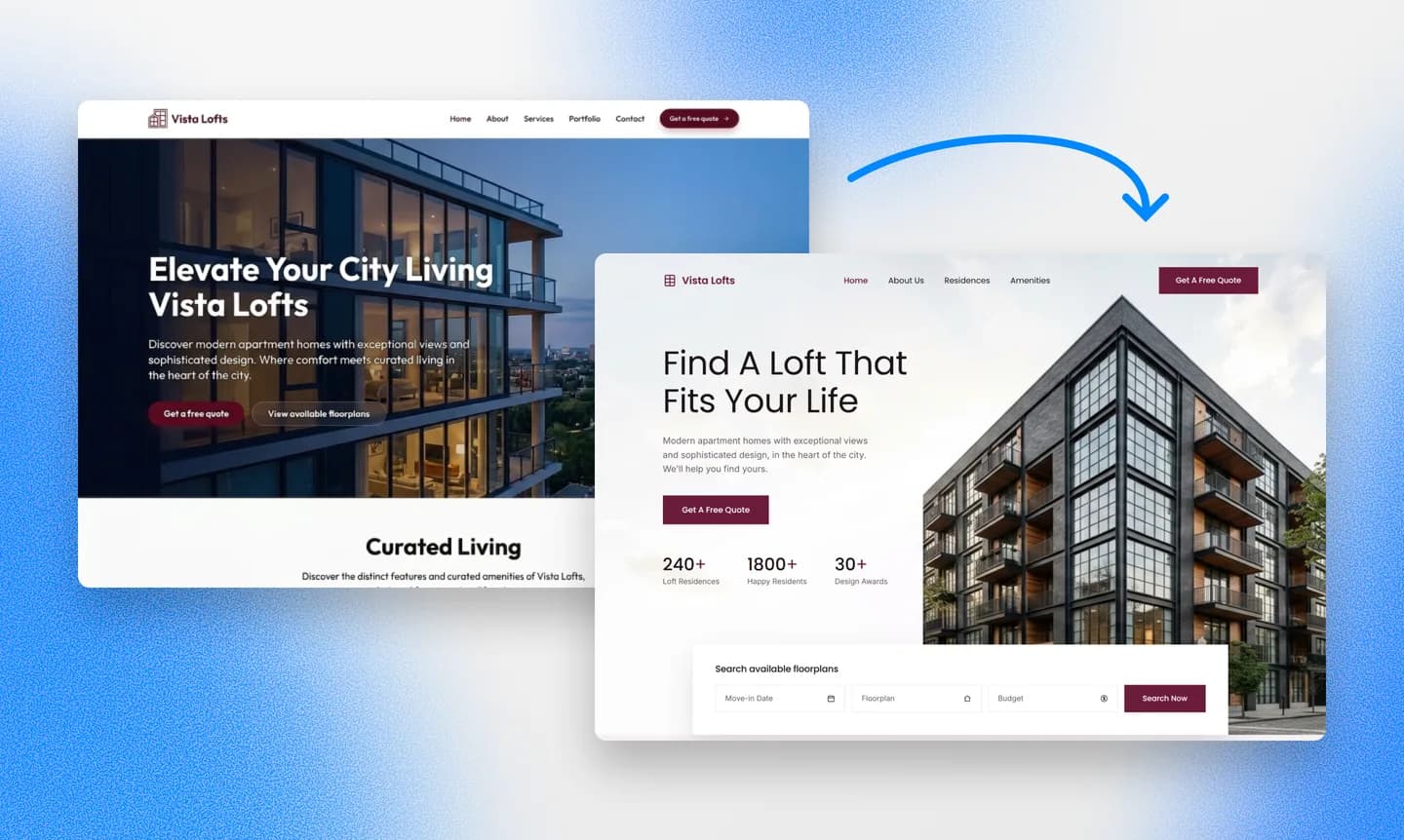
After the scan, Repaint asks a few questions before it builds. For a site that's been running a long time, the main decision is what comes along. The simplest path is to change nothing but the design. You keep the same pages, text, and images, and Repaint builds a new look around them. But years of running a site leave clutter, like old promotions and pages for things you no longer offer. You can tell Repaint what to skip, or ask it to suggest a leaner structure based on what it found.
If your site has a blog, bring over a few posts first. Once the blog layout looks right, import the rest. Importing a very large site in one shot can hit the trial's AI usage limit, so for big sites it's better to work in batches regardless.
Pick a Style
The design is where an aging site changes the most. Repaint will usually generate a few style samples before it builds, so you can compare directions side by side. You have a few options:
- Choose one of the generated style samples
- Match another website you like
- Describe the style you want in your own words
- Keep your current look, if you want the same design in a better tool
Whichever direction you take, Repaint can carry over your brand colors and logo so the site still reads as yours.
We have a collection of website examples organized by industry if you want to explore more design directions. Any of them can be used as a visual reference for the new site.
Review the Result
Once you settle the plan, Repaint generates the site. A typical site takes a few minutes, and a large one with dozens of pages can take five minutes or more.
The first version might have a few rough spots, like a paragraph that landed in the wrong section or spacing that needs tightening. If your Weebly site used features like forms or a store, Repaint can rebuild those too. You can ask for them along with any other fixes in the next step.
Step 3: Make Adjustments
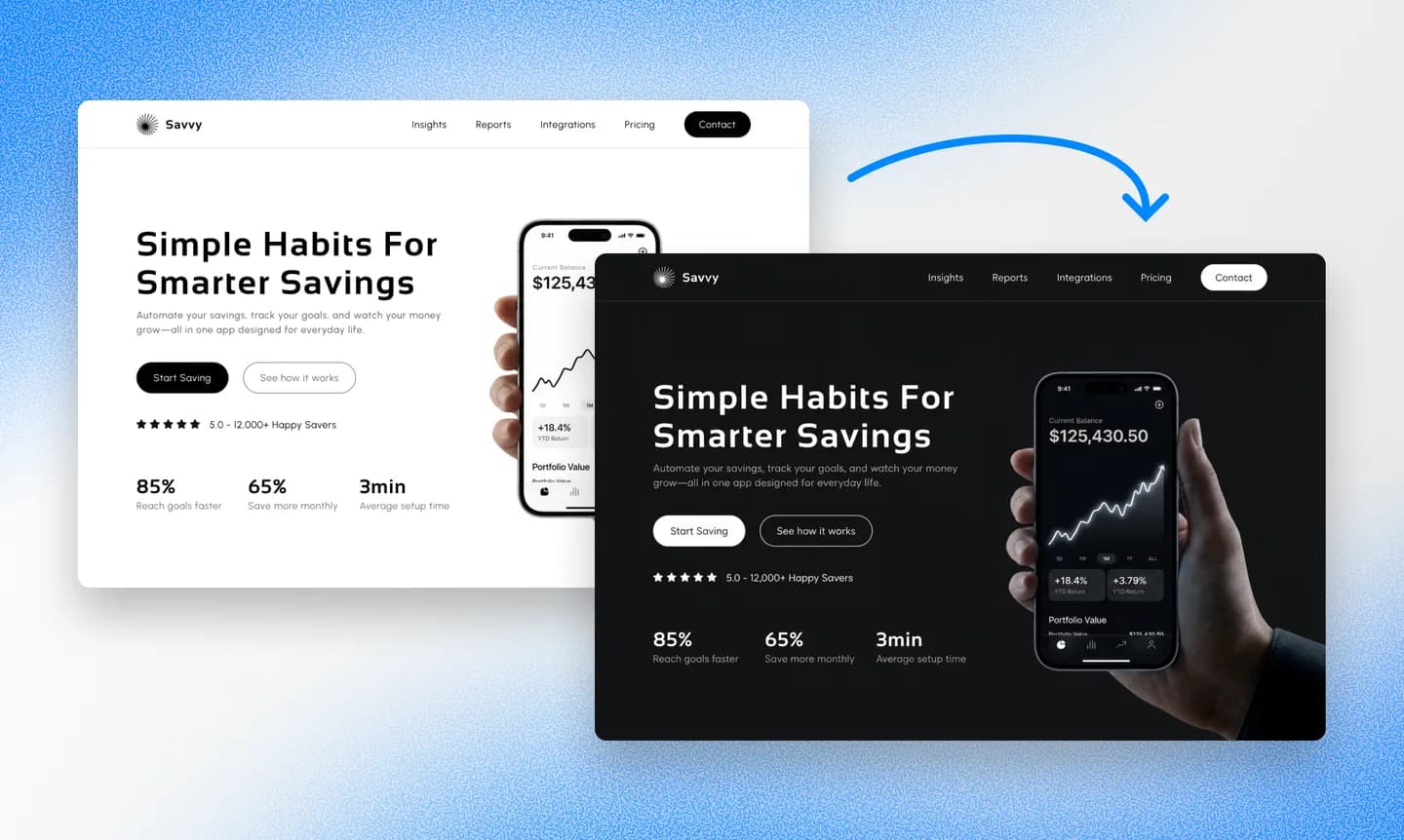
Editing in Repaint happens through the chat. You describe a change in ordinary words, and Repaint makes the change and shows you the updated site. If you want something different, just say so and Repaint revises. The same process covers everything from rewording a sentence to designing a new page, with layout and spacing handled along the way.
A useful habit is to judge the overall style before perfecting individual pages. Style decisions apply across the whole site, so changing them late can undo fine-tuning you already did. Repaint also treats your existing pages as examples when it builds new ones, so the better they look, the better anything new comes out.
Once the style is settled, the last pass is about details. Read each page the way a visitor would, on a computer and on a phone, and tell Repaint about anything you'd like different.
Review SEO
A site that's been live for years has search history worth protecting. Google ranks individual pages, and each ranking is tied to that page's URL. If a page comes back at a different URL on the new site, Google treats it as brand new, and the old ranking is lost. The fix is to keep the same paths. Ask Repaint to compare the new site's URLs against the old ones and recreate any that don't match. Our website redesign SEO guide covers this in more depth if you want it.
Once the content is right and the URLs line up, you're ready to publish.
Step 4: Publish
Until you publish, your new site is a private draft that only you can see. Publishing puts it on the internet. Click Publish in the top right corner, and the site goes live at a Repaint URL. That address is a real website, so you can open it on your phone, send it to friends, or show it to customers for feedback.
Your Weebly site isn't affected by any of this. Both sites are live at once, on different addresses, and your domain still sends visitors to the old one. That also means there's no deadline. You can keep polishing and publish updates as many times as you want, while the old site keeps doing its job. When the new one is ready, the next step makes the switch.
Step 5: Connect Your Domain

The final step is updating your domain so it sends visitors to the new site instead of the old one. A domain is a set of records that tells browsers where your website lives. Your domain might be registered through Weebly or through an outside company like GoDaddy or Namecheap. Either way it stays registered exactly where it is. You're changing its records, not moving it.
To start the switch, tell Repaint in chat that you want to connect your domain. It responds with the records to add and instructions for your specific provider. If your provider's screens look different than expected, describe what you see and Repaint will help you through it. You can connect a custom domain during the free trial or on any paid plan, and the details are on the pricing page.
The update usually takes effect within about 20 minutes, and you can ask Repaint to confirm when the new site is live on your domain. After that, you can cancel your Weebly subscription. If your domain is registered through Weebly, keep the domain registration itself. It's separate from the website plan and keeps working after the builder is gone.
Conclusion
The content on most Weebly sites is still good. It's the design and the platform around it that stopped keeping up. Repaint lets you keep the good part. It imports your pages, text, and images from the live site, builds a modern design around them, and gives you a site you can change by describing what you want.
Trying it doesn't change anything by itself. Your Weebly site keeps running while you build, and your domain keeps sending visitors there until you update it. If you don't like the result, your current site is still there, unchanged.
FAQ
How long does a Weebly migration take?
Importing your content and generating the new site usually takes 3-10 minutes. The rest depends on how much you want to adjust and whether you're importing a large blog in batches. Most sites are finished the same day.
Weebly can export my site. Why not just use that?
Weebly's export gives you a zip of static HTML files, which is a frozen copy of your site. You can host those files somewhere, but you can't practically edit them, so you'd be stuck with the same design forever. Importing into Repaint produces a live, editable site instead. You keep your content and gain the ability to change it.
Do I have to copy my content over manually?
No. This is the main difference between an AI migration and a manual rebuild. Repaint reads your live site and pulls in the pages, text, and images itself. Your job is reviewing and adjusting the result, not re-entering years of work.
Will my blog posts come over?
Yes. It works best to import a few posts first, get the blog layout right, and then bring over the rest. Text, images, and structure carry over with them. Batching also keeps a big import from hitting the trial's AI usage limit partway through.
Do I need to move my domain away from Weebly?
No. Wherever your domain is registered, it stays registered there. Only its DNS records change, and those control where visitors are sent. Repaint gives you the exact records and the steps for your provider.
Will my contact forms still work?
Yes. Repaint builds its own forms that save submissions and email you when someone fills one out. If you used a third-party form or widget, Repaint can add it to the new site using its embed code.
Can I migrate a Weebly site with an online store?
Yes. Repaint can rebuild your storefront and handle checkout, payments, orders, and inventory. If you'd rather keep your existing Square checkout, you can also link or embed it from the new site.
What happens to my Weebly site during the migration?
Nothing. Repaint works from a scan of the live site and never touches your Weebly account. The old site stays up until you point your domain elsewhere, and if you decide not to switch, it just keeps running.
How much does it cost to switch from Weebly to Repaint?
You can try Repaint free for 14 days, including building, editing, publishing, and connecting a custom domain. Paid plans start at $25 per month and include hosting and a weekly AI usage allowance.
When the trial ends, your workspace pauses until you start a paid plan. Your work stays saved, and you can reactivate it anytime. See our pricing page for details.
What if the AI gets something wrong?
Repaint saves a version of your site with every change. Tell it to go back and it reverts, or open the version history and restore any earlier point yourself. Any change can be undone.


