
How to Generate a Website From Your Linktree With AI
Learn how to generate a website from your Linktree with AI, using your links and social content as the starting point.

Introduction
A Linktree and a website do different jobs, and many creators have a use for both. The Linktree lives in your bio and routes followers to your latest content. The website is where you send people who want the full picture, because social profiles are built from posts, and posts are a hard place to lay out what you offer and how to work with you.
Building that website used to be a real project. You'd learn a site builder or hire someone, then write every page from scratch. But with AI, you can generate a website directly from your Linktree and the profiles behind it, built out of the content you've already posted. Afterward, you make changes by chatting with AI.
In this guide, I'll show you how to generate a website from your Linktree with an AI tool called Repaint, and how to add it back to your Linktree if you want to keep using both.
Why Add a Website to Your Linktree?
A website is a space you control, where you decide how to present who you are and what you offer. Social platforms don't give you that. Everything is a post, and posts are ephemeral. They slide down the feed within a week, and a new visitor scrolling your grid has no clear place to start. A website is the curated, organized version of the story your content already tells.
Selling is where the difference shows up most. On a Linktree, your offer is a button, and the pitch has to happen somewhere else. A website has room to explain the offer, answer the obvious questions, and show proof from people who've paid you. The page does the convincing instead of your DMs.
A website also reaches the people who aren't following you. Sponsors and potential customers look you up on Google, and today that search returns a scatter of profiles. A website gives them a result you control, and over time its pages can rank for more than your name.
Step 1: Import Your Content
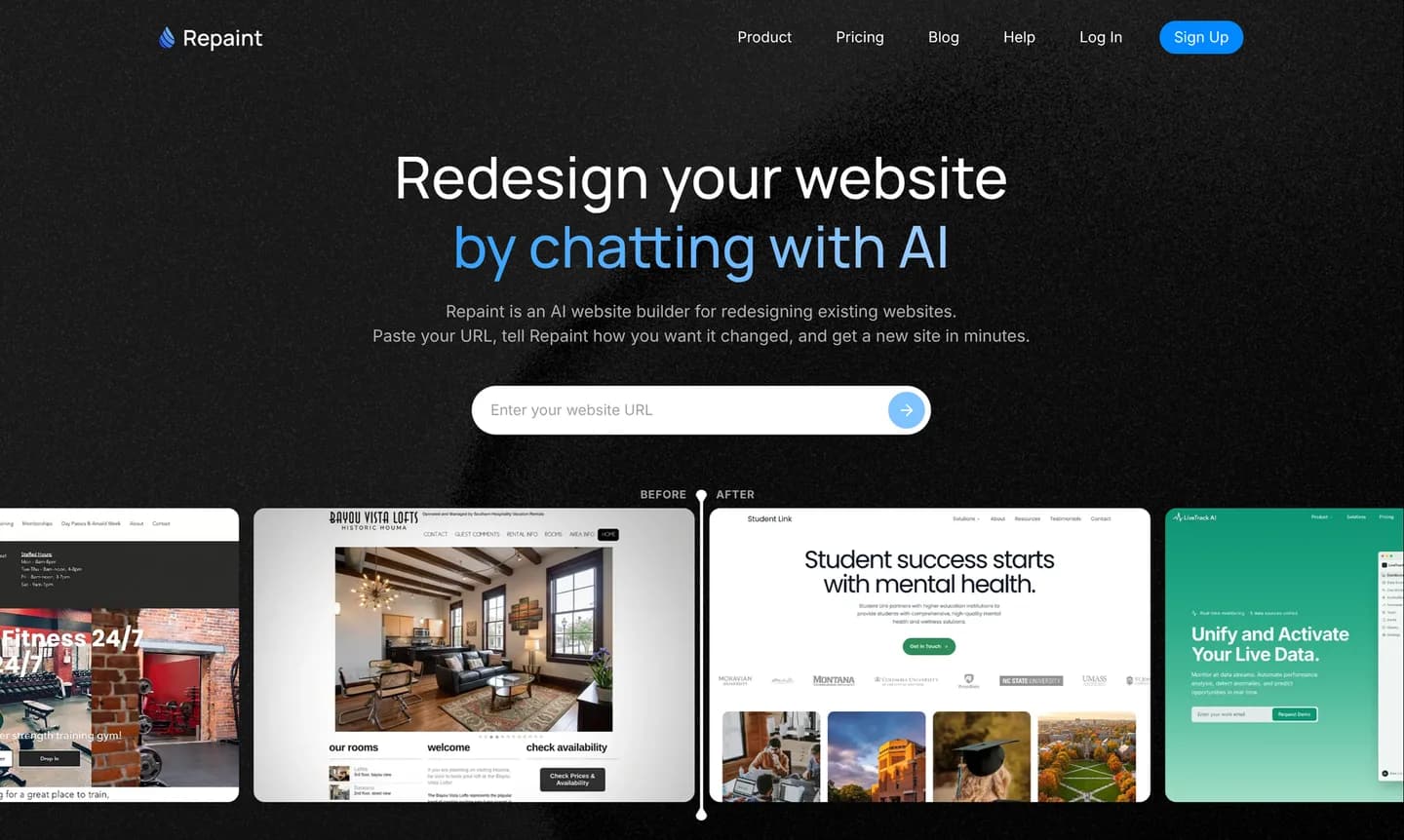
To begin, you'll need your public Linktree URL, the same linktr.ee address that's in your bio:
- Go to Repaint.
- Paste in your Linktree URL and submit.
- Create a Repaint account.
Repaint starts by scanning your Linktree and collecting its links. The social profiles give it source material for the website. Even if you've never written website copy, Repaint can use content you've already posted. You can import content directly from social profiles in the chat, including Instagram, Facebook, YouTube, TikTok, and Google Business. It only reads what's publicly visible, and nothing on your accounts changes.
Additional content and instructions can be shared in the chat or uploaded as files. Repaint uses them alongside the material from your profiles.
Step 2: Generate Your Website

Before it builds, Repaint asks what you want the site to be. The most useful thing you can tell it is the job the site has. A site that sells a course leads with the offer, while a site built to land brand deals leads with your audience and your best work. Saying that upfront shapes everything Repaint builds.
Your Linktree is a decent outline of the rest. If you're not sure how much site you need, Repaint can propose a structure and you react to it. Plenty of creator sites are one great page, and that's a fine place to start, because you can add pages whenever you're ready.
Pick a Style
The style question is really whether the site will feel like you, and your feed already answers much of it. Repaint can take design direction from:
- The photos, colors, and visual patterns in your social content
- Another website you like
- Style samples generated by Repaint
- A file such as your media kit or brand guide
- A description of the style you want
Repaint can combine those sources, so you can explore a new direction without losing the parts of your existing identity that people recognize.
Step 3: Make Adjustments
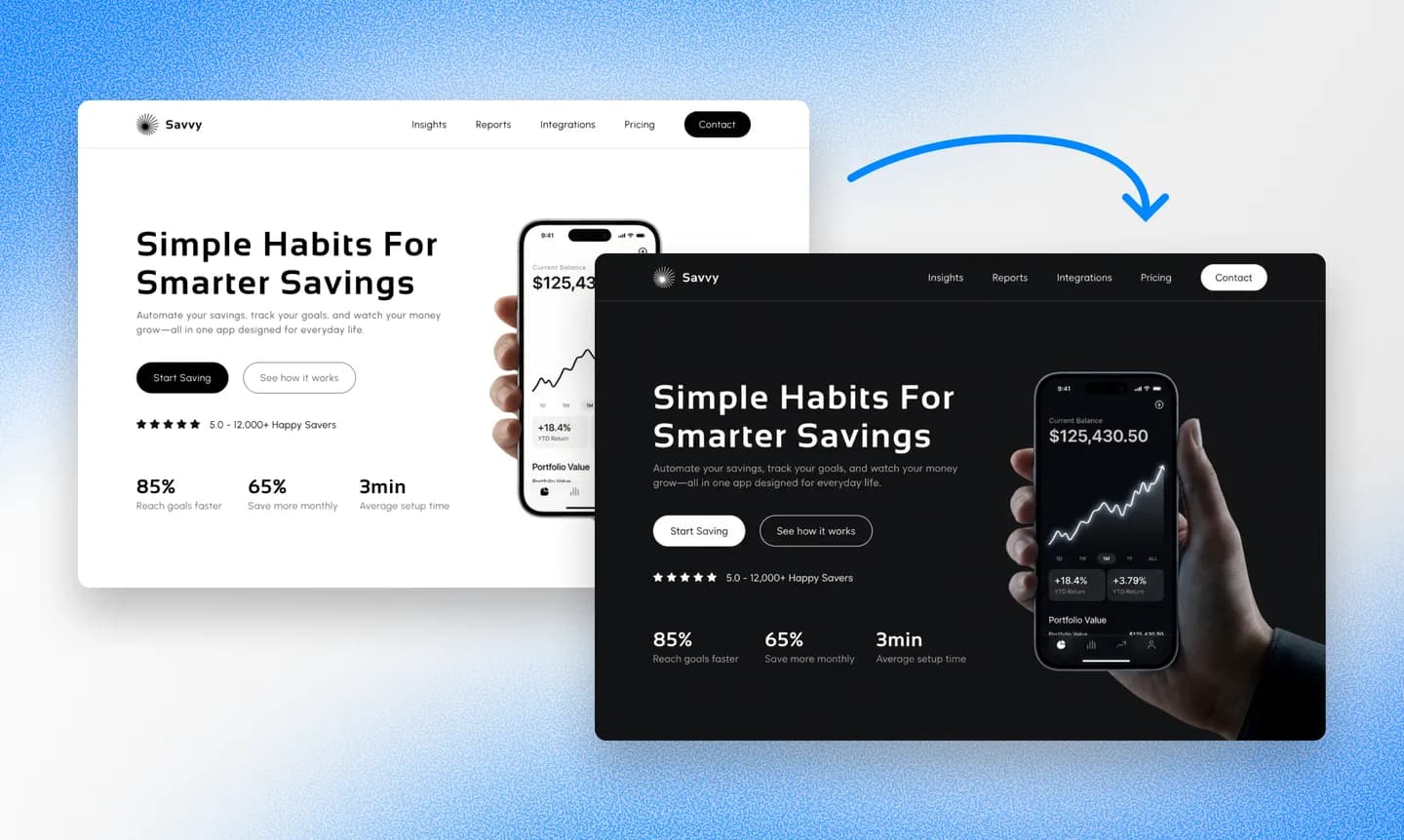
Once Repaint generates the site, you can keep editing it through the same chat. When you describe an edit, Repaint updates your website and shows you the result. The same process works for everything from small details to a full redesign.
It helps to settle the overall structure and visual style before polishing the details. Those larger decisions affect the whole site, while smaller adjustments are easier to make once the foundation feels right.
Repaint automatically adapts the website for different screen sizes. The controls in the top bar let you switch between desktop and mobile views to see how each page responds. Mobile is especially worth checking for a site linked from Linktree, since many visitors will arrive from social apps on their phones.
Once the site looks right in both views, it's ready to publish.
Step 4: Publish

Publishing is what makes the site real. Until then, it's a private draft only you can see. The Publish button in the top right puts it live at a Repaint URL, which you can open on your phone, send to a friend, or drop in a group chat for feedback.
You can publish as many times as you want, and each publish updates the same address. Nothing changes in your bio until you change it, so there's no pressure to have everything perfect before going live.
Step 5: Connect a Domain

A Repaint URL works, but yourname.com is the version worth having. It looks better in a bio, it's easier to say out loud, and it builds search history that belongs to you.
If you don't own a domain yet, you can buy one at any registrar, like GoDaddy or Namecheap, usually for $10-20 a year. If you already own one, it stays registered where it is. Either way, you tell Repaint in chat that you want to connect your domain, and it gives you the exact records to add along with instructions for your provider. You can connect a custom domain during the free trial or on any paid plan, and the details are on the pricing page.
The connection usually takes effect within about 20 minutes, and Repaint can confirm when your site is live on the domain.
Add the Website to Your Linktree
Either the Repaint URL or a custom domain can be added to Linktree. Standard links are added from Links > Add in the Linktree admin. After the website address is pasted, its title becomes the label visitors see, and the link can be dragged into position.
Conclusion
A Linktree and a website work better together than either does alone. The Linktree keeps routing your followers, and the website gives everyone else the full presentation of what you do. Repaint generates it from the content you've already made, and you keep shaping it by chatting with AI. The only change to your bio is that the first link now points to something you own.
FAQ
How long does it take to generate the website?
The import and first generation take a few minutes. The remaining time depends on how much you want to adjust, but most people can finish and publish the website within a day.
Do I need a paid Linktree plan for this?
No. Repaint works from your public linktr.ee page and doesn't need access to your Linktree account.
Should I keep using Linktree after building my website?
That's up to you. Linktree's compact format works well when a social profile needs to lead to several destinations, so the more common setup is to keep it and add the website as one of its links. Repaint can also build the same kind of links page into your website, allowing it to replace Linktree entirely.
Do I need to prepare website content first?
No. Repaint can build the website using only the content from profiles linked on your Linktree. You can also share additional content or instructions in the chat whenever the site needs more context.
Can Repaint build a website straight from my Instagram, without a Linktree?
Yes. Repaint can import content directly from social profiles, whether that's Instagram, Facebook, YouTube, TikTok, or Google Business. A Linktree is useful as a starting point when you want Repaint to see several sources at once, but it isn't required.
Will my affiliate links and discount codes still work?
Yes. Affiliate links can be used on the new website without changing their destinations. The complete URL needs to carry over because its tracking parameters are what credit the referral. Discount codes can be displayed alongside the corresponding offer.
Will the website update automatically when I post new content?
Not by default. Content imported from a social profile becomes part of the website and doesn't automatically change when you publish a new post. You can ask Repaint to import newer content at any time. Some platforms also provide feed embeds that stay connected to the original account; if one is available, you can give its embed code to Repaint and use that instead.
Do I need to buy a domain?
No. You can publish on a Repaint URL and use that URL in your Linktree. A custom domain is optional and can be connected later.
How much does this cost?
You can try Repaint free for 14 days, including building, editing, publishing, and connecting a custom domain. Paid plans start at $25 per month and include hosting and a weekly AI usage allowance. The domain itself is purchased separately from a registrar.
When the trial ends, your workspace pauses until you start a paid plan. Your work stays saved, and you can reactivate it anytime. See our pricing page for details.


