
Turn your files into a full website
Repaint can use PDFs, Word documents, PowerPoints, HTML files, and images as source material to generate a custom website.


Import your files.
Repaint extracts the text and images from your files and uses them as source material for your website.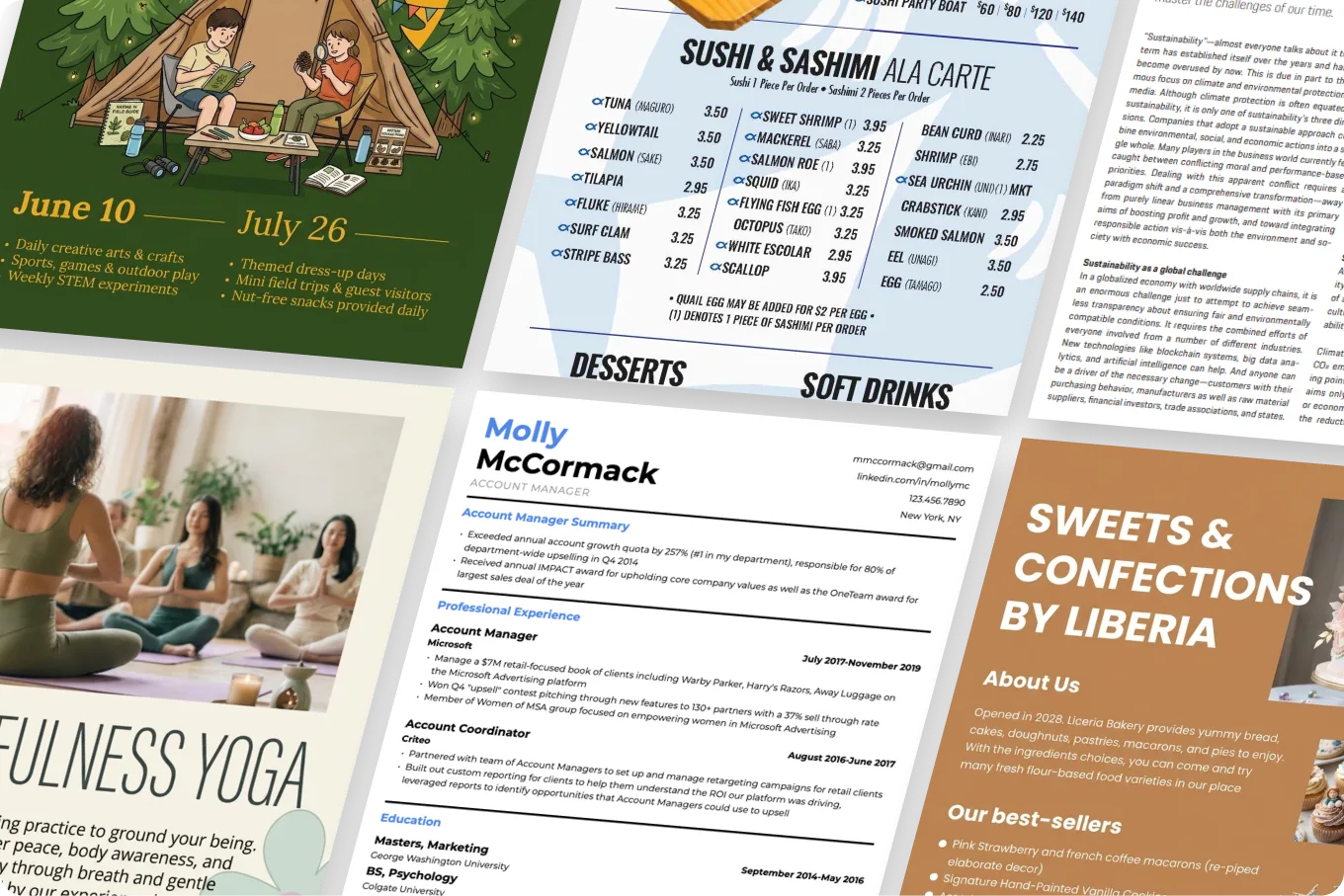
Generate a custom website.
Repaint uses your content and instructions to design a complete multi-page website.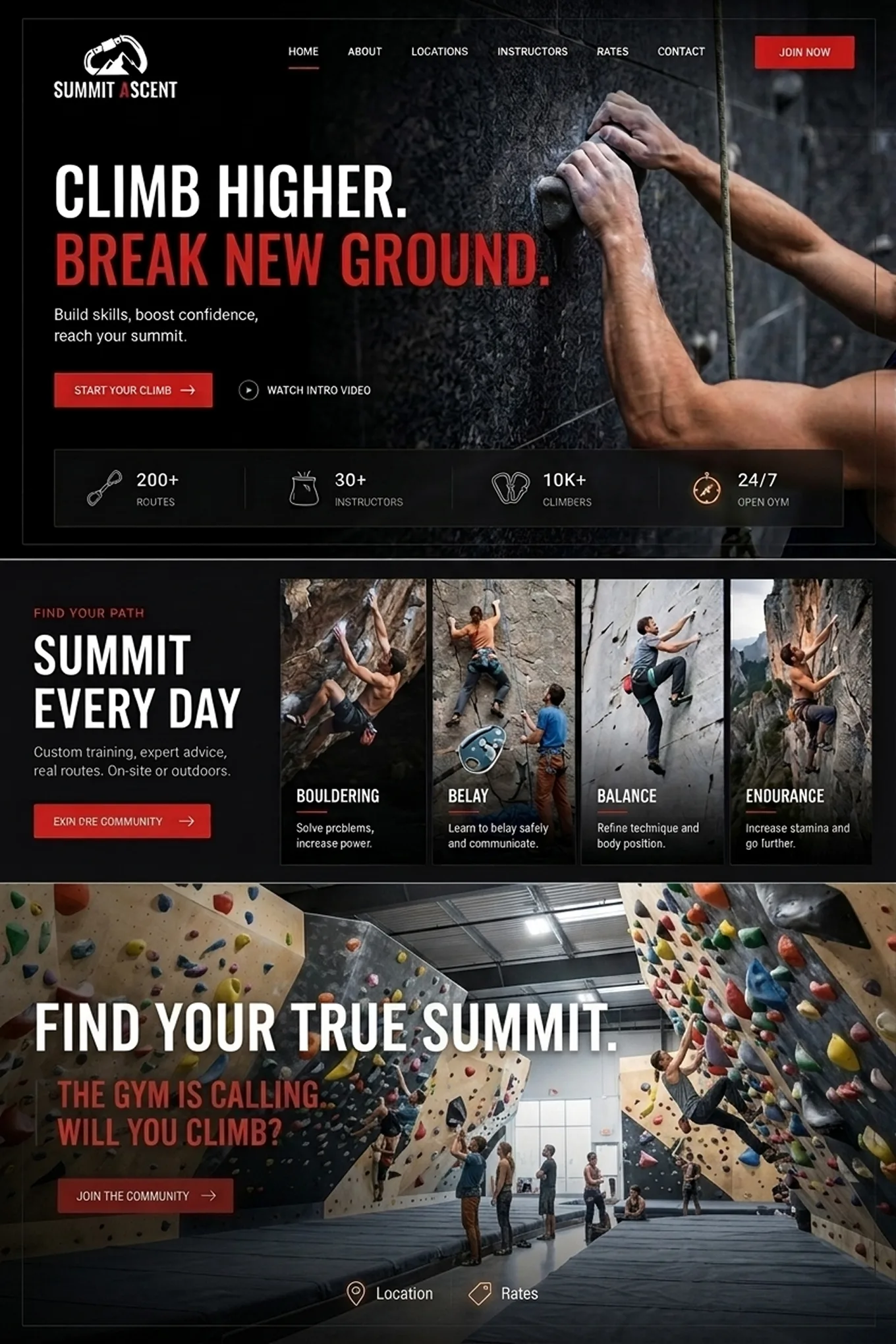
Edit by chatting with AI.
You can change anything on your website by describing what you want.How to turn files into a website
Upload the files you want Repaint to use. It extracts their text, images, and design details automatically.
Repaint uses your files and instructions to build a complete custom website in minutes.
Look through your new website and ask for changes until you're happy with it.
Go live in one click, directly from Repaint.
Connect your existing domain, or start free on a Repaint subdomain.

Build from what you have
- Import different file types
- Use PDFs, Word documents, PowerPoints, HTML files, and images as source material for your website.
- Combine multiple sources
- Share multiple files at once so Repaint can pull information from every source into one complete website.
- Organize your content
- Turn scattered text and images into clear pages and sections that make your content easy to explore.
- Add custom functionality
- Add forms, embeds, animations, and other interactive features to the website Repaint generates.
Manage your website with AI

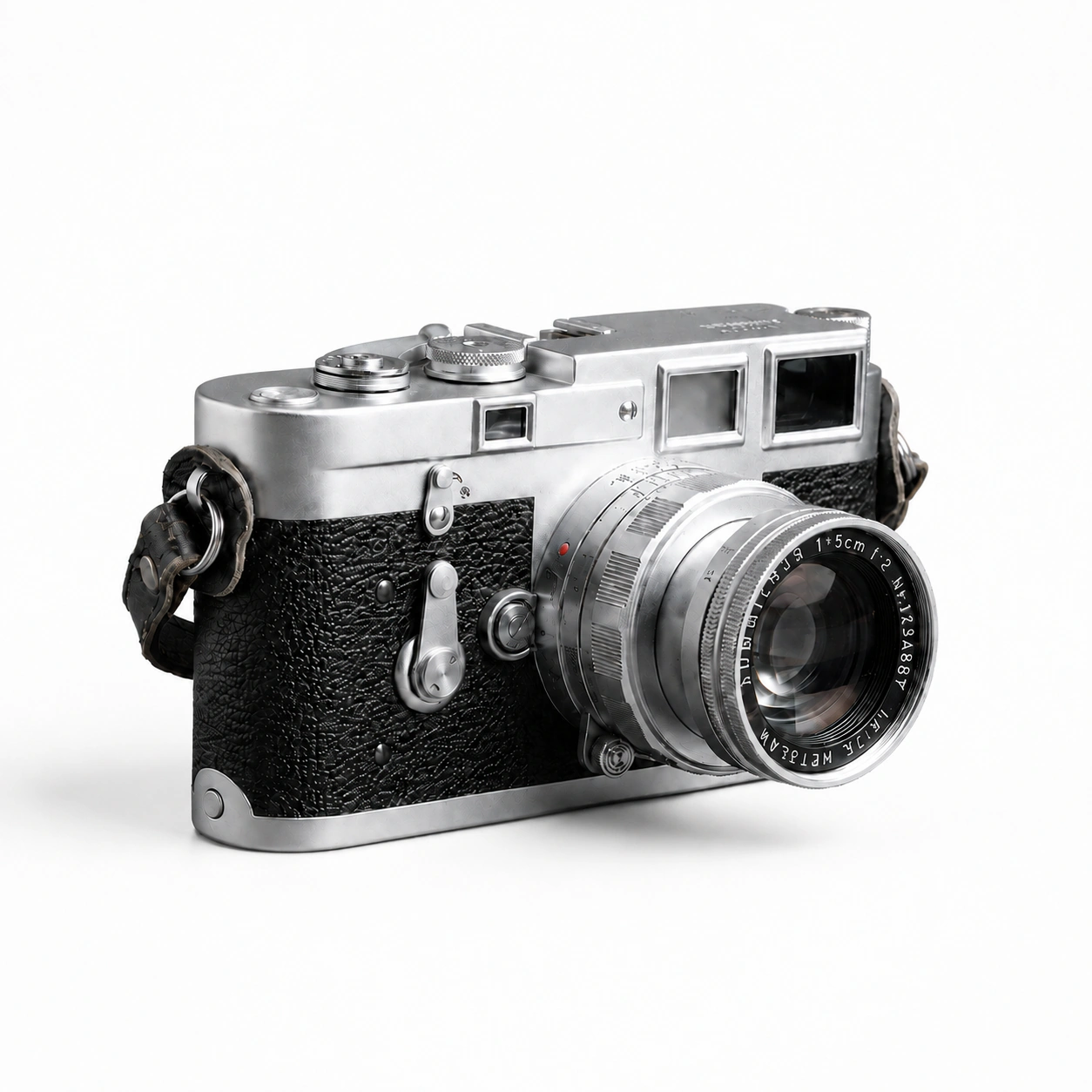

Generate images
Generate custom images for your site, matched to your brand.


Optimize SEO
Bring in search traffic by creating content and improving your site's SEO.
Organize content at scale
Handle large business sites, including blogs and team pages.
Upload files
Share information directly from your files without typing it all out.
Fit every screen
Design sites that automatically look good on every screen size.
Pricing
Free
For getting started
$0
No credit card required
Unlimited websites
Limited weekly AI usage
Publish on Repaint subdomain
Includes Repaint branding
Plus
For professional websites.
Billed $240 annually
Unlimited websites
Expanded weekly AI usage
Connect custom domains
No Repaint branding
Optional pay-as-you-go credits
Pro
For high-volume website editing.
Billed $480 annually
Unlimited websites
4× the usage of Plus
Connect custom domains
No Repaint branding
Optional pay-as-you-go credits
FAQ
You start by uploading the files you want Repaint to use. It extracts their text and images, learns about your business, and studies any design details they contain. Then it uses your content and instructions to generate a custom website. Once the first version is ready, you can edit anything by chatting with AI and publish directly from Repaint.
Repaint can import PDFs, Word documents, PowerPoints, HTML files, text files, and common image formats. It can usually work with other formats too, as long as it can open them. Individual files can be up to 64MB.
Repaint reads text and images directly. In documents and presentations, it can also pick up design details like fonts, colors, and layout. It can add videos and GIFs to your website, but it can't reliably interpret their contents. Larger videos should be hosted somewhere like YouTube and embedded instead.
That depends on your instructions. Repaint can carry over colors, fonts, images, and the overall style from your files. It can also use only the content and create a completely new design.
Repaint doesn't convert files into websites pixel for pixel. It reorganizes the content into pages and responsive layouts that work on the web. If the first version isn't what you wanted, you can adjust it by chatting with AI.
Yes. Everything you upload is private by default, and we never use your files or content to train AI. Your documents remain yours and aren't visible to other Repaint users.
Anything used on a website becomes public when you publish it. If your files contain confidential information, review the website before publishing.
Yes. You can upload new files at any time and tell Repaint how to use them. It can add information to existing pages, create new pages, or update entire sections.
If a presentation or document changes, upload the new version and ask Repaint to update the website. It works like any other edit.
You can upload files, generate a website, and publish on a Repaint subdomain for free. Paid plans start at $20/month billed annually, or $25 month to month. They let you connect a custom domain, remove Repaint branding, and raise your weekly AI usage limit. Most people start free and upgrade when they're ready to launch on their own domain.
Projects with many files or pages may need additional usage credits. See the pricing page for full details.


