
How to Rebuild a Lovable Website With AI
Learn how to rebuild your Lovable site using Repaint, an AI platform optimized for websites. A step-by-step guide to migrating and polishing your website without starting over.

Introduction
Lovable can make a simple website in minutes, but finishing websites can be challenging. Most sites need multiple pages, polished copy, images, and a long list of small adjustments. Lovable gives you a frame that you have to build out and polish yourself, all against a strict credit budget.
Instead of finishing your website in Lovable, you can migrate to another tool that's more website-friendly. In this guide, I'll show you how to finish your website in an AI platform called Repaint.
Why Repaint
Repaint is an AI platform optimized for building websites. The core concept is similar to Lovable: you describe what you want and the AI builds it. But a few differences make Repaint stronger for building marketing websites:
- It costs far less to run. Repaint uses an efficient multi-agent process and automatically picks cheaper AI models for simple tasks, since most marketing-site updates don't need the expensive models Lovable reserves for high-end app building. In Repaint, you can build a 15-page site without hitting the free tier limit.
- It builds whole websites, not starters. Repaint plans and generates your entire site in one pass, with a consistent style across every page, instead of handing you a frame to finish yourself.
- It's better at importing content. Repaint has dedicated tools for pulling content out of existing websites, so you can redesign a site without manually moving everything over.
How Migrating Off Lovable Works
The simplest way to move off Lovable is to give Repaint your live website URL. Repaint visits your live site the way a visitor would, reads your text, downloads your images, and uses them to rebuild the site. This works even on Lovable's free plan, since all it needs is a live website.
The other option is to export your code from Lovable and upload it into Repaint. This lets Repaint use the original more exactly, because it doesn't have to guess when it recreates it. But full code export also requires a premium Lovable plan.
Either way, you'll end up with a full website that you can edit with AI. Once you're happy with the new website, you can publish directly from Repaint and connect a custom domain.
Step 1: Import your content
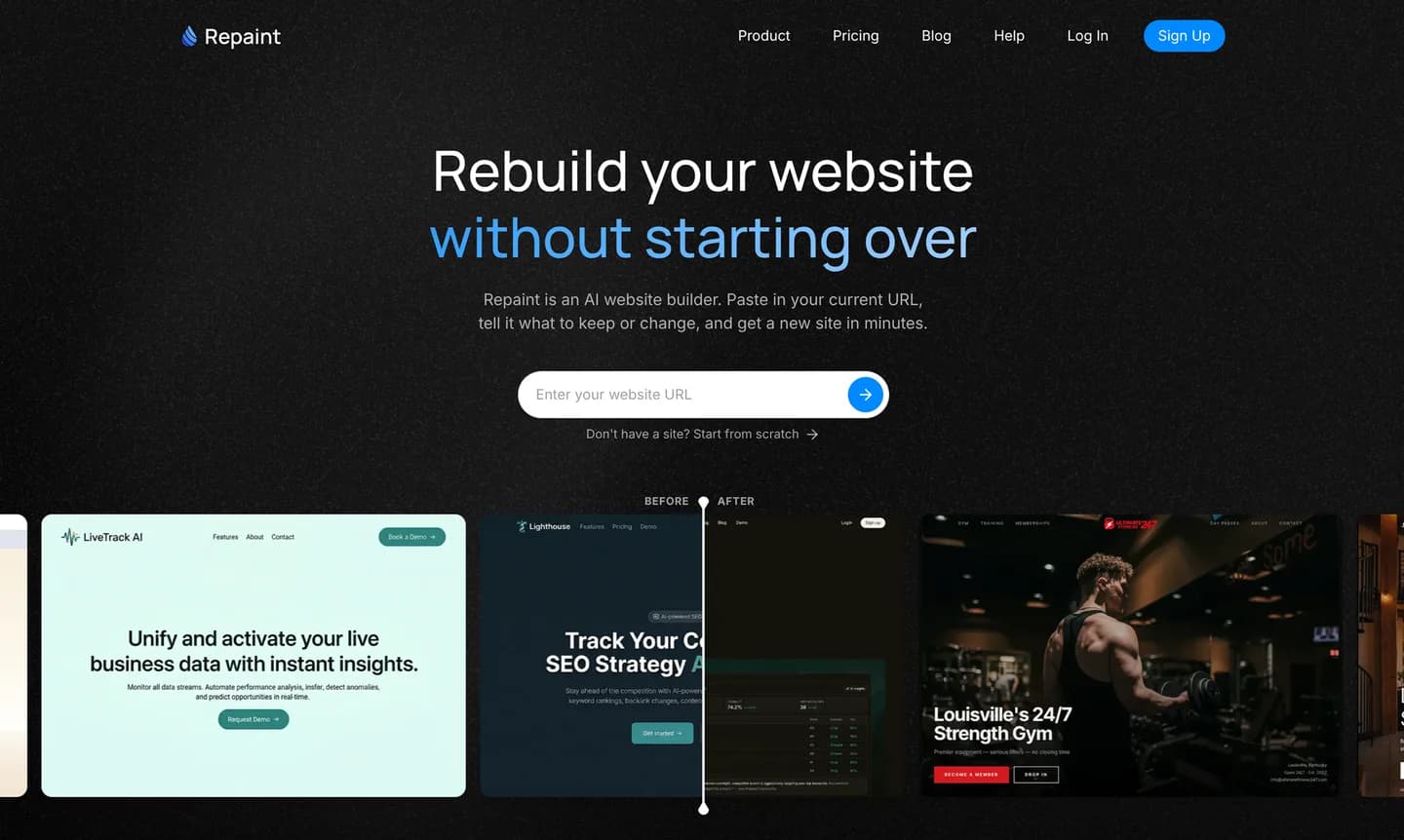
There are two ways you can import your content into Repaint:
- Share the live website URL
- Export your code from Lovable, and import it into Repaint
We recommend the second option if you have Lovable premium and you want the new site to look exactly like the original. If you're planning on redesigning the website anyways, exporting the code is overkill and it's simpler to share the live URL with Repaint.
Importing from a URL
Repaint can redesign any publicly accessible website on the internet. Lovable used to automatically publish every project, but that's not the case anymore. You have to publish from Lovable before trying to import it. You should get a URL that looks like https://brave-mango-spark.lovable.app/
First, open your site in Lovable. Then:
- Click Publish and copy the URL
- Go to Repaint, paste the URL, and submit
- Create your Repaint account
Importing as code
If you have Lovable premium, you can export your code directly from the Lovable editor. Rather than doing this one file at a time, you can get the whole site as a .zip file and give that to Repaint.
First, open your site in Lovable. Then:
- Export your code as a .zip
- Go to Repaint and create your account
- Upload the .zip and submit
This starts the website building process. Repaint will scan your site, copy text and images, and take screenshots of each page to understand the design. From there, you just have to talk to Repaint to finish the process.
Step 2: Plan Your New Website
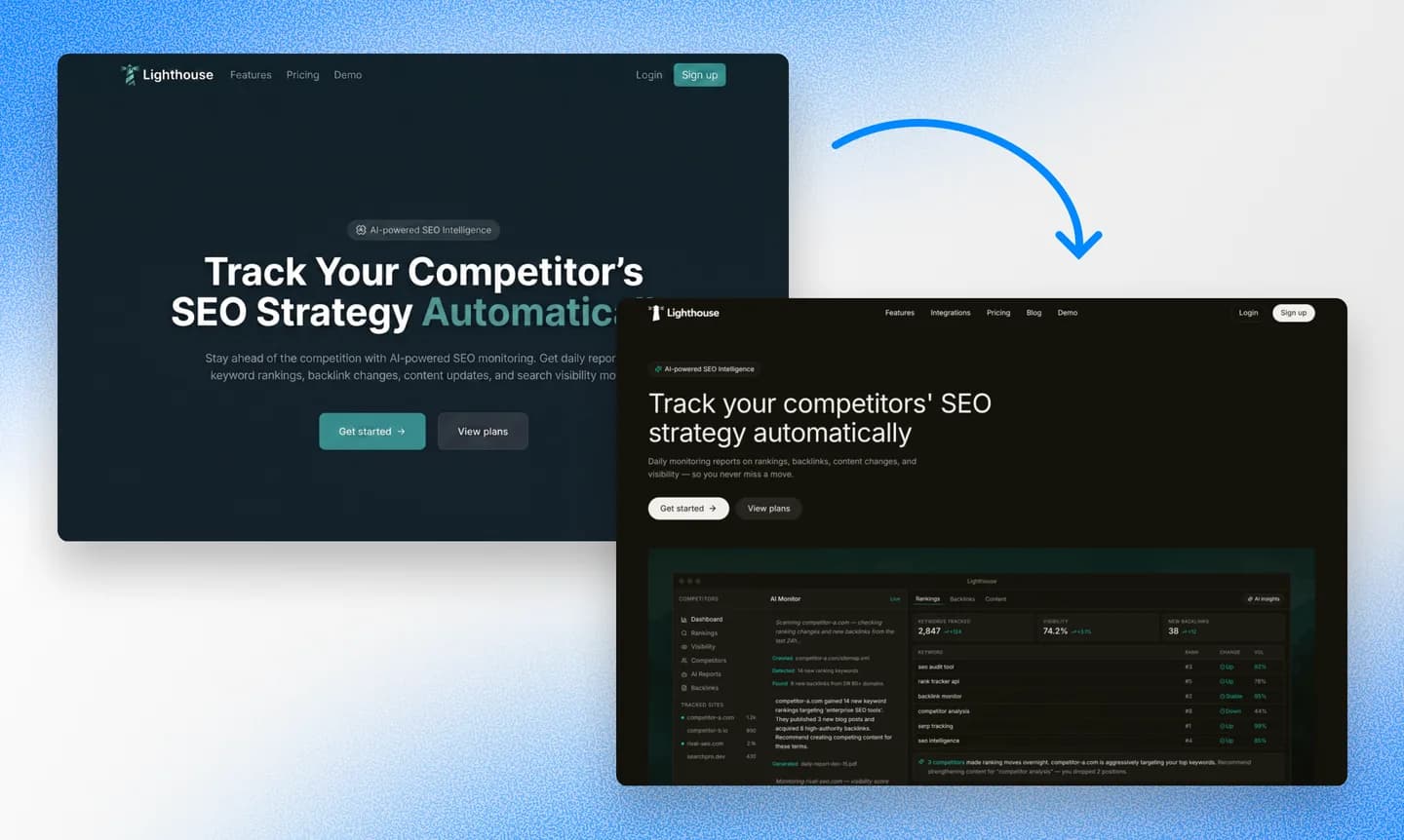
Repaint is capable of copying the original, completely redesigning it, or anything in between. Before it starts building your website, it'll ask you a few questions to understand what you're looking for.
As Repaint rebuilds your site, it's a good time to experiment with the style to see if there's anything else you want to try. You can have Repaint generate style samples for you to choose from. Lovable typically gives you a single style that's costly to iterate on, so most people never stray far from the original design they got.
We have a collection of website examples organized by industry if you want more styles to compare. Any of them can be used as a reference alongside the samples Repaint generates.
Import content
If you have more information to include, share it now. Repaint can use information from other websites, Google businesses, PDFs or other files, and images. The more it learns before building the site, the less you'll have to polish later.
If you have multiple source sites, like an old website in addition to the Lovable one, you should give Repaint both. It can use the old website for information to transfer, and the new one as a style guide. When in doubt, you should share lots of information and let Repaint figure out how to use it.
Once you and Repaint agree on the plan, it'll build your new website!
Step 3: Generate your website
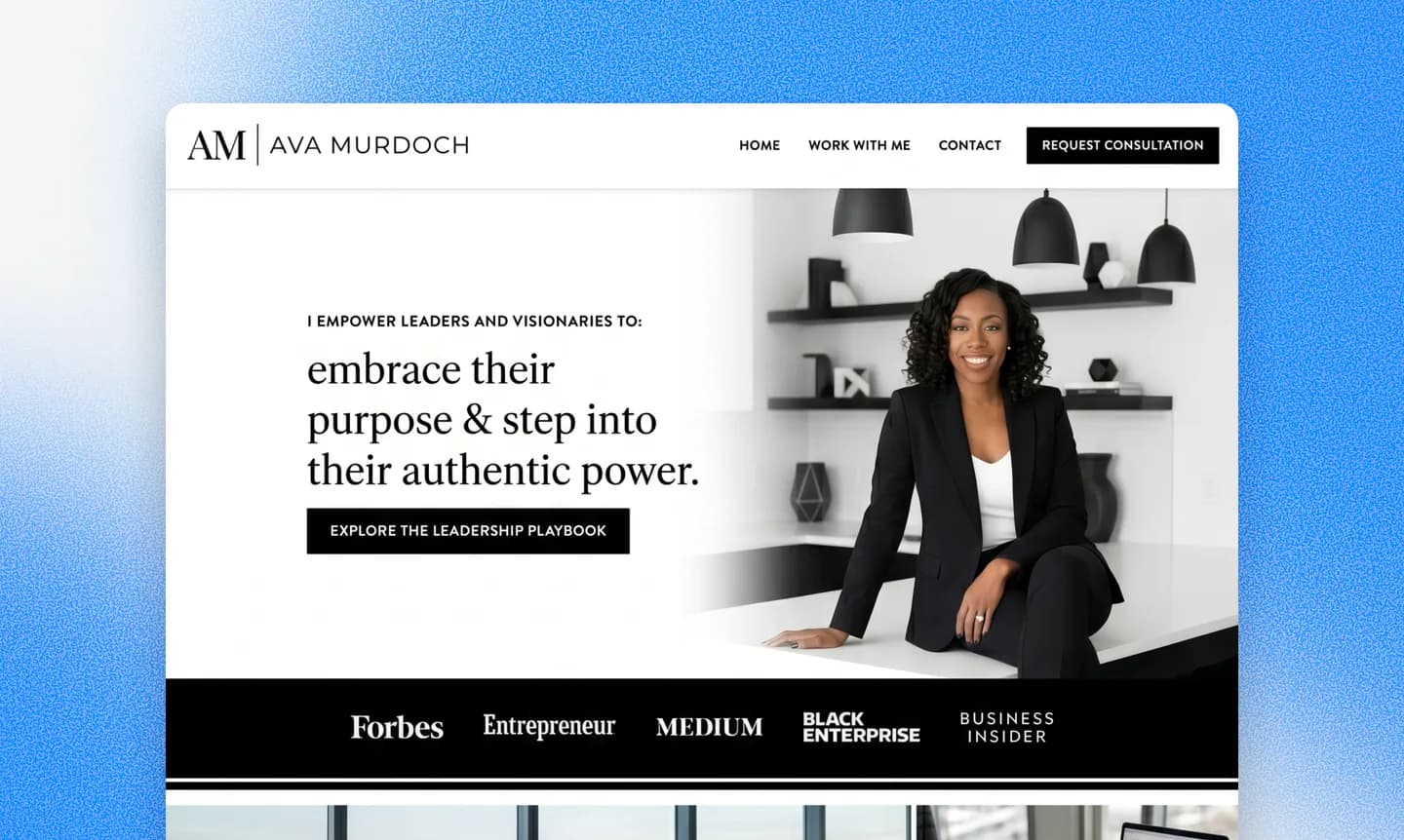
Repaint typically spends a few minutes building the first version of your website. The exact duration varies, depending on how much content it has to migrate and how large the new website is. A large site with dozens of pages might take over ten minutes.
When it's done, Repaint will automatically open a preview of your new website. The first version usually has some rough spots: text that got cut off, images in the wrong place, or spacing that's a bit off. That's expected. You can fix anything that's out of place by chatting with the AI.
If your Lovable project had advanced backend functionality, like a Supabase integration or Lovable Cloud features, those won't transfer. Repaint only builds the visual part that people see, not the data storage beneath it. Most business websites don't have anything like that so it's not an issue. But if you have a full application in Lovable, Repaint won't recreate it seamlessly.
Step 4: Make adjustments
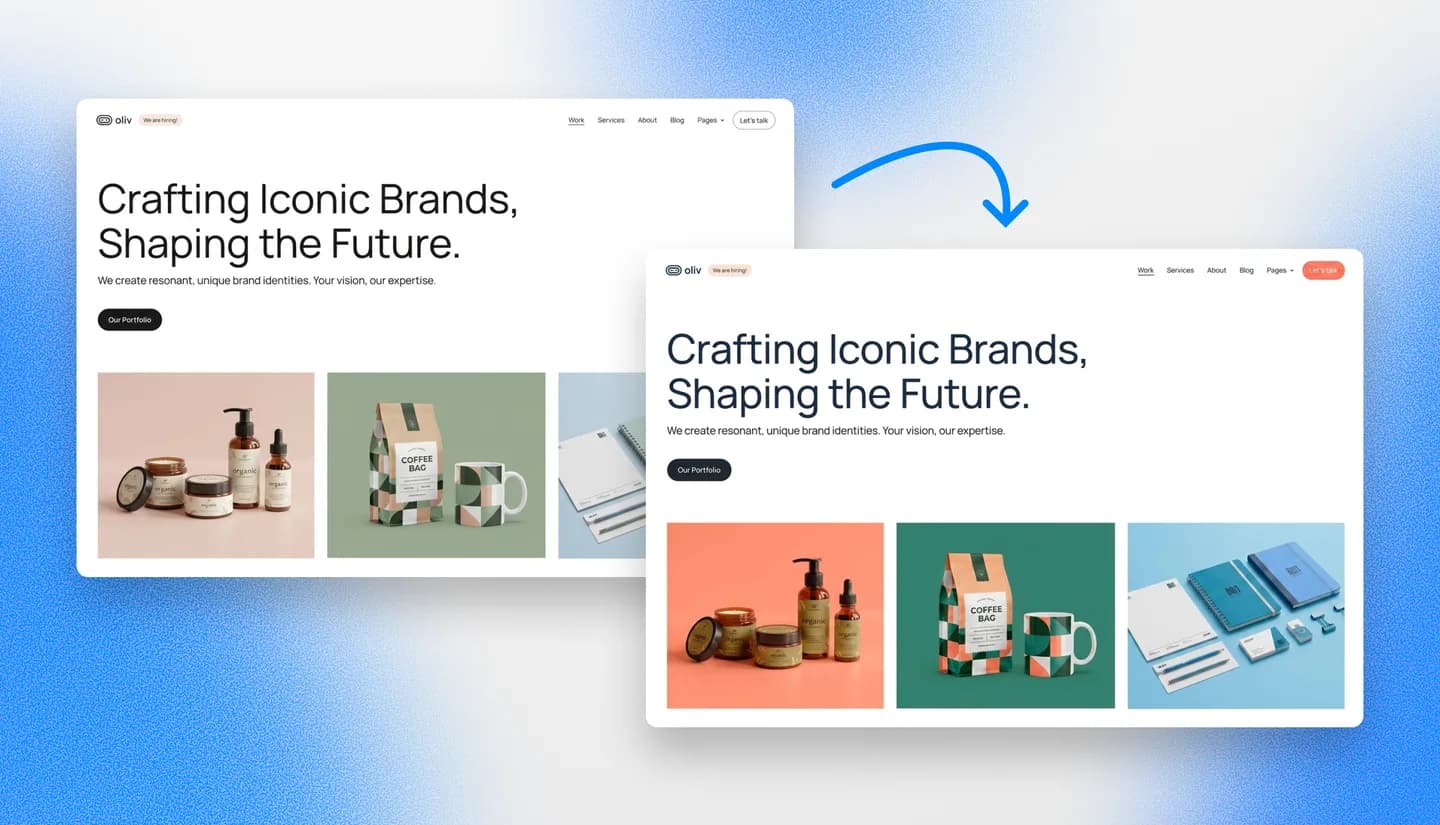
After generating your site, there might be a few quirks to work out. Repaint translates your website into its own format, so it's possible some details will be lost in translation. Or if you're having Repaint redesign your Lovable site, there will just be a lot of new content to review.
The editing workflow is exactly like Lovable; you can change anything on your website by chatting with AI: "Add a contact page." "Add an image gallery with three square images." "Remove the top banner announcing our event."
You should start by evaluating the visual style. Make sure the colors, fonts, and layouts all look good. Your visual style establishes patterns that the AI will naturally use for any new content it creates, so getting it polished early is faster than polishing it after you build out dozens of pages.
Once you like the style, you can work through the content and make sure the text is accurate, images are in the right places, links work, and everything looks good on mobile.
Review SEO content
If your Lovable site was getting search traffic, it's worth paying attention to SEO during your migration. We have an entire website redesign SEO guide if you want to learn more. At a high-level, you just want to make sure the new website has the same page URLs, and the same content on them.
Google builds rankings for individual pages on your website, tied to their URLs. If you move to a new platform and those URLs change or disappear, Google treats them as new pages with no history, and you lose the traffic they were earning. And if you change the content, Google might decide the new versions are no longer relevant to search queries and stop ranking them.
You can ask Repaint to compare the URLs on your new site to the Lovable one to see if there are any differences. If you imported the code directly, it's likely nothing changed. But if there's anything changed or missing, Repaint can help fix it as long as you ask.
When your site looks good and the content is correct, you're ready to publish.
Step 5: Publish your website
When you're ready to publish your new website, open your Repaint project and click Publish in the top right corner. Your site goes live on a Repaint URL that you can share with anyone. It will look similar to the free Lovable URL, like this: https://careful-tiger-5jd92kjd.sites.repaint.com
At this point, you have two websites live: one on Repaint, and one on Lovable. If you have a custom domain, it still points to your Lovable website, so nothing has changed for your visitors yet. When you're ready to make the switch, you can transfer your domain.
Step 6: Transfer your domain

When you're ready to officially swap, you just need to point your domain to the new Repaint website. To do this in Repaint, you simply tell the AI to connect your domain. It will give you DNS records to add. This requires a paid plan; you can see pricing details here.
Your domain is separate from your Lovable site. It's likely registered with a separate domain provider like GoDaddy, Namecheap, or Cloudflare. Either way, your domain should stay on that platform. You don't need to move it. You just need to update the settings so your domain points to your new Repaint site instead of the Lovable one.
Don't worry if you've never handled DNS settings before. Repaint can walk you through it. It can give you custom instructions based on your provider. DNS changes can take 20 minutes or more to take effect. Once you set the DNS records, you can have Repaint check your live records to see if it successfully propagated. Once it verifies everything is set up correctly, you're done.
After you transfer your domain, you don't need a premium Lovable plan for hosting or editing anymore. You can cancel your Lovable subscription anytime.
Conclusion
When you hit a wall in Lovable, you don't have to abandon your work. Repaint is a similar platform that's optimized for building marketing websites. If you just share your live URL, it imports your website and lets you make changes by chatting with AI. And since your site stays live the whole time, there's nothing to lose by trying it.
FAQ
Why switch from Lovable if Repaint is also an AI builder?
They look similar, but they're tuned for different jobs. Lovable is built to make complex web apps, with the credits and pricing designed around high-end generation. Repaint is built specifically for marketing websites. It builds pages in parallel more efficiently, it uses cheaper models for routine edits, and it has a weekly usage allowance instead of monthly credits. Your usage goes further on Repaint, so it's easier to actually finish your website.
Will migrating use up my Lovable credits?
No. If you import by sharing your live URL, Repaint just visits your published site the way any visitor would. It never touches your Lovable account, so it costs zero Lovable credits. The only case where Lovable is involved at all is the code-export path, and even then you're just downloading files you already have. The migration runs on Repaint's usage allowance, not Lovable's.
Do I need a paid Lovable plan to migrate?
For the simplest path, no. Importing from your live URL only needs your site to be published, which works on Lovable's free plan. You'd only need a paid Lovable plan if you want to export your full code for a more exact rebuild. If you're redesigning anyway, you can skip the code export and just share your URL. Some people also sync their Lovable project to GitHub to pull the code that way, though availability depends on your Lovable plan.
What happens to my Lovable site during the migration? Can I keep both?
Nothing happens to your Lovable site. The two are completely separate. All you're doing is building a new site in Repaint, while your Lovable site stays live and untouched. Once you're happy with the Repaint version, you can point your domain at it. Or if you decide to stick with Lovable, you don't have to do anything. There's no point where you're forced to give up the original.
What if my Lovable project is a full app with a database and logins, not just a marketing site?
Then Repaint probably isn't the right tool today. Repaint builds marketing websites, not full applications. It doesn't recreate backend functionality like databases, user logins, or anything connected to Lovable Cloud or Supabase. If your project is a real app with infrastructure behind it, migrating to Repaint would mean losing the parts that make it work.
Won't I just hit the same limits in Repaint that I hit in Lovable?
Usually not, and the difference is bigger than people expect. The two platforms meter usage differently, and Repaint tends to go a lot further for marketing sites. As one real example: building out a five-page site in Lovable used up an entire free tier, while rebuilding a twelve-page site in Repaint used half. It comes from several reasons, including more efficient importing, parallel work, cheaper models, and a generous usage limit instead of monthly credits.
Can Repaint match my Lovable design exactly?
It depends on how you import. If you export your code and give Repaint the source, it can get very close, since it's working from the original rather than guessing. If you import from your live URL, Repaint recreates the design from what it can see. It'll look clearly like your site, but expect a few visible differences you'll want to clean up, more so if the original design is complex. Either way, you can fine-tune anything by chatting with the AI.
How long does the migration take?
The first build usually takes a few minutes to plan, import your content, and generate the new site. Larger sites with many pages or a lot of content to scrape can take ten minutes or more. After that, how long until you publish depends on how many adjustments you want to make. Most sites can be migrated and polished within a few hours.
How much does it cost to migrate from Lovable to Repaint?
It's free to import your site, edit it, and publish to a sites.repaint.com address. The free plan covers building and launching a simple site, with a weekly editing allowance, a Repaint badge, and no custom domain. Paid plans start at $20/month billed annually, or $25/month billed monthly, which gives you a larger allowance, removes the badge, and lets you connect a custom domain. You can see the full breakdown on the pricing page.
Can I migrate just one page to try it first?
Yes. You can import a single page to see how it comes out before committing to the whole site. It's a low-effort way to check whether Repaint is a good fit for your business. Once you like what you see, you can ask Repaint to build out the rest.
Will I lose my search rankings when I migrate?
Not if you keep your URLs and content consistent. Google ties rankings to individual page URLs, so the goal is for your new Repaint site to use the same URLs and largely the same content as the old one. If you import your code directly, things usually stay aligned. You can also ask Repaint to compare your new URLs against the original and fix any gaps. There's more in our guide to preserving SEO when you import a site.
What happens when the AI makes a mistake? Can I undo changes?
Yes. Repaint saves a version of your site every time you make a change. If something comes out wrong, you can ask it to go back, or open the version history and restore an earlier version yourself. Nothing is permanent, so it's safe to experiment and roll back if you don't like the result.


