
Best AI Website Cloners in 2026
We tested AI cloners on the same site. Our pick is Repaint, because it copies every page from a URL into a site you can edit by chatting with AI. Here's how Hostinger, Same, Anima and others compare.

Introduction
A website cloner takes a link to a live website and gives you back your own copy of it. Until recently that meant downloading a site's files, which gave you a frozen snapshot you couldn't easily change. AI cloners work differently. They read the page the way a person would, then rebuild it, so the copy can be edited, redesigned, and published somewhere new.
That's useful in a lot of situations. You might want to move your site off Wix or Squarespace without rebuilding it by hand, rescue a site from an old agency, or start a new site from a design you already like. But the tools that call themselves website cloners do very different things, and their own descriptions don't make it easy to tell them apart.
So I tested them the same way. I gave each one the link to the same public demo site, an eight-page Squarespace template, and compared what came back. Some copied only the homepage. Some made a perfect copy you can't change. A couple returned a working, editable site. This post covers what each one did, what it costs, and which to use for what.
A quick note before you start. Only clone sites you own or have permission to use. Cloners copy text, photos, and branding, and those belong to whoever made the original.
Our Picks
Prices are the lowest paid plan, billed annually where that's an option.
| Tool | Best For | Free Option | Price |
|---|---|---|---|
 Repaint | Best overall. It clones every page from a URL into a site you can edit by chatting, with hosting and working forms. | 14-day trial | $25/mo |
 Hostinger | A faithful copy of one page. Its cloner got our homepage's layout, fonts, and text right, inside an editor you can change by chatting or clicking. | 7-day trial | $1.99/mo* |
 Same | Developers who want the whole site as code. It crawled every page from a single prompt. | Free plan | $10/mo |
 Anima | Pixel-accurate React code. Its homepage copy was the closest to the original of any code tool. | Free plan | $20/mo |
 10Web | A refreshed version of your site. It rebuilds your site with a new design and your photos already in place. | Free plan | $10/mo |
 Lovable | Bringing a site you own into an app builder. It imports pages into a Lovable project you keep building by chatting. | Free plan | $21/mo |
 CopyWeb | A quick exact copy of one page. It turned our homepage into HTML in about 30 seconds. | Free credits | $4.16/mo |
 Clonesite | An exact hosted copy of a site you own. It finds every page and copies the ones you pick, pixel for pixel. | Free credits | $12/mo |
*Hostinger's price is an introductory rate on a four-year plan, and it renews higher.
How to Choose
The biggest difference between these tools is what you get back. Some return a site you can keep running and changing. Some return code for a developer. Some return a perfect copy that can't be edited at all. These are the questions I'd ask first.
Do you want to change the copy afterwards?
Most people clone a site because they want to do something with it, like rebrand it, update it, or move it somewhere easier. If that's you, skip the tools that only make exact copies. Repaint, Hostinger, Same, and 10Web all give you something you can edit, while CopyWeb and Clonesite give you a snapshot.
Do you need every page?
Most cloners only copy the page you give them, and their menus still point back to the original site. In my test, Repaint and Same were the only tools that copied all eight pages from one request. Clonesite copies the pages you pick, but you can't edit them.
Who will keep it up to date?
If you're not a developer, you want a site you can change by describing what you want. Anima and Same are strong if you're comfortable with code, since what they hand you is a React project. Repaint, Hostinger, and 10Web let you make changes by chatting.
Where will the site live?
A copy isn't much use until it's online at your own domain. Repaint, Hostinger, 10Web, and Clonesite host the site for you. Same deploys to Netlify, and the others leave hosting to you.
Repaint
How it works
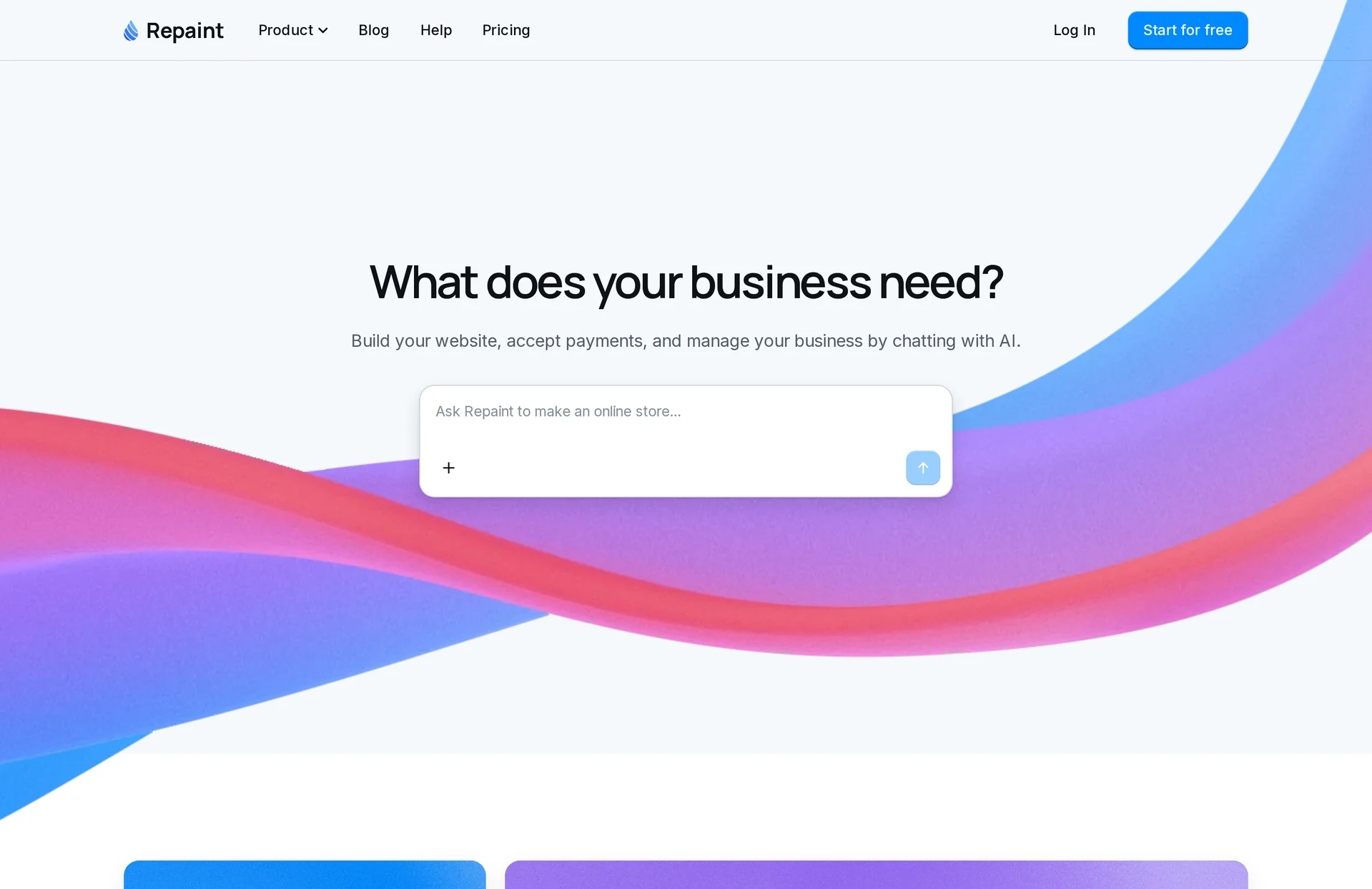
Repaint is an AI website builder that can clone any website from its URL. You paste a link and ask it to clone the site, and it reads every page, then rebuilds them as a site you can edit by chatting with AI. Hosting, forms, payments, and email are built in, so the copy can go live on your own domain.
Review
Repaint gave me the most complete clone of any tool I tried. From one request, it copied all eight pages of the template at the same addresses, with the original photos, fonts, text, and phone layout. It turned the newsletter and partner forms into real forms that collect submissions, left out Squarespace's promotional badge, and told me which parts it hadn't connected, like donations and member logins. The whole site took about seven minutes.
Changing the copy works like any other change in Repaint. I asked it to change the homepage headline, and the new version was ready in under 30 seconds with nothing else touched. Because Repaint is a full website builder, the clone is a starting point rather than an end product. You can redesign it, add pages, or build features the original never had, like bookings or a members area, the same way.
If you're cloning your own site to move it somewhere easier, this is the tool I'd use. There's a 14-day free trial, and plans start at $25 a month.
Key features
- Clones every page of a site from its URL
- Keeps the original photos, fonts, text, and phone layout
- Turns the site's forms into working forms
- Edit or redesign the copy by chatting with AI
- Hosting and your own domain included
Hostinger
How it works
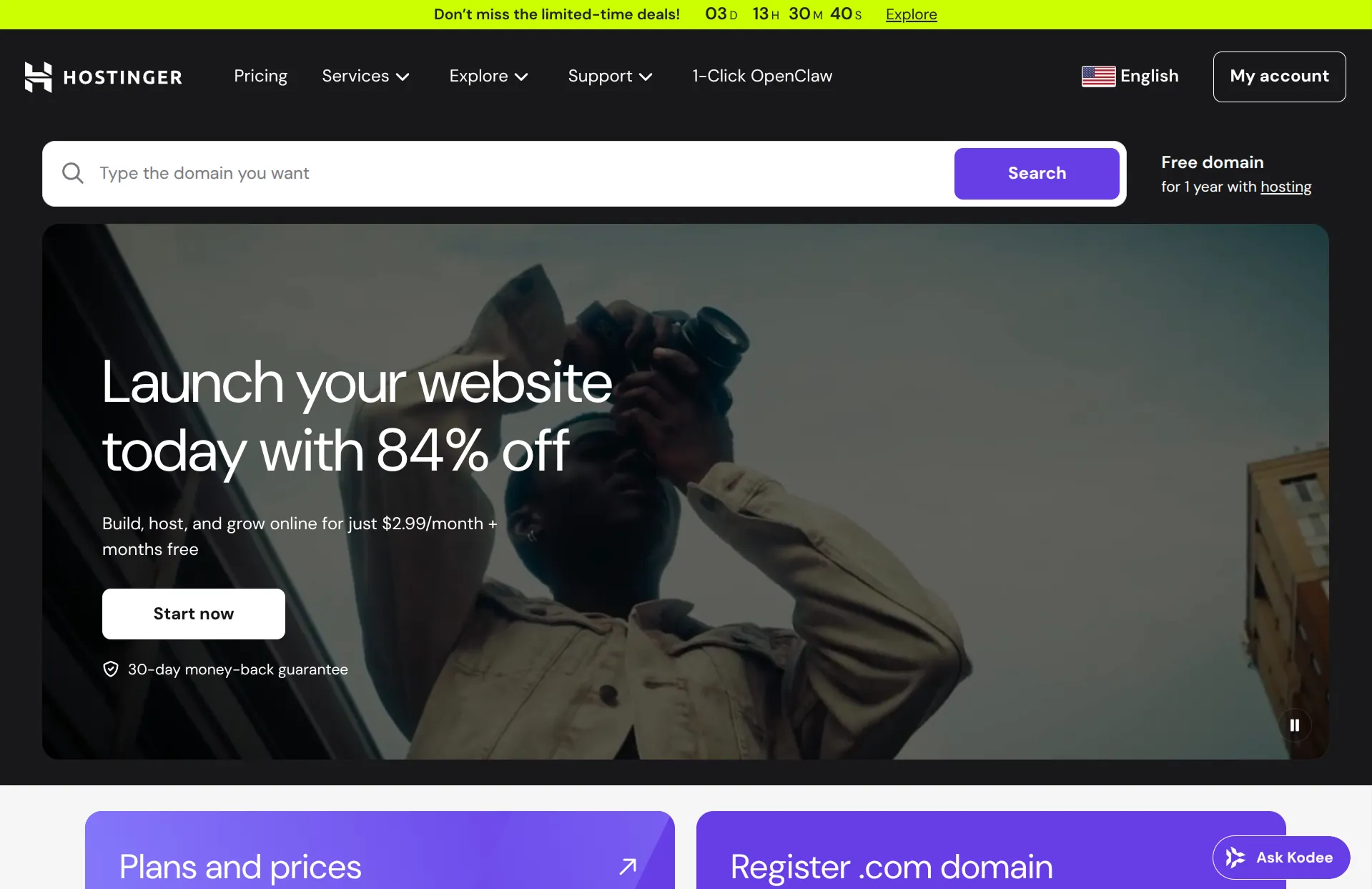
Hostinger's website cloner is part of its AI website builder. You paste a URL, and it recreates the page as a React project you can edit by chatting, by clicking on text and images, or in a code editor. Hosting comes with its paid plans.
Review
Hostinger made the most faithful single-page clone of the builders I tried. The layout, fonts, colors, and text of our homepage all came through almost exactly, and its click-to-edit preview makes small changes easy. A headline edit took about 25 seconds.
It only copied the homepage, though. The menu links still pointed to the original site, so moving a whole site means asking for each page separately. That one page also used about two-thirds of the 250 credits that come with the free trial, and the photos stayed linked to the original site instead of being copied over. Hostinger's own FAQ calls the result a close starting point rather than an exact copy.
The trial is free for seven days with no card, but publishing needs a paid plan. The low advertised prices are for a four-year plan paid upfront.
Key features
- Clones a page from its URL into an editable project
- Edit by chatting, clicking, or in code
- Hosting and a free domain for a year on paid plans
- Free 7-day trial with 250 credits
Same
How it works
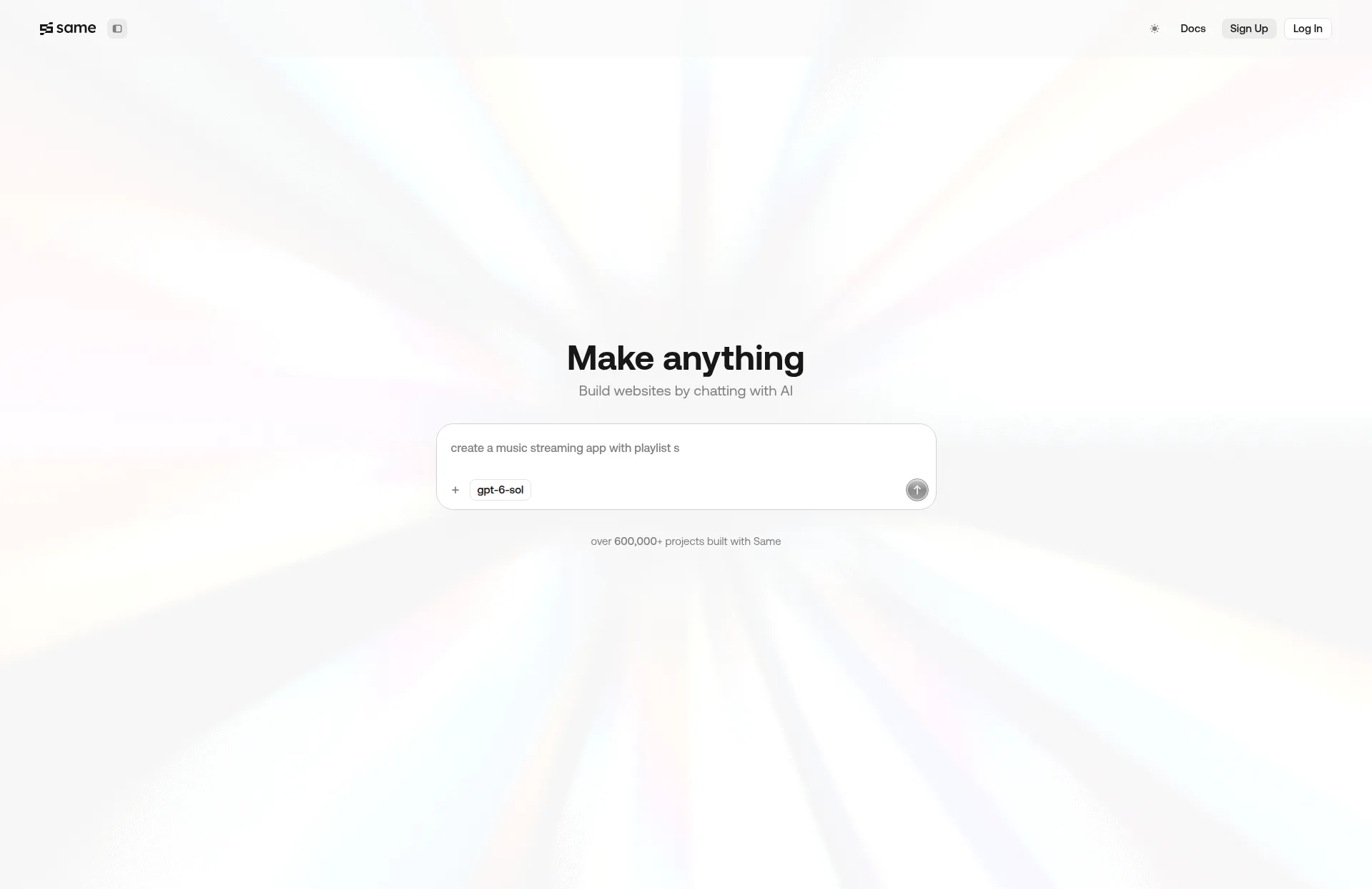
Same is an AI coding tool built around cloning. You type "clone" and a URL, and it crawls the site and writes it as a React project, which you can change by chatting, with a visual editor, or in code.
Review
Same was the only tool besides Repaint that copied every page from one prompt. It crawled all eight pages of the template and rebuilt them with the right layout, fonts, colors, and text in about four minutes. Its visual editor is handy for small text changes.
The result is a code project, so it suits developers more than business owners. In my test, the homepage's background photos came out as flat grey, and the free plan's monthly allowance ran out during that first clone. Downloading the code needs a paid plan, and sites deploy to Netlify, where connecting your own domain happens outside Same.
Key features
- Clones every linked page from one prompt
- Outputs a React project
- Edit by chatting, visually, or in code
- Free plan with a monthly allowance
Anima
How it works
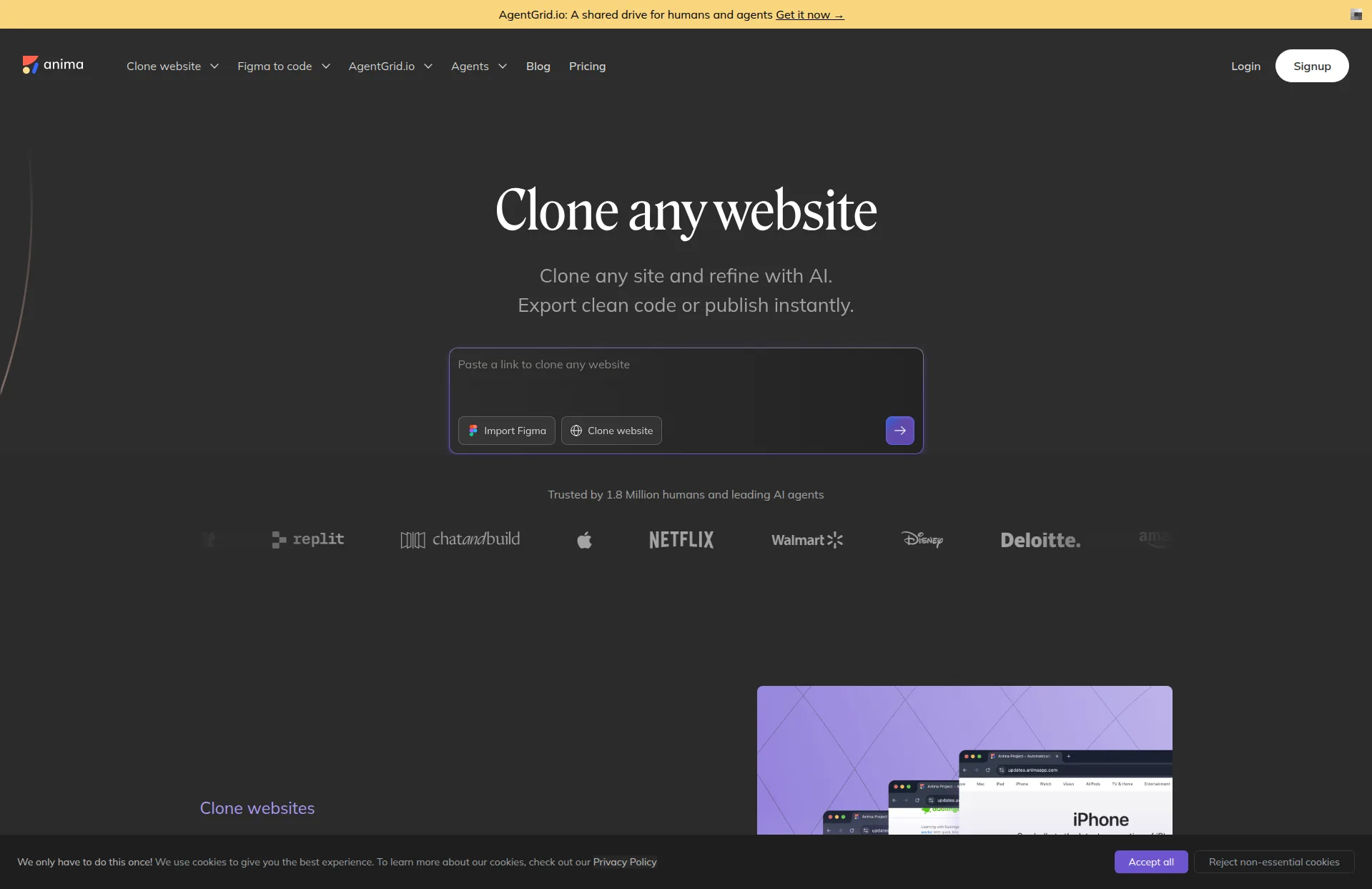
Anima turns a URL into a React, TypeScript, and Tailwind project in its browser editor. It started as a Figma-to-code tool, and you change the result by chatting or by editing the code.
Review
Anima produced the most pixel-accurate copy of the homepage I saw, with the real images, exact text, and even the original fonts, in about a minute. It also asks whether you have the rights to those fonts and offers free replacements, which is a thoughtful touch. An AI edit to the headline worked the first time.
It's a tool for designers and developers rather than site owners. The free plan clones one page and lets you view the code but not download it, and you get five chat messages a month. Anima found all eight pages of the template, but copying more than the homepage needs a paid plan, which starts at $20 a seat per month billed annually.
Key features
- Pixel-accurate clones as React code
- Flags font licensing and suggests replacements
- Export to GitHub or download on paid plans
- Free plan with one page per clone
10Web
How it works
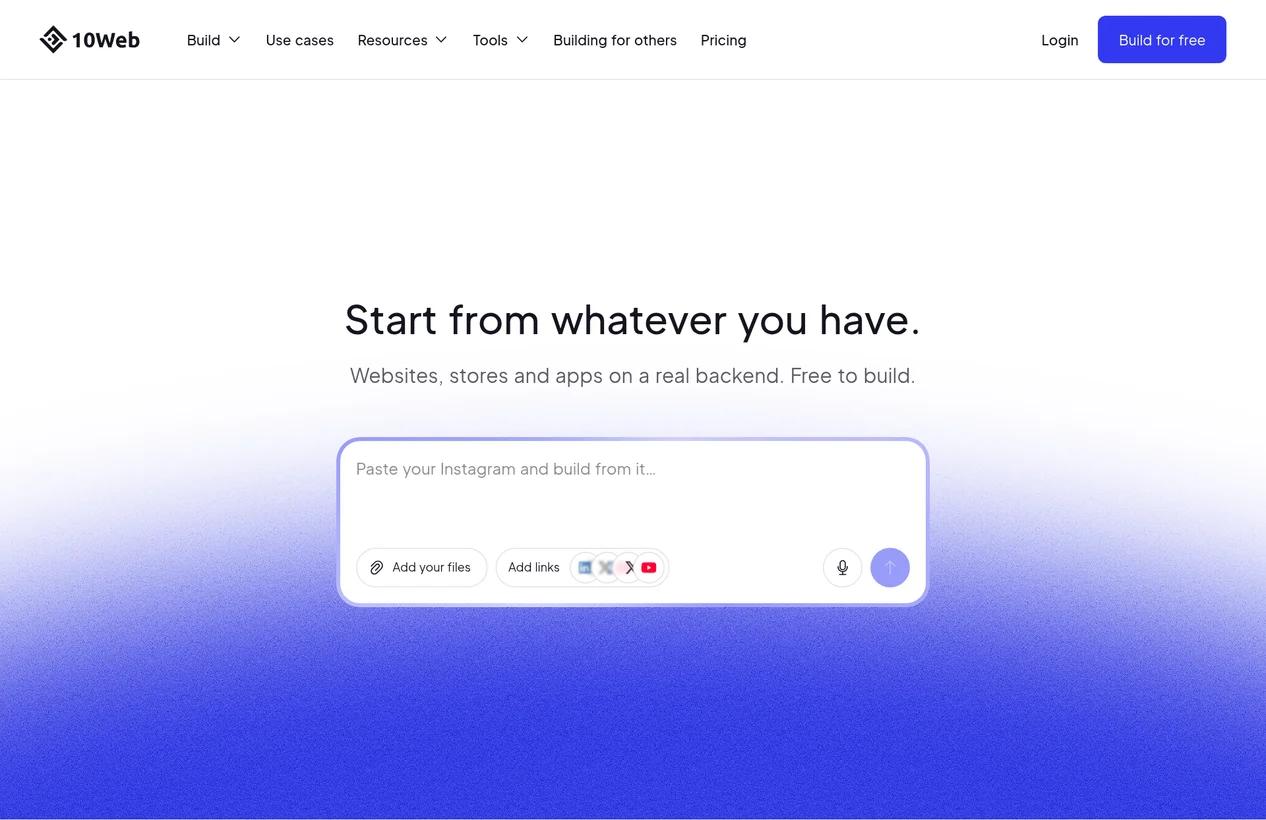
10Web rebuilds a site from its URL as a new WordPress-based site. It reads your pages and photos, shows you a plan for the new site, and builds it once you approve.
Review
10Web is better thought of as a redesign tool than a cloner, and it's good at that. It read the template's pages, reused the real photos, and produced a clean, modern site with a new color scheme and fonts. The plan you approve before it builds is a nice way to see what you'll get.
If you want a copy of the original, though, this isn't it. It kept five of the eight pages and rewrote much of the text, even though its plan said it would keep every word. The first version also went live on a public 10Web address without my publishing it. The free plan's 15 credits covered one rebuild and a few small edits.
Key features
- Rebuilds a site from its URL with a new design
- Shows a plan before building
- Edit by chatting, visually, or in code
- Hosting included, with a free plan
Lovable
How it works
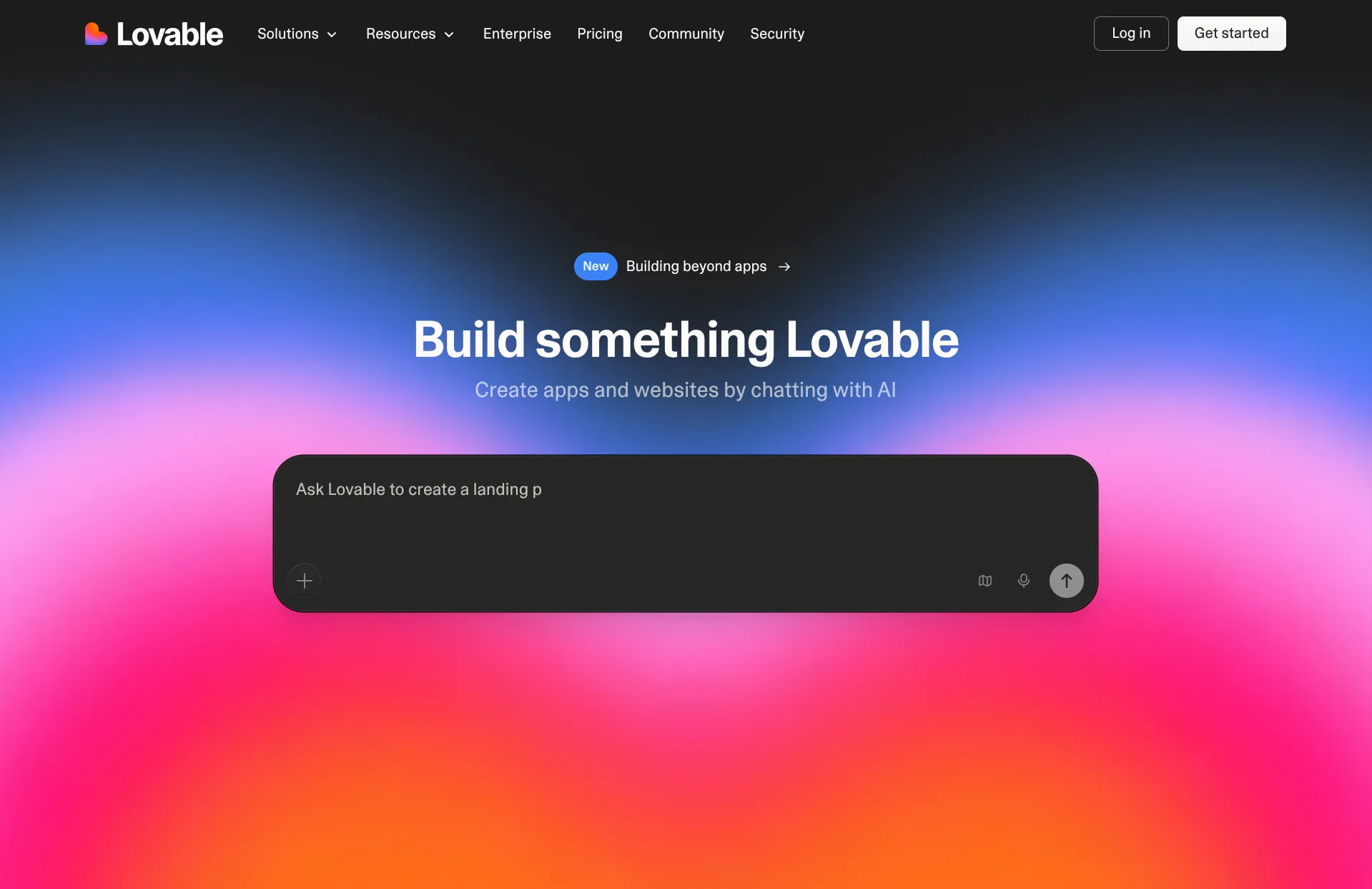
Lovable is an AI app builder with a website import. You paste a URL, confirm you own the site or have permission, and it rebuilds the page as a Lovable project. It then compares the copy with the original at desktop and phone sizes and fixes what it can, and you add more pages by chatting.
Review
Lovable's import is the most careful about permission of any tool here. It asks whether you own the site before it starts, and it held the import of the public template when I said I didn't. That's reasonable, but it also means it's built for moving your own site rather than cloning one you like.
It's also the least reliable in my experience. When I tried it on a site we own, a modern marketing site well inside its documented limits, the import failed twice with a "failed to capture" message and still used credits. Your first import is free if your account hasn't used the offer yet. Publishing on your own domain needs the Pro plan, from $21 a month.
Key features
- Imports a site you own into a Lovable project
- Compares the copy with the original on desktop and phone
- Add pages and features by chatting
- First import free on new accounts
CopyWeb
How it works
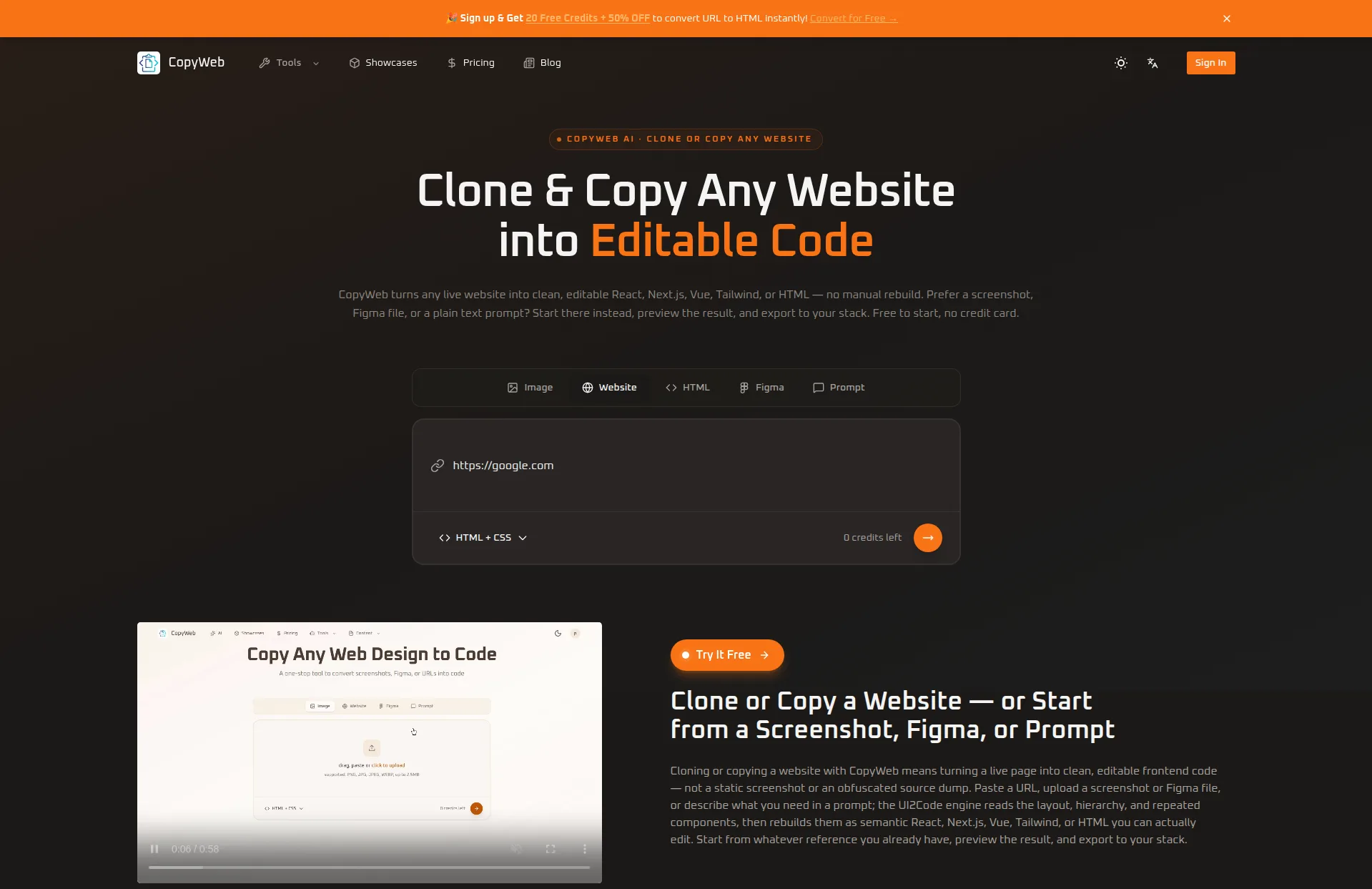
CopyWeb turns a URL, screenshot, or Figma file into code. For a URL, it captures the page and gives you HTML and CSS or a React component.
Review
CopyWeb is the fastest tool here. It copied our homepage in about 30 seconds, and the result was essentially identical to the original, real photos and all. If you need the code for one page quickly, it does exactly that.
It's a snapshot rather than a rebuild, so it copied everything, including the "Powered by Squarespace" line in the footer. It only does one page at a time, has no editor or hosting, and the free credits covered one clone, with the code locked until you pay.
Key features
- Copies a page to HTML and CSS or React in seconds
- Also works from screenshots and Figma files
- Code export on paid plans
Clonesite
How it works
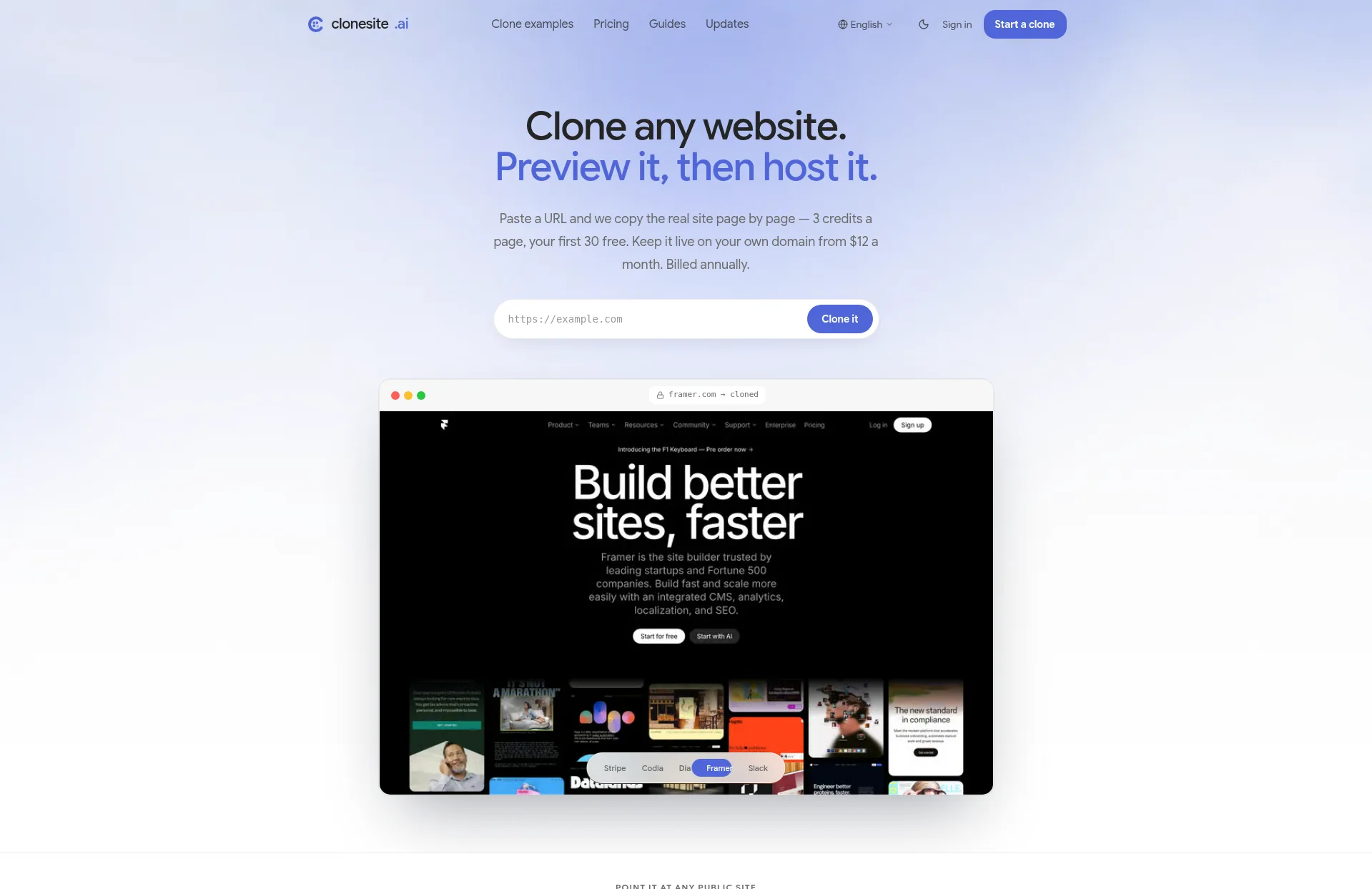
Clonesite scans a site, lists every page it finds, and copies the ones you pick into a hosted, private preview. You can then publish the copy on your own domain.
Review
Clonesite made the most exact copies of anything I tried. The pages were visually identical to the original, down to the fonts and photos, and it found every page on the site automatically. If a page fails to copy, it refunds the credits.
The catch is that you can't change anything. There's no editor and no code export, so the copy stays exactly as it was, Squarespace badge included. That makes it a good fit for archiving or rehosting a site you own as it is, and a poor fit for redesigning or rebranding one.
Key features
- Finds every page and copies the ones you pick
- Pixel-exact copies with real images and fonts
- Hosting on your own domain on paid plans
- 30 free credits, about ten pages
What About v0, Bolt and Replit?
These AI app builders come up a lot in conversations about cloning, but none of them has a cloner built in.
- v0 can look at a URL you give it and use the page as a reference, but it recreates the design rather than copying the site.
- Bolt works from screenshots and Figma files. To recreate a site, you'd screenshot each page and rebuild it by prompting.
- Replit can import a URL into Replit Design, which recreates the look of the page as a design you then build into an app.
All three are good at building new things. For copying a site you already have, a dedicated cloner will get you there faster.
Offline Copies
If you only want the files, for an archive or to read offline, you don't need AI at all. HTTrack and similar website copiers download a site's pages, images, and styles to your computer for free. What you get is a static snapshot. It won't have working forms, and changing it means editing the code by hand.
The same goes for exporting from Wix or Squarespace. Their exports leave out most of the design, which is why cloners that read the live site have become the usual way to move a site. See our guides to exporting a Wix website and exporting a Squarespace website for what each platform lets you take.
Conclusion
Website cloners all start from the same link but return very different things. Some give you an exact copy that can't be changed, some give you code, and a few give you a working site you can keep editing.
Repaint is the one I'd recommend for most people. It was the only builder that cloned every page into a site you can edit by chatting, with hosting and working forms included. Hostinger is a good choice for a faithful copy of one page, Same and Anima are the picks if you want code, and Clonesite is the most exact if you never plan to change the copy.
Most of these tools have a free plan or trial, so it's easy to clone a page with a couple of them and compare.
FAQ
What is the best AI website cloner?
Repaint is the best AI website cloner for most people. It copies every page of a site from its URL, keeps the original photos, fonts, and text, and gives you a site you can edit by chatting with AI and publish on your own domain. Same and Anima are good options if you want the clone as code.
Can AI clone a website from a URL?
Yes. AI cloners like Repaint, Hostinger, and Same read a live site from its URL and rebuild it, so the copy can be edited. Most only copy the page you give them, while Repaint and Same copy the whole site.
Is it legal to clone a website?
Cloning your own website, or one you have permission to use, is fine. Copying someone else's text, photos, or branding without permission can infringe their copyright or trademark, even if the code is new. If you like another site's design, use it as inspiration and add your own content.
Can I edit a website after I clone it?
It depends on the tool. Repaint, Hostinger, 10Web, and Lovable give you a site you can edit by chatting, and Same and Anima give you code. CopyWeb and Clonesite make exact copies, and Clonesite's can't be edited at all.
What's the best free website cloner?
Same, Anima, and CopyWeb have free plans, but each one limits how much you can clone, usually to one page or one site a month. Hostinger and Repaint have free trials. For a free offline copy of a site's files, HTTrack still works.
How do I clone my Wix or Squarespace site?
Paste your site's URL into a cloner that reads the live site, like Repaint. Wix and Squarespace don't let you export your design, so rebuilding from the live site is the most complete way to move it. Repaint copies every page and lets you keep editing the site by chatting.
What's the difference between a website cloner and a website copier?
A website copier like HTTrack downloads a site's files as they are, so you get a static snapshot that's hard to change. An AI website cloner rebuilds the site, so the copy can be edited, redesigned, and published somewhere new.


