
Best Lovable Alternatives in 2026
A breakdown of the best Lovable alternatives in 2026, including how each one works, what it's like day to day, and how to pick the right one.

Introduction
Lovable is one of the most popular AI app builders, and it's still one of the best. It can turn a description into a working app with a database, logins, and a clean design in a few minutes, and the code it writes is yours to take anywhere.
Most AI app builders can now make a similar first version, so the bigger differences show up after that, when you're making changes and running your business on it. Some keep the technical side out of view and handle the setup for you. Others put the code, database, and settings in front of you, which gives you more control but asks more of you. Lovable sits in between, with a simple chat on top of a fairly technical app, so the right alternative mostly depends on which direction you want to go.
In this post, I'll go through the best Lovable alternatives in 2026, what each one is like to use day to day, and how to pick the right one.
Types of Lovable Alternatives
The biggest difference between these alternatives is what happens under the hood when you build, which splits them into three groups.
AI app builders
Repaint, Base44, Bolt, Replit, and v0 work like Lovable. You build by chatting, the AI writes your app's code, and the platform hosts the app for you. They differ mostly in how much of the code and setup you see.
AI coding tools
Claude Code, Codex, and Cursor write code directly in a project you own. You get complete control, but there's no hosting, database, or payments included, so you set those up and run the app yourself.
No-code builders
Bubble, Softr, Glide, and FlutterFlow started as visual editors, where you build by arranging elements and connecting them to your data. They've all added AI that builds from a description, but your app is still made from each platform's own building blocks, with the editor underneath.
Our Picks
Prices are the lowest paid plan, billed annually where that's an option.
| Tool | Best For | Free Option | Price |
|---|---|---|---|
 Repaint | Best overall. It handles the technical side for you, with payments and email built in, and it can bring your Lovable app over. | 14-day trial | $25/mo |
 Base44 | The most similar to Lovable. It builds complete apps quickly and keeps the setup out of view. | Free plan | $16/mo |
 Bolt | Seeing exactly what changed. Its code editor sits right next to the chat. | Free plan | $18/mo |
 Replit | Mobile apps and ambitious projects. It's the most capable AI app builder here. | Free plan | $18/mo |
 v0 | Polished interfaces in standard code. It builds with Next.js and hosts on Vercel. | Free plan | $30/mo |
 Claude Code | Full control over your code. It's one of the most capable coding agents. | None | $17/mo |
 Codex | Full control, if you use ChatGPT. It's included with ChatGPT's paid plans. | Free plan | $20/mo |
 Cursor | Working in a code editor. It puts AI agents inside the editor itself. | Free plan | $8/mo* |
 Bubble | Complex apps with custom workflows. It's the most established no-code platform. | Free plan | $32/mo |
 Softr | Client portals and team dashboards. It works with Airtable and Google Sheets. | Free plan | $19/mo |
 Glide | Team apps built from spreadsheets. It turns a sheet into a working tool in minutes. | Free plan | $25/mo |
 FlutterFlow | A dedicated mobile app builder. It publishes to the App Store and Google Play. | Free plan | $29/mo |
* Cursor's $8 plan only includes Grok models. Plans with other models start at $30 per month.
How They Charge
Running out of credits is one of the most common reasons people look for a Lovable alternative. Every tool here limits AI usage, and the allowances change often, so it's more useful to compare how each one measures usage than how much you get.
| Tool | Measured in | Resets |
|---|---|---|
| Lovable | Credits | Daily and monthly |
| Repaint | % of a usage limit | Weekly |
| Base44 | Credits | Monthly |
| Bolt | Tokens | Monthly |
| Replit | Dollars of usage | Monthly |
| v0 | Dollars of usage | Monthly |
| Claude Code | % of a usage limit | Every 5 hours and weekly |
| Codex | % of a usage limit | Every 5 hours and weekly |
| Cursor | % of a usage limit | Weekly |
Resets are for paid plans, and most free plans add a daily cap on top. Almost every tool charges more for bigger requests, so the same allowance covers many small edits or only a few big features. Bolt works a little differently, since its token use depends mostly on how big your project is.
AI App Builders
AI app builders are the closest to Lovable. You describe your app in a chat, the AI builds it with a database and logins, and the platform hosts it for you. This is the group I'd recommend for most people leaving Lovable, since you keep the same way of working.
They're listed here from the least technical to the most. Repaint and Base44 keep the setup out of view, while Bolt, Replit, and v0 show you more of the code and ask you to connect more services yourself.
Repaint
How it works
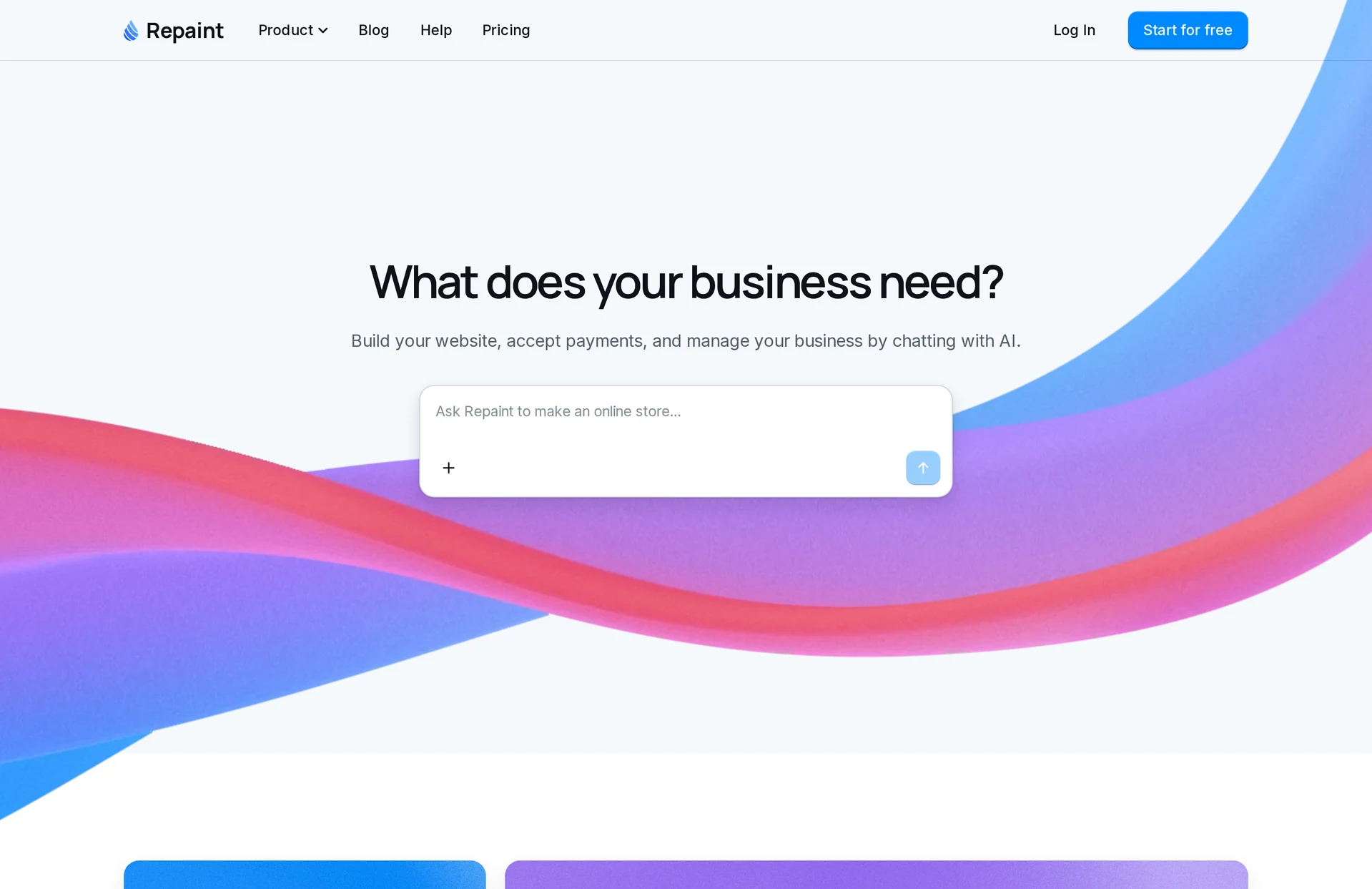
Repaint is an AI builder for business websites and apps. Using it feels a lot like using ChatGPT. You describe what you need, and Repaint plans it with you before building. Hosting, data, customer accounts, payments, and email are all built in.
Review
Repaint is the easiest switch if Lovable felt too technical. It never shows you code, database settings, or error details, including when you come back weeks later to change something. Payments and email are part of Repaint itself, so turning on payments only needs your business and bank details, with no separate account to connect. Your bookings, customers, and other records show up in plain tables and dashboards made for running your business.
It's also the easiest way to bring a Lovable app with you. You paste your app's URL, and Repaint rebuilds it with the same pages, design, and features. You can then upload the data you export from Lovable, so your existing records come along too.
Key features
- Rebuilds your Lovable app from its URL
- Imports your data from Lovable's exports
- Payments, email, and customer accounts built in
- Private dashboards for running your business
- Hosting and publishing included
Base44
How it works
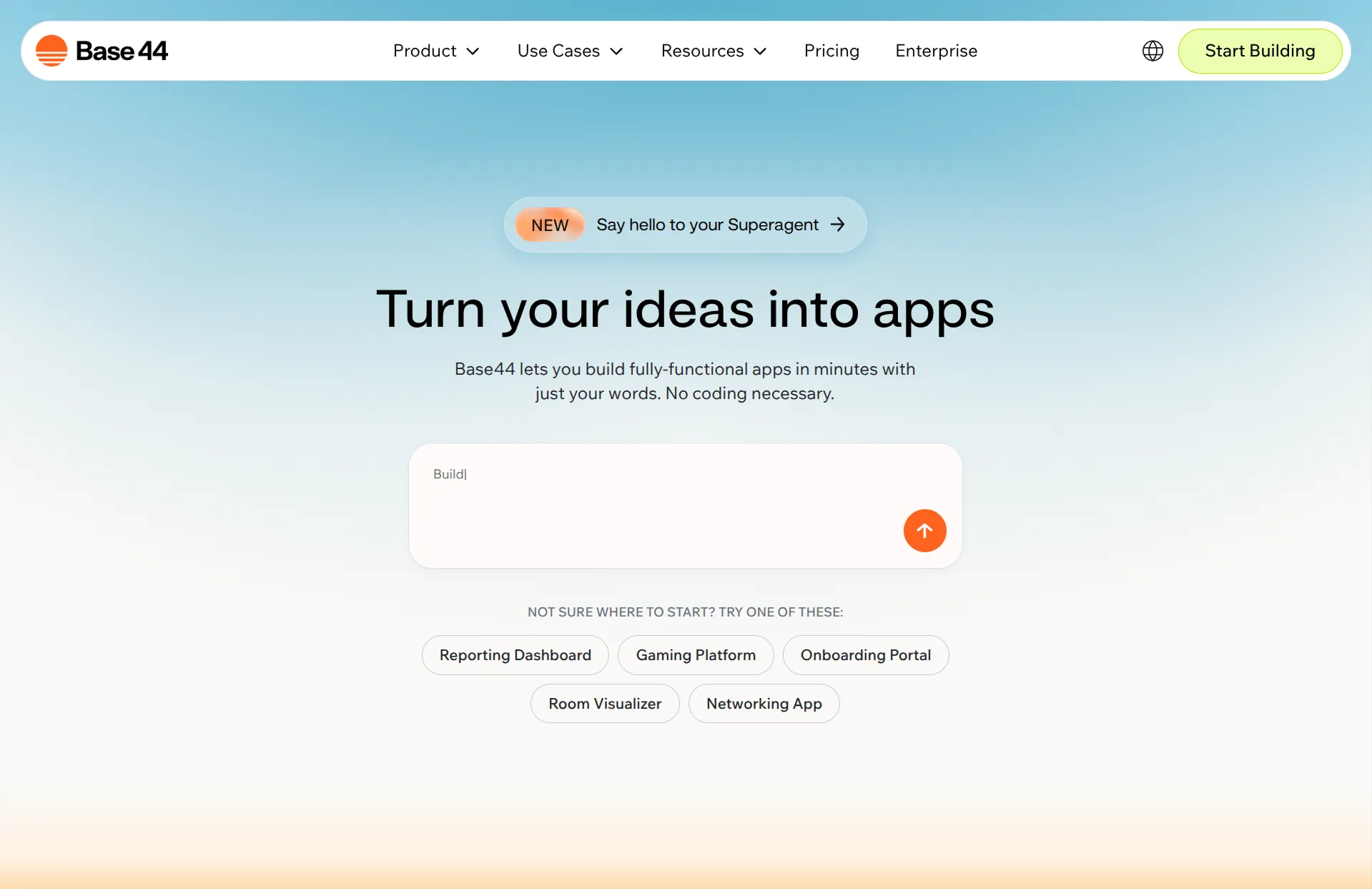
Base44 is an AI app builder owned by Wix. You describe your app, and it builds it with a database, logins, and email included. Payments run through Base44 Payments, powered by Wix, on its Builder plan and up.
Review
Base44 is the most similar tool to Lovable, and for most apps the results are close. It keeps more of the technical side out of view, though, with a plain chat and no GitHub or Supabase options in the main interface. Some everyday changes don't need the AI at all, since information like a class schedule lives in data tables you can edit yourself.
The tradeoff is how closely your app is tied to Base44. You can export your app's code to GitHub on the Builder plan, but the app still relies on Base44 to run its backend. Base44 also charges separate integration credits when your live app uses features like AI or email.
Key features
- Full apps from a description, with little back-and-forth
- Database, logins, and email built in
- Built-in payments on the Builder plan
- Owned by Wix
Bolt
How it works
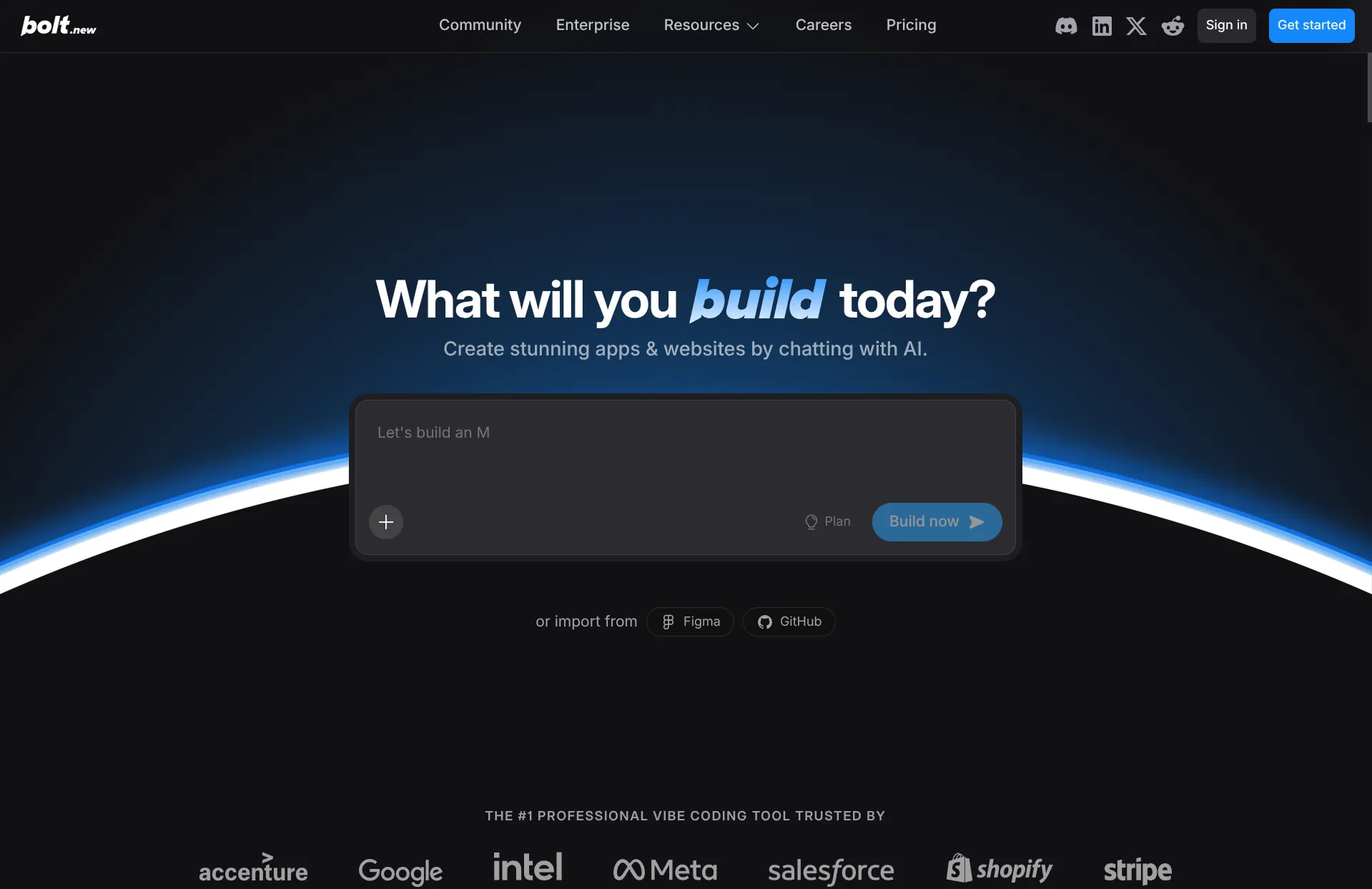
Bolt builds apps in a browser-based code editor. Bolt Cloud sets up hosting, a database, and logins automatically. Payments and email connect through your own accounts, like Stripe.
Review
Bolt is a good fit if you want more of the technical side, not less. The code editor sits right next to the chat, and every step lists the database changes and files it worked on, so you always know exactly what changed. You can download your project or sync it to GitHub, and for most apps it's as capable as Lovable.
That also means more setup is left to you. Payments need a secret key from your own Stripe account, and customer emails need an account with a separate email service. Bolt measures usage in tokens, and since that depends mostly on the size of your project, a small edit can use about as many as a new feature.
Key features
- Full apps from a description
- Code editor next to the chat
- Hosting, database, and logins through Bolt Cloud
- GitHub sync and project download
Replit
How it works
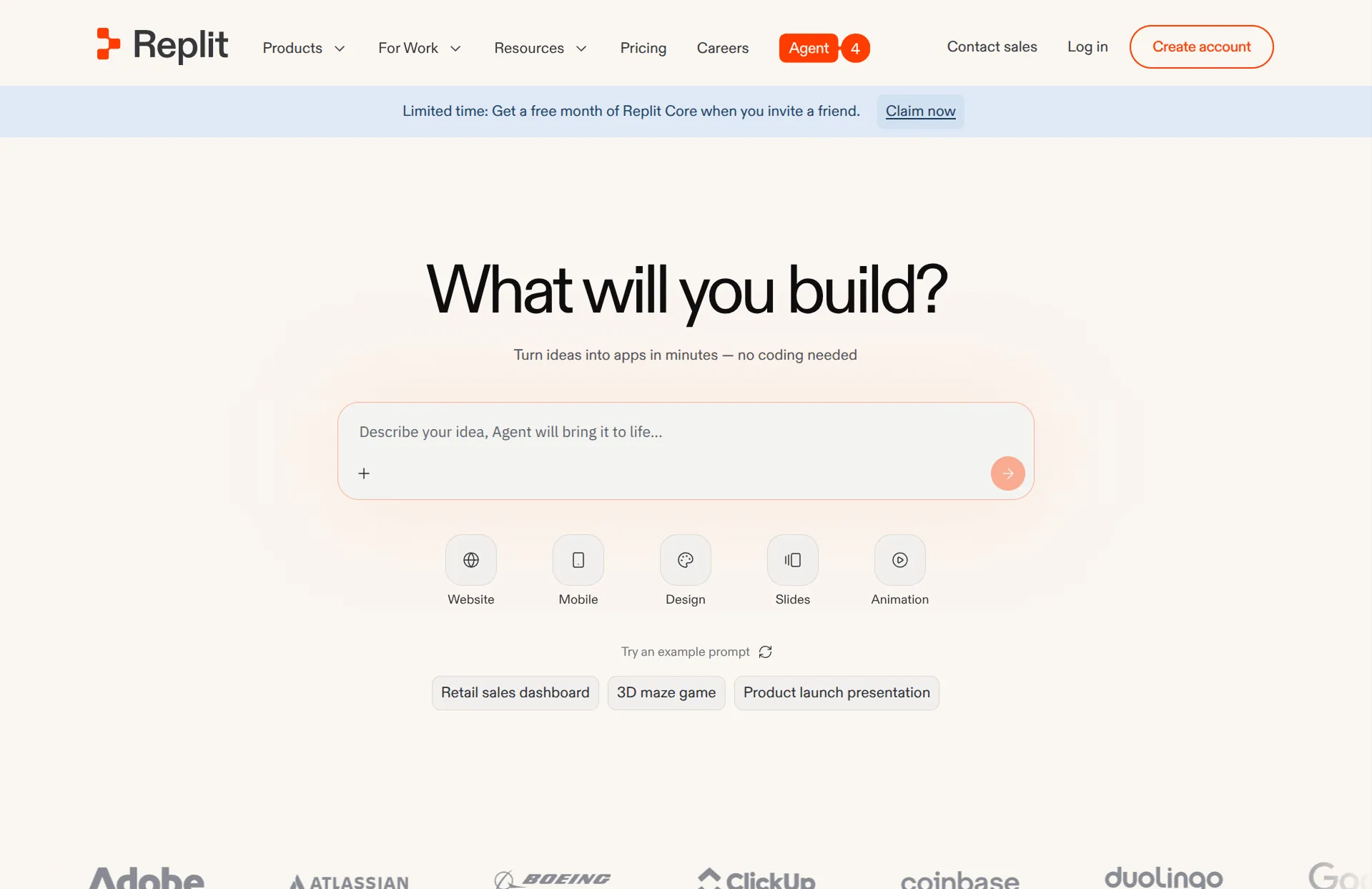
Replit's AI agent builds apps in almost any language, for the web or for phones, and can publish them to the App Store. It includes hosting, a database, and logins. Payments run through a connected Stripe account, and email connects through an outside service.
Review
Replit is the most capable AI app builder here, and the best pick if you want a mobile app as well as a web app. You get a full developer workspace with the code, a database console, and a terminal, so nothing is hidden from you.
It's also the most technical to use day to day. Its agent works the way a developer would, and its progress updates describe the code and scripts it's running. Services like email connect through outside integrations. Usage is billed in dollar credits based on how much work each request takes, so a big change costs more than a small fix.
Key features
- Web and mobile apps in almost any language
- App Store publishing
- Built-in database and logins
- Full access to your code
v0
How it works
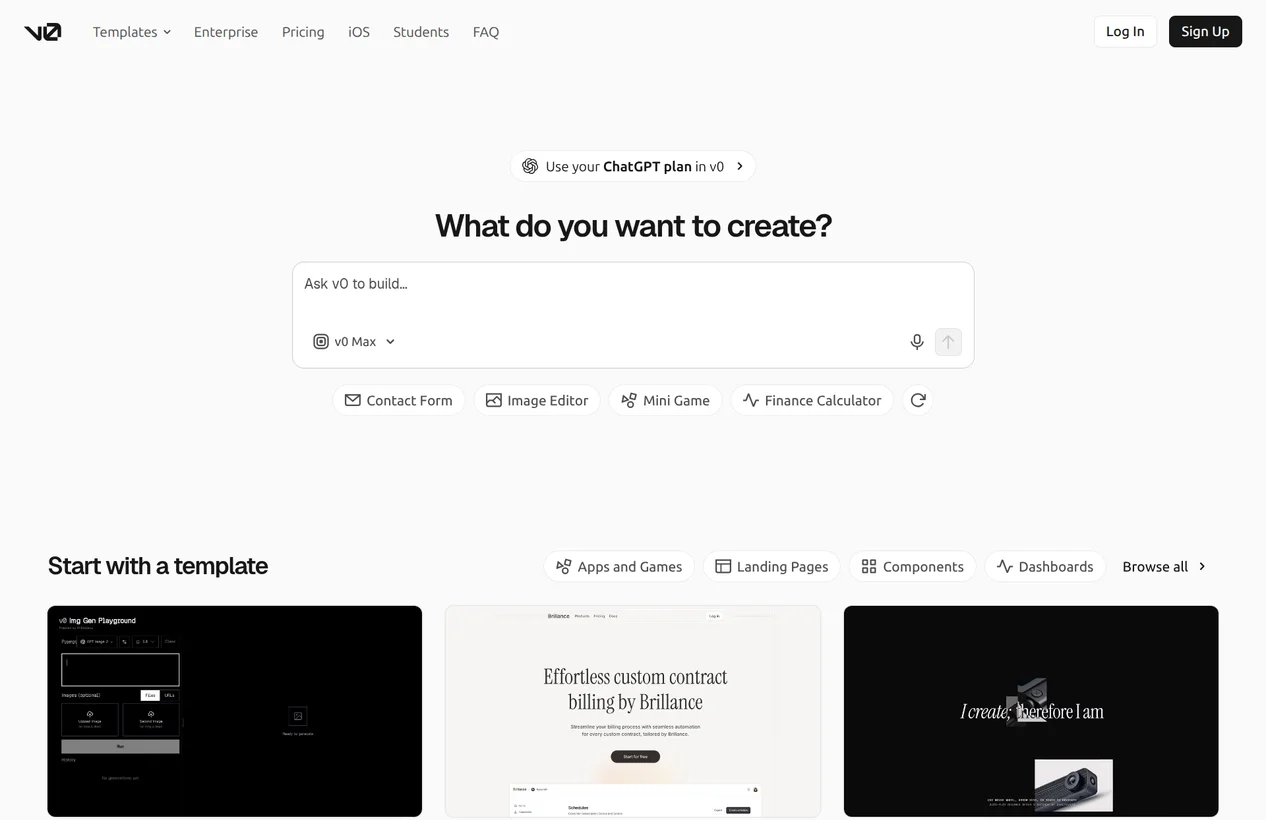
v0 is Vercel's AI app builder. It builds web apps with Next.js, a popular web framework, and publishes them to Vercel's hosting. Databases and logins come from services like Supabase, which v0 connects as it builds.
Review
v0 is especially good at clean, modern interfaces, and its apps are standard Next.js code that many developers already know. That makes it a strong pick if you want a developer to be able to take over your app later. It's aimed more at developers and designers than at business owners, so expect a few more technical choices along the way.
Key features
- Polished interfaces from a description
- Standard Next.js code with GitHub sync
- One-click publishing to Vercel
- Databases through services like Supabase
AI Coding Tools
AI coding tools are the furthest you can go toward control. The AI writes code in a project you own, and nothing else is included, so you choose your own hosting, database, payments, and email and keep the app running yourself.
They're a natural next step if you want more control than Lovable gives you, especially if you can code or want to learn. Since Lovable syncs your code to GitHub, you can keep working on the same app with any of these tools instead of starting over.
Claude Code
How it works
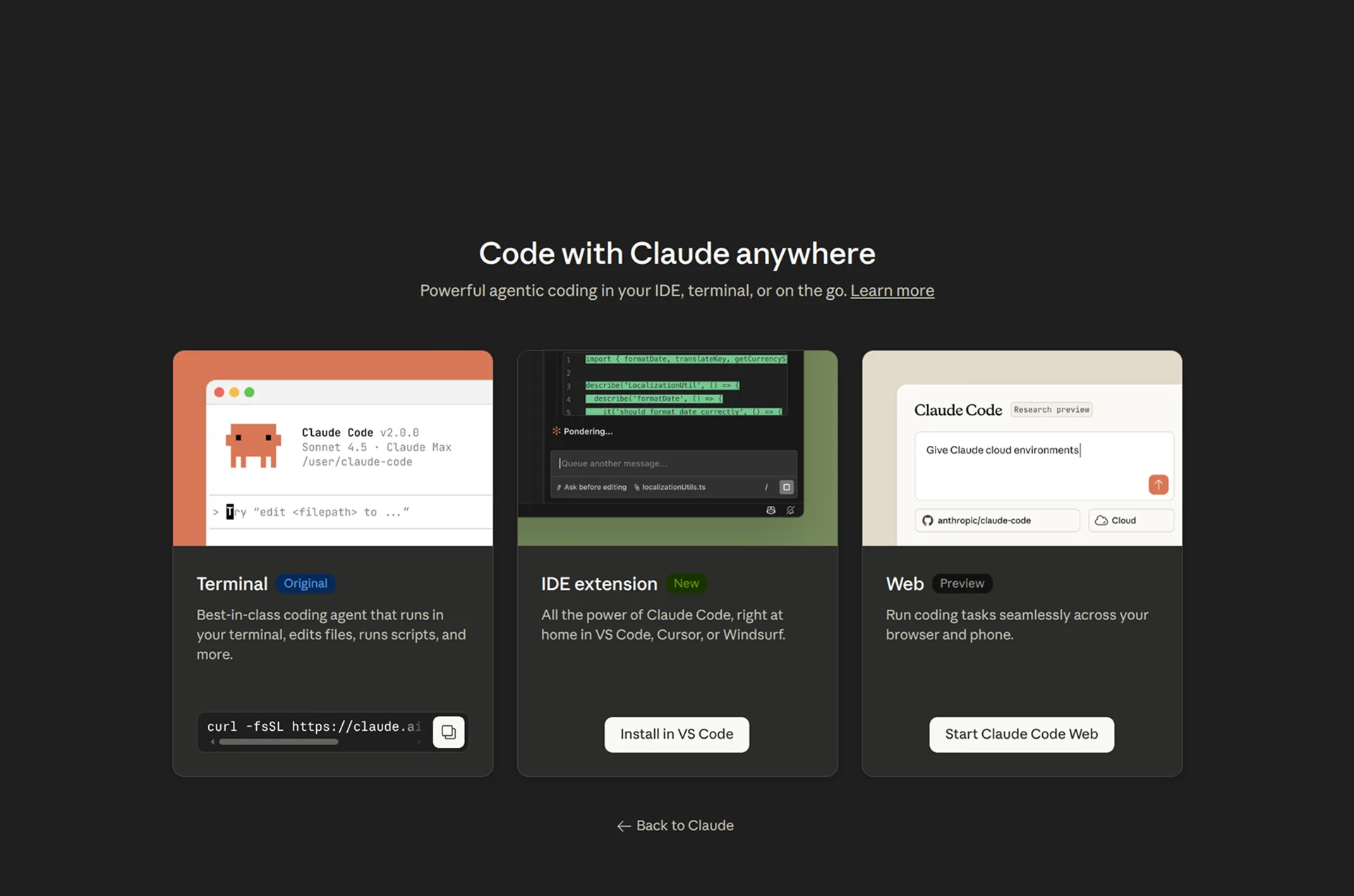
Claude Code is Anthropic's coding agent. You describe what you want, and it writes and edits code in a project on your computer or on the web. It's included with Claude's paid plans.
Review
Claude Code is one of the most capable ways to build software, and a great way to learn, since it can explain the code as it writes it. You'll make every technical decision yourself, though, and you're responsible for keeping the app running once it's live.
Key features
- Writes and edits code in your projects
- Runs in the terminal, an IDE, or on the web
- Included with Claude subscriptions
Codex
How it works
Codex is OpenAI's coding agent. You describe what you want, and it writes and edits code in the terminal, on the web, or inside a code editor. It's included with ChatGPT's plans.
Review
Codex is OpenAI's answer to Claude Code, and the two are close enough that the better pick tends to change with each new model. It's fast and pleasant to work with, and a natural choice if you already pay for ChatGPT.
Key features
- Writes and edits code in your projects
- Runs in the terminal, an IDE, or on the web
- Included with ChatGPT's plans
Cursor
How it works
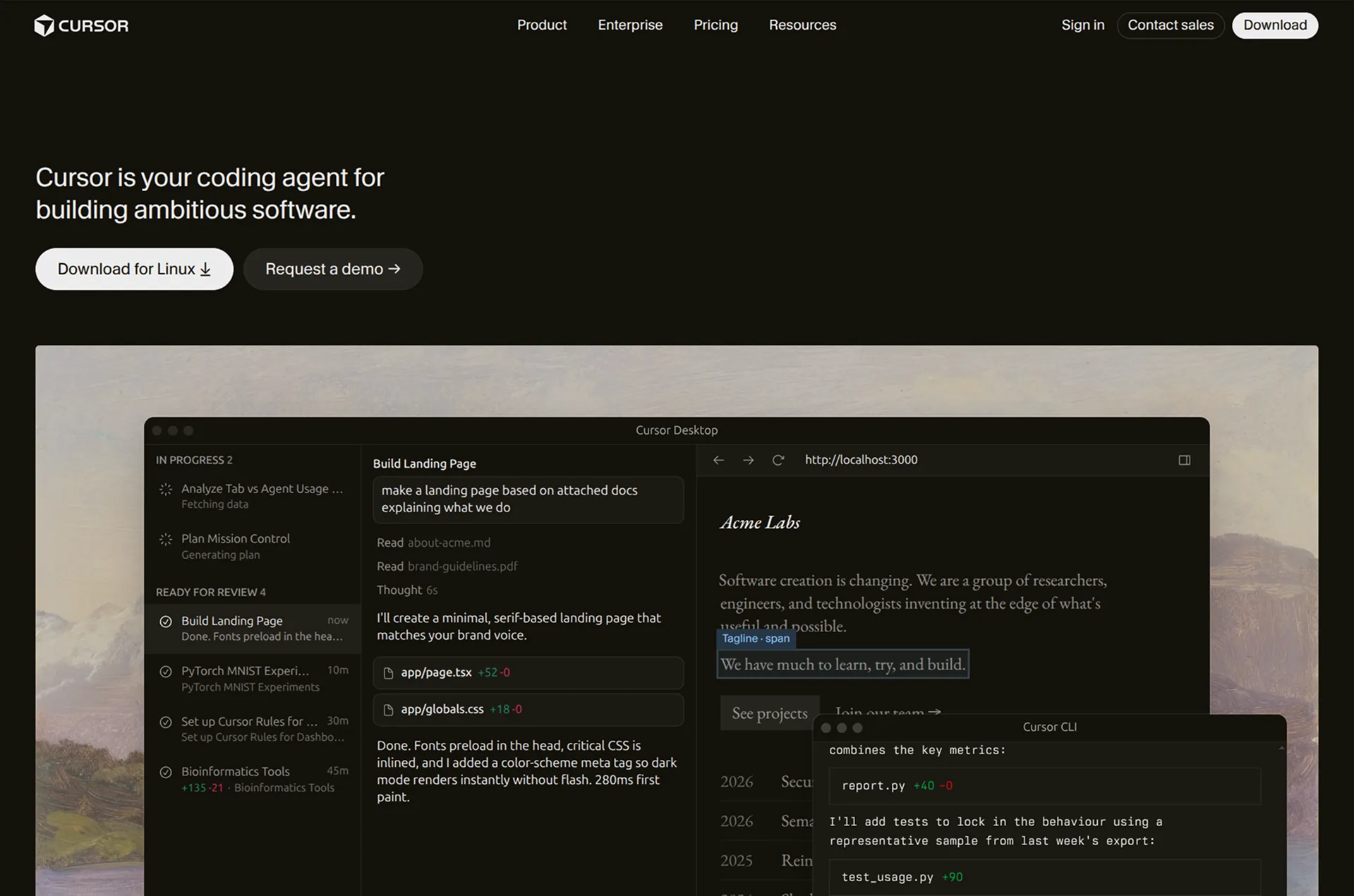
Cursor is an AI code editor. Its agents write and change code across a project, and you can choose between several AI models.
Review
Cursor is a code editor first, and the most developer-focused tool here. It's a great choice if you're comfortable in code and want AI help right inside your editor.
Key features
- AI code editor with agents
- Choice of AI models
- Works with any project
No-Code Builders
No-code builders work differently. Each one has its own visual editor and building blocks, and its AI builds with those same pieces. That keeps things predictable, but there's more to learn, since some changes still send you into the editor.
For most people leaving Lovable, I wouldn't recommend them. AI app builders can now do almost everything these tools can with much less to learn, and switching to one means learning a new editor on top of rebuilding your app. The one I'd still consider is FlutterFlow, if you want a tool made only for mobile apps and don't mind learning its editor.
Bubble
How it works
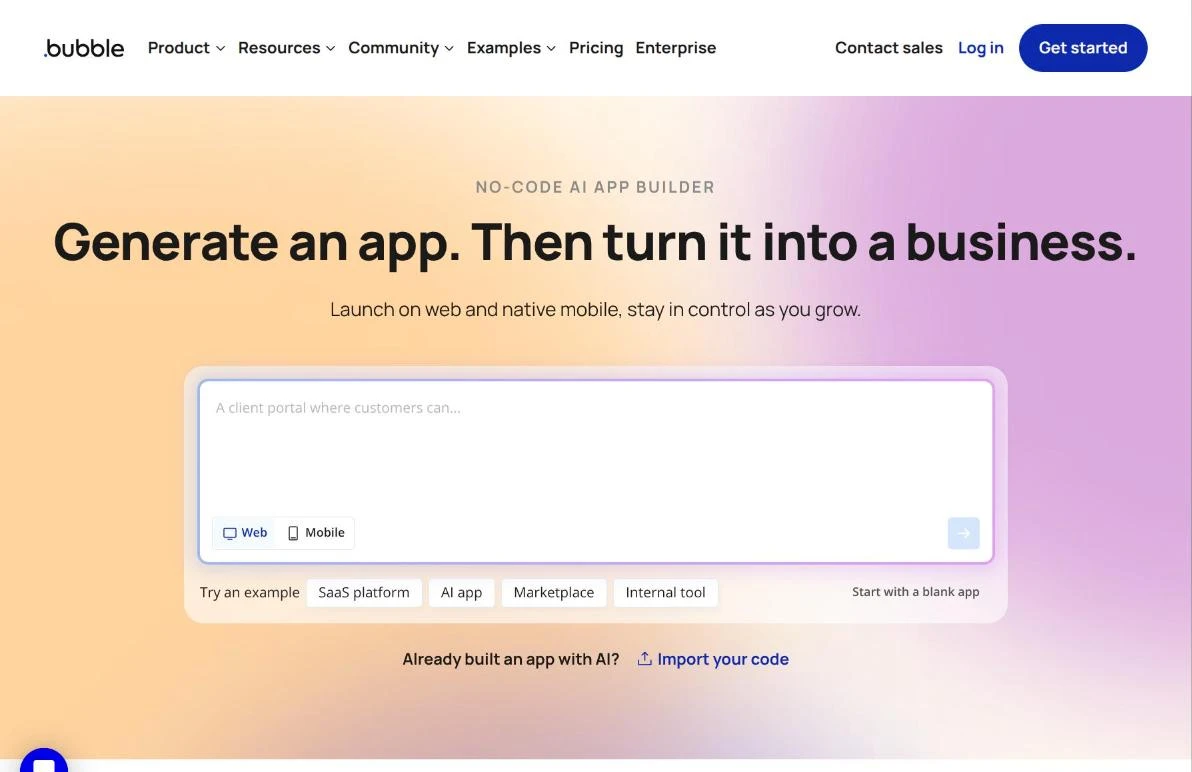
Bubble is a visual programming tool. Its AI agent can build and change your app through chat, and you can also design pages and set up workflows by hand in its editor. It includes a database, logins, and email. Payments connect through your own Stripe account.
Review
Bubble has been one of the biggest no-code platforms for years, and it can handle complex apps with a lot of custom logic. Its AI agent can now build a complete first version, with pages, customer accounts, and an owner dashboard.
Some setup still happens in Bubble's editor, which takes real time to learn, so most apps are more work to build here than in an AI app builder. Its pricing also works differently from the AI builders. Alongside AI credits, your plan includes workload units, which measure how much work your live app does on Bubble's servers.
Key features
- Visual editor with custom workflows
- AI-built first versions
- Native mobile apps on mobile plans
- Built-in database, logins, and email
Softr
How it works
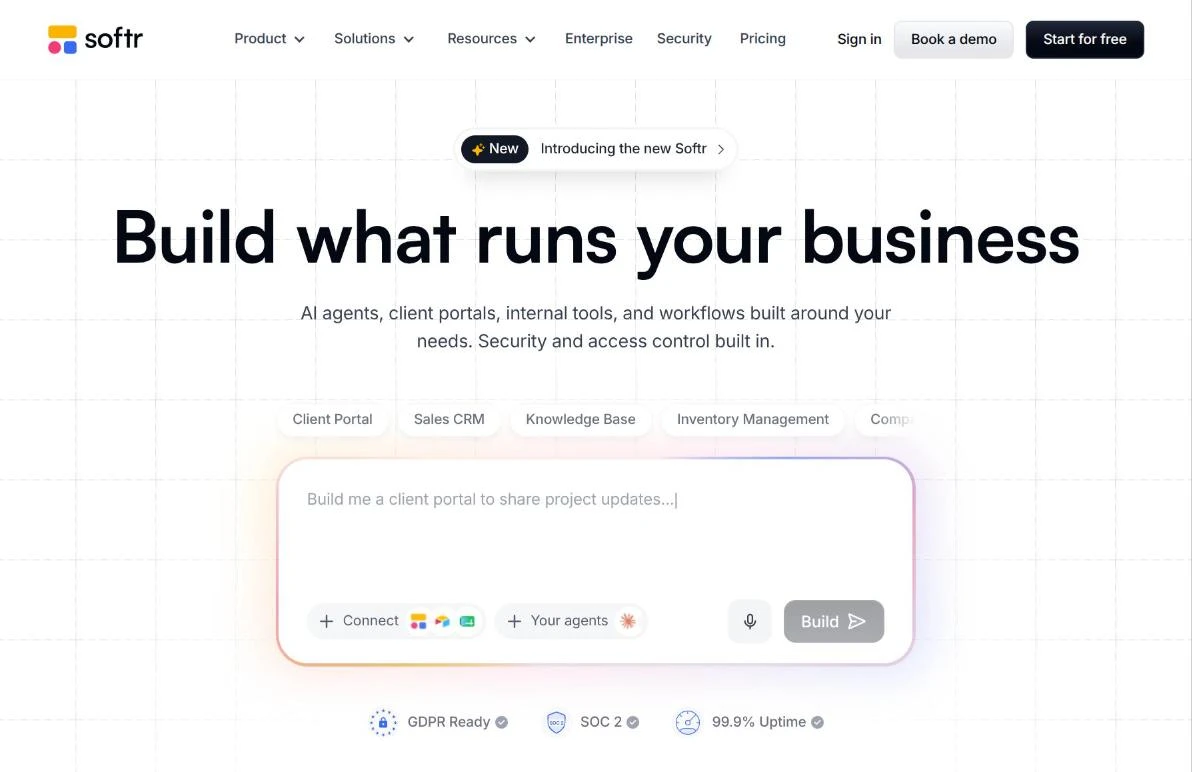
Softr builds client portals and internal tools. Its AI builds and edits your app through chat, and you can also adjust it in Softr's editor. It includes its own database or a connection to Airtable or Google Sheets, plus logins with roles and permissions.
Review
Softr is built for client portals and dashboards, with solid owner views that include stats, charts, and tables. It also works with data you already keep in Airtable or Google Sheets, which no AI app builder here does as directly.
Its editor is full of blocks and settings, so it feels more complicated than a chat-based builder even when the AI does most of the work. Its plans also limit the number of app users and records, which matters most for apps your customers sign in to.
Key features
- Client portals and dashboards
- Works with Airtable, Google Sheets, or its own database
- User roles and permissions
- Payments through your own Stripe account
Glide
How it works
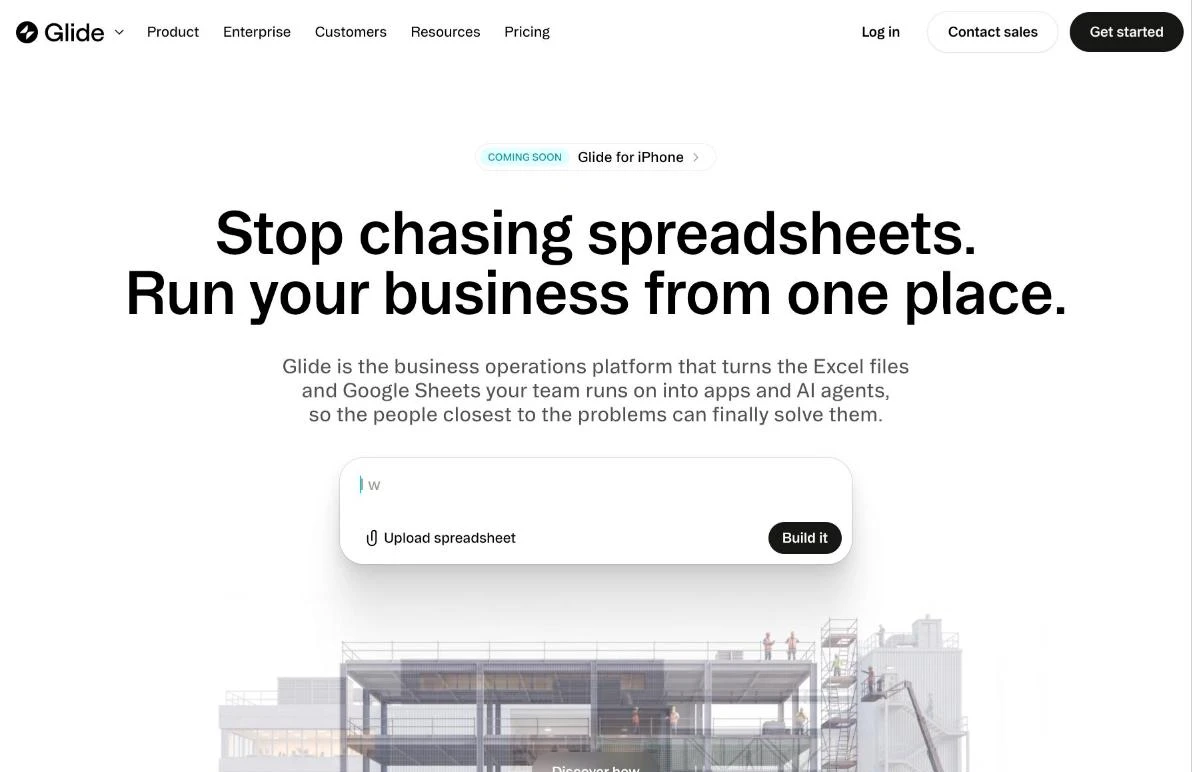
Glide turns spreadsheets into apps for your team. Its newest version, GlideOS, builds an app with AI from a description or an uploaded spreadsheet, with a database and sign-in included.
Review
Glide can turn a spreadsheet into a working tool for your team in a few minutes. If your business already runs on Google Sheets or Excel, that's its main appeal. It's built mainly for internal use rather than apps your customers sign in to, and publishing public apps needs one of its higher plans.
Key features
- Fast AI-built apps
- Imports Google Sheets and Excel
- Built-in database and sign-in
- Publishing on paid plans
FlutterFlow
How it works
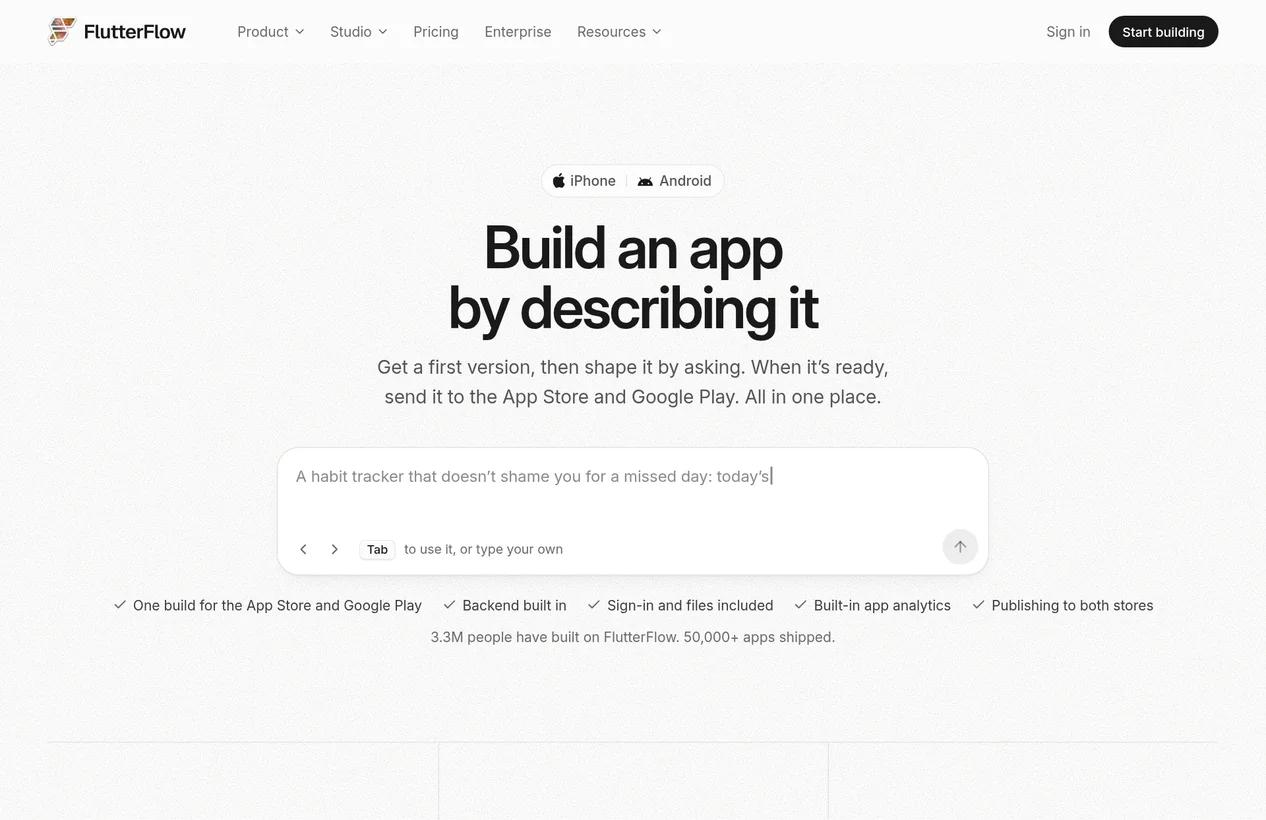
FlutterFlow builds mobile apps for iPhone and Android, plus web apps. You can describe your app to its AI, or build it by hand in FlutterFlow Studio, its visual editor. It includes a backend and sign-in, and it publishes to the App Store and Google Play.
Review
FlutterFlow is a good fit if you want a tool made only for mobile apps. Its apps are built with Flutter, Google's framework for mobile apps, and paid plans let you download the code. The visual editor is more technical than a chat-based builder, so it's best if you're willing to spend some time learning it.
Key features
- Mobile apps for iPhone and Android
- AI builder and visual editor
- App Store and Google Play publishing
- Code download on paid plans
Conclusion
Most of these tools can build a good first version of your app, so the bigger differences show up after that, when you're making changes and running your business on it. The main question is which direction you want to go from Lovable. If it felt too technical, an AI app builder that handles the setup for you will feel familiar but simpler. If you want more control, Bolt, Replit, and the AI coding tools give you more of it.
Repaint is the best place to start if you want simpler. It keeps the technical side out of view, includes payments and email, and can bring your Lovable app over with your data. If you want more control, Bolt is the closest step from Lovable, and Claude Code or Codex can pick up your Lovable code right where you left off. For a mobile app, Replit is the best place to start.
Most of these tools have a free plan or trial, so it's easy to try a couple before you commit.
FAQ
What is the best alternative to Lovable?
Repaint is the best Lovable alternative for most business owners. It handles the technical side for you, payments and email are built in, and it can rebuild your Lovable app from its URL. Base44 is the most similar to Lovable, and Bolt and Replit are good options if you want more access to your code.
Is there a cheaper alternative to Lovable?
Most AI app builders cost about the same, with entry plans between $16 and $25 per month. What you actually spend depends more on how each tool measures AI usage and how many changes you make. Most of them have a free plan or trial, so it's worth building something real on two or three before you pay.
Can I move my Lovable app to another platform?
Yes. Lovable can sync your app's code to GitHub, so a developer can host it somewhere else, or you can keep working on it with a coding tool like Claude Code or Cursor. Some AI app builders can also rebuild your app from its URL. Your data comes from Lovable's database, which can export each table as a file.
Is there something like Lovable that's less technical?
Yes. AI app builders like Repaint and Base44 work the same way as Lovable, but they keep more of the code and setup out of view. No-code builders aren't necessarily simpler, since their visual editors take time to learn.
Is there an AI app builder like Lovable that includes payments?
Lovable itself has built-in payments, and so do Repaint and Base44. Repaint includes them on every plan, and Base44 includes them on its Builder plan. Most other builders, like Bolt and Replit, ask you to connect your own Stripe account.


