
Best AI Website Redesign Tools in 2026, Tested and Reviewed
A breakdown of the tools that can redesign an existing website with AI in 2026, including what each one actually does with your current site, their strengths and weaknesses, and how to pick the right one.

Introduction
There's been an explosion of AI web design tools. It's possible to redesign an existing website with dramatically less effort than it took five years ago. But only if you use the right tools.
It can be hard to navigate the space. AI chatbots have a bad habit of recommending products mostly by repeating marketing content and news articles, with little regard for how they actually work. So I manually tested and reviewed all the top AI website redesign tools. In this post, I'll explain how each tool works and provide an honest framework for picking the right one.
Types of Redesign Tools
When you redesign a website, you might be changing the visual design, moving to a new platform, or rewriting the code underneath. Tools for all three get lumped together as "AI website redesign tools," even though they work nothing alike. The market gets much clearer once you sort it into four groups:
AI-native builders
You describe what you want in chat, and the AI builds the real thing. The AI isn't a feature bolted onto an editor, it's the core editing experience. These are all younger platforms, like Repaint, Lovable, and Base44. They host and publish the site for you, so you don't have to think about code or servers. The AI editing is the most powerful of any group here, and the learning curve is the lowest. For most people who aren't designers or developers, these should be the default in 2026.
AI coding tools
Coding agents like Claude Code, Codex, and Cursor work directly on your site's code. They aren't platforms. You control the code, the hosting, and everything else about how the site runs. That control means almost none of the limitations you hit elsewhere, and the subscriptions are unusually cheap for how much work they do. The tradeoff is that everything becomes your responsibility, and you'll be working in a codebase and often a terminal. They're usually the strongest option for people who can code, and more effort than they're worth for everyone else.
Traditional website builders
These are the established platforms, like Wix, Webflow, and Framer. You build pages by hand in a visual editor, the platform hosts the site, and AI shows up around the edges in first drafts and stray features. That AI will always be shallower than the AI-native group's, because it works through the platform's building blocks instead of writing code. Their remaining strengths are mature ones, like polished templates, precise hands-on editing, and built-in business features like ecommerce. I think they're beginning to go out of fashion, but they still make sense when those strengths matter more to you than the redesign being easy.
Design tools
Design tools like Figma and Relume only cover the design phase. They produce sitemaps, wireframes, and mockups, and the actual site still has to be built somewhere else afterward. The case for Figma is design ceiling, since rapid small iterations let a skilled designer perfect details that are slow to reach any other way. The case for Relume is thinner. It generates a quick sitemap to organize your ideas. Both are built for designers and design pipelines, and for everyone else they mostly create extra work.
Comparison Table
Picking the right group is most of the decision, since tools in the same group are usually more alike than different.
| Category | What It Is | Tools |
|---|---|---|
| AI-Native | The AI is the core editing experience. You describe what you want in chat, and the output is a finished, hosted website. | Repaint, Lovable, Replit, Base44 |
| AI Coding | Coding agents that redesign a site by rewriting its actual code. You own the code and handle hosting yourself. | Claude Code, Codex, Cursor |
| Traditional | Established website builders with AI features added on. You rebuild manually with AI assists. | Framer, Wix AI, Webflow |
| Design | Tools that plan or mock up the redesign but never touch your live site. Someone still has to build the result. | Relume, Figma |
| Tool | Known For | Category | Starting Price |
|---|---|---|---|
 Repaint Repaint | AI chat built for redesigning websites | AI-Native | $25/mo* |
 Lovable Lovable | AI chat for building complex apps | AI-Native | $21/mo* |
 Replit Replit | AI chat for accessible coding of complex apps | AI-Native | $18/mo* |
 Base44 Base44 | All-in-one AI chat for building apps | AI-Native | $16/mo* |
 Claude Code Claude Code | Anthropic's AI coding agent | AI Coding | $20/mo* |
 Codex Codex | OpenAI's AI coding agent | AI Coding | $20/mo* |
 Cursor Cursor | AI coding agent that runs any model | AI Coding | $16/mo* |
 Framer Framer | Designer focused, visually stunning sites, smooth animations | Traditional | $10/mo |
 Wix AI Wix AI | AI site generation inside the Wix builder | Traditional | $17/mo |
 Webflow Webflow | Powerful CMS, large premium sites, made for professional designers | Traditional | $15/mo |
 Relume Relume | AI sitemaps and wireframes for the design phase | Design | $18/mo |
 Figma Figma | Industry-standard design tool for mockups | Design | $16/mo* |
* Usage-based pricing. A full redesign may cost more depending on how much you use the AI.
How to Choose
There's no single best tool, but there are clear best tools for specific situations. Here's what I'd recommend in the five I see most often.
| Your Situation | Recommendation |
|---|---|
| You want to modernize an outdated website with minimal effort | Repaint. Rebuilding existing sites is the flow it's optimized around. It pulls in more of your content, images, fonts, and brand than the other tools. It also rebuilds enough pages to match your original site structure. The closest alternative is Lovable, which can technically do most of the same things but is built around apps, so expect a lot more prompting to get a similar result. |
| You want low-level control over the code and hosting | Claude Code or Codex, which are basically tied. Claude Code had a clear lead for a while, but the two products have converged, and preference mostly tracks whichever company's models are ahead at the moment. Either one lets the redesign happen inside your existing codebase, with no migration at all. |
| You need app features like accounts or dashboards, but don't code | Repaint, if you want those features built into your business website. For standalone apps, Lovable has the most traction of the AI app builders and a reputation for being polished and fast. Base44 is the pick if you want everything built in without wiring up outside services. Replit can build more advanced infrastructure, if you're comfortable going more technical. |
| You're a designer chasing a top-tier design | Figma for the design, then an AI coding agent to build it as custom code through Figma's MCP connection. If you want to completely avoid managing code, you can build the design in Framer instead. Manual design is a lot of work, so I only suggest it if you need a genuinely top-tier result. Most people will be better off doing the design with AI instead. |
| You only want to touch up the design, not overhaul it | It depends on your current tool. If it makes those changes easy, staying put will usually be less work than moving anywhere. But if the edits you want are hard, like when a contractor built the site or it lives in a tool you never learned, it's worth moving to Repaint. It can clone your current site, so you can switch to AI editing without redesigning anything. |
General Tips
Use the free tiers
Almost every product here has a free tier. You can run your actual site through two or three tools in an afternoon and compare real results instead of reviews. An hour of testing will teach you more than any list, including this one.
Compare usage limits, not subscription prices
The subscriptions all cost about the same, but the AI usage they include varies a lot. For light editing, the differences won't matter. For heavy editing, meaning larger sites, lots of images, or tons of small adjustments, usage limits matter far more than the subscription price. The AI coding subscriptions include the most usage per dollar, if you can handle the technical side.
AI-Native Builders
AI-native builders are the newest group on this list. You edit by telling the AI what you want, and it does the building, whether that's generating your whole new design or adjusting a single button. A redesign usually starts with importing or describing your existing site. After that, it's a back-and-forth in chat until the design looks right.
Repaint
How it works
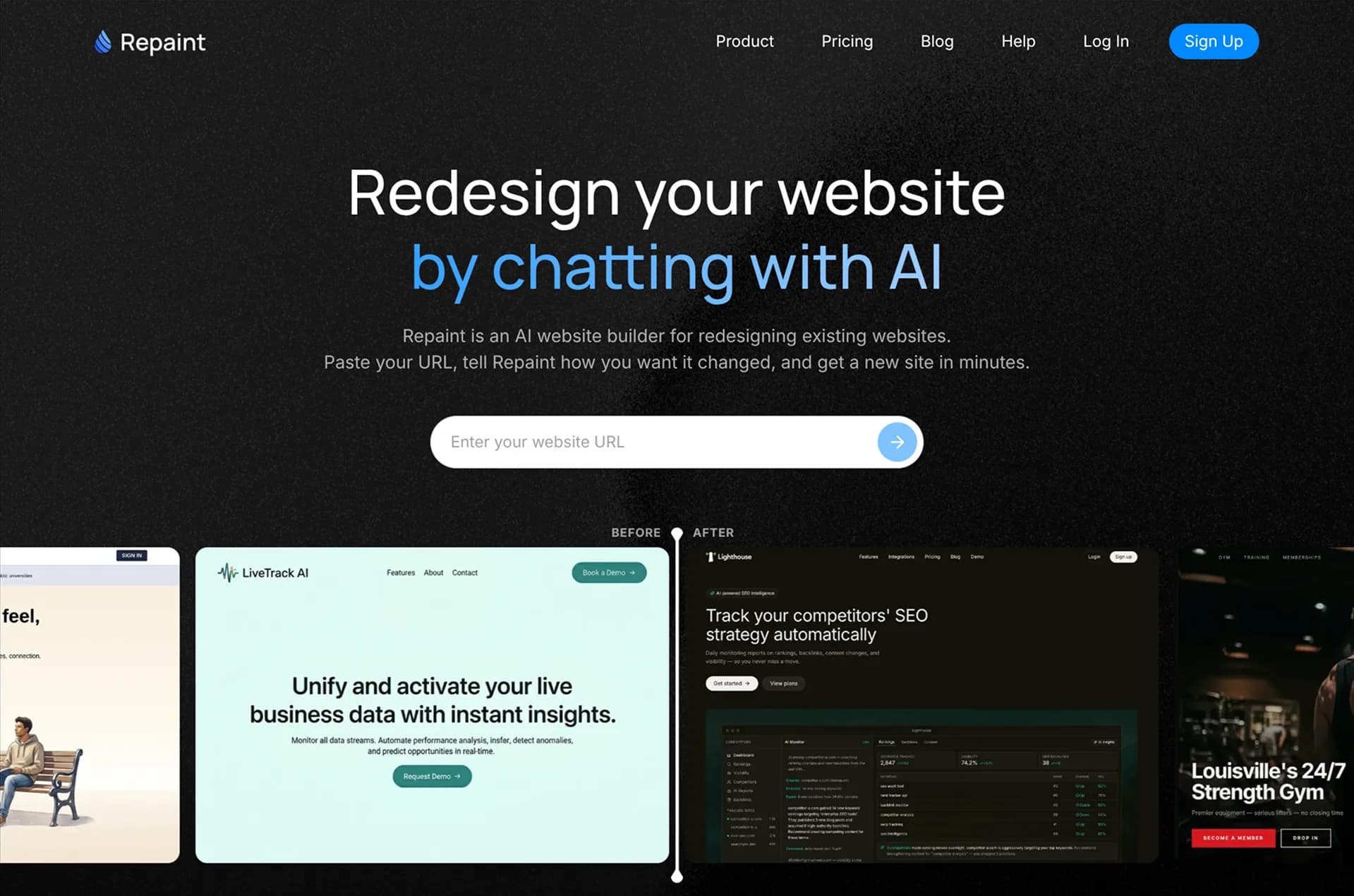
Repaint is an AI website builder optimized for rebuilding existing sites. You paste your current URL, and it imports your pages, copy, images, fonts, and brand colors. It generates the new design, and you refine it by chatting, from rewording a heading to adding whole pages. When it looks right, you publish and connect your domain. Repaint hosts the site, so there's nothing else to manage.
Review
Repaint is the first tool I'd try for redesigning most websites. It's more thorough than the other AI builders at importing your existing content, and it rebuilds enough pages to match your original site structure, where most tools stop at the homepage. It can also build stores, booking systems, customer accounts, and dashboards, so you can add business features while updating the site.
Key features
- Imports and redesigns existing websites
- Full website generation and editing with AI chat
- Online research to fill in business info
- Visual style options to guide the aesthetic
- Hosting and publishing included
Lovable
How it works
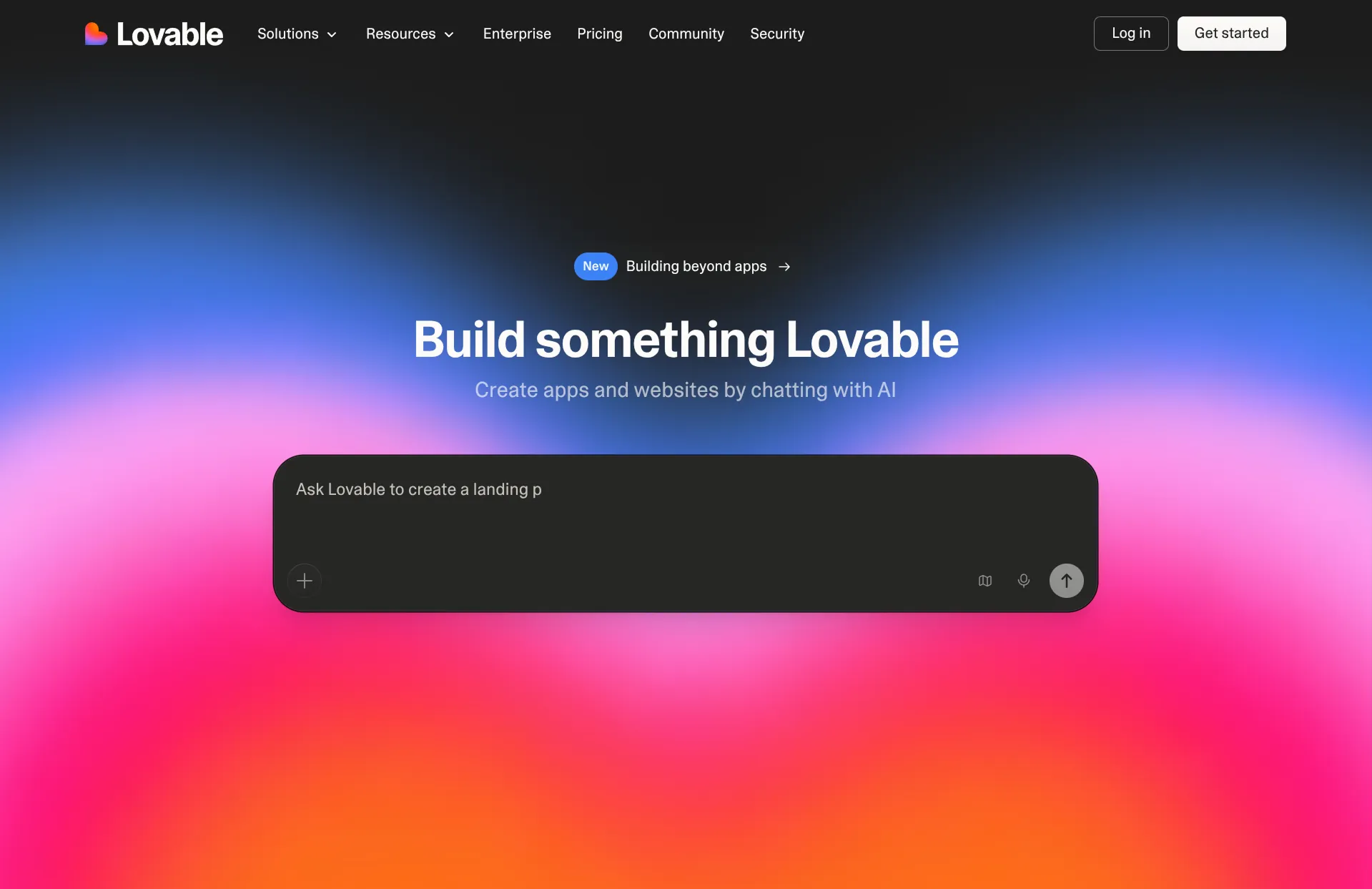
Lovable is an AI app builder. You describe what you want in chat, and it generates a working product as real code, including logic and databases. You refine it the same way, and Lovable hosts the result and connects your domain. Data and user accounts come through its Supabase integration, and you can export the code to GitHub whenever you want. To redesign a website, you paste your URL or describe the site and it generates its own version.
Review
Lovable is a popular vibe-coding tool, especially among tech people. The viral hook is that it builds complex logic that used to require a developer, which makes it a strong option for building apps.
If you're redesigning a website, the migration abilities are weaker than Repaint's. Lovable only does a quick scan of your URL instead of importing everything. Rather than rebuilding the same pages, it makes a single homepage. And it doesn't use your images, logo, colors, or information reliably. You can fix everything it missed by prompting, but you'll burn the entire Lovable free tier before catching up to Repaint's first draft. For a plain marketing website, I'd avoid it.
Key features
- Full-stack app generation from natural language
- Integration with Supabase for databases and user accounts
- GitHub export so you own the code
- Credit-based usage plans
Replit
How it works
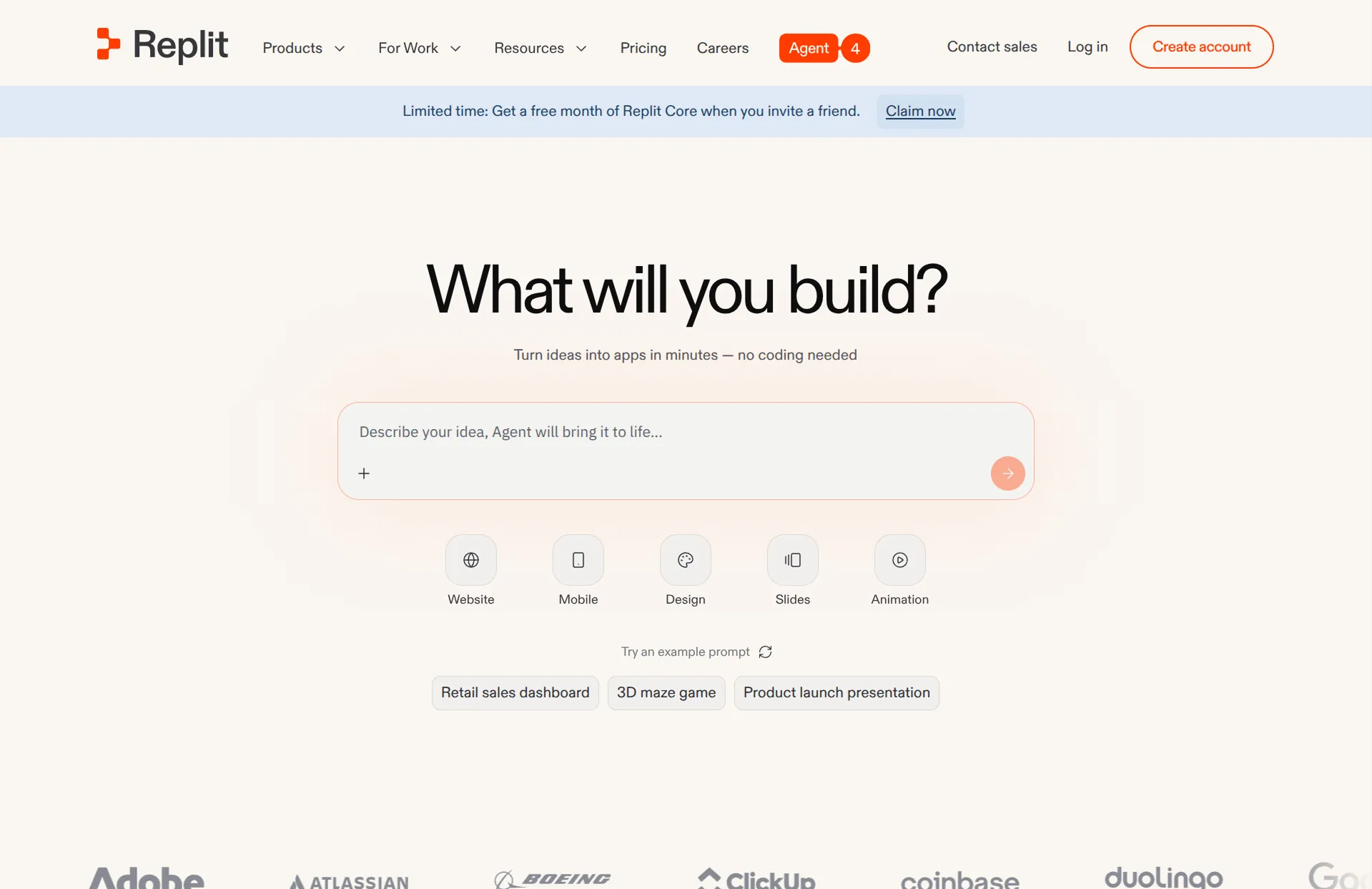
Replit is an AI app builder. You describe what you want in chat, and an agent builds the app as real code and hosts it for you. It has a lot of software primitives built in, like a database, user accounts and auth, secret management, and a shell for interacting with your app directly. To redesign a website, you share your URL and the agent rebuilds its own version of it.
Review
Replit is the most capable app builder in this group, and the most overwhelming. It can take an advanced app further end-to-end than Lovable or Base44, with fewer outside services to wire up. But the interface puts a lot in front of you, and using it feels closer to a developer tool than a website builder. I'd only recommend it if you're technically inclined. For everyone else, it's overkill and more confusing than it needs to be.
For redesigning a marketing website, the story is similar to Lovable's. Replit digs deeper into your existing site when importing, so details like hours and contact info are more likely to survive. But it replaces your images with AI-generated ones, the designs come out looking worse, and generation is slow.
Key features
- Full app generation from natural language
- Built-in database, user accounts, and auth
- Developer tools like a shell and secret management
- Credit-based usage plans
Base44
How it works
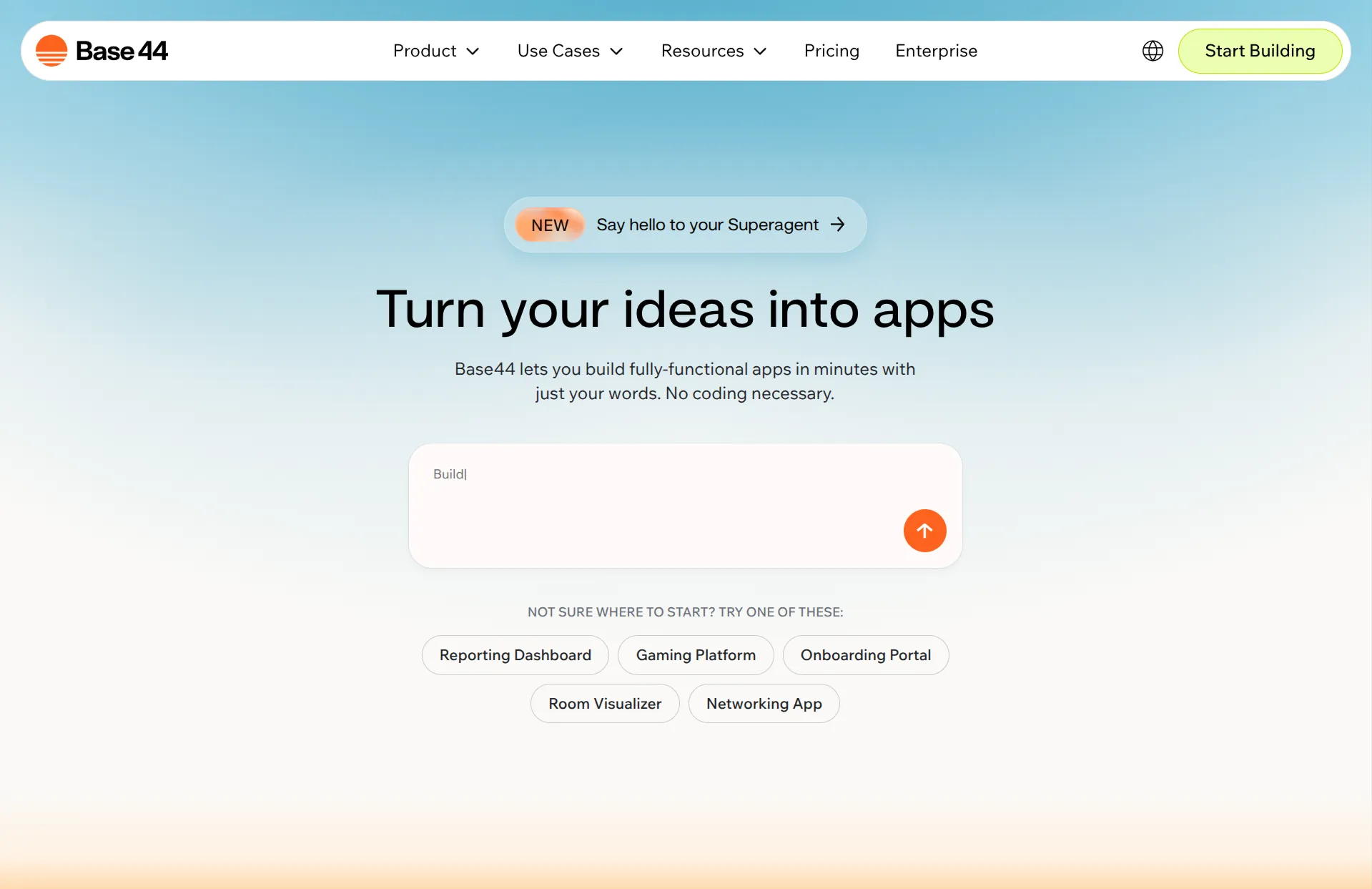
Base44 is an all-in-one AI app builder. You describe what you want in chat, and it builds and hosts the app. Everything the app needs lives in one dashboard, including users, data, analytics, marketing tools, and domains. It's designed to be self-contained. Code can sync to GitHub on the bigger plans, but the product isn't built around leaving. To redesign a website, you point it at your URL and it generates a replacement.
Review
Base44 started as an independent AI app builder, and Wix bought it in 2025. It runs like a Wix product now, with everything packaged under one roof. Nothing about it stands dramatically above Lovable, though it does put the least technical stuff in front of you. Whether that packaging beats Lovable is debatable. For redesigning a marketing website, it's comparable to Lovable, and I'd recommend Repaint over it for the same reasons.
Key features
- App generation from natural language
- Built-in users, data, analytics, and marketing tools
- Hosting and domains managed in the same dashboard
- Two-way GitHub sync on higher plans
- Credit-based usage plans
AI Coding Tools
AI coding tools are chat agents that work on real code. You describe what you want, and they write the actual files of a codebase you own, hosted wherever you like. The products have converged on nearly the same thing, so you're really picking models, not tools. What you give up is the platform. There's no visual editor or hosting attached.
Claude Code
How it works
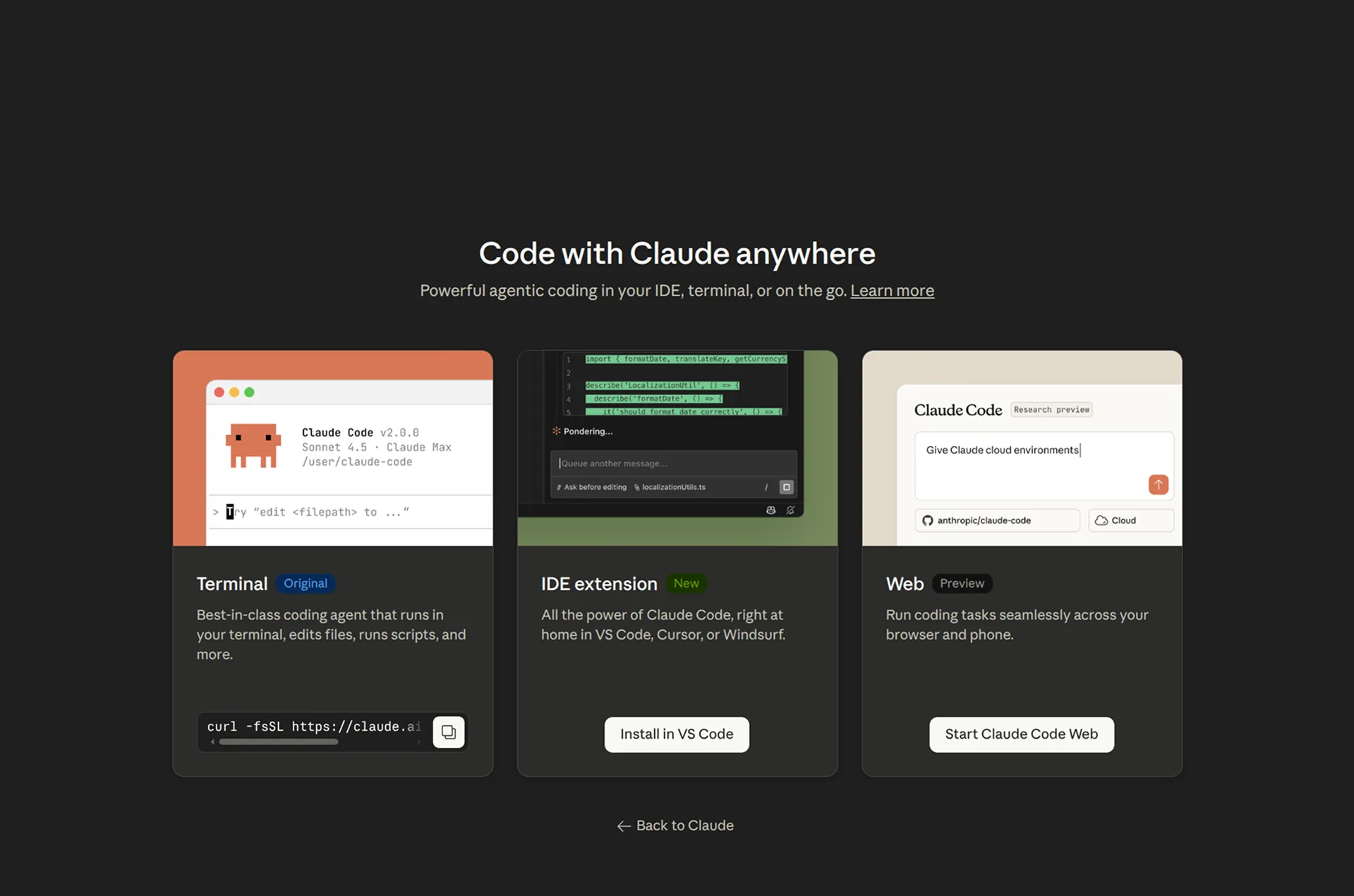
Claude Code is Anthropic's AI coding assistant. It's primarily a terminal tool, though it also has a web app and IDE extensions. You describe what you want, and it writes and edits real code on your machine. There's no platform underneath. The code is yours, and you decide where the site is hosted and how it deploys.
Review
Claude Code and Codex are the two leading coding agents, and they're close. The differences mostly come down to whichever company's models are ahead at the moment. They both just work on your code, so swapping between them is trivial. I'd recommend Claude Code to any developer who wants to run their website as a git repo and deploy it wherever they like. The economics are a genuine selling point too. You get far more usage from a Claude subscription than from any hosted app builder.
For redesigning a website, it can match the imports of the hosted tools, even working from just a URL, since it can search the web and inspect your site itself. The design quality is as good as anything AI makes right now. The tradeoff is steering. You'll spend more prompts, and you need the precision to describe exactly what you want. If you don't want to manage a codebase yourself, I'd recommend an AI-native builder with hosting instead.
Key features
- Writes and edits code directly on your machine
- Works from the terminal, a web app, or your IDE
- Full control over code, hosting, and deployment
- Subscription includes heavy AI usage
Codex
How it works
Codex is OpenAI's AI coding assistant. You describe what you want in plain language, and it writes and edits real code. You can run it in the terminal, on the web, or inside an IDE. There's no hosting or platform attached. The code stays yours, and you deploy it however you like.
Review
Codex started out behind Claude Code, and OpenAI closed the gap by steadily copying its features. At this point the two are very similar. Codex takes actions noticeably faster with the current models, and it's more pleasant to converse with. It also benchmarks better on many coding tasks, though the difference is hard to feel day-to-day.
Web design is the exception. The GPT models are still clearly worse at frontend design than the Claude models, which matters when the whole project is your website's look. The subscription economics match Claude Code's, with far more usage than any app builder includes. Beyond that, these two trade places with each model release, so the better pick changes with the models of the day. Swapping between them is trivial, so you can always follow the current leader.
Key features
- Writes and edits real code in your projects
- Works from the terminal, a web app, or your IDE
- You own the code, hosting, and deployment
- Subscription includes heavy AI usage
Cursor
How it works
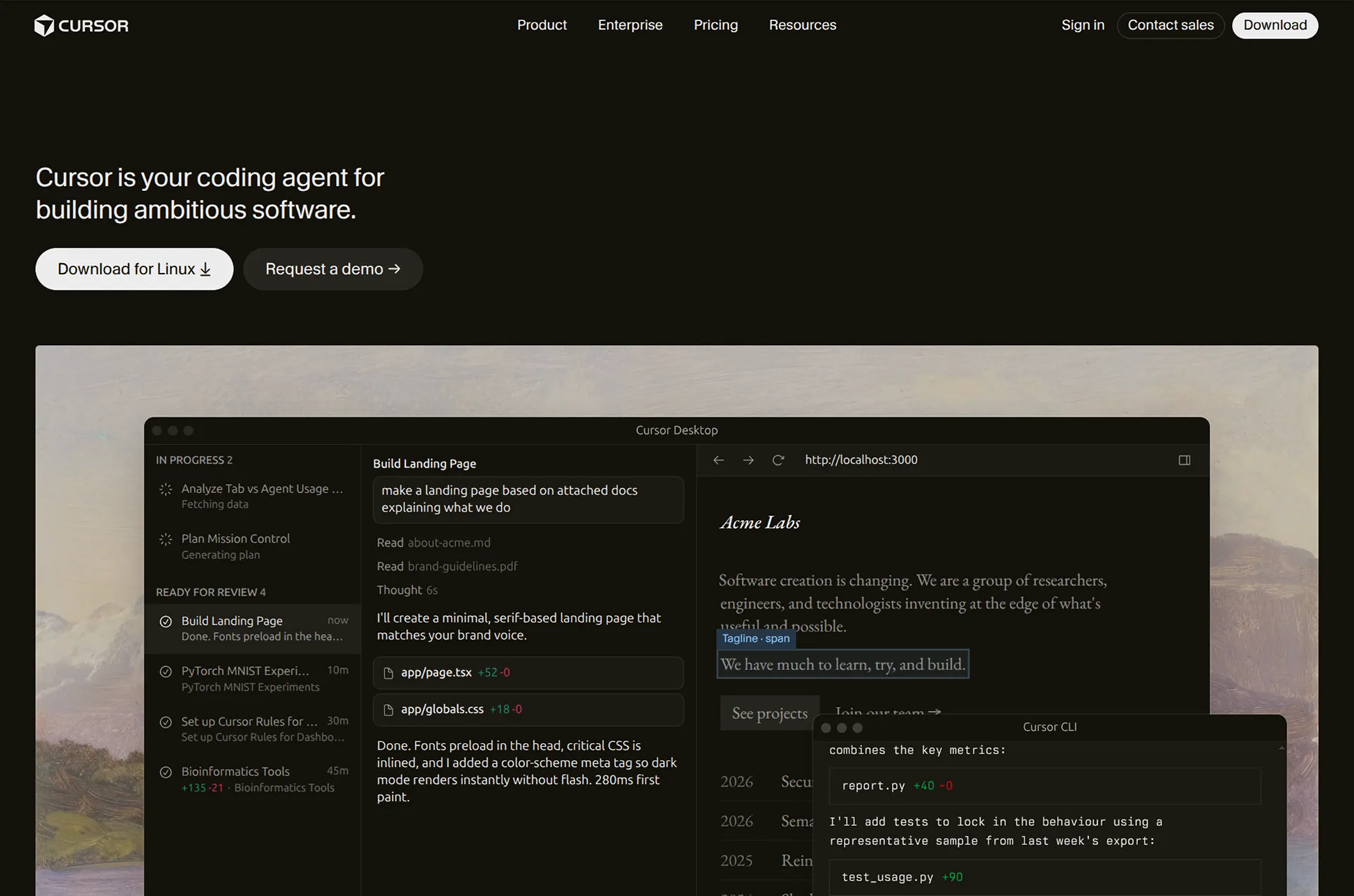
Cursor is an AI code editor. It's a desktop app where the agent, the chat, and your code sit side by side. It can run models from every major lab, including Cursor's own. Like the other coding tools, it edits real code in your projects, and you own the code, hosting, and deployment.
Review
Cursor started as a code editor fork, and for a while it was the default way developers coded with AI. Then the market moved to terminal agents, and my impression is that Cursor is now the third-place competitor in that race. Taking the lead again probably depends on its in-house models.
The catch with running any model is pricing. The Claude and OpenAI subscriptions don't plug in, and API rates cost many times more, so in practice you're on Cursor's subscription using Cursor's models. Those trail Anthropic's on design quality, so for website work I'd pick Claude Code or Codex. It's all still close though. If I had to use Cursor every day instead, I wouldn't be upset.
Key features
- Code editor with the agent, chat, and your files in one view
- Runs models from every major lab, plus its own
- You own the code, hosting, and deployment
- Subscription usage goes furthest on Cursor's own models
Traditional Website Builders
Traditional website builders are the established platforms where you build pages by hand in a visual editor. They've all added AI features, but the AI has to work through each platform's proprietary building blocks, so it can't go as deep as the tools above. Most of the work is still you, dragging, resizing, and configuring things yourself. What you get in return is mature software, with polished templates, precise editing, and years of built-in features.
Framer
How it works
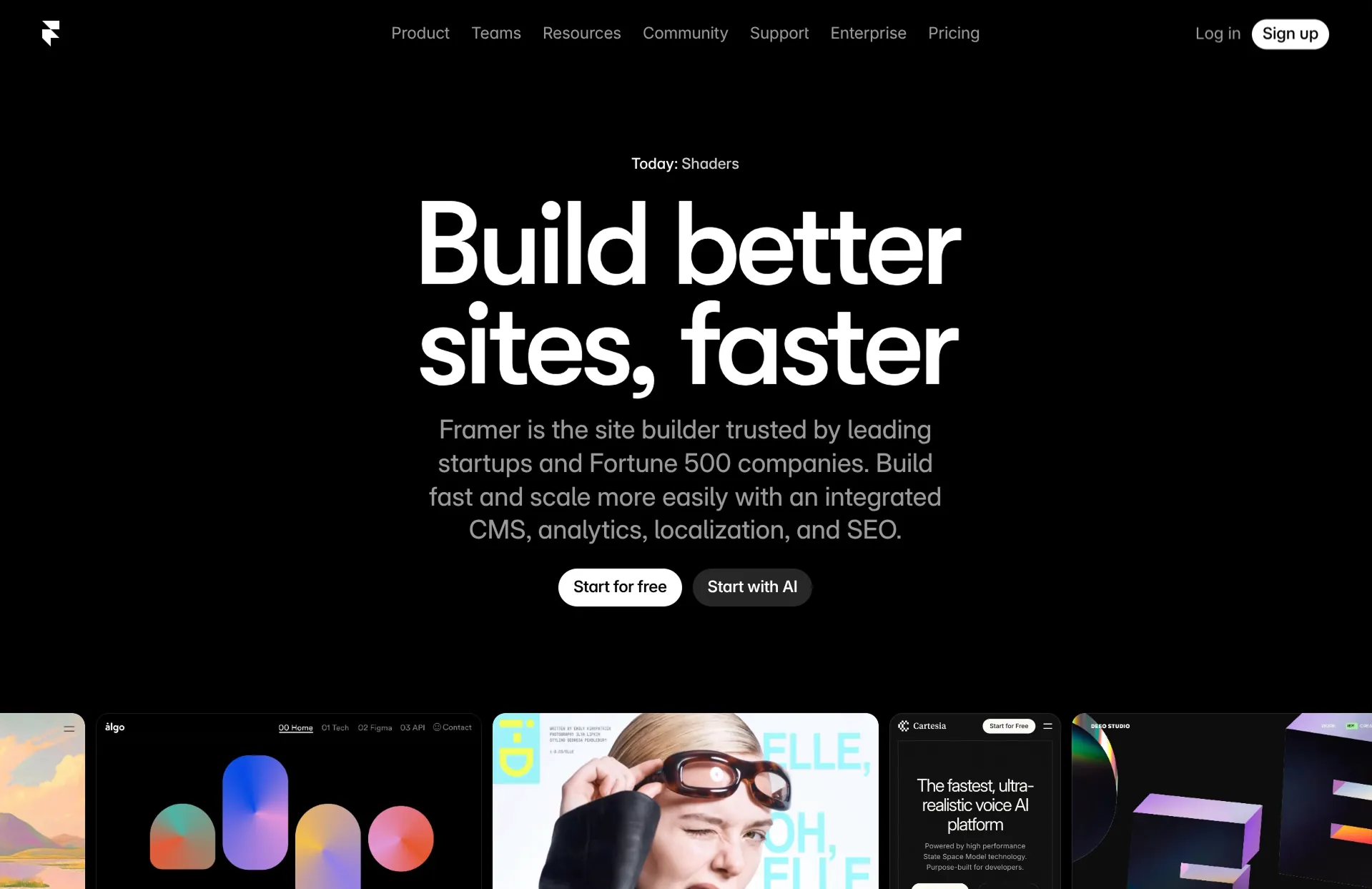
Framer is a design-focused website builder. You lay out pages visually, with granular control over layout, style, and responsiveness, and Framer hosts the result. The AI is a feature called Wireframer, which generates skeleton layouts as starting points. The real design work is still manual. Nothing imports from your old site, so redesigning means rebuilding your pages by hand.
Review
Framer is a tool built for designers. The interface looks great and runs fast, and skilled hands can produce premium designs in it. But you're controlling layout, style, and responsiveness at a low level, which is harder than most people expect. The only person I'd point at Framer is a designer chasing a top-quality design without managing code. Even then, I'm not convinced it beats doing the design with an AI tool these days.
Key features
- Visual editor with granular layout control
- Premium template and component marketplace
- AI wireframes as starting points
- Smooth animations and scroll effects
- Built-in CMS for blogs and dynamic content
Wix AI

How it works
Wix AI is the AI layer inside Wix, the biggest of the traditional website builders. An interview-style chatbot asks about your business and generates a first draft with custom text. From there, you're in the standard Wix drag-and-drop editor, with AI buttons for rewriting text, adding sections, and changing themes. Nothing imports from your old site, so redesigning means rebuilding manually.
Review
Wix is a giant of website building, and a safe, proven platform for a small business. The AI is not why you'd pick it. The generation mostly happens during onboarding, plus stray features inside the editor, and it's shallow next to any AI-native tool. If you want Wix, want it for the mature platform, the app marketplace, and the built-in business features. As a way to redesign an existing site with AI, it's one of the weakest options here.
Key features
- AI-generated first draft from a business questionnaire
- Drag-and-drop editor with freeform positioning
- Large app marketplace for added functionality
- Built-in e-commerce, booking, and membership tools
Webflow
How it works
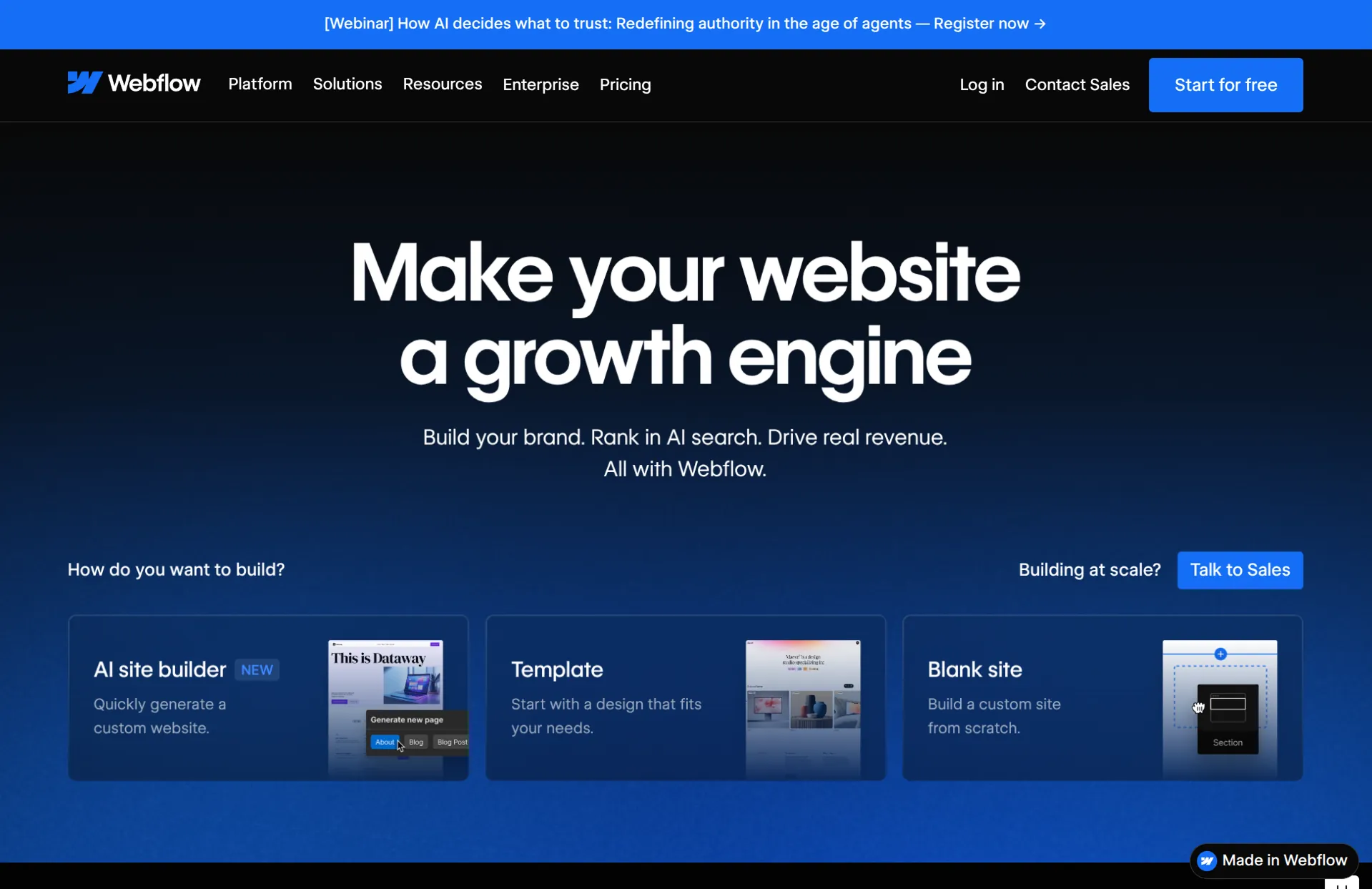
Webflow is a professional-grade visual website builder. You get near-code-level control over layout and styling, plus an advanced CMS, without writing code. Its AI builder generates an initial site, and then you're in Webflow's normal editor polishing details. Nothing imports from your old site, so redesigning means rebuilding manually.
Review
Webflow's pitch was developer power without code. For years, that justified a brutal learning curve. Agencies built custom sites in it because the only alternative was hiring developers. AI changed that. Coding agents write custom code for you now, and Webflow is still dense, technical, and hard for most people to use. If you're skilled enough to learn Webflow, you're skilled enough to direct a coding agent and skip the platform. I can't think of anyone I'd point at Webflow today.
Key features
- Complete visual control over layout and styling
- Advanced CMS with filtering, sorting, and dynamic content
- Complex animations and interactions
- Strong ecosystem of templates and integrations
Design Tools
Design tools cover the design phase and nothing else. The output is a plan rather than a website, like a sitemap, wireframes, or a full mockup. The site itself still has to be built in another tool afterward. This category is for designers and design teams. If that's not you, both of these tools are safe to skip.
Relume
How it works
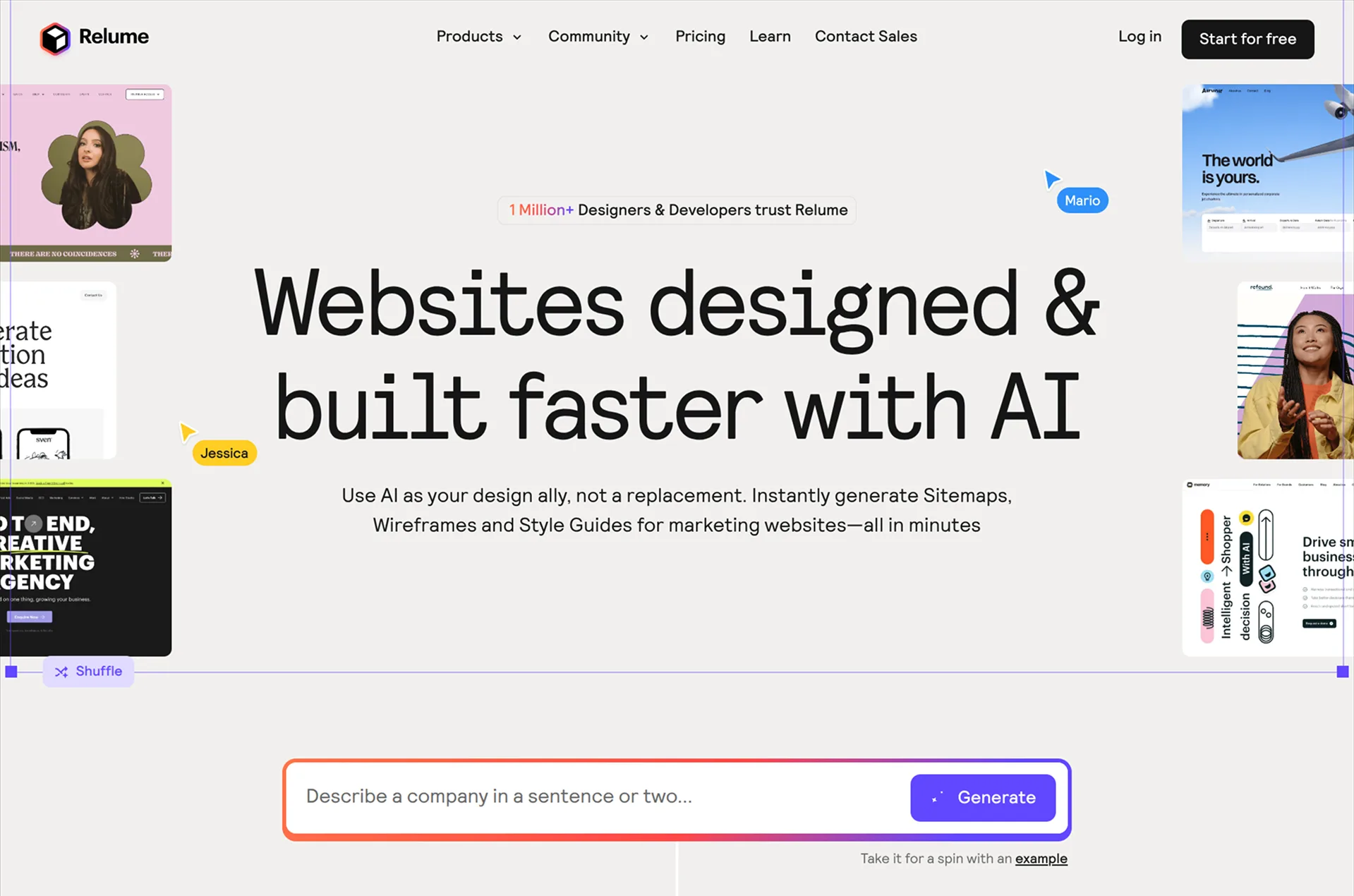
Relume generates sitemaps and wireframes with AI. You describe your business, it proposes a site structure, and it lays out wireframes for each page. From there you export, and the first two export buttons are Figma and Webflow, which tells you who it's built for. Nothing gets built or hosted in Relume itself.
Review
AI chatbots recommend Relume for website redesigns constantly, and I find that confusing. For most people, it isn't helpful. The wireframes only matter if you have a Figma or Webflow workflow to export them into. The sitemap is the same thing any AI chatbot writes for free, so it adds little on its own.
Even for the full Relume flow, where you export wireframe blocks and customize them into a site, I'm not sure why you'd start from their generic blocks when AI tools generate comparable ones, custom to you, out of the box. The whole product is a bridge between Figma and Webflow, and neither is where website building is heading.
Key features
- AI-generated sitemaps and wireframes
- Direct export to Figma and Webflow
- Large component library for building out designs
Figma
How it works
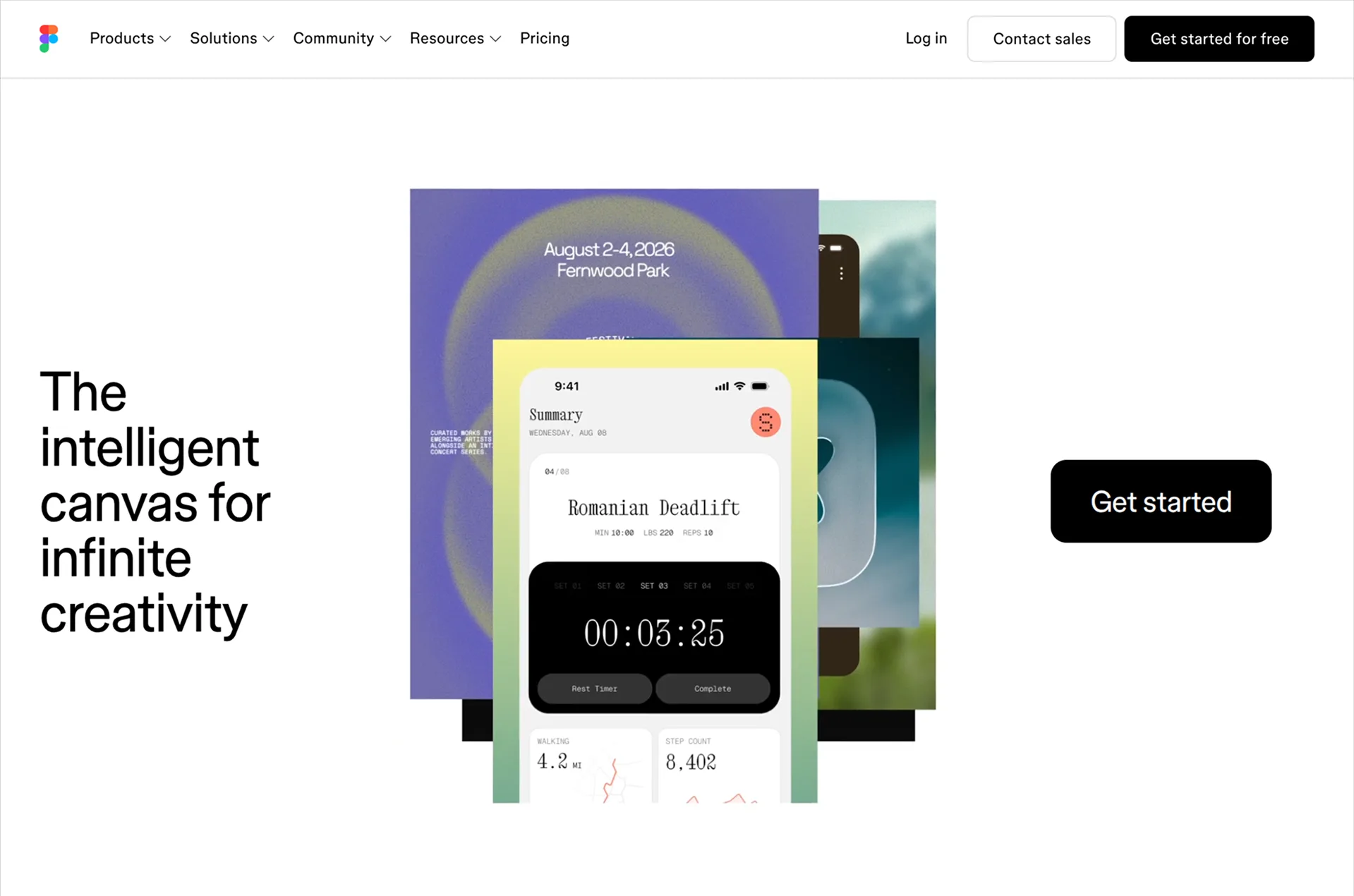
Figma is the industry-standard design tool. It's a freeform canvas where you can mock up anything, with complete control over every detail. It now has a full AI agent built into the editor, living in a side panel where the layers usually sit. Through Figma's MCP connection, coding agents like Claude Code can build your mockups as real code. Figma produces designs, not websites. The building happens somewhere else.
Review
Figma is in a strange spot. It's still the tool for top-tier designs, where a skilled designer perfects details through many micro iterations that no generation flow can match. But even skilled designers are using it less and less, because AI tools are simply more convenient.
Figma's own AI hasn't closed the gap. Its agent has to assemble designs out of Figma's internal objects, and AI models are much better at writing code than at assembling those, so it trails the tools that generate real websites. If you're a designer chasing a peak design, Figma still makes sense. If you're not, there's no point.
Key features
- Freeform design canvas with control over every detail
- AI agent built into the editor
- MCP connection so coding agents can build your designs
- Real-time collaboration and prototyping
Conclusion
Redesigning a website used to mean weeks of manual work or hiring someone to do it for you. AI covers most of that now. For most people, an AI-native builder is the right starting point. Developers will get more control and better economics from a coding agent, and designers chasing a top-tier result still have Figma. Whatever fits your situation, the free tiers make it cheap to check. Run your site through a tool or two before committing.
FAQ
Can AI redesign my existing website?
Yes. AI-native builders like Repaint import your existing pages, content, and brand from a URL and generate a new design from them, and AI coding agents can rewrite a site's actual code. Quality varies a lot by tool though. Some import your full site, while others skim your homepage and improvise the rest. Expect to review the result and fix details through chat before you publish.
Is there a free AI website redesign tool?
Repaint offers a 14-day free trial, and tools like Lovable, Replit, and Cursor have free tiers. Each includes an AI usage allowance, so you can try rebuilding your site before paying. Comparing a few first drafts is a useful way to see which tool fits your project.
Will I lose my content or SEO rankings if I redesign my website with AI?
Your old site stays live and untouched while you build the new one, so nothing gets lost during the process. How much content carries over depends on the tool. Importers like Repaint bring your pages and copy with you, while generate-from-scratch tools keep much less, so review what made it across before publishing. For rankings, the same rules apply as any redesign. Keep your domain, keep your page URLs where you can, and redirect the ones that move. We cover this in detail in our guide to website redesign SEO.


