
Clone any website and make it your own
Repaint is an AI website builder that clones existing websites. Paste a URL and get a copy you can customize and publish.

- Clone from any platform
- AI builds it for you
- Edit with AI chat
- Publish on your domain
Clone from a URL.
Repaint can take an existing site and recreate its content, style, and structure quickly.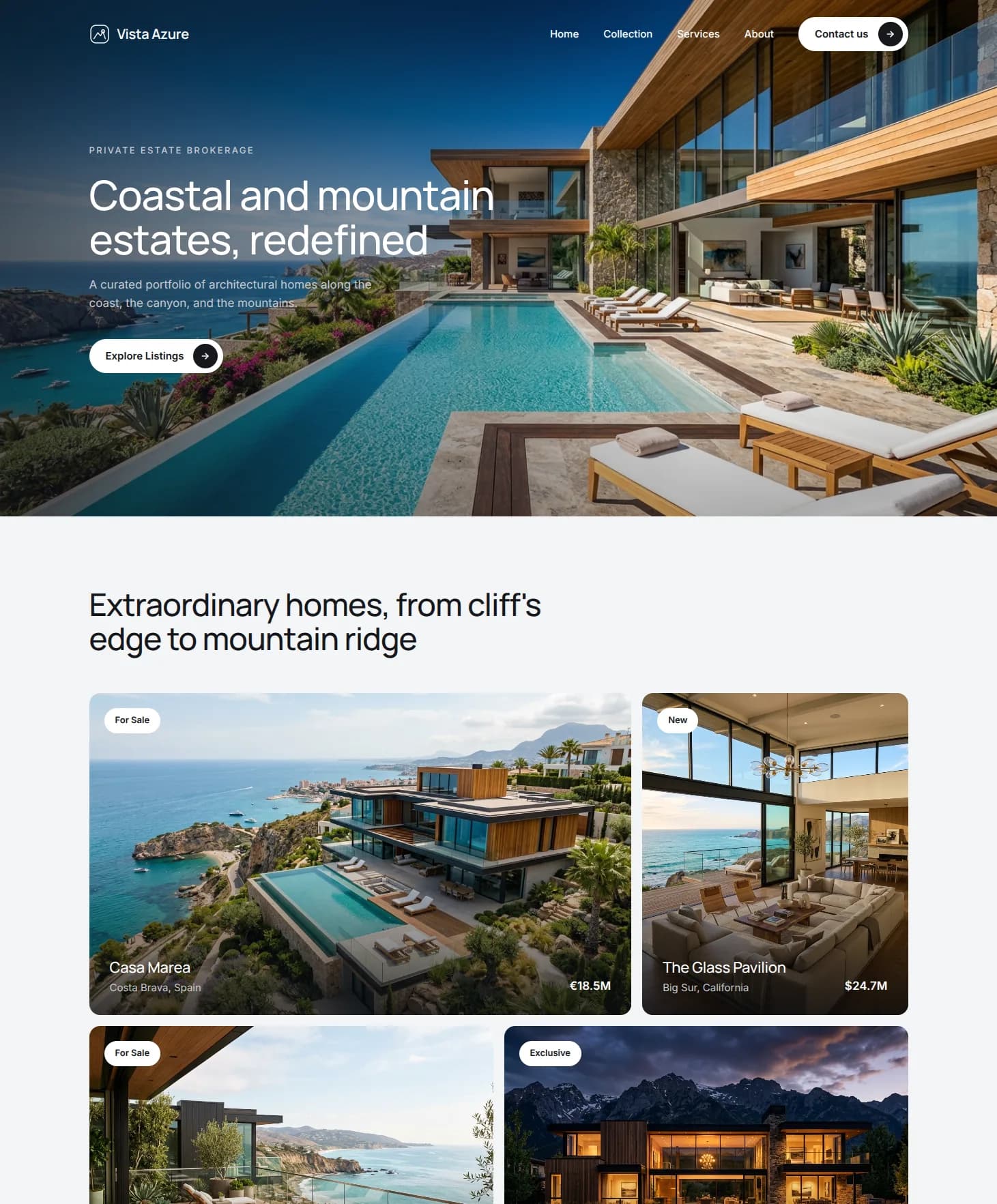
Edit anything with AI.
You can ask Repaint to edit anything on the cloned site, so you can make it your own.How to clone a website with AI
Enter the address of the site you want to clone and Repaint imports it.
It recreates the layout, style, and content as a new editable site in minutes.
Ask Repaint to adjust the colors, fonts, and layout, then update the text and images so everything matches your business.
Put your new site live with one click, hosted on Repaint.
Point your existing domain at the new site when you're ready. Your old site stays live until you switch.

Start from a design you like
Cloning gives you a finished site to build on instead of an empty canvas. Repaint recreates a design you already like and hands it to you fully editable, so you shape it into your own by adjusting what's already there. It's the difference between editing a draft and writing one from scratch.
Clone a site built on anything
It doesn't matter what the original runs on. Repaint reads the live site the way a browser does, so it can clone a page built on WordPress, Wix, Squarespace, Webflow, Framer, or hand-written code all the same. If the site is online and public, you can clone it.
Get the whole site at once
Paste a single URL and Repaint brings over the entire site. It follows the navigation, recreates every page, and keeps the structure and layout intact, so you get a complete, working site to edit rather than one lonely page. There's nothing to stitch together afterward.
Move your own site onto Repaint
If your site is stuck on a platform you've outgrown, cloning is the easiest way off it. Repaint recreates your site as it is and hosts it, so you keep everything you built and manage it by chatting with AI from then on. Switching is as simple as pasting your own URL.
FAQ
There are two main reasons to clone a website. The first is to start from a site you like and customize it into your own, using its layout and structure as a head start instead of designing from a blank page. The second is to take a website you already own and move it onto Repaint exactly as it is, so you can host it and edit it with AI.
What you shouldn't use it for is impersonating someone else or republishing content and assets you don't have the rights to. A clone is a starting point you make your own, not a license to copy another site's text, images, or branding wholesale.
Yes, cloning a website is legal. What matters is what you publish. You can only put a site live with content you have the rights to use: your own material, anything you've licensed, or content you create or replace. You can't use Repaint to impersonate a person or business, or to pass off someone else's text, images, or branding as your own.
The simplest way to think about it is that a clone is a starting point you make your own, not a finished copy of someone else's site. As long as you have the right to publish what you end up with, you're fine.
We follow standard copyright safe harbor practices and respond to valid takedown requests. We also reserve the right to suspend accounts and take down sites used to impersonate others, infringe copyright, or otherwise misuse Repaint.
Repaint clones a website by reading the original and rebuilding it as a new site. When you paste a URL, Repaint crawls the pages, reads the content, downloads the images, and takes screenshots to understand the design and layout. It uses all of that as source material to recreate the site.
The goal is to match the original as faithfully as it can, so you get a new, editable site that closely resembles what you started with. From there, you can customize anything you want by chatting with Repaint.
Usually close enough to be immediately recognizable as the original, but not pixel-perfect. Repaint rebuilds the site by studying screenshots and content, so the overall design, layout, and structure come through clearly, while smaller details can differ.
Some things are genuinely hard to reproduce exactly: animations, precise responsive behavior at every screen size, and anything that runs on the backend. Simple sites can come out remarkably close, but there are almost always a few things to clean up afterward.
Anything that's off, you can fix by asking Repaint in plain language.
No. Repaint clones a website the same way a visitor sees it, by reading the live site directly. You don't need its code, its files, or any login details, and there's nothing to install or export.
The one limit is that Repaint can only reach pages that are publicly visible. Anything behind a login or password isn't accessible, so it can't be cloned.
Yes. Repaint can clone websites built on any platform, including WordPress, Wix, Squarespace, Webflow, Framer, and GoDaddy, as well as fully custom-coded sites. Because Repaint reads your live website directly, the platform it was built on doesn't matter. If the site is online and public, Repaint can clone it.
Repaint recreates how a website looks, not what it does behind the scenes. It clones everything a visitor can see, like your pages, text, images, navigation, and design, but the functionality running underneath doesn't come with it. Databases, user accounts, checkouts, and custom server logic all stay behind.
Some front-end details, like animations, forms, and embeds, may not carry over perfectly on the first pass, but you can recreate them inside Repaint. And because Repaint only reads what's public, it can't reach pages hidden behind a login.
Yes. Cloning is a great way to move a site you own onto Repaint as it is. Repaint recreates your existing site as closely as it can, then hosts it so you can edit it by chatting with AI.
If you want a fresh design rather than an exact recreation, try Repaint's website redesign tool instead.
You edit your cloned site by chatting with AI, the same way you'd manage any Repaint site. Describe what you want in plain language and Repaint makes the change, whether that's swapping in your own text and images, adjusting the design, or adding new pages.
This is also where you replace anything you don't have the rights to use. Ask Repaint to drop in your own copy, photos, and branding, and the site becomes genuinely yours. For small, precise edits like fixing a typo, you can also make changes by hand.
Cloning a website with Repaint is free. You can clone a site, edit it, and publish it on a Repaint subdomain without paying anything or entering a credit card. Simple sites fit entirely within the free plan.
Plus is $20/month billed annually, or $25 month-to-month. It adds a custom domain, a much larger editing limit, and removes Repaint branding. Usage limits reset weekly and apply across all your sites. The free tier is sized for trying Repaint and building simple sites, while Plus covers most full business sites.


