
Best AI Website Builders With Online Booking in 2026
A breakdown of the AI website builders that can take appointments in 2026, including how each one handles booking, what it costs, and how to pick the right one.

Introduction
Most website builders can take bookings now, and almost all of them say they use AI. On paper, that makes them sound interchangeable. In practice, they work very differently once you start setting up a business that runs on appointments.
Some build a working booking system from a single description of your business. Others build a nice-looking website and leave the booking setup to you. In this post, I'll go through how each one handles booking, what it costs, and which ones are worth your time.
Types of Booking Builders
The builders here split into two groups. The difference is how much of the work the AI keeps doing once your site exists.
AI-native builders
Repaint, Lovable, and GoDaddy's Airo are built around a chat. The AI builds your website and the booking system behind it, and you make changes later by asking. Since the AI writes the booking system itself, it can handle setups a standard booking app can't.
Traditional website builders
Wix, Squarespace, Hostinger, Durable, and Square are template-based builders, and most have added AI on top. The AI writes your first draft, but you set up booking yourself in a separate dashboard. Their AI assistants can explain those settings, but they usually can't change them.
Our Picks
Prices are the lowest plan that can take online bookings, billed annually where that's an option.
| Tool | Best For | Free Option | Price |
|---|---|---|---|
 Repaint | Best overall. Its AI builds booking that fits how your business works, and you can run all of it from the same chat. | 14-day trial | $25/mo |
 Lovable | A custom booking flow. It builds booking from a description and sets up a Stripe account for your deposits. | Free plan | $25/mo |
 GoDaddy | A quick AI-built booking page. Airo builds a services page, a booking calendar, and a deposit step from one description. | Free plan | $24.99/mo |
 Wix | Businesses already on Wix. Wix Bookings handles appointments, classes, and deposits. | Free plan | $29/mo |
 Squarespace | Design-focused studios. Polished sites, with Acuity Scheduling for classes and packages. | 14-day trial | Site plan + $16/mo |
 Hostinger | The lowest cost. A simple appointment calendar that comes with its hosting plans. | 7-day trial | Hosting plan + store add-on |
 Durable | Simple one-on-one appointments. A fast way to get a basic site with booking online. | Free plan | $22/mo |
 Square | A free booking plan. Square Appointments' free plan includes deposits and text reminders. | Free plan | $0 |
AI-Native Builders
With an AI-native builder, you set up your whole site, booking included, by chatting. The AI writes the booking system itself rather than filling in the settings of a booking app, so it can follow the way your business actually takes appointments. When something needs to change later, you ask, and the AI makes the change.
This is the group I'd recommend starting with for a new service business. You get a working booking system much faster than with a traditional builder, and it stays easy to change as your business grows. The main differences between these tools are where your payments live and how much technical detail they show you.
Repaint
How it works
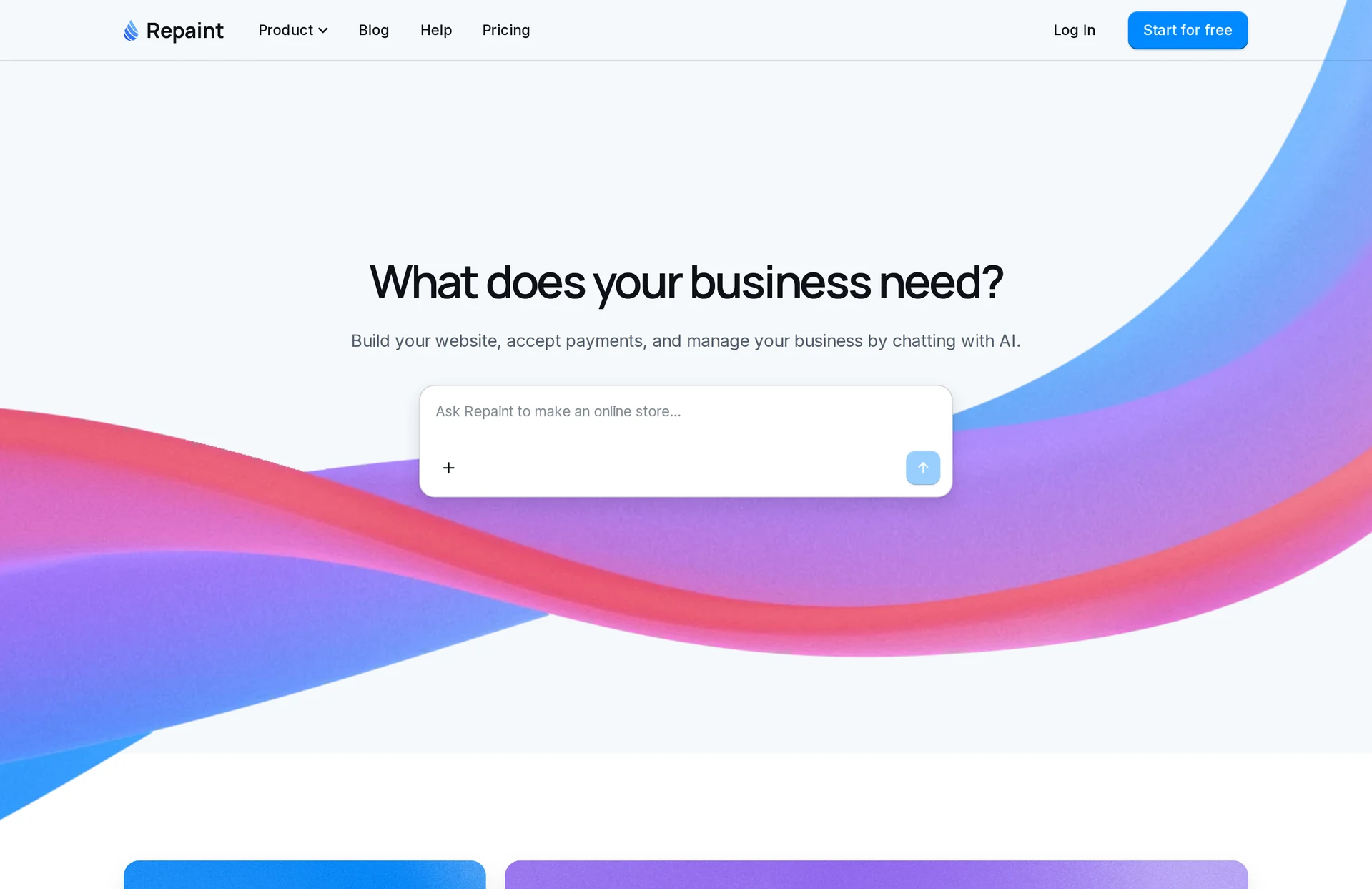
Repaint is an AI builder for business websites and apps. Using it feels a lot like using ChatGPT. You describe what you need, and Repaint plans it with you before building. Booking, payments, customer accounts, and email are all built in.
Review
Repaint is the AI-native builder I'd recommend for most service businesses. You describe how your bookings work, and it builds the whole system around that, from the booking page to deposits and reminder emails. Because the AI writes the booking system instead of filling in a template, it isn't limited to the options a typical booking app gives you.
Running your business afterward is where it stands out. Your bookings, customers, and payments all live in Repaint, so the AI can work with them directly. You can check upcoming appointments, change your schedule, or handle a refund in the same chat you used to build the site. Repaint can also build private dashboards for managing your bookings, separate from your public site.
Payments are built in, so there's no Stripe account or separate booking app to connect, and turning them on only takes your business and bank details. If you already have a website, Repaint can import it, so you can add booking without starting over.
Key features
- Booking built from a description
- Booking rules that fit your business
- Deposits with no separate payment account
- Reminder emails
- Bookings managed by chat and private dashboards
- Imports your existing website
Lovable
How it works
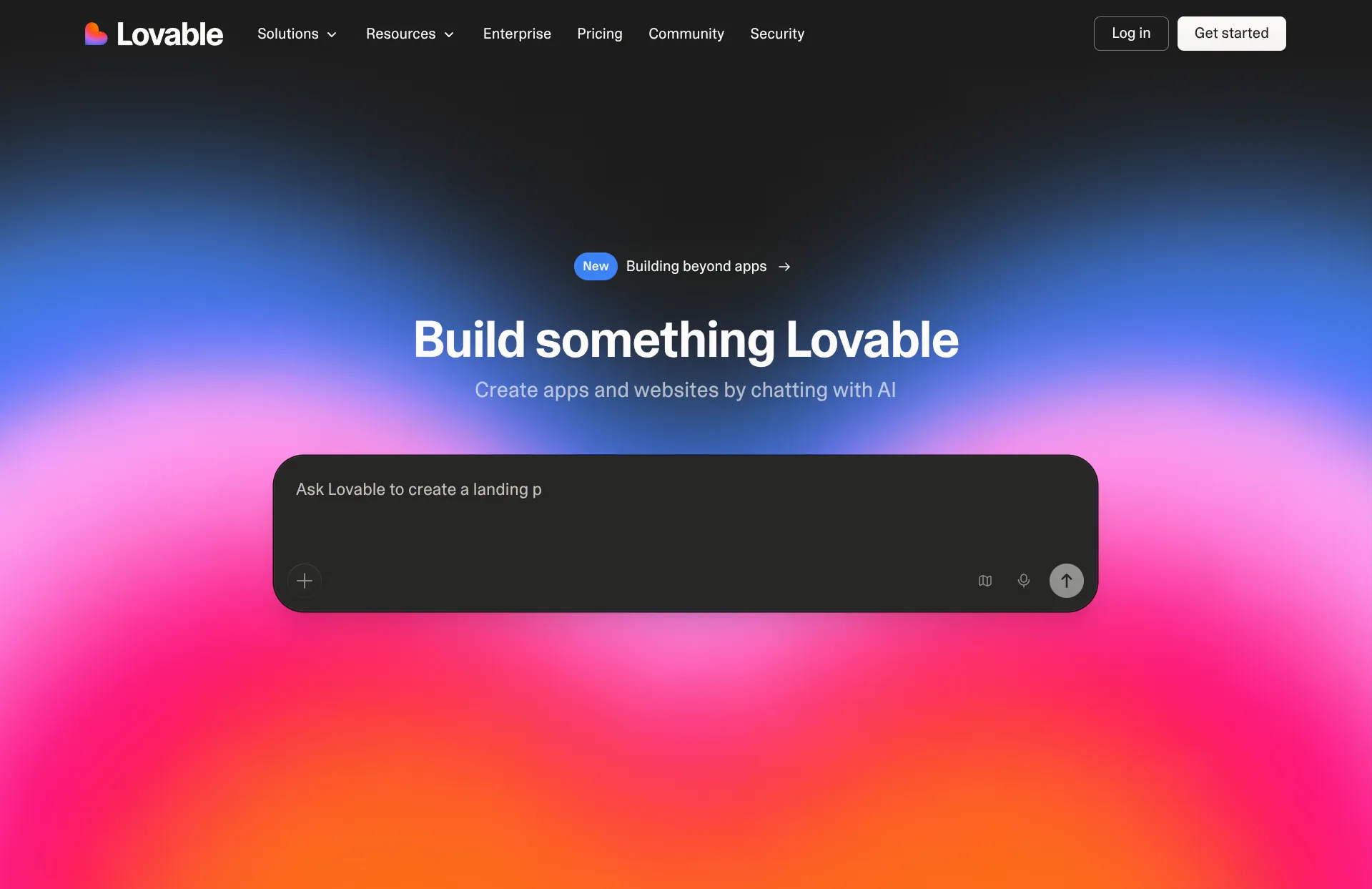
Lovable is an AI app builder that creates custom web apps from a description. It doesn't come with a booking feature, so it builds one for you, along with a database that stores your bookings. For deposits, it sets up a Stripe account for you, which you manage in Stripe's dashboard.
Review
Lovable is a good fit if you want a booking flow built exactly your way and don't mind a more technical tool. Like Repaint, it writes the booking system itself, so it can handle setups a standard booking app can't, and you make changes by chatting.
The main difference is where your payments live. Deposits go through a Stripe account Lovable sets up for you, so payouts and payment settings are handled in Stripe's dashboard rather than in Lovable. Lovable also puts more of the technical side in front of you, like its code view and database.
Key features
- Custom booking page built from a description
- Changes by chatting
- Bookings saved to its own database
- Deposits through a Stripe account it sets up for you
- Code view and GitHub sync
GoDaddy
How it works
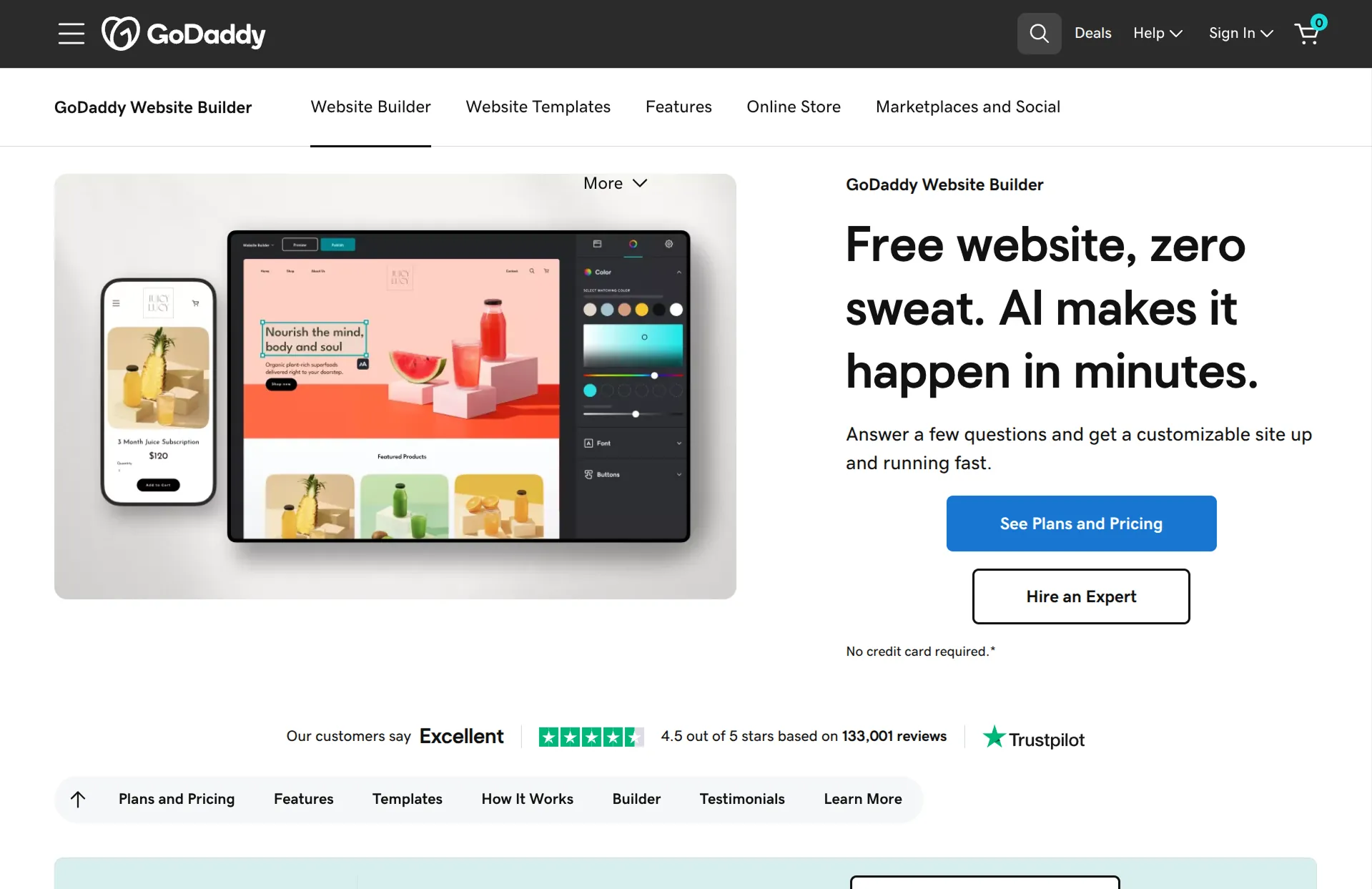
Airo is GoDaddy's newer AI builder, and it works more like Lovable than like GoDaddy's older website builder. When you describe an appointment business, it builds a services page, a booking calendar, and a deposit step at checkout. Every change is made by chatting and uses monthly AI credits. Taking bookings needs the Professional plan.
Review
Airo is a quick way to get a booking page from a single description, and the sites it builds look close to finished. It's a big step up from GoDaddy's older builder, and deposits run through GoDaddy Payments or Stripe.
Its AI credits are the main limit. Every change uses credits, and building and adjusting a full booking site can use most of the free plan's monthly allowance, so you may need a paid plan sooner than you'd expect. It's also worth reviewing the site before you publish, since Airo fills in placeholder details like contact info and testimonials.
Key features
- Booking page built from a description
- Deposits through GoDaddy Payments or Stripe
- Changes by chatting
- 50 free AI credits a month, with more on paid plans
Traditional Website Builders
Traditional website builders were built around templates and drag-and-drop editors long before AI, and most have added AI features on top. The AI can write a first draft of your site, but booking runs on a separate booking app. You set up your services, hours, and deposits in its dashboard, and the AI can't add anything that app doesn't already support.
These builders still make sense in a few cases, like if your site already runs on one of them or you want Square's free booking plan. For a new business setting up booking from scratch, an AI-native builder will get you there faster and with much less setup.
Wix
How it works
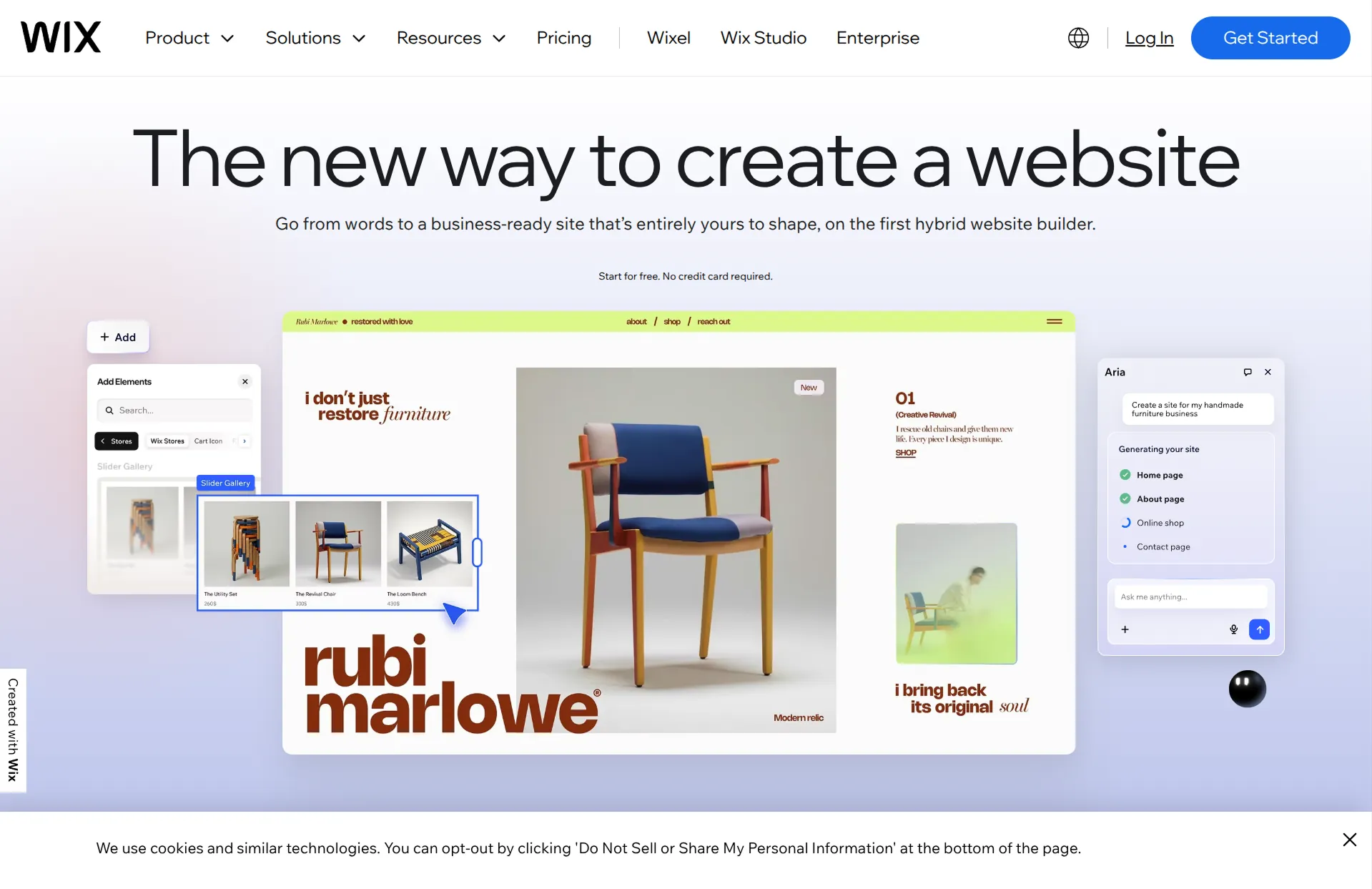
Wix's AI builder creates a website from a chat and adds the Wix Bookings app when you mention appointments. It can suggest services, but you set up deposits, hours, and payment rules yourself in the Wix dashboard. Taking bookings needs the Core plan or higher.
Review
Wix is a reasonable choice if your site is already on Wix. Wix Bookings handles appointments and classes, takes deposits, and can send text reminders on paid plans.
Its AI only gets you partway there. It adds the booking app and suggests services, but you set up the details yourself in the dashboard, and the suggestions don't always match what you asked for. Wix's AI assistant can change a few settings, but for most of them it walks you through the steps instead. It's also worth reading the site it writes before you publish, since it can mention features you haven't set up yet.
Key features
- Appointments and classes
- Deposits with the rest paid in person
- Email and text reminders
- AI assistant that can change some settings
- Google Calendar sync on paid plans
Squarespace
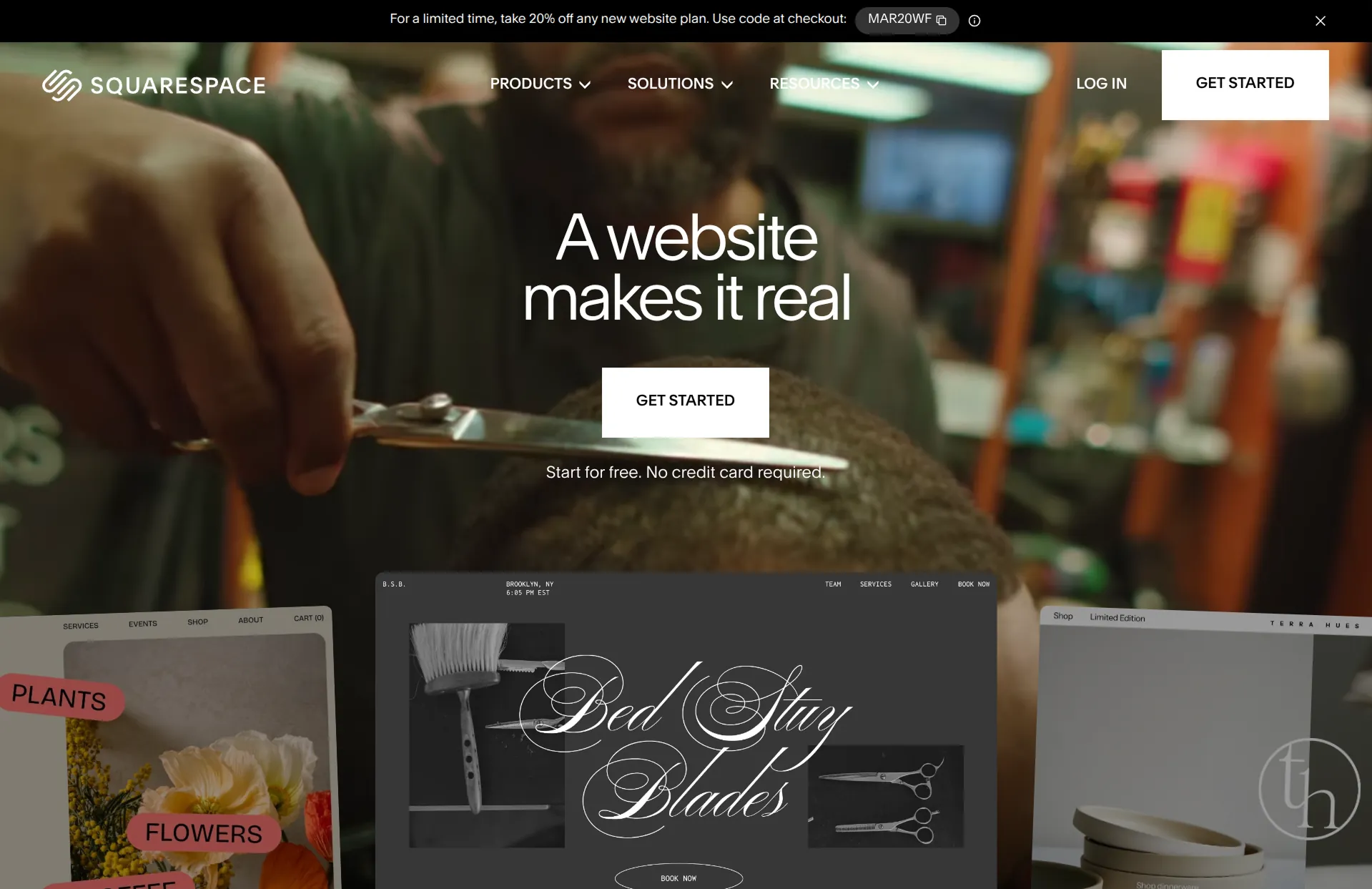
How it works
Squarespace handles booking through Acuity Scheduling, which it owns. Its AI builder, Blueprint, walks you through a few choices about your site and can add a booking page. You set up your services, hours, and payments in Acuity, which is a separate subscription on top of your website plan.
Review
Squarespace is a good fit for studios and salons that care most about design. Its sites look polished, and Acuity is a capable booking tool with deposits, packages, and classes.
None of Squarespace's AI helps with the booking side, though. Its AI tools are for design and writing, so you set up your services, hours, and payments yourself in Acuity. Acuity is also a second subscription, starting at $16 a month billed yearly, with text reminders on its $27 Standard plan.
Key features
- Polished website designs
- Acuity Scheduling with deposits, packages, and classes
- Text reminders on Acuity's Standard plan
- Google, iCloud, and Outlook calendar sync
- Payments through Stripe, Square, or PayPal
Hostinger
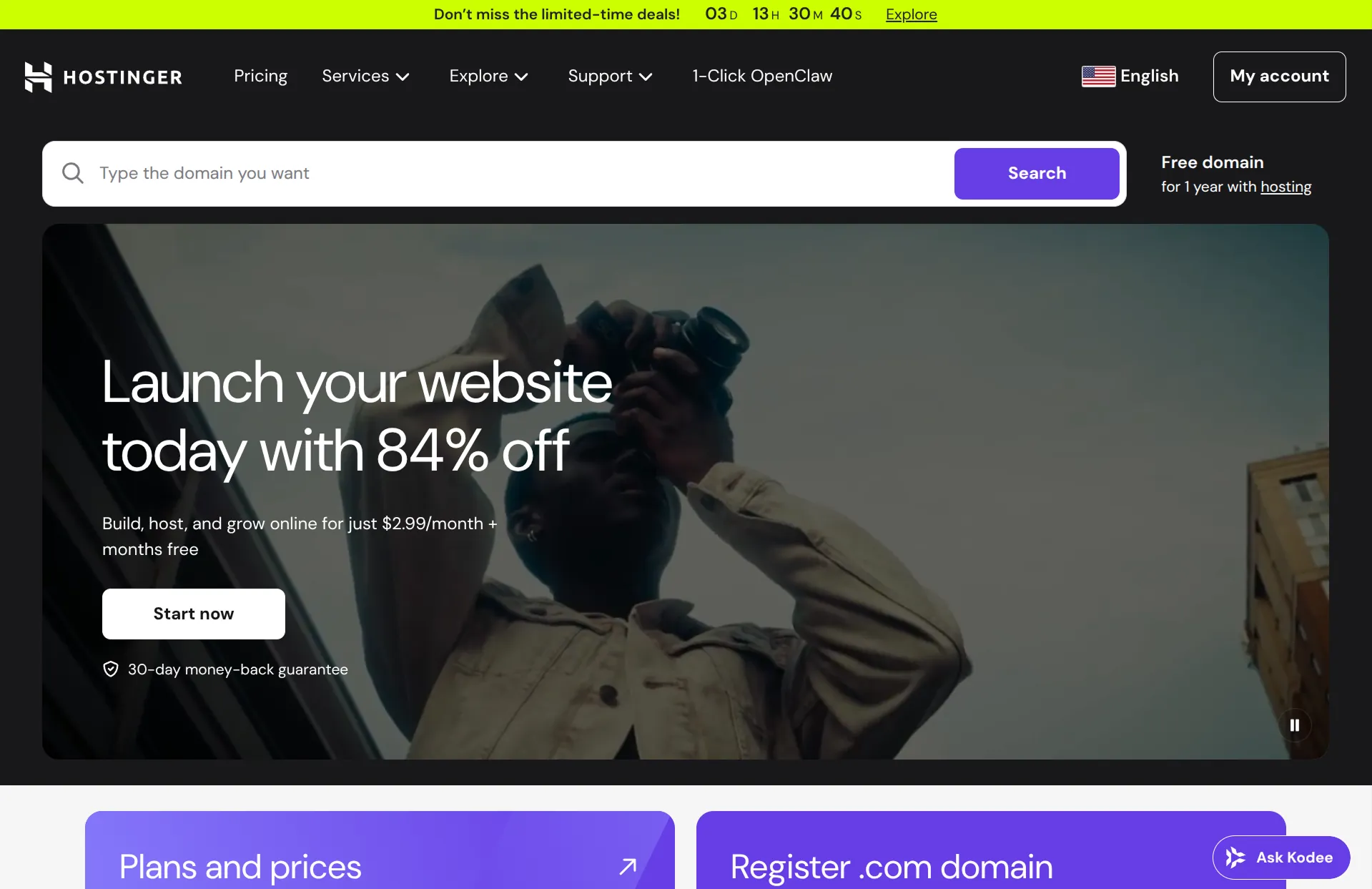
How it works
Hostinger's AI Website Builder comes with its hosting plans. In its newer chat mode, Hostinger says the AI can build your booking page along with the rest of your site. Booking runs on the appointment feature in Hostinger's online store, which needs the Ecommerce add-on and your own Stripe or PayPal account to take payments.
Review
Hostinger is the cheapest option here, and a fine choice for simple one-on-one appointments. Customers get a confirmation email with links to cancel or reschedule, and bookings sync with Google Calendar.
The store feature its booking runs on is limiting, though. Prices have to be a fixed amount, so there are no deposits, and there are no reminders beyond the confirmation email. The Ecommerce add-on also goes up in price after its introductory period.
Key features
- Booking page built from a description
- Google Calendar sync
- Confirmation emails with cancel and reschedule links
- Payments through Stripe or PayPal
- Low introductory hosting prices
Durable
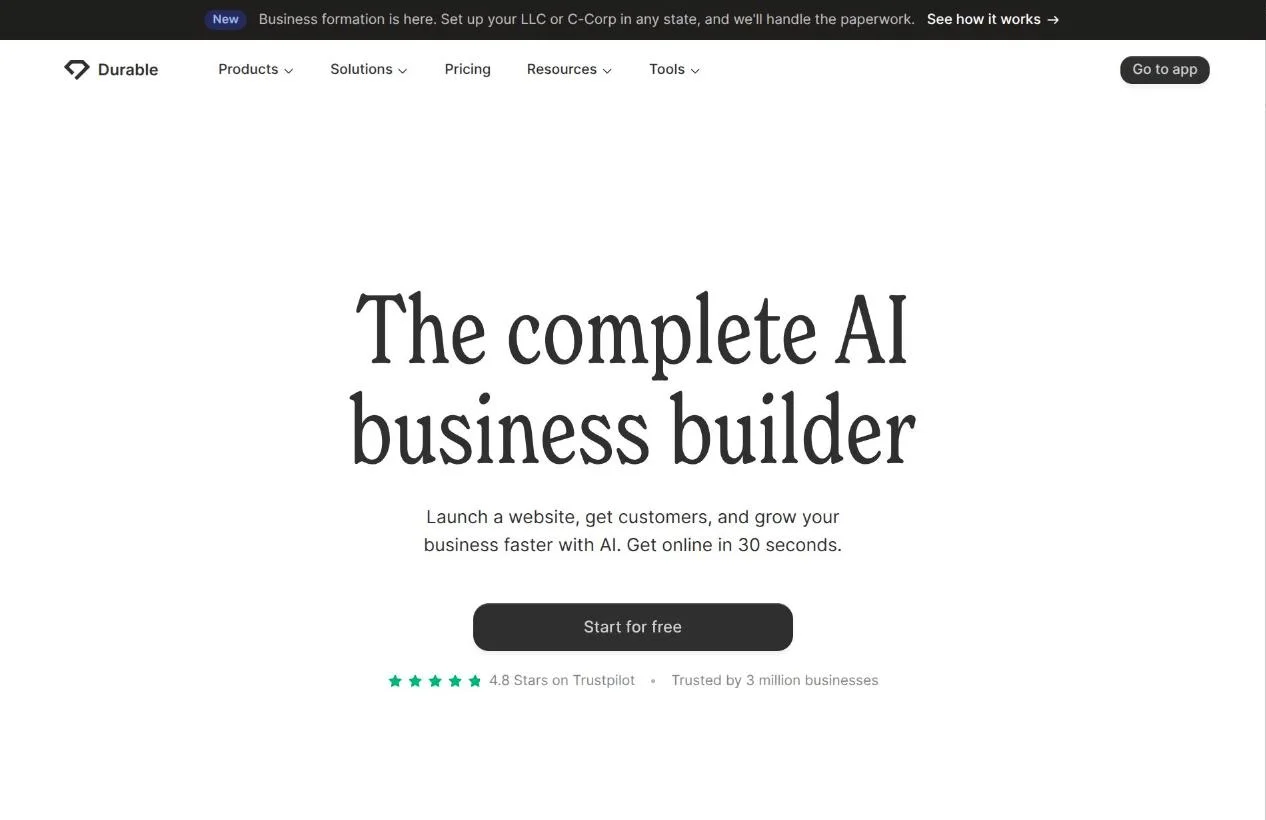
How it works
Durable builds a simple business website from a few questions in a few minutes. Booking is a separate feature that you set up through a short wizard. Durable has an AI assistant, but it explains how to change your booking settings rather than changing them. Publishing your site and taking payments both need a paid plan.
Review
Durable is one of the fastest ways to get a basic business site online, and its booking works well for simple one-on-one appointments. It supports deposits and syncs with Google Calendar.
Its AI focuses on the website, though. It writes your pages and adds booking buttons, but you set up your services and payment rules yourself. Durable also doesn't support classes or customer accounts, and it doesn't have reminder settings.
Key features
- Fast AI website generation
- One-on-one appointment booking
- Deposits or full prepayment
- Google Calendar sync
Square
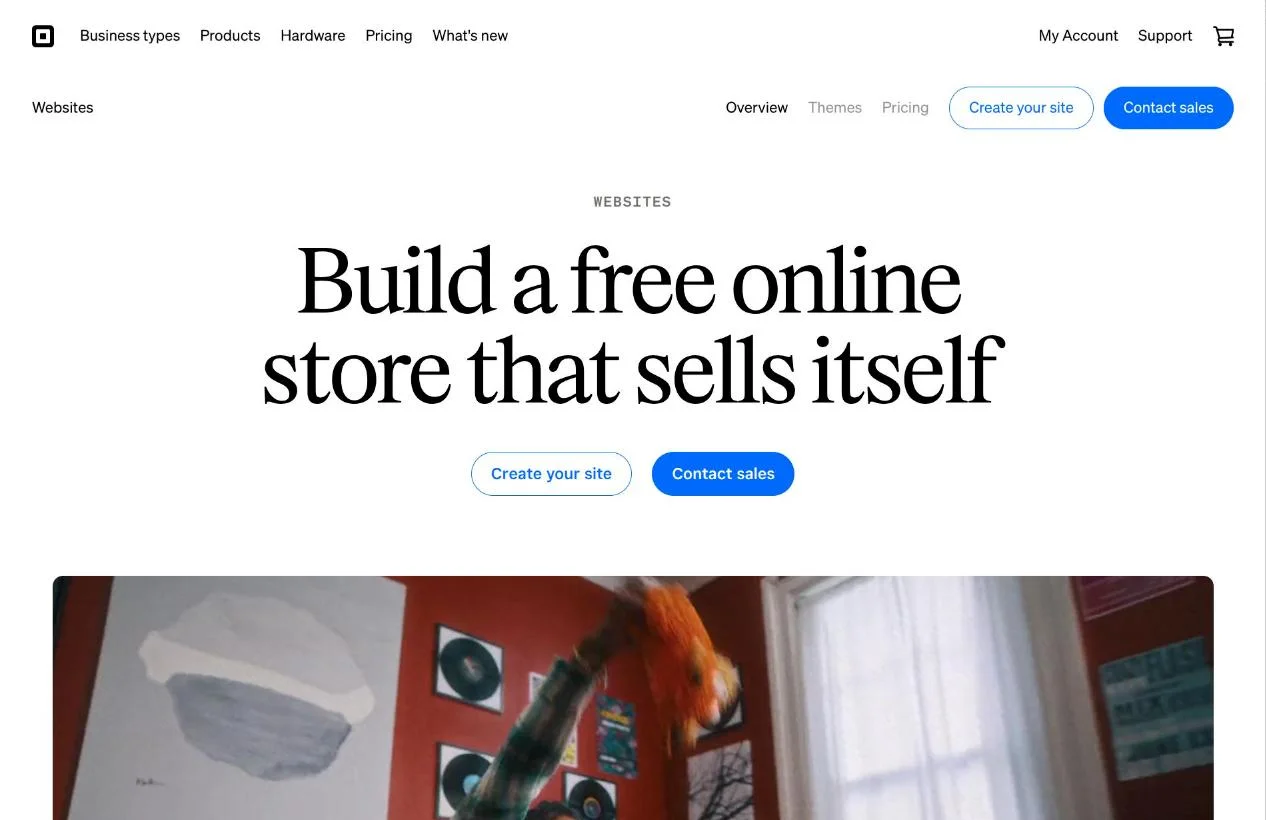
How it works
Square Online is Square's website builder, and Square Appointments is its booking system. Square Online has no AI builder, so you start from a template and turn on booking from your Square dashboard. Payments run through Square once you verify your business.
Review
Square has the most generous free booking plan. It includes deposits, text reminders, and classes, which most other builders charge for, and it's an easy fit if you already use Square to take payments in person.
The tradeoff is that you do all the setup yourself, and the free website is basic. Custom themes and customer accounts need the $49 Plus plan, and the free plan charges a higher online card rate of 3.3% + 30¢.
Key features
- Free online booking with deposits
- Email and text reminders
- Classes and one-on-one appointments
- Payments online and in person
Conclusion
Almost every builder here says it uses AI, but they don't save you the same amount of work. The AI-native builders set up booking for you and keep handling changes after launch. The traditional builders use AI for the first draft, then leave you to set up a booking app yourself.
Repaint is the best place to start. It builds booking, payments, and reminder emails from a description, and you can run your bookings from the same chat. Lovable and GoDaddy's Airo also build booking for you, though Lovable runs payments through a separate Stripe account and Airo's AI credits run out quickly. If you'd rather set things up yourself, Wix and Squarespace are established options, and Square has the best free plan.
Most of these tools have a free plan or trial, so it's easy to try a couple before you commit.
FAQ
What is the best AI website builder with online booking?
Repaint is the best AI website builder with online booking for most service businesses. You describe how your bookings work, and it builds the booking page, deposits, and reminder emails for you. Afterward, you manage your bookings in the same chat. Lovable and GoDaddy's Airo are the strongest alternatives.
Can AI build a booking website for me?
Yes. AI-native builders like Repaint build a working booking system from a description of your business, including your services, hours, and deposits. Traditional website builders like Wix use AI to draft your site, but you set up booking yourself in a dashboard.
Can AI manage my bookings after the site is built?
Yes, on AI-native builders. In Repaint, your bookings live in the same place as your site, so you can check upcoming appointments, change your schedule, or handle a refund just by asking. On traditional builders, the AI mostly points you to the right settings page, and you make the change yourself.
Can an AI website builder handle classes, packages, or intake forms?
Yes. Since Repaint writes the booking system for your business, it can build classes, packages, or intake forms around how you work. Traditional booking apps like Wix Bookings and Acuity support classes and packages too, but only within the options they offer.
Which website builders let you take deposits for appointments?
Most of them do. Repaint, Wix, GoDaddy, Square, and Acuity all let you take a deposit when someone books, and Lovable can set one up through Stripe. Hostinger is the main exception, since its appointments have to be paid in full.
Is there a free website builder with online booking?
Square Appointments has the best free booking plan, with deposits and reminders included, though its website builder doesn't use AI. Most AI builders have a free plan or trial for building your site, but taking bookings needs a paid plan. Repaint includes every feature in its 14-day free trial.


