
Best AI Website Builders for Small Business in 2026
For most small businesses, our pick is Repaint. It's easier than Wix, since its AI makes any change you describe, from a new page to an online store. Here's how Wix, Squarespace and others compare.

Introduction
Website builders became popular with small businesses for one reason. They made it possible to put a professional website online without hiring anyone or learning to code. Wix and Squarespace won by making that easier than anything before them, with templates, drag-and-drop editors, and hosting all in one place.
AI has changed what easy means. Talking to an AI is easier than learning any editor, and the best AI builders now let you build and change your whole site that way. Almost every website builder says it uses AI now, but they use it very differently. In this post, I'll go through which builders actually make running a small business website easier, what they cost, and how to pick the right one.
The biggest difference between them is what the AI does after your first draft. In Repaint, you keep building and changing your site by describing what you want. Most of the others, including Wix and Squarespace, use AI to write a first draft or a paragraph, then send you back to their editor for every change after that.
Our Picks
Prices are the lowest plan you can publish a business site on with your own domain, billed annually where that's an option.
| Tool | Best For | Free Option | Price |
|---|---|---|---|
 Repaint | Best overall. You build and change your whole site by describing what you want, and it can import your current site from its URL. | 14-day trial | $25/mo |
 Wix | An all-in-one builder. It has built-in stores, booking, and memberships, plus an app for almost everything else. | Free plan | $17/mo |
 Squarespace | Polished, design-focused sites. Its templates make it hard to build a site that looks bad. | 14-day trial | $19/mo |
 Shopify | Stores built around a product catalog. Its inventory, shipping, and checkout tools are the most complete. | Free trial | $29/mo |
 Hostinger | The lowest starting price. It bundles an AI website builder with its hosting. | Free trial | $1.99/mo* |
 Durable | The fastest way to get online. It builds a business site from a few questions in minutes. | Free plan | $22/mo |
 GoDaddy | A fast start from one description. Airo builds a polished site in minutes, with domains and email in one place. | Free plan | $9.99/mo |
 WordPress.com | Blogs and content-heavy sites. It has a theme or plugin for almost anything. | Free plan | $4/mo |
 Square Online | Businesses that already use Square. Its free site connects to Square's in-person payments. | Free plan | $49/mo |
*Hostinger's price is an introductory rate on a multi-year plan, and it renews higher.
How to Choose
For most small businesses, the right builder is the one you'll actually keep using. A website that's easy to build but hard to change ends up out of date within a few months. These are the questions I'd ask first.
Who will update the site?
If it's you, ease of editing matters more than anything else on this list. With an AI-native builder, an update is a sentence, like "add our new location" or "put the summer menu on the home page." With a traditional builder, it's a session in the editor, and someone has to remember how it works.
What does the site need to do?
Most small business sites need a few pages, a contact form, and a way to be found on Google, and every builder here handles that. If you sell something, look closer. Shopify is built for a catalog of products with inventory and shipping. Repaint can build custom ways to sell, like order forms, gift cards, or event entries, with payments built in. Square makes sense if you also sell in person.
What will it really cost?
Compare the plan you'll actually need, not the starting price. Several builders charge more to connect your own domain, sell online, or remove their branding, and introductory prices like Hostinger's renew higher. Card fees and app subscriptions add up too.
Do you already have a website?
If you do, check how much of it each builder can bring over. Repaint imports your current site from its URL, with your pages, text, and images. Most traditional builders start you from a new template, so you copy your content over by hand.
Repaint
How it works
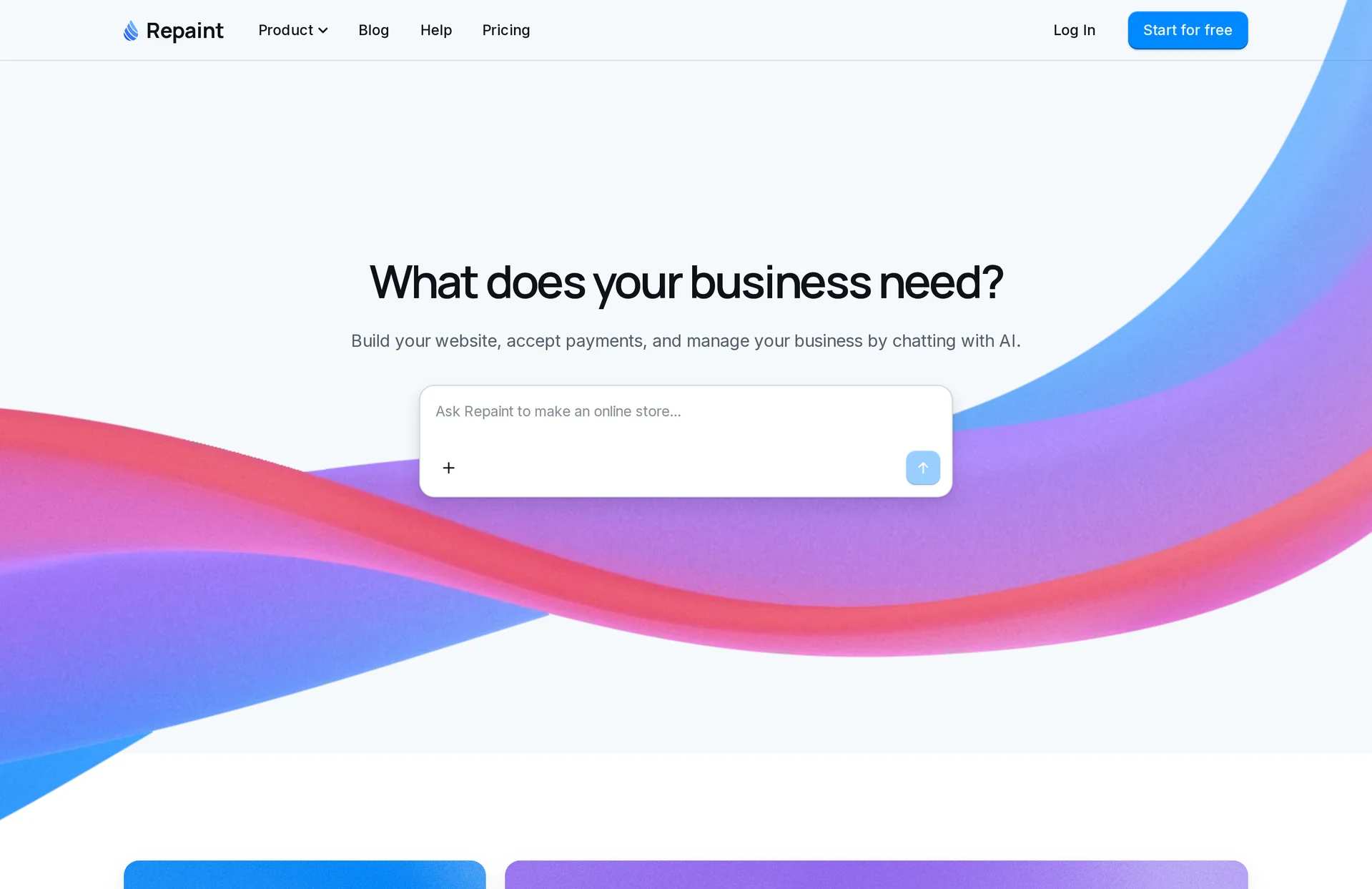
Repaint is an AI website builder for small businesses. Using it feels a lot like using ChatGPT. You describe what you need, Repaint plans it with you, and then it builds the site. You can also start from your current website, since Repaint can import it from its URL. Hosting, payments, and email are built in.
Review
Repaint is the easiest website builder here to use, and the one I'd recommend for most small businesses. Every change works the same way. You describe it, and Repaint makes it, whether that's fixing a phone number, adding a page, or redesigning the whole site. It handles the details people usually get stuck on, like how a section looks on a phone, so you never have to learn an editor.
It also goes well beyond what a template can do. Because the AI writes your site instead of filling in a template, it can build custom features you'd otherwise need an app or a developer for, like an order form for custom products, gift cards, or entries for an event. Payments are built in, so selling only takes your business and bank details, with no separate payment account to set up. Repaint can also send emails for you, like order confirmations, and build private pages for managing what comes in.
If you already have a website, Repaint is the easiest way to switch. It reads your live site and rebuilds your pages, text, and images, so you don't start over. There's a 14-day free trial, and plans start at $25 a month.
Key features
- Build and change your whole site by chatting
- Custom features built from a description
- Imports your current website from its URL
- Payments with no separate account to set up
- Emails sent for you
- Hosting and your own domain included
Wix
How it works
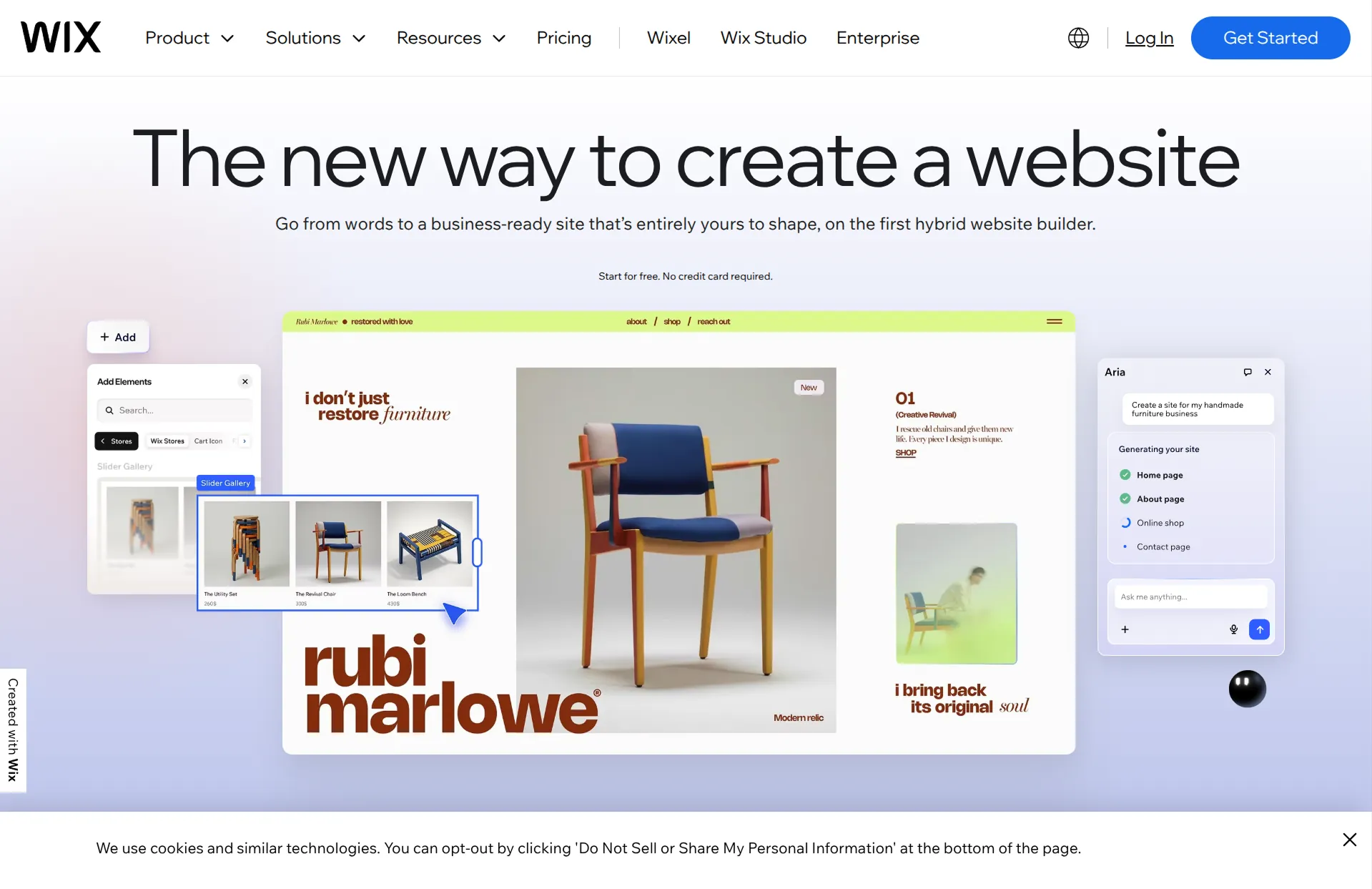
Wix is a drag-and-drop website builder with an AI chat for building and editing, and a large app marketplace. Its AI can create a site from a conversation, and you refine it in the Wix editor.
Review
Wix covers a lot of ground, with built-in stores, booking, and memberships, plus an app for almost everything else. It's the most popular website builder for small businesses for good reason, and if you enjoy designing pages by hand, its editor gives you a lot of control.
That control is also the catch. Wix's AI works on top of the same editor, so it can only make the kinds of changes the editor supports, and most updates still mean finding the right panel and adjusting things yourself. The editor gets fiddly as a site grows, especially when you check how pages look on a phone. Prices also climb as you add the features and apps you need.
Key features
- Drag-and-drop editor with AI chat
- Large app marketplace
- Built-in stores, booking, and memberships
- Free plan with Wix branding
Squarespace
How it works
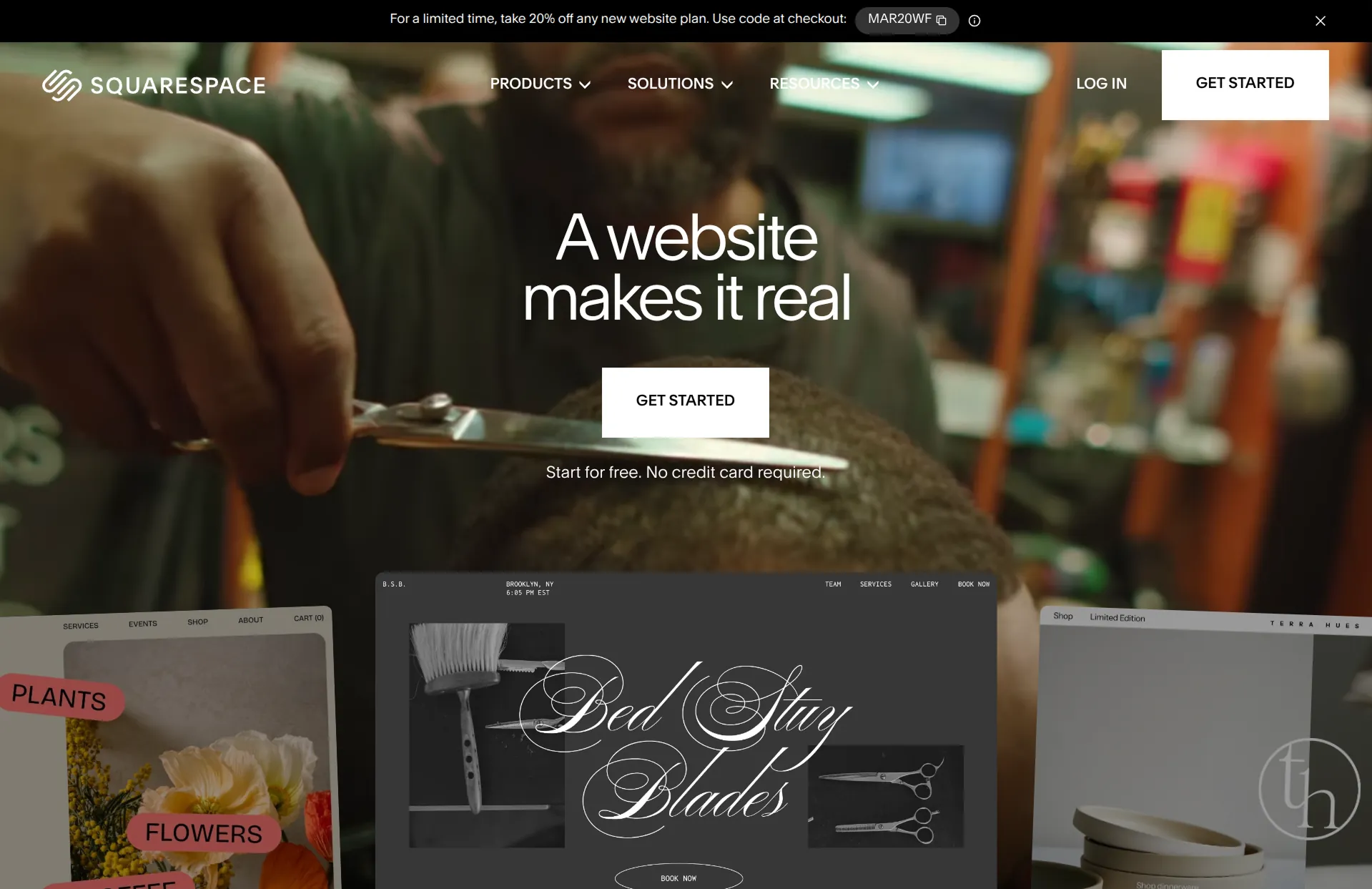
Squarespace is a website builder known for polished templates and a structured editor. Its AI builder, Blueprint, walks you through a few choices about your site and generates a starting design, and its AI tools can help write text.
Review
Squarespace is one of the easiest traditional builders to use, and its templates make it hard to build an ugly site. It's a good fit for businesses where looks matter most, like photographers, studios, and restaurants.
The tradeoff is that it's limiting. Squarespace's AI helps you start and write, but every change after that happens in its editor, and if you want something your template or Squarespace's features don't support, you're stuck. Selling memberships also carries an extra fee on top of card processing.
Key features
- Polished templates and a structured editor
- Blueprint AI for a starting design
- Built-in stores, booking, and memberships
- Hosting and security handled for you
Shopify

How it works
Shopify is an ecommerce platform with an AI store builder that generates a store design from a description, and an AI assistant called Sidekick that helps you run your store. You set up your products, shipping, and payments in its dashboard.
Review
Shopify is the best choice if your business is a store with a catalog of physical products. Its inventory, shipping, and checkout tools are the most complete of any platform, and Sidekick is genuinely useful for setting things up.
It's more than most small businesses need, though. Shopify is built around products, so a service business or a simple brochure site only uses a small part of it, at a higher starting price than most builders. Using a payment provider other than Shopify Payments also adds a 2% fee on the Basic plan.
Key features
- AI store builder and Sidekick assistant
- Inventory, shipping, and checkout tools
- Shopify Payments with no extra transaction fee
- Large app store
Hostinger
How it works
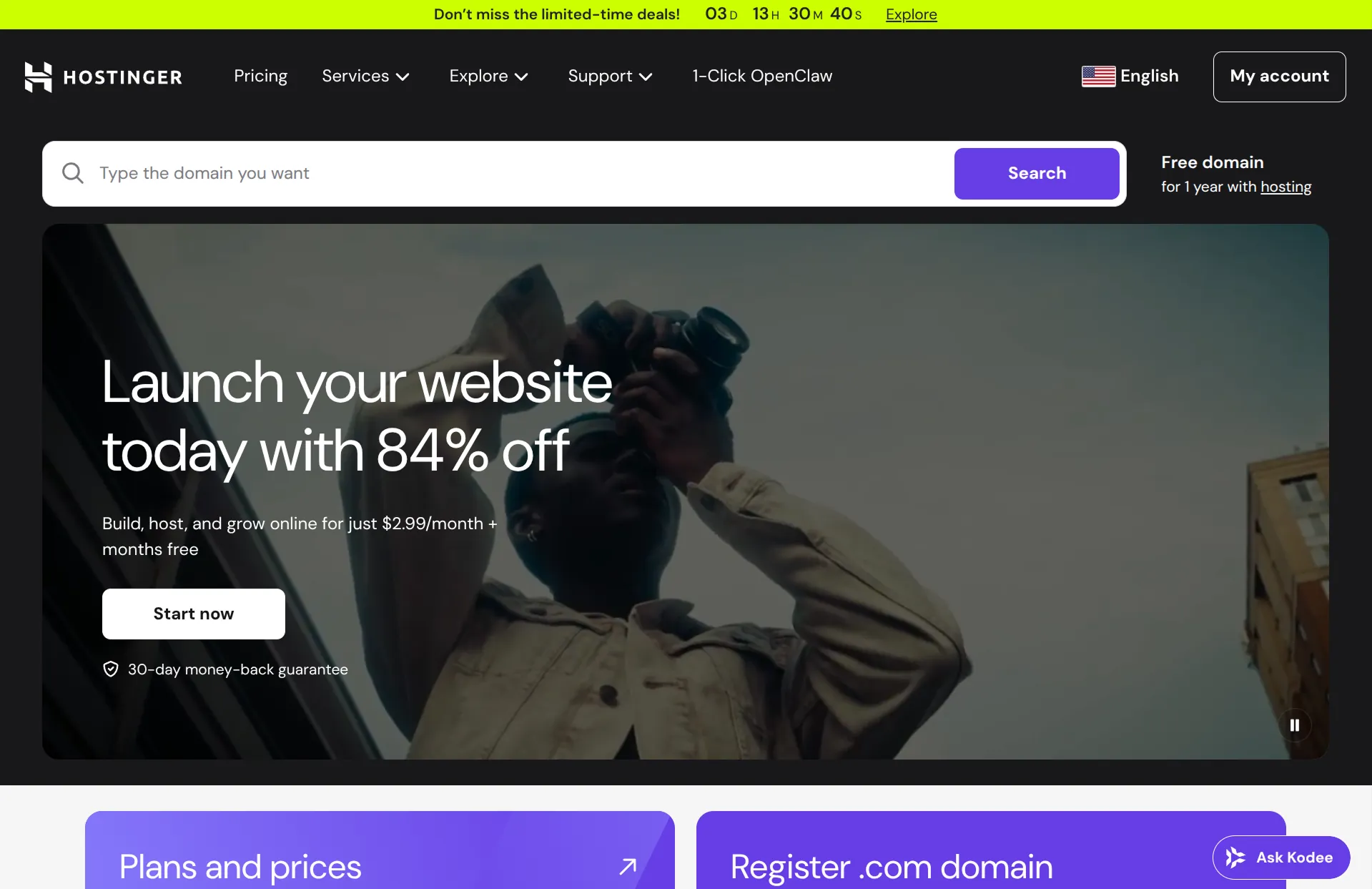
Hostinger is a web host with an AI website builder. You describe your business, and it generates a site you can edit with its AI agent or in its editor. The builder comes with Hostinger's hosting plans.
Review
Hostinger has the lowest starting price here, and its AI builder makes a decent first draft quickly. It's a reasonable choice if price is your main concern and your site is simple.
That price is an introductory rate on a multi-year plan, though, and it renews at a much higher monthly price. Selling online needs an add-on with its own fees, and for anything beyond a basic site, you'll spend more time in its editor than the AI saves you.
Key features
- AI website builder included with hosting
- AI agent for edits
- Low introductory pricing
- Online store as an add-on
Durable
How it works
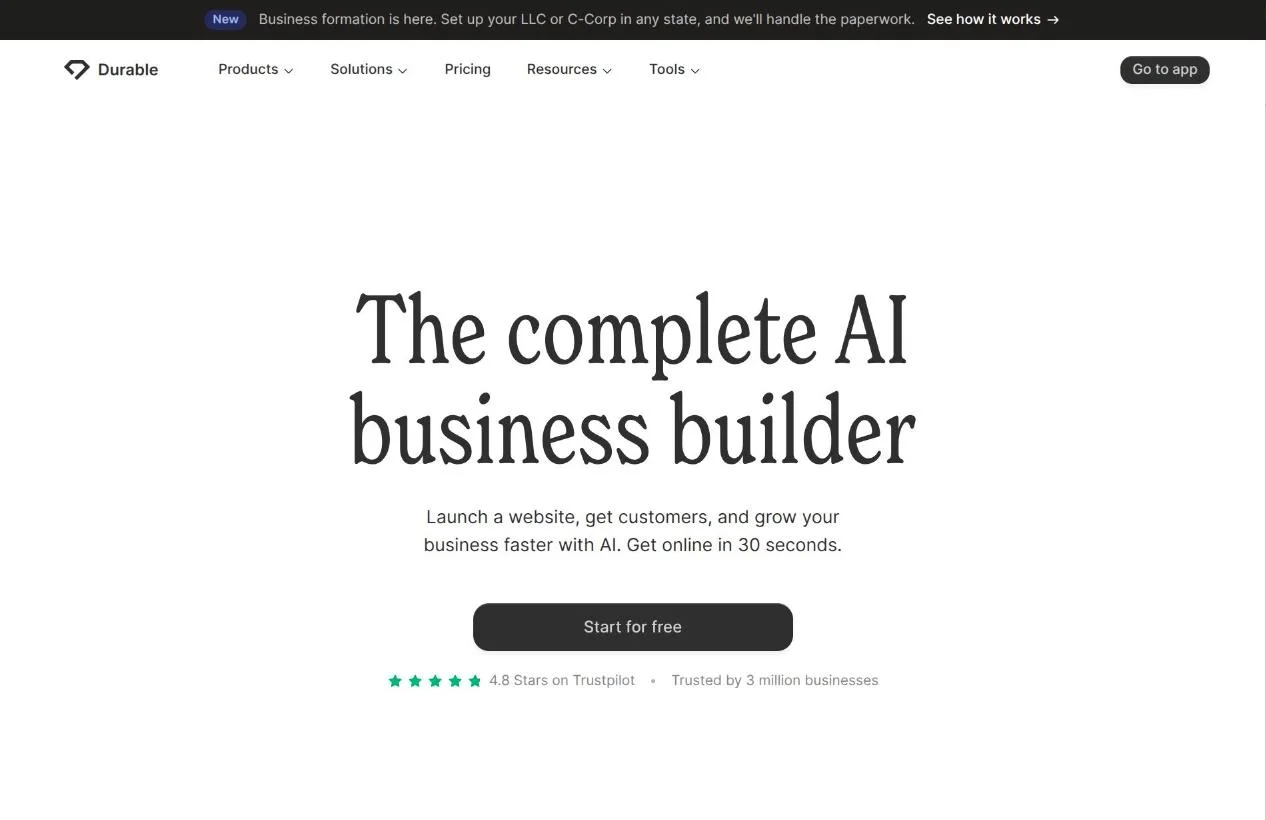
Durable builds a simple business website from a few questions in under a minute. You can edit it in its editor or ask its AI to make changes, which use monthly AI credits. Publishing your site needs a paid plan.
Review
Durable is one of the fastest ways to get a business site online, and it's a good choice if you need a few pages, a contact form, and help getting found locally. Its paid plans include a customer list, online booking, and AI tools for blog posts and review replies.
Its AI works within Durable's own building blocks, though. It can change your pages and write content, but it can't build features Durable doesn't already have, so a business that needs something custom will outgrow it.
Key features
- Fast AI website generation
- AI edits with monthly credits
- Customer list and online booking
- Free plan for building, paid plan to publish
GoDaddy
How it works
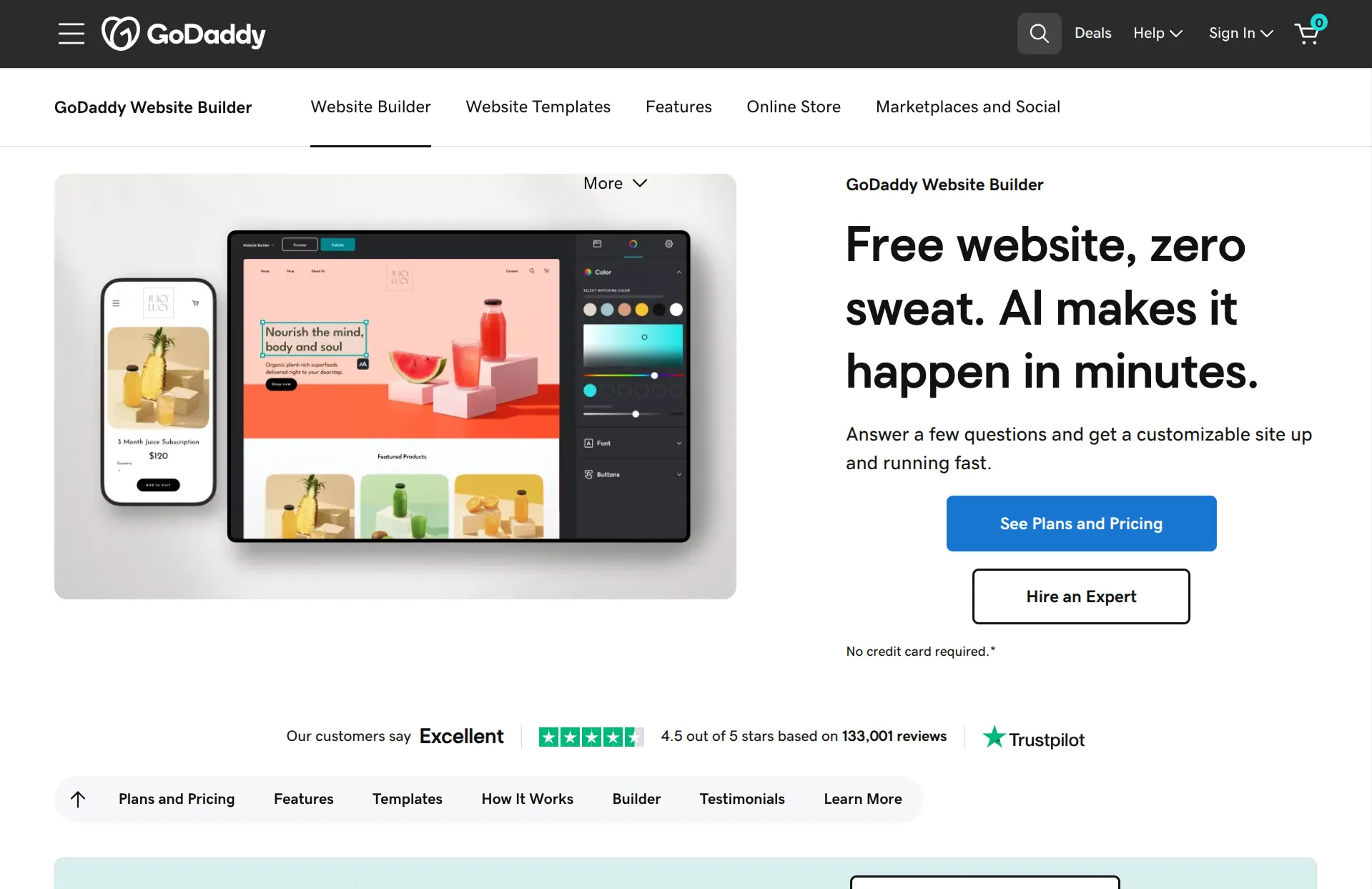
Airo is GoDaddy's newer AI builder, and it works more like a chat than GoDaddy's older website builder. You describe your business, and it builds a site you can keep changing by chatting. AI changes use monthly credits, though editing text and images yourself doesn't.
Review
Airo is a quick way to get a site from a single description, and the sites it builds look close to finished. It's a big step up from GoDaddy's older builder, and it's convenient if your domain is already with GoDaddy.
Its AI credits are the main limit. Building and adjusting a full site with AI can use most of the free plan's monthly allowance, so you may need a paid plan sooner than you'd expect. It's also worth reviewing the site before you publish, since Airo fills in placeholder details like contact info and testimonials.
Key features
- Site built from a description
- Changes by chatting
- Domains and email from GoDaddy
- 50 free AI credits a month, with more on paid plans
WordPress.com
How it works
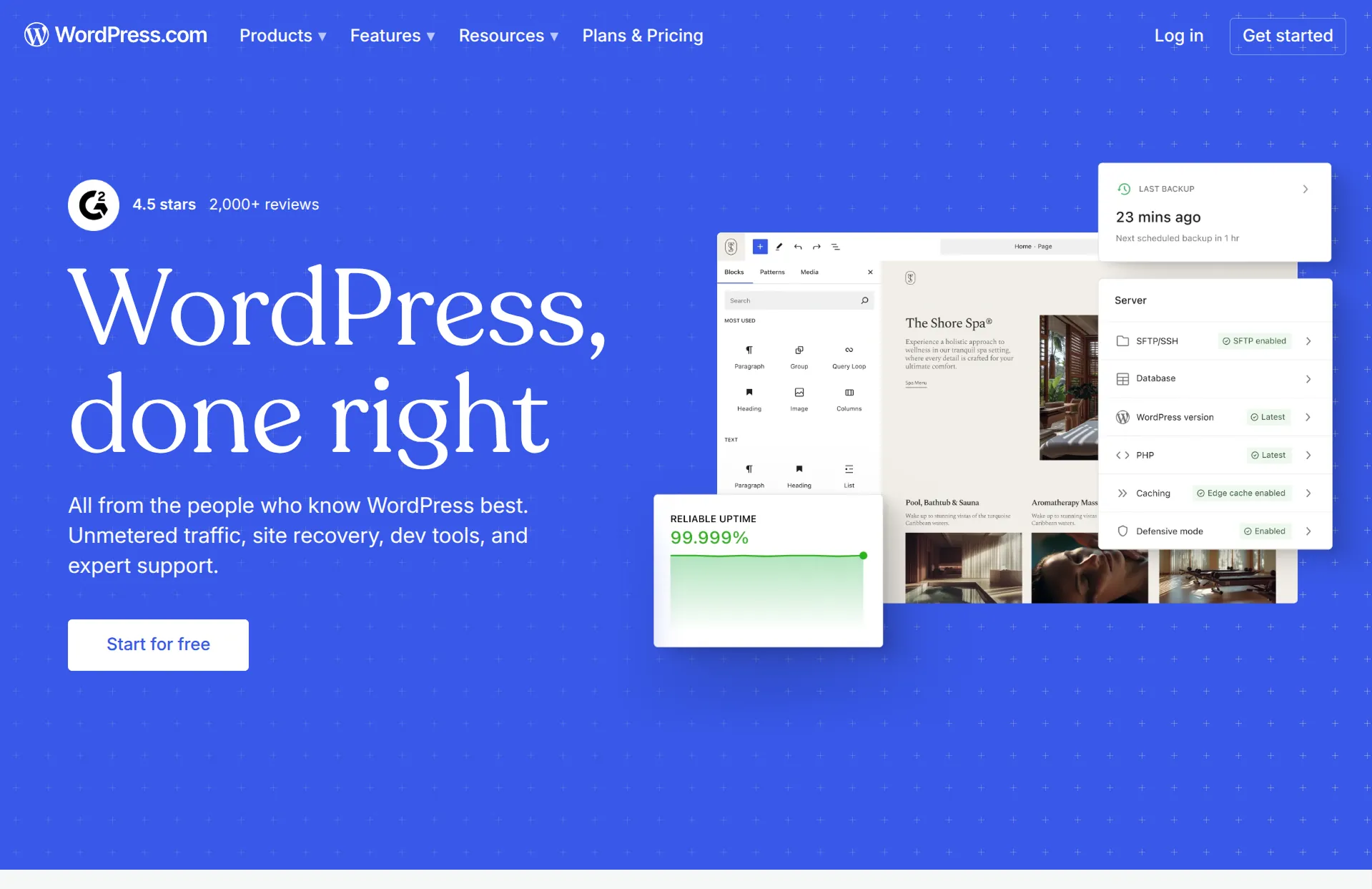
WordPress is the most widely used website platform, with thousands of themes and plugins. WordPress.com hosts it for you, and its guided builder can create a starting site by chatting with AI.
Review
WordPress is the most flexible option here, especially for blogs and content-heavy sites. There's a theme or plugin for almost anything, and you can move your site to any WordPress host later.
That flexibility comes with the most upkeep of any builder here. WordPress has a real learning curve, and its plugins and themes need regular updates. For a small business owner who just wants a site that works, it's usually more than they need.
Key features
- Thousands of themes and plugins
- Strong blogging tools
- AI guided site builder
- Can move to any WordPress host
Square Online
How it works
Square Online is Square's website builder. You start from a template and connect it to your Square account, so your online and in-person sales run through the same system.
Review
Square Online is a natural fit if you already use Square to take payments in person, like a café or a shop. Its free plan is generous, and your menu or products stay in sync with your point of sale.
The free website is basic, though. Square Online has no AI builder, so you set everything up yourself, and custom themes and your own domain without Square branding need its $49 Plus plan. The free plan also charges a higher online card rate of 3.3% + 30¢.
Key features
- Free online store connected to Square
- Online and in-person payments in one place
- Menus and products synced with your point of sale
Conclusion
Almost every website builder now says it uses AI, but they don't save you the same amount of work. In Repaint, you build and change your whole site by describing what you want. Most of the others use AI for a first draft, then hand you back to their editor.
Repaint is the best place to start for most small businesses. You change anything by describing it, it can build custom features like order forms or gift cards, and it imports your current site if you have one. Wix and Squarespace are established options if you'd rather design by hand, Shopify is the pick for a product catalog, and Hostinger and Square Online are the cheapest ways to start.
Most of these builders have a free plan or trial, so it's easy to try a couple before you commit.
FAQ
What is the best AI website builder for a small business?
Repaint is the best AI website builder for most small businesses. You build and change your whole site by describing what you want, it can build custom features like order forms and gift cards, and it imports your current website from its URL. Wix and Squarespace are the strongest traditional options.
Can AI build a website for my small business?
Yes. AI-native builders like Repaint build a complete website from a description of your business, with the pages, text, and layout done for you, and you keep changing it the same way. Traditional builders like Wix and Squarespace use AI for a first draft, then you finish and update the site in their editor.
Is Wix or Squarespace better for a small business?
Wix has more features and a huge app marketplace, while Squarespace makes polished sites more easily but is more limited. Both rely on an editor you have to learn, though. If ease is what you're after, an AI-native builder like Repaint lets you build and update your site just by describing what you want.
What's the cheapest good website builder for a small business?
Hostinger has the lowest starting price, though it's an introductory rate that renews higher, and Square Online has a free plan that works well if you already use Square. For a builder that's easy to keep updated, Repaint starts at $25 a month with a 14-day free trial.
Can I update my website myself without a developer?
Yes. With an AI-native builder like Repaint, you update your site by describing the change, like adding a page or new photos, and the AI makes it. Traditional builders also let you edit without code, but you'll make each change yourself in their editor.
Can I sell things on my small business website?
Yes. Shopify is the best fit for a store with a catalog of products. Repaint can build custom ways to sell, like order forms, gift cards, or event entries, with payments built in. Square Online works well if you also sell in person.
What about Webflow and Framer?
Webflow and Framer make beautiful sites, but they're design tools with a steep learning curve, built more for designers and agencies than for business owners. If you want full control over every detail of your design, they're worth a look. Otherwise, a simpler builder will get you there faster.


