
Best AI Website Builders in 2026: Guide from a Web Designer
A breakdown of the website builder landscape in 2026, including the different types of website builders, their strengths and weaknesses, and how to pick the right one.

Introduction
I'm a web designer and the founder of Repaint, one of the AI tools on this list. I spent the last few years working in web design. In that time, I made sites for a dozen businesses using multiple tools, I interviewed hundreds of designers, coders, and business owners about how they make websites, and I built two products for making websites.
Website building is changing rapidly as everyone figures out how to use AI. In this post, I'm going to share an honest breakdown of the market as of March 2026.
What "AI Website Builder" Means in 2026
Every big website builder has AI features now. So technically everything can call itself an "AI website builder" (and most do). But there are two dramatically different paradigms right now that get lumped together:
Traditional website builders
This includes all the big companies that were made before 2023. They have drag-and-drop products for building websites that are mature and reliable. They're proven to work, and millions of businesses use them. They added AI features on top of their existing products for things like customizing the first draft, generating images, and rewriting text. But the core editing experience is still almost entirely using a drag-and-drop editor.
AI-native builders
There's a new wave of products built around AI. Instead of drag-and-drop editing, they're built around AI chat. You describe what you want, and AI builds it. You refine it through conversation. These products feel magical and futuristic when they work. Sometimes they do hours of work in minutes. But they aren't very mature and have their own issues. It's often hard to control the visual style, fixing little errors is challenging, and sometimes the AI outright fails to make updates.
I predict the lines between these two categories will blur over time. Traditional website builders will add more AI chat because it's incredibly powerful when it works. And the new tools will add features like the old website builders to make them more predictable and reliable. But as of March 2026, the two categories feel very different.
Comparison Table
Since "AI website builder" isn't specific enough, let's define some broad categories to help understand the differences.
| Category | What It Is | Tools |
|---|---|---|
| AI-Native | You describe what you want in a conversation and AI builds it. The AI isn't a feature, it's the core editing experience. | Repaint, Lovable, Bolt, Base44, Replit |
| Template-Based | Drag-and-drop editors where you customize within a structured system. The standard for most small businesses. | WordPress*, Design.com, Squarespace, Wix, GoDaddy, Hostinger |
| Design-Forward | Visual editors with granular layout control. Steep learning curve, maximum creative freedom. | Framer, Webflow, Wix Studio |
| Simple Pages | Simple tools for getting a basic web page live fast. Minimal customization, minimal effort. | Carrd, Canva Sites, Notion Sites |
| E-commerce | Platforms built around selling products online. Goes beyond static websites into inventory, shipping, checkout, and payments. | Shopify |
Below I list prices for annual plans, at renewal. Some tools, notably GoDaddy and Hostinger, advertise much lower prices for the first year or on multi-year commitments. The prices below reflect what you'll actually pay once those introductory discounts expire.
| Tool | Known For | Category | Launched | Pricing |
|---|---|---|---|---|
 Repaint Repaint | AI chat for building marketing websites | AI-Native | 2025 | Free tier, $20/mo |
 Lovable Lovable | AI chat for building complex apps | AI-Native (Apps) | 2024 | Free tier, $20/mo** |
 Bolt Bolt | AI chat for building complex apps | AI-Native (Apps) | 2024 | Free tier, $18/mo** |
 Base44 Base44 | AI chat for building complex apps | AI-Native (Apps) | 2024 | Free tier, $20/mo** |
 Replit Replit | AI chat for accessible coding of complex apps | AI-Native (Apps) | 2024 | Free tier, $17/mo** |
 Design.com Design.com | Cheap multi-page sites from AI-picked templates | Template-Based | 2023 | $6/mo |
 Squarespace Squarespace | Small business sites, beautiful templates, ease of use | Template-Based | 2003 | Free trial, $16/mo |
 Wix Wix | Small business sites, broad feature set, ease of use | Template-Based | 2006 | Free tier, $17/mo |
 GoDaddy GoDaddy | Small business sites, rapid low effort setup | Template-Based | 1998 | Free trial, $17/mo |
 Hostinger Hostinger | Budget website hosting on long term plans | Template-Based | 2019 | $11/mo |
 WordPress* WordPress* | Massive plugin ecosystem, flexible development, open source | Template-Based | 2003 | Free tier, $4/mo |
 Framer Framer | Designer focused, visually stunning sites, smooth animations | Design-Forward | 2022 | Free tier, $10/mo |
 Webflow Webflow | Powerful CMS, large premium sites, made for professional designers | Design-Forward | 2013 | Free tier, $14/mo |
 Wix Studio Wix Studio | Professional-tier Wix, higher design freedom, made for professional designers | Design-Forward | 2023 | Free tier, $19/mo |
 Carrd Carrd | Dead-simple single-page sites | Simple Pages | 2016 | Free tier, $9/yr |
 Canva Sites Canva Sites | Websites built straight from Canva's design tool | Simple Pages | 2022 | Free tier, $10/mo |
 Notion Sites Notion Sites | Publishing Notion documents as web pages | Simple Pages | 2024 | Free tier, $10/mo |
 Shopify Shopify | Industry standard for eCommerce, inventory, payments, and shipping | E-commerce | 2006 | $39/mo |
* WordPress is hard to categorize because it's not a single product. It's an ecosystem. WordPress.com offers simple hosted sites with templates. Self-hosted WordPress with page builders like Elementor or Divi can feel more like design-forward tools. And with enough plugins and custom development, it can do almost anything. I'm placing it in Template-Based because that's how most people use it, but your experience with WordPress depends entirely on which part of the ecosystem you're in.
** Lovable, Bolt, Replit, and Base44 use token-based pricing. The listed price is the base subscription, but each plan has a usage limit. If you hit it mid-project, you'll need to upgrade or buy more tokens. It's common to spend significantly more than the base price to finish a site.
How to Choose a Website Builder
There is no single best option. Different website builders appeal to different audiences. Picking a tool is all about trade-offs between ease of use, design control, speed, and advanced features.
| If You Need | Recommendations | Examples |
|---|---|---|
| A minimal page with basic info | Notion Sites or Carrd. They're the fastest way to get a page live, and they're free or nearly free. They limit your ability to control the design, but not every project needs its own brand. | Student projects, event pages, personal portfolios, anything temporary. |
| A business marketing website | A template-based builder like Squarespace or Wix, or an AI-native tool like Repaint. Template-based builders are the most proven; they're reliable, fast, and flexible enough for most businesses. Repaint is the best AI-native option for simple business sites. | Local businesses, restaurants, nonprofits, service businesses. |
| Full design control | Framer for a single site, or Webflow if you're an agency building multiple. They offer maximum design control but require the most learning and manual work of any category on this list. | Startup landing pages, design portfolios, brand-heavy marketing sites. |
| To sell physical products | Shopify, or you could make a simple marketing website and sell through a marketplace like Amazon, Etsy, or eBay. No AI-native tools can compete with Shopify on inventory management and shipping. AI tools aren't good enough to recreate Shopify's complexity yet. | Clothing brands, handmade goods, consumer products. |
| Custom app-like functionality | AI-native app builders like Lovable, Bolt, or Replit, or WordPress's plugin ecosystem. Most template-based builders are off-the-shelf software with standard workflows, so if you need something genuinely unique, you either need an AI app builder, a deep WordPress setup, or custom development. | Directories, dashboards, booking systems, tools with user accounts. |
| To rebuild an existing site | Repaint. It can import your existing site and rebuild it in a new style. It doesn't always work perfectly, but it's worth trying since it only takes a few minutes. Repaint is the fastest way to modernize an old site stuck in an ancient tool. | Old sites stuck in outdated tools. |
General Tips
Try before you buy!
Basically every tool has a free version to demo it. You could try Squarespace, WordPress, Framer, and Repaint all in a single hour. See how far you can get. See what editing is like. Do you like it? One hour of testing could save you hours if you land on something better suited to your needs.
Pick your favorite tool, not the cheapest tool
For most businesses with a staff, the website is a relatively small expense no matter which tool you pick. But if you pick something frustrating, you'll be struggling for dozens of hours per year. Many people let their site get years-outdated just because they have PTSD from editing their site. I suggest avoiding that, and just picking a tool you like.
Be wary of multi-year contracts
Dozens of people have shared horror stories on Reddit, particularly around Wix. The trap works like this: you sign up for a 3-4 year plan at a discounted rate. You don't think about it for years. During that time, they raised their prices. Then when your subscription renews, you buy another 3-4 year contract at full price and get a surprise charge for $1,000. No refunds. So be careful with the auto renewing on long contracts!
Website builders don't make custom images
In my experience, images can make-or-break a website. Sites without any pictures look bad. I think that's the main reason AI generated sites look worse than human designed ones still. Website builders often provide stock photos, AI images, or simple graphics. But if you need custom photos for your business, you have to work on it outside your website builder.
AI-Native Builders
AI-native builders are the newest category. Instead of a visual editor, the primary interface is a conversation. You describe what you want, the AI builds it. You ask for changes in plain language, the AI makes them. This is sometimes called "vibe coding," building by describing rather than dragging and dropping.
Repaint
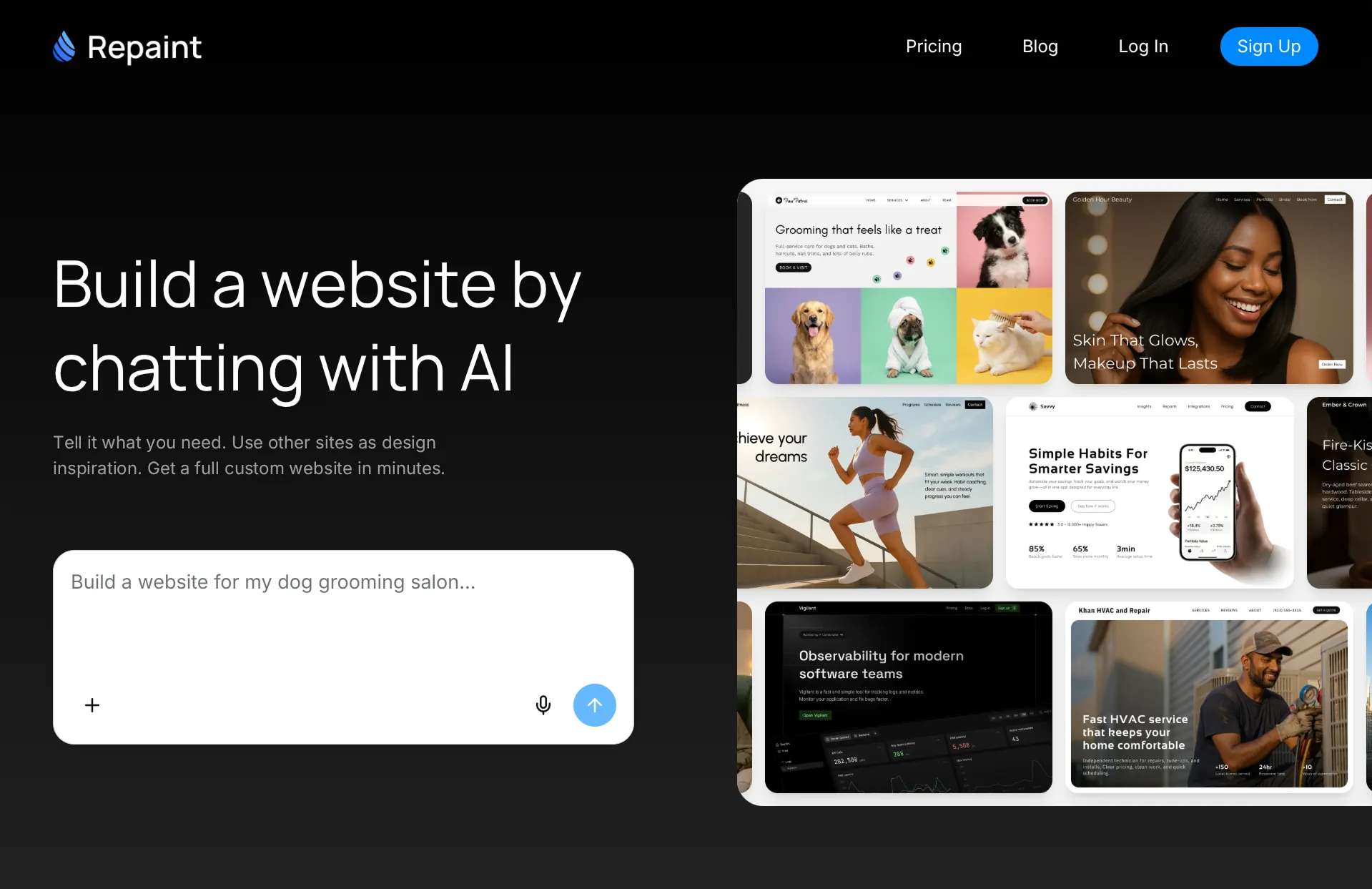
How it uses AI
You plan your website by talking to a smart AI chatbot. Then it generates a full multi-page website, and you make edits by talking to AI.
Review
Repaint is the AI-native tool I'd recommend for simple business websites. The other tools in this category (Lovable, Bolt, Replit, Base44) are built for complex apps first and websites second. Repaint is the opposite. If you're making a marketing site for a business, I think it's worth trying Repaint before committing to a traditional builder like Squarespace or Wix. The people who like AI-native editing tend to like it a lot more than drag-and-drop. If you need custom logic like user accounts, databases, or dashboards, you should use one of the other app builders instead.
Key features
- Full website generation and editing with AI chat
- Import and redesign old websites
- Online research to fill info
- Visual style options to guide the aesthetic
- Flat monthly pricing, no credit-based billing
Lovable
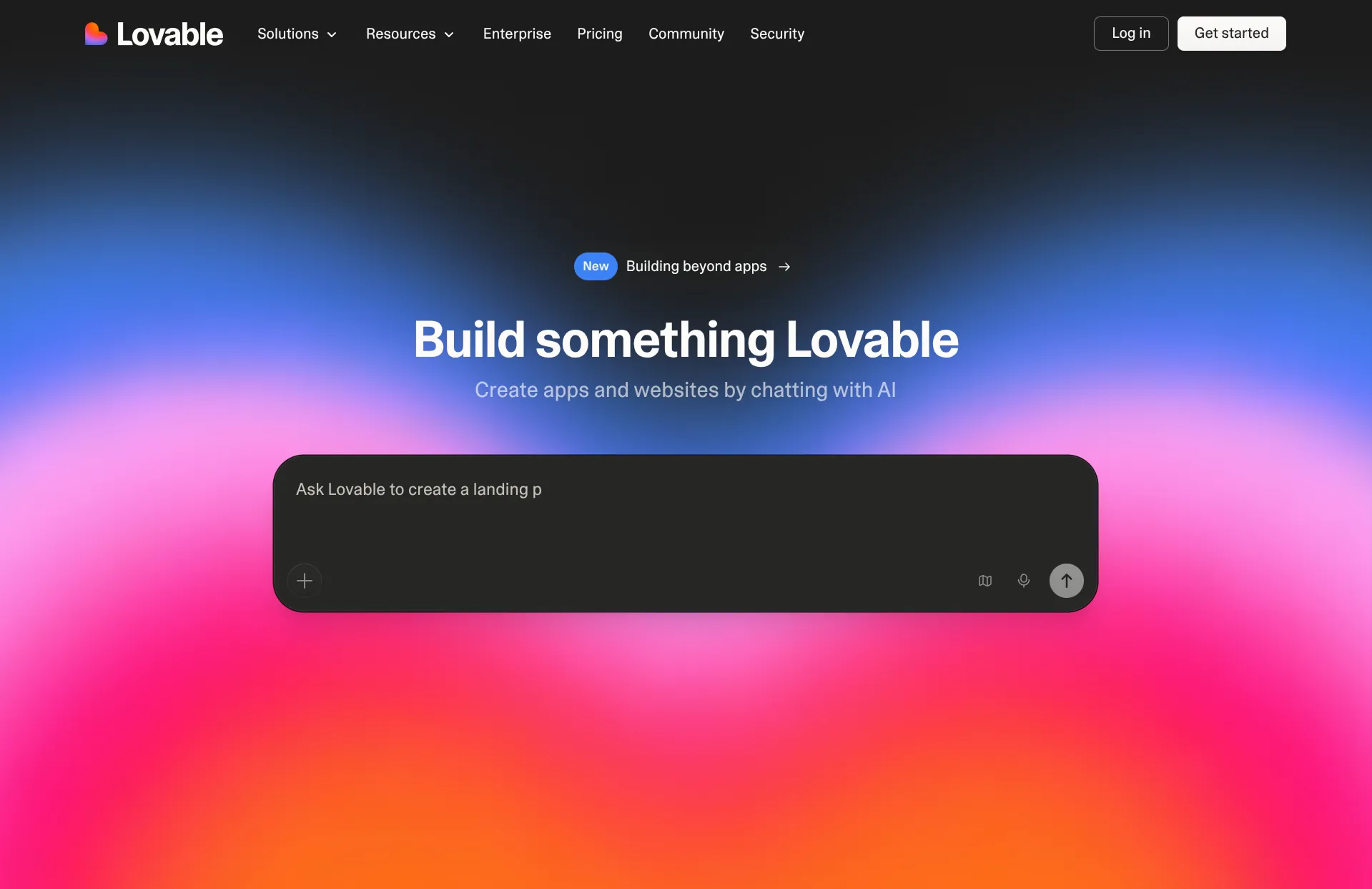
How it uses AI
They generate all the website code from scratch. Then you edit your site by talking with AI. Lovable is one of the new products with AI at the core of everything it does.
Review
Lovable is a popular vibe-coding tool among tech people in Silicon Valley. The viral hook for Lovable is that it can make complex logic that used to require a developer. But a lot of businesses don't need custom logic. For simple sites, Lovable is just a mediocre website builder with less-polished templates. Lovable is the first thing I'd try as a non-technical person making a complex app. But for marketing websites, I'd avoid it.
As far as I can tell, Lovable, Bolt.new, and Base44 are all extremely similar. Replit is slightly more technical than the others, but a similar concept. And Repaint is more focused on simple sites.
Key features
- Full-stack app generation from natural language
- Integration with Supabase for databases and user accounts
- GitHub export so you own the code
- Credit-based usage plans
Bolt
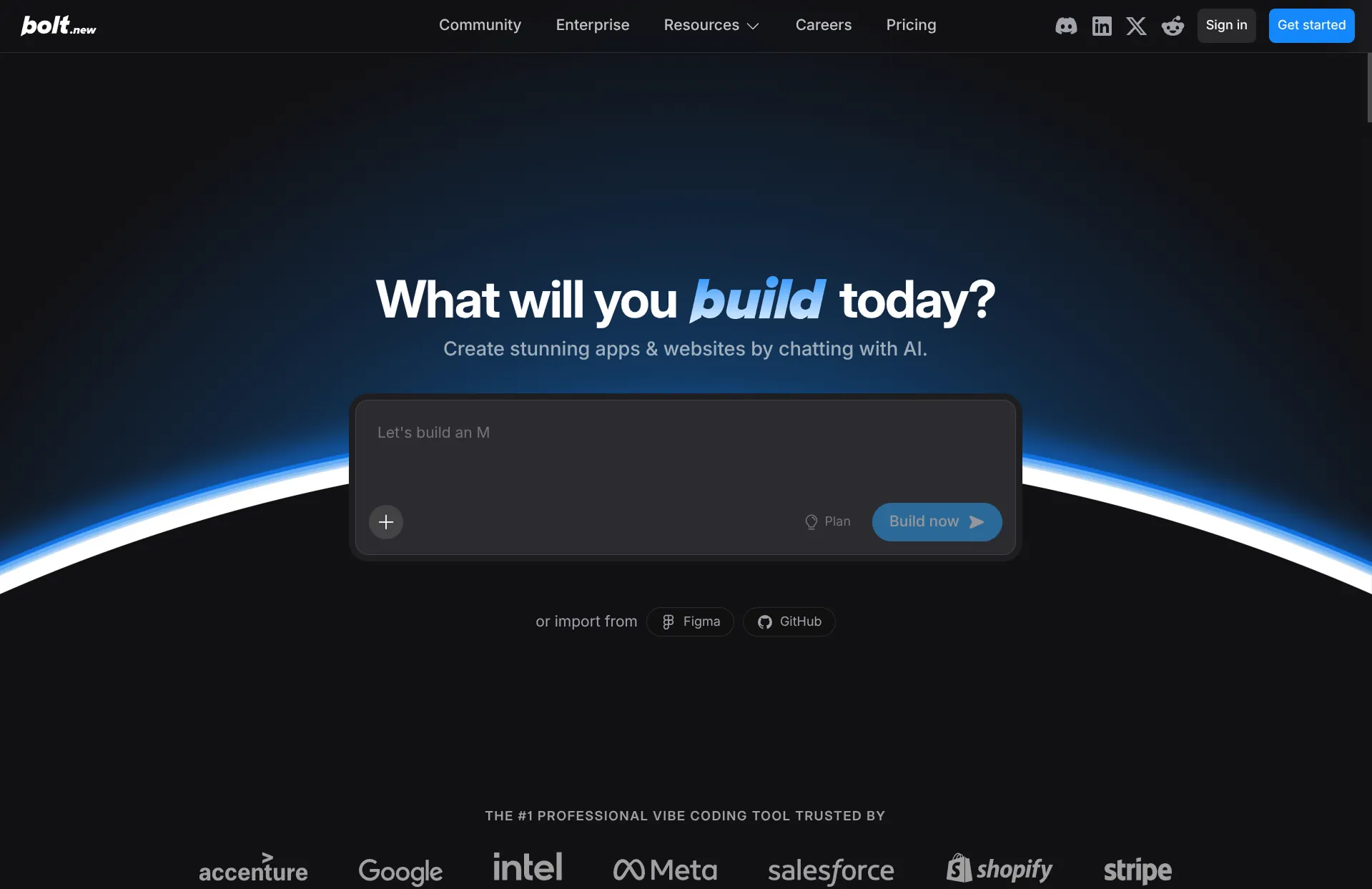
How it uses AI
Same as Lovable. You describe what you want, AI generates the full codebase, and you refine through conversation.
Review
I personally struggle to articulate meaningful differences between Bolt and Lovable. The core experience is very similar: describe an app, AI builds it, iterate through chat. Bolt manages data differently, and lets you pick coding frameworks. But for website building they seem 95% the same. My instinct is to recommend Lovable over Bolt for no reason other than that it has more traction, which usually correlates with quality. Like Lovable, I'd only recommend Bolt for complex apps that can't be done elsewhere. Not simple websites.
Key features
- Full-stack app generation from natural language
- GitHub export so you own the code
- Built-in deployment
- Credit-based usage plans
Base44
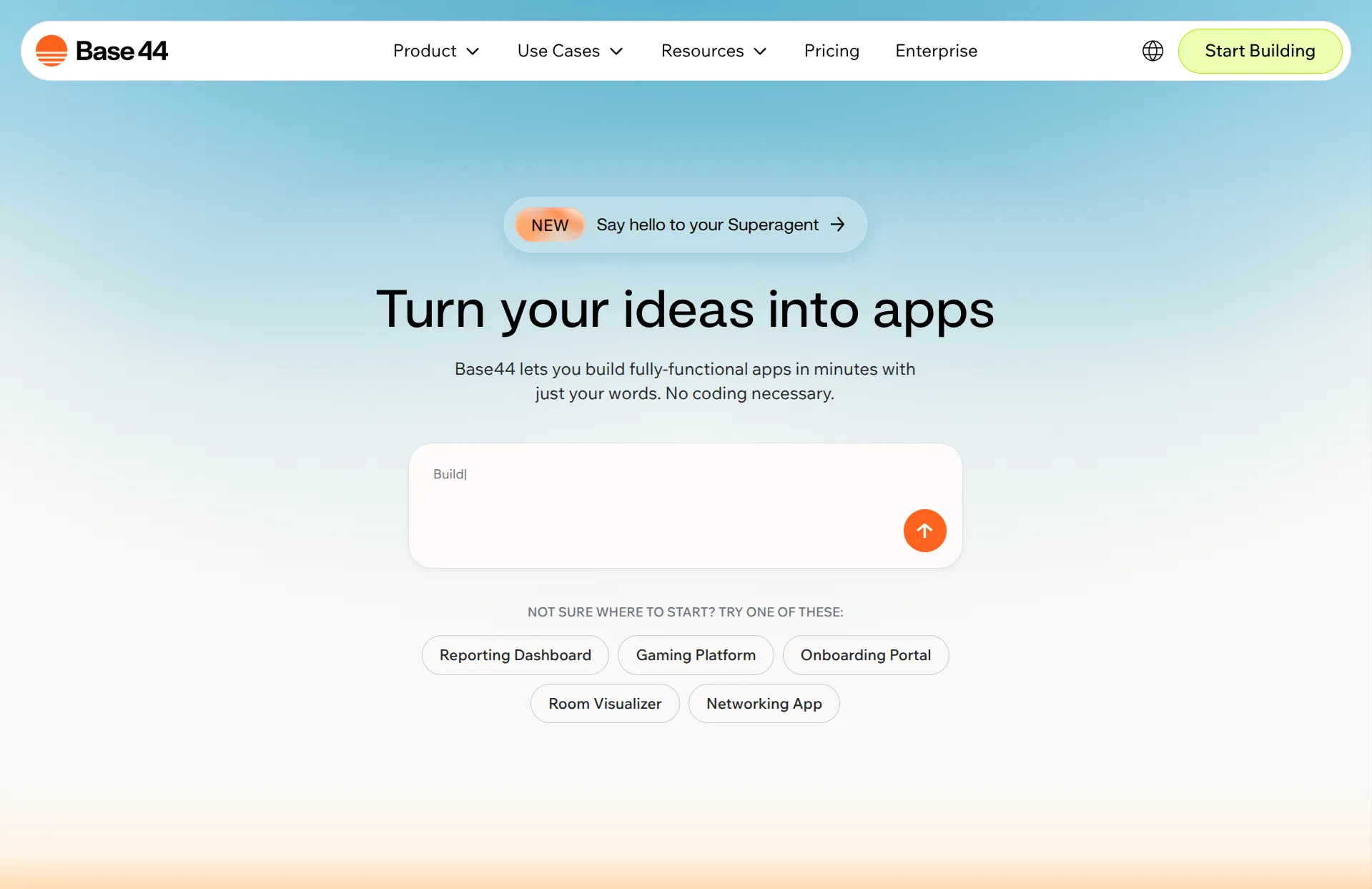
How it uses AI
Same approach as Lovable and Bolt. AI generates a full app from a natural language description, and you edit through conversation.
Review
Base44 is considerably less popular than the other vibe-coding tools. It was a 6-month-old project when it got bought by Wix. So now it's a Wix-owned attempt at competing with the other vibe coding tools. I haven't seen anything that makes Base44 stand out over Lovable or Bolt, so I probably wouldn't start here. For all three, I'd only recommend them for complex apps that can't be done elsewhere. Not simple websites.
Key features
- Full-stack app generation from natural language
- Built-in database and authentication
- Built-in deployment
- Credit-based usage plans
Replit
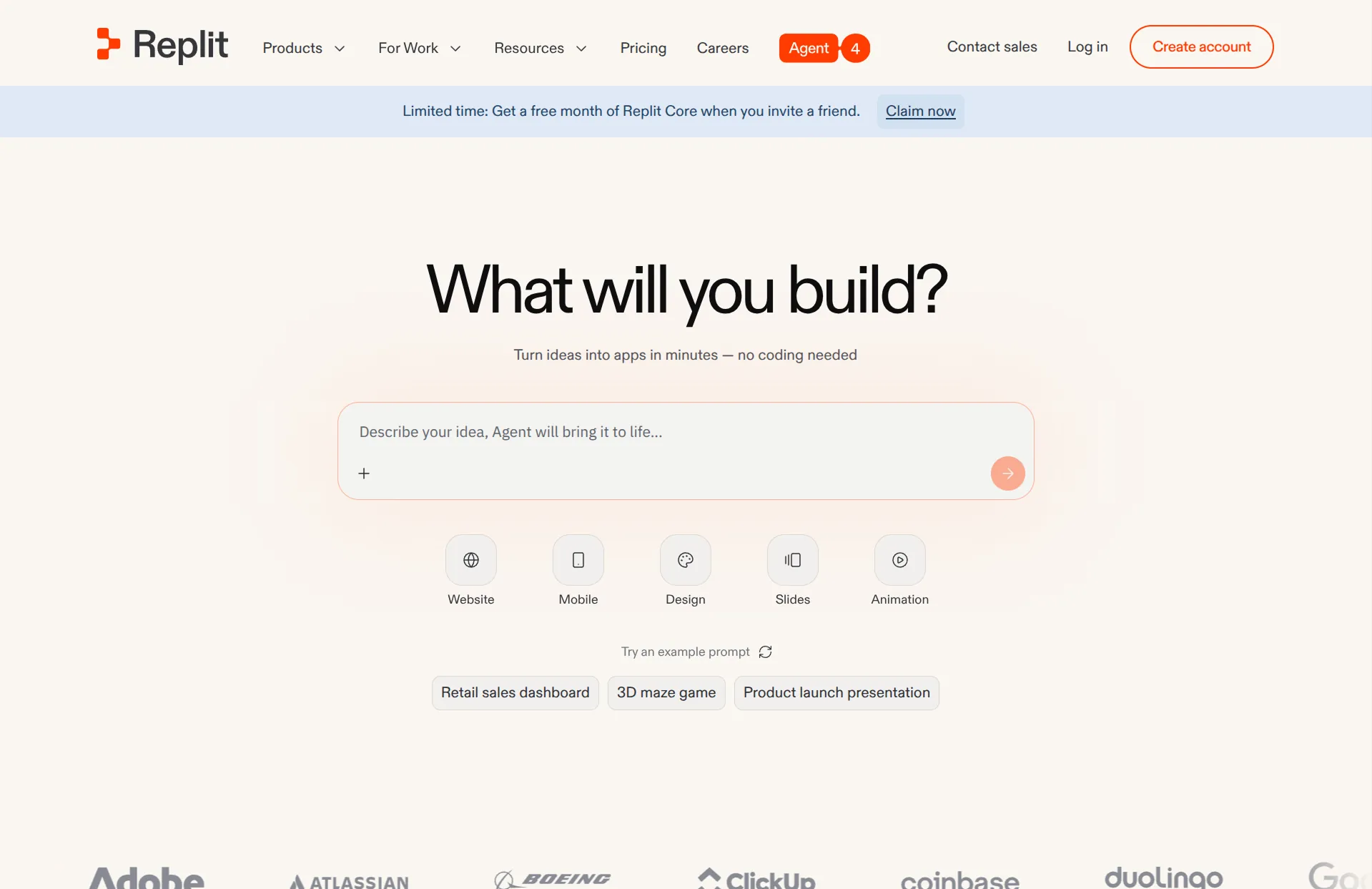
How it uses AI
Same core concept as Lovable and Bolt. Describe what you want, AI builds it.
Review
I'm not sure there are super meaningful differences between Replit, Lovable, and Bolt. To me, Replit feels like the most technical product among these. That might be nice if you're familiar with code, but it's probably just mildly more confusing if you're not. Like the other AI-native tools, I'd only try Replit for complex apps that can't be done elsewhere. Not simple websites.
Key features
- Full-stack app generation from natural language
- Built-in database and authentication
- Built-in deployment
- Credit-based usage plans
Template-Based Builders
Template-based builders are the established players. You pick a template, customize it in a drag-and-drop editor, and publish. These products have been around for years, they're stable, and they power millions of websites. They've all added AI features recently, but the core experience is still manual editing.
Design.com
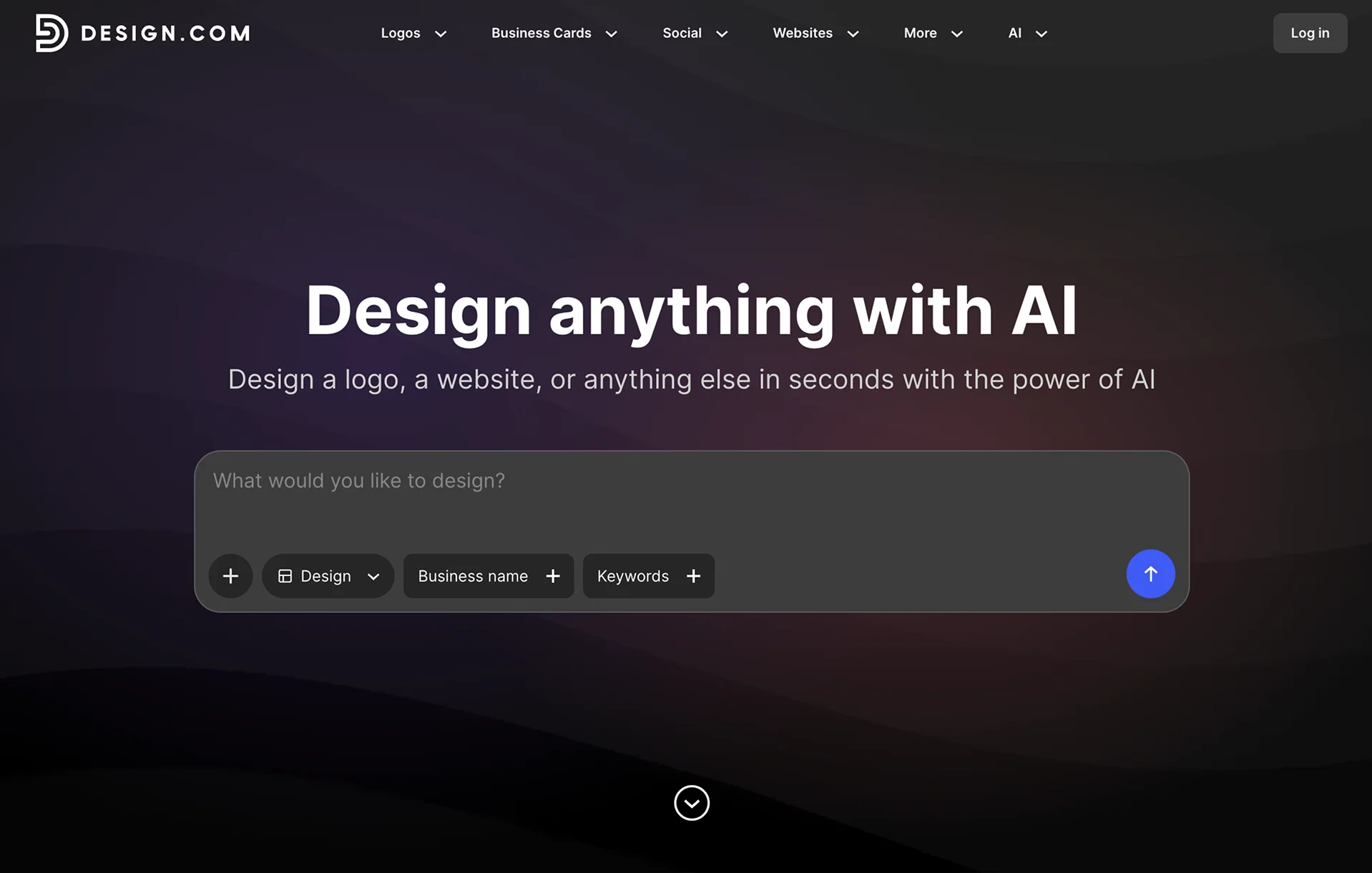
How it uses AI
When you onboard, it asks you to describe your business. It uses AI to show you a large grid of website templates relevant to your business. It also customizes the text and images to fit your business. After the initial onboarding, the product has very little AI. You edit and maintain your site in a manual template builder.
Review
Design.com lets you create a professional-looking website quickly and cheaply. At $9/month, or $6/month annually, it's one of the cheaper ways to get a simple site online, and the onboarding makes it easy to find a template that roughly matches your business. But this is more of a "pick a template and publish fast" product than a flexible website platform. Most customization happens through preset template options. It makes sense for simple landing pages and brochure sites, but I wouldn't use it to maintain a large site or build anything that needs complex integrations or serious content management.
Key features
- AI-assisted template selection
- Customized starter text and images
- Preset-based website editor
- Low pricing for multi-page sites
Squarespace
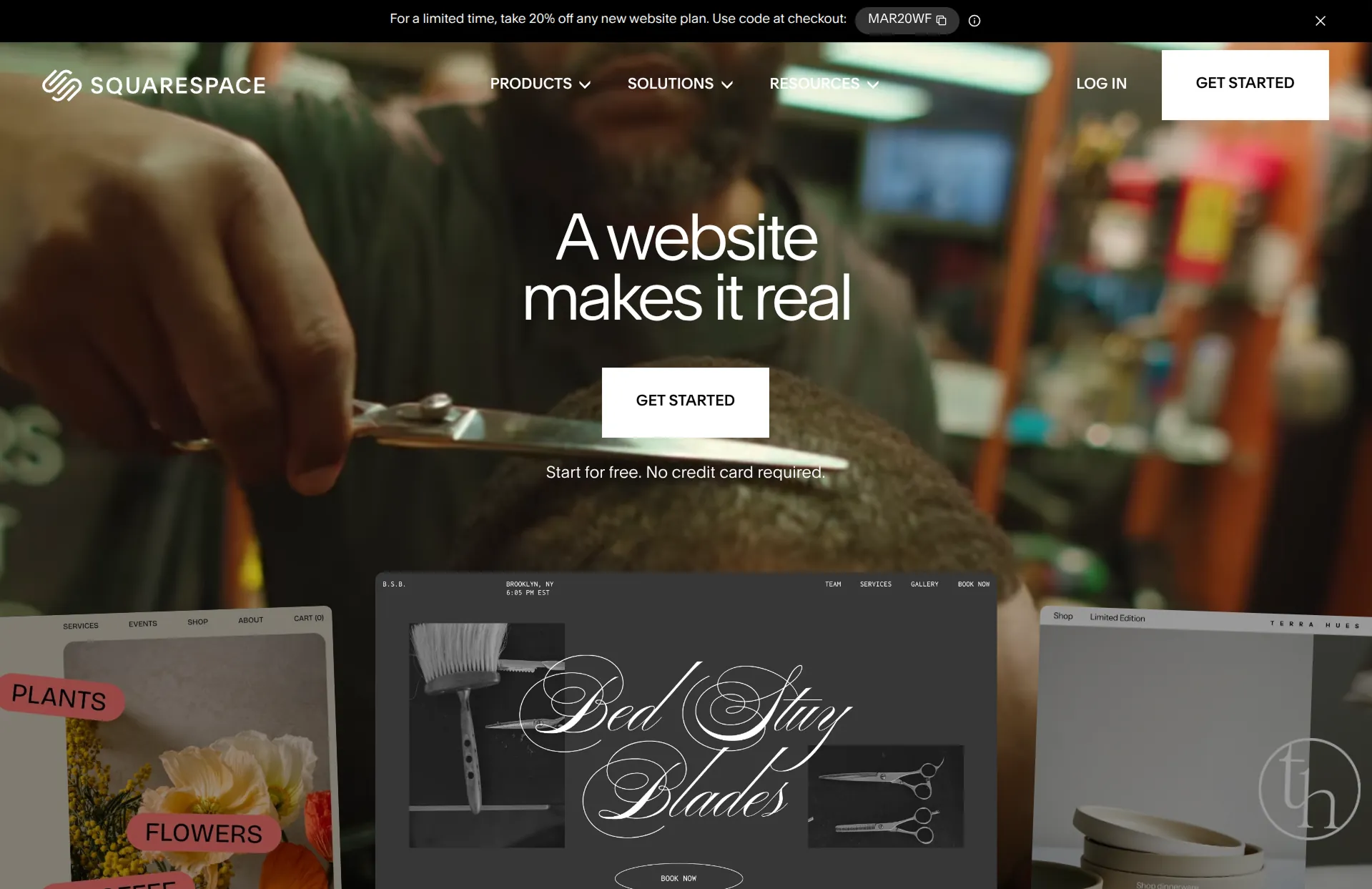
How it uses AI
Honestly, I feel like you need a microscope to find AI in this product. They have something called "Blueprint AI" but I can't even tell where the AI is. There's definitely no chatbots. When you're editing they have an AI feature that will rewrite a text block for you. But otherwise, everything is manual.
Review
Squarespace and Wix are the giants of simple website builders. Squarespace is probably the best choice for simple marketing sites that are image-heavy, like photographers, artists, and fitness trainers. Squarespace has polished templates, and the most intuitive drag-and-drop editor. The main downside is that it's limiting. If you want something the template doesn't support, you're stuck. It only does simple layouts, so if you also don't have good images, it's very hard to make a good site on Squarespace.
Key features
- Intuitive drag-and-drop editor
- Templates designed around strong imagery
- Built-in e-commerce, booking, and membership tools
- Integrated blog and email campaigns
Wix
How it uses AI
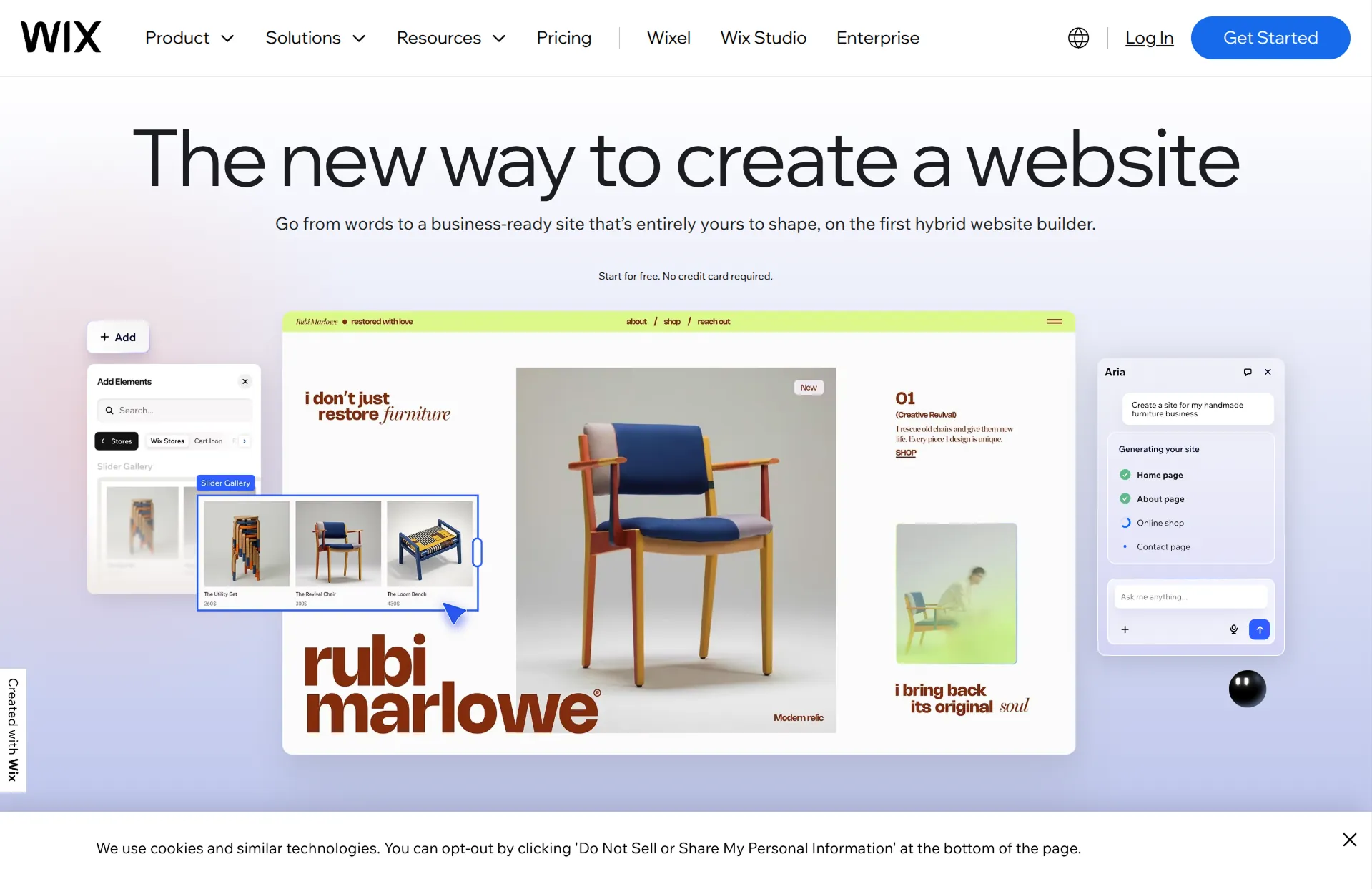
Wix has an AI interview that feels like predefined questions disguised as a chatbot. It's also very slow. They generate custom text for your first version, which is a minor convenience. Inside the editor, you can use the AI button to rewrite text, add sections, or change the theme. Overall Wix doesn't have very helpful AI and it's still 95% a drag-and-drop editor.
Review
Wix is the other giant alongside Squarespace. The standard narrative is that Squarespace is more focused on simplicity and aesthetics, whereas Wix is focused on flexibility, customization, and business logic. But honestly, they're very similar. Most businesses could use either. It's much more important to decide if you'd rather use something dramatically different like Lovable, Framer, Repaint, or WordPress. So I would think of Wix and Squarespace as default safe fallbacks, and try other tools before committing.
Key features
- Drag-and-drop editor with freeform positioning
- Large app marketplace for added functionality
- Minimal AI editing features
- Built-in e-commerce, booking, and membership tools
GoDaddy
How it uses AI
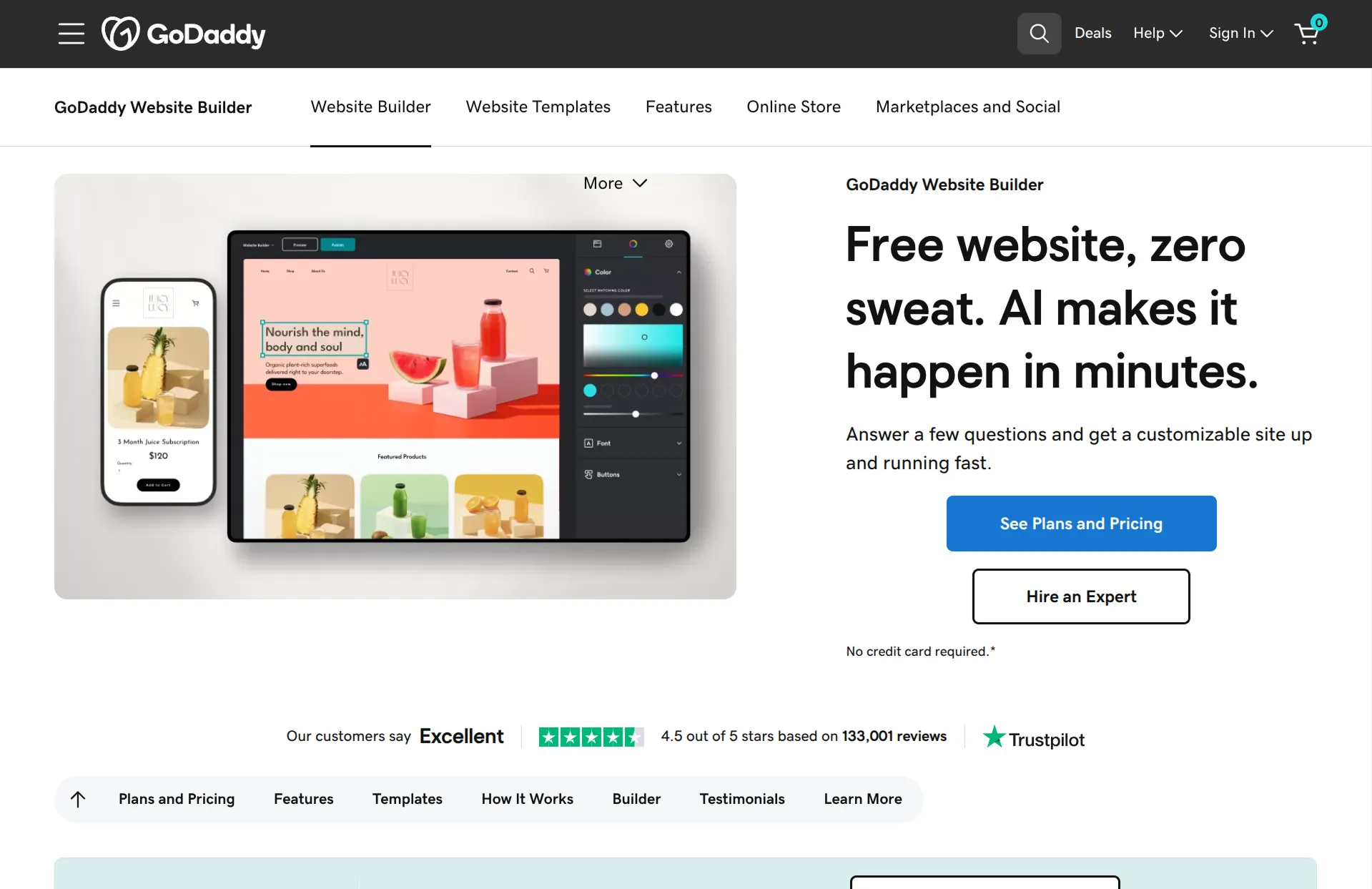
GoDaddy has a new chatbot called Airo. But it seemed slow, and less responsive than out-of-the-box ChatGPT. It does a decent job customizing text and pictures for your site. But after the first version, you're back to a drag-and-drop website builder.
Review
GoDaddy is primarily a domain registrar. Website building has never been their main focus. As far as I can tell, GoDaddy's website builder seems strictly worse than Wix and Squarespace. The layouts are all locked in place, so it's much more restrictive. And its AI is primitive compared to the AI-native tools. GoDaddy is a great domain registrar, but you don't need your website and domain in the same place. I'm not sure why anyone would use this in 2026.
Key features
- AI site generation from a business description
- Bundled with domain registration and hosting
- Built-in e-commerce and appointment scheduling
- Email marketing tools included
Hostinger
How it uses AI
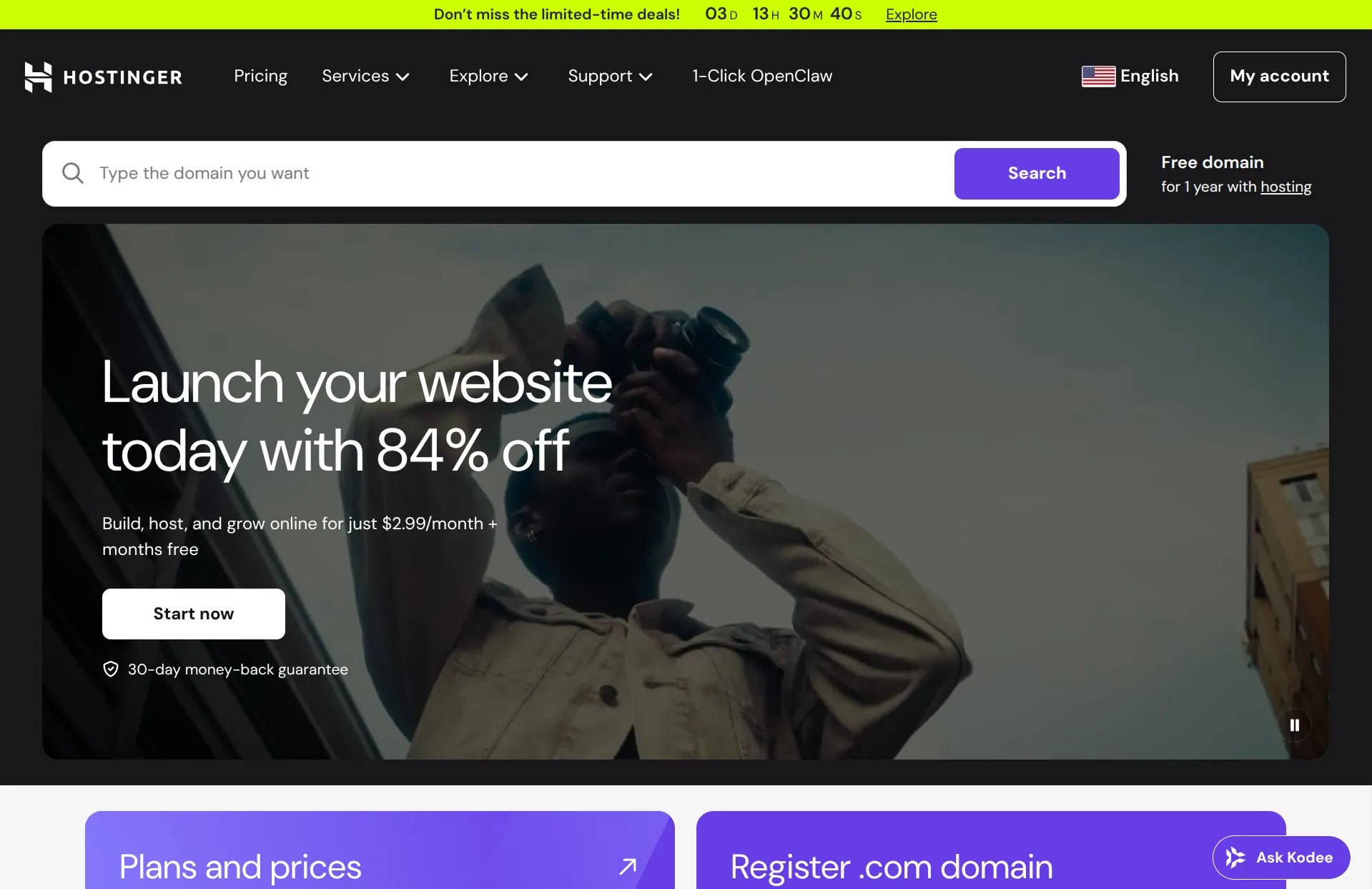
Hostinger offers similar surface customization to your first draft. But like the last few, once the draft is generated, you're editing in a traditional drag-and-drop editor.
Review
Unlike GoDaddy's website builder, Hostinger's has a real reason to exist. It's a budget option. They only cost a few dollars per month on multi-year commitments. It renews at steep price increases, but you can always cancel before then. Aside from price, there's not much going for it. The actual website building experience is more restrictive than Wix and Squarespace, and the AI features aren't as powerful as the AI-native tools. If you can spare a few more dollars per month, you'll probably get more value from a different tool.
Key features
- AI site generation from prompts
- Drag-and-drop editor with 150+ templates
- Built-in e-commerce on the Business plan
- Low pricing on multi-year commitments
WordPress
How it uses AI
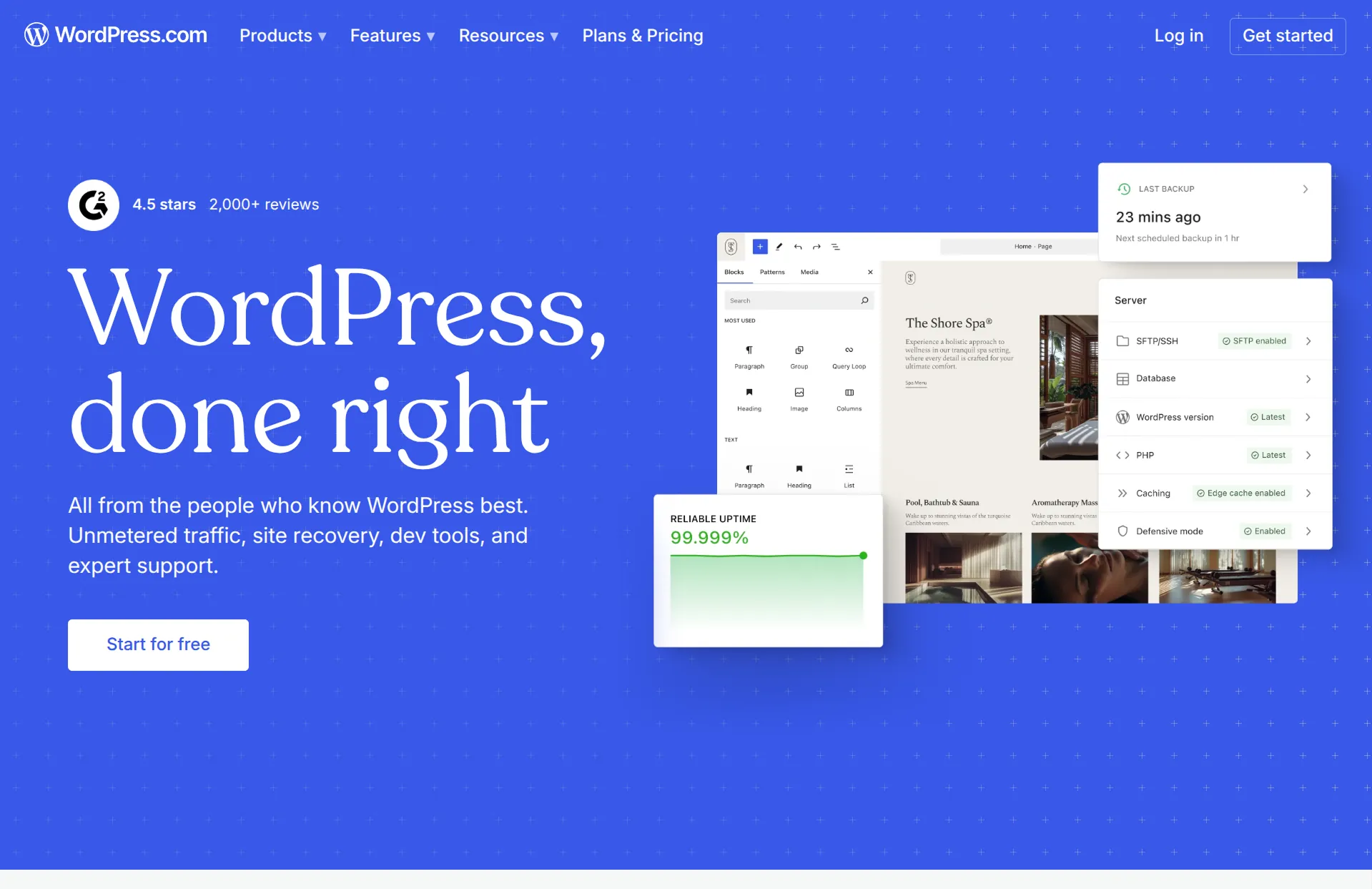
It depends on your setup. WordPress isn't one product. It's an ecosystem of thousands of plugins and tools. Some plugins offer AI content generation, image creation, and SEO optimization. But to my knowledge, AI for WordPress is mostly still in the shallow-customization category.
Review
WordPress is the most powerful and most complicated tool on my list. It powers over 40% of the internet, which tells you it can do basically anything. But that power comes at a cost. WordPress requires more setup, more maintenance, and more technical knowledge than any other builder on this list. I'd only recommend it if you have a specific reason: you need a plugin that only exists on WordPress, you need deep content management for a large site, or you want full ownership of your codebase. If you just need a simple business site, there are simpler tools. Though honestly, I'm no expert. I haven't personally worked on a WordPress site, because it feels like a product from a different era.
Key features
- Open source with thousands of plugins and themes
- Full control over code and hosting
- Massive third-party ecosystem for almost any functionality
- Scales from simple blogs to complex enterprise sites
Design-Forward Builders
Design-forward builders give you complete control over your design: layout, spacing, typography, and interactions. They use the same principles that web developers use, but through a visual interface. They come with a clear tradeoff: it's possible to make top-quality website designs, but you need to invest dramatically more time into learning the tool and building your site.
Framer
How it uses AI
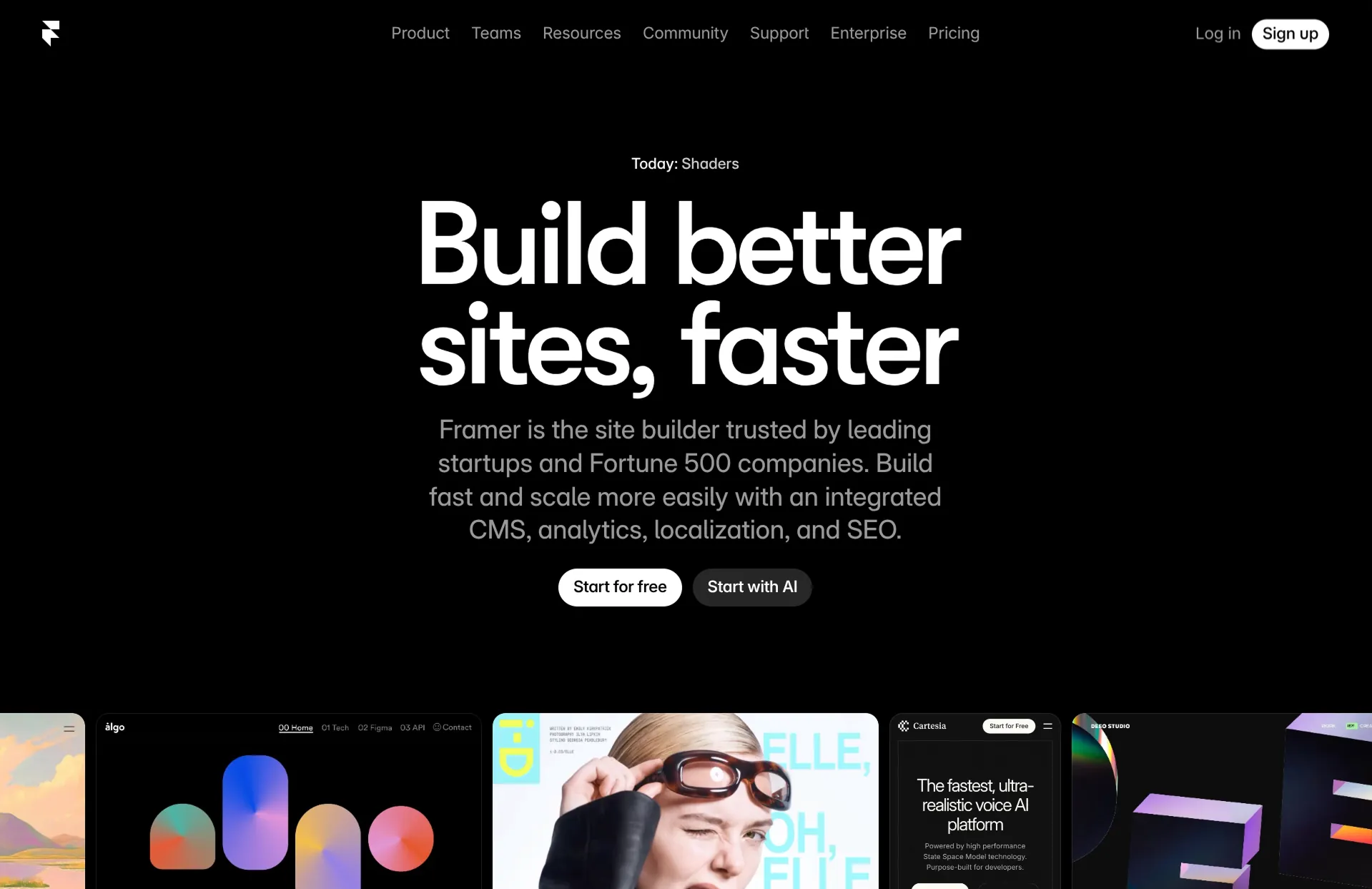
Framer has an AI feature called Wireframer. It's a chatbot that does a decent job of laying out a skeleton for a website. And you can use it anytime, not just making the first draft. But it only really gives you a starting point. The style is basic, and you still need to design your whole site manually in their visual editor.
Review
Framer is my default recommendation for hard website builders. It's interface looks great, and it's super fast. Framer is easier to learn than Webflow, and the sites look about as good. It's basically just a design tool. It has a steep learning curve because you have to control the layout, style, and responsiveness. That's why it's a favorite for startup founders, freelancers, and designers. If you don't want to do low-level web design, you should probably use an easier tool.
Key features
- AI wireframer for generating skeletons
- Visual editor with granular layout control
- Smooth animations and scroll effects
- Built-in CMS for blogs and dynamic content
- Large template and component marketplace
Webflow
How it uses AI
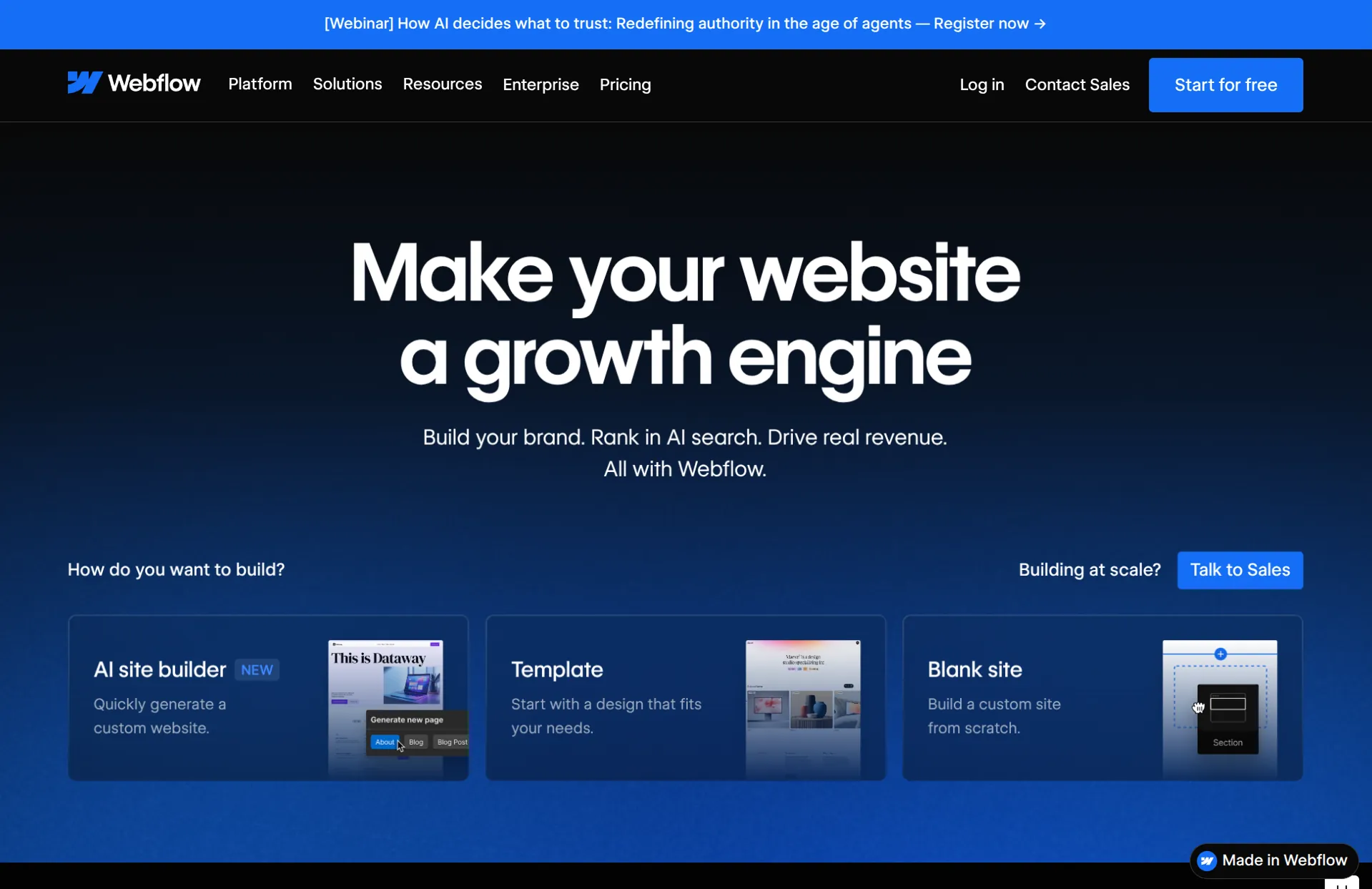
Webflow has an AI site builder to create your initial website. It works surprisingly well. But you quickly get through it, and then you're using Webflow's normal editor to polish the details.
Review
Webflow is the most powerful visual website builder. You can build essentially anything a developer could code, without writing code. The templates look fantastic. But it's also the hardest website builder, by a lot. The interface is dense, the concepts are technical, and making anything is laborious. I personally think only professional agencies should use Webflow. Everyone else would have a better time using another tool on this list.
Key features
- Complete visual control over layout and styling
- Advanced CMS with filtering, sorting, and dynamic content
- Complex animations and interactions
- Strong ecosystem of templates and integrations
Wix Studio
How it uses AI
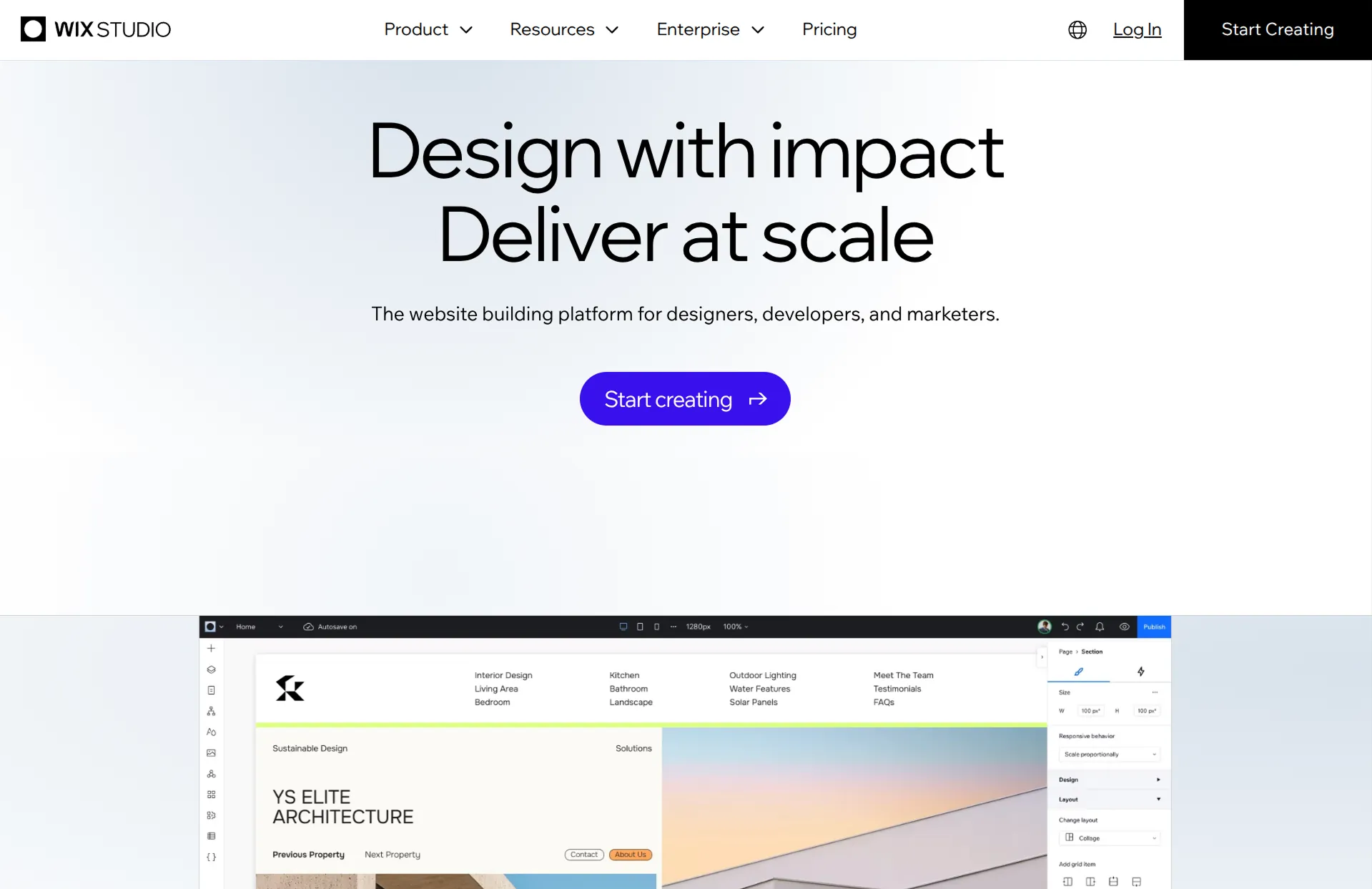
Similar to regular Wix. Some AI-assisted features for layout and content, but the core experience is a visual editor.
Review
Wix Studio is Wix's attempt at a professional-tier product to compete with Framer and Webflow. But according to people I've interviewed, it ended up in a weird spot where it's much harder than basic Wix, but not as powerful as Webflow. And so it's in a dead zone where it's not best for most people, nor best for agencies. I'm not personally an expert, but from what I've heard, I'd always recommend Framer or Webflow over Wix Studio.
Key features
- Responsive design tools with breakpoint control
- More layout flexibility than standard Wix
- Access to the Wix app marketplace
- Built for agencies managing multiple client sites
Simple Pages
Sometimes you don't need a full website builder. You just need to get something online. These tools are the fastest and easiest options on this list, but they come with real limitations. They're best for quick pages, not serious business sites.
Canva Sites
How it uses AI
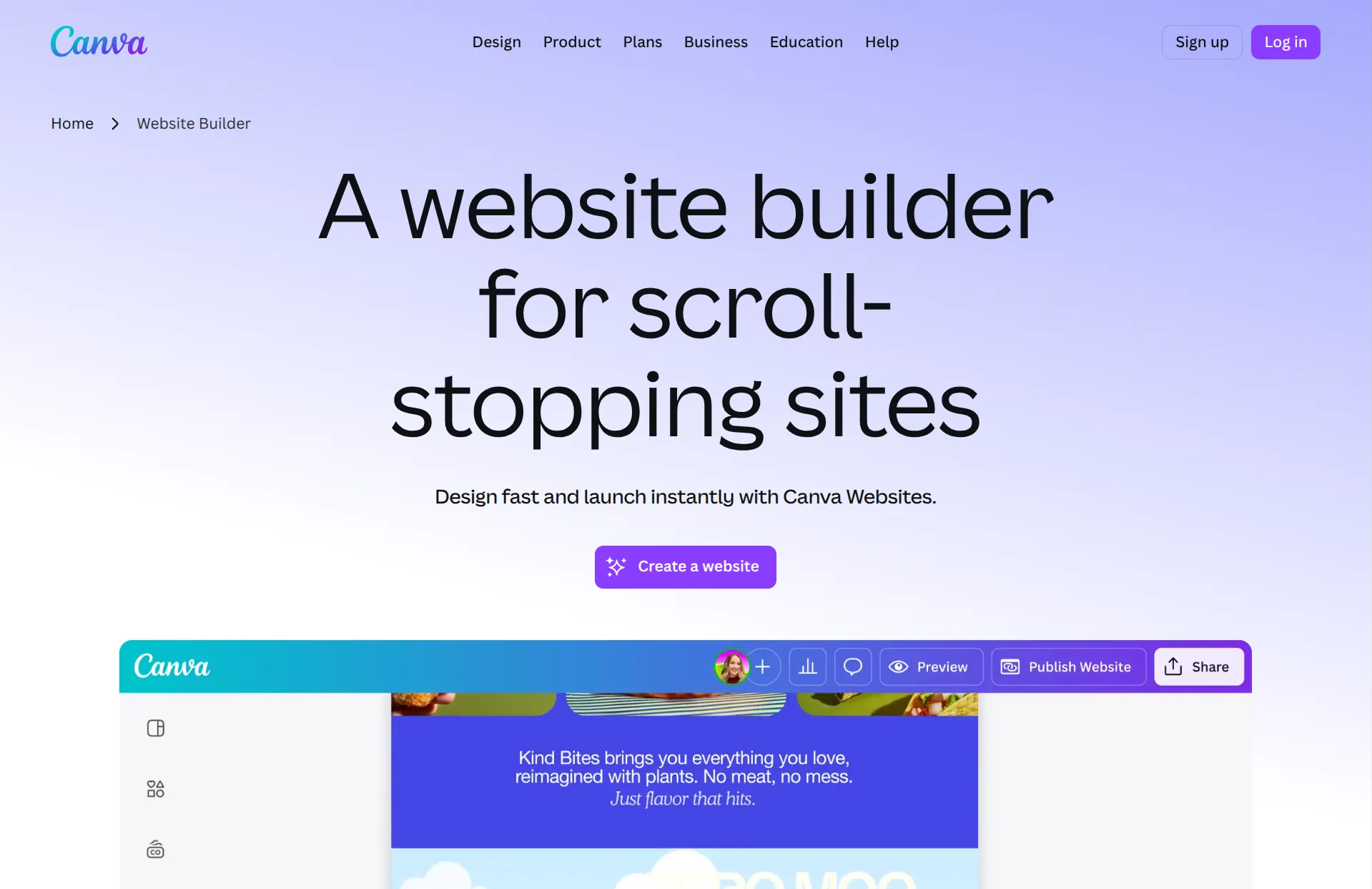
Canva has AI tools for generating text and images, which carry over from their design platform. But the website builder itself is very basic.
Review
Canva is a great design tool, but I don't recommend it for websites. The sites have real usability problems. Linking between pages is clunky, and the responsiveness is poor. Instead of properly adapting to different screen sizes, it just scales everything up and down, which means your text becomes unreadable on some devices. It works if you already use Canva and just need a quick temporary page. But I wouldn't use it for the face of your company.
Key features
- Built into the Canva design platform
- Drag-and-drop editor familiar to Canva users
- Free tier available
- Templates from Canva's design library
Notion Sites
How it uses AI
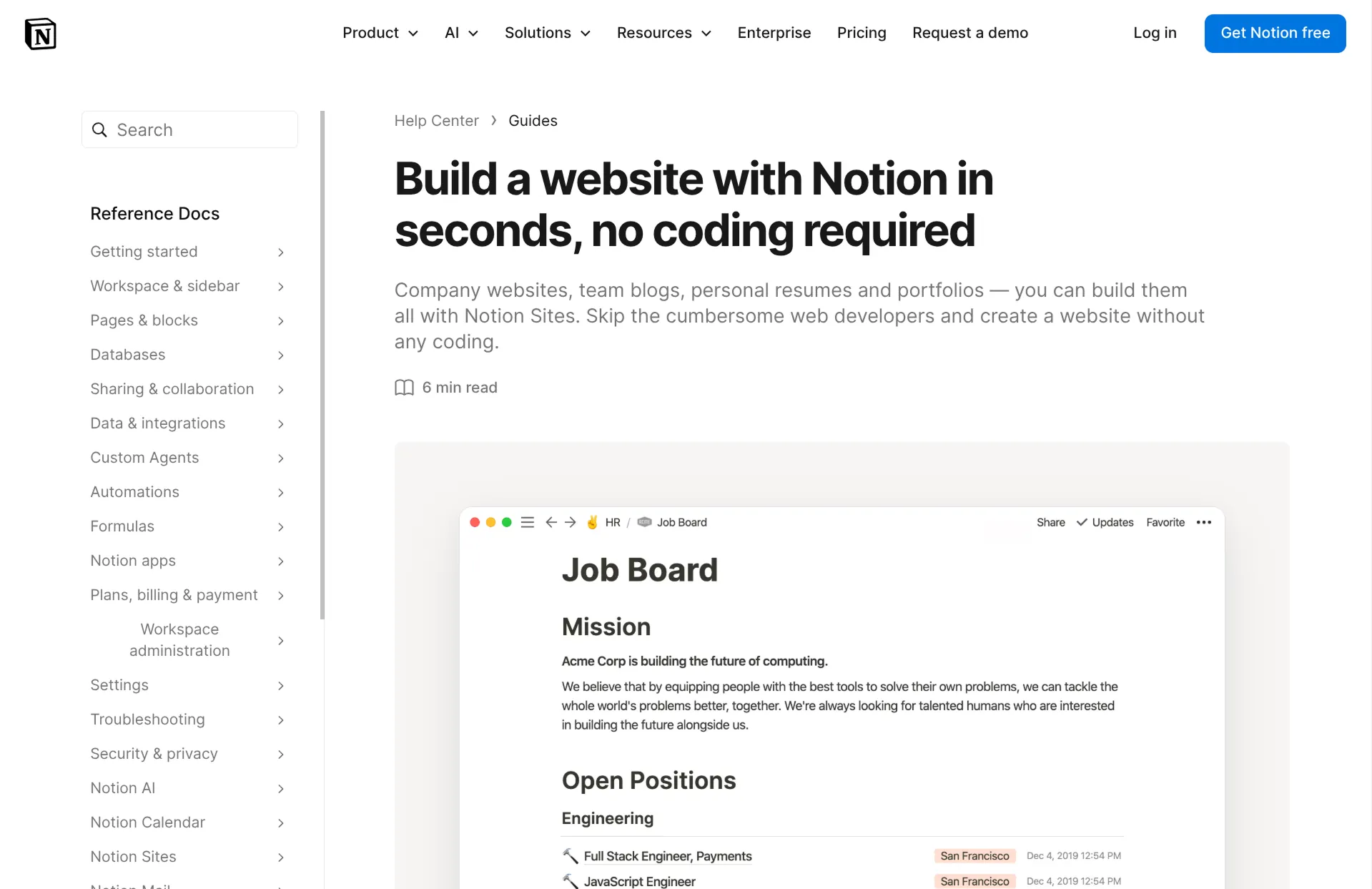
Notion has AI built into its editor for generating and rewriting text. When you publish a Notion page as a site, those AI features carry over.
Review
I think Notion Sites are slightly undervalued. If you need to publish documentation, a knowledge base, a resource hub, or any kind of structured information, Notion is genuinely great for that. It's Google Docs-level easy, and then you can publish. The obvious limitation is the design; every Notion site looks like Notion. But not everything needs a branded design and custom domain. It's a simple way to put information online.
Key features
- Simple text editor with minimal learning
- AI text generation and editing built in
- Custom domains on paid plans
Carrd
How it uses AI
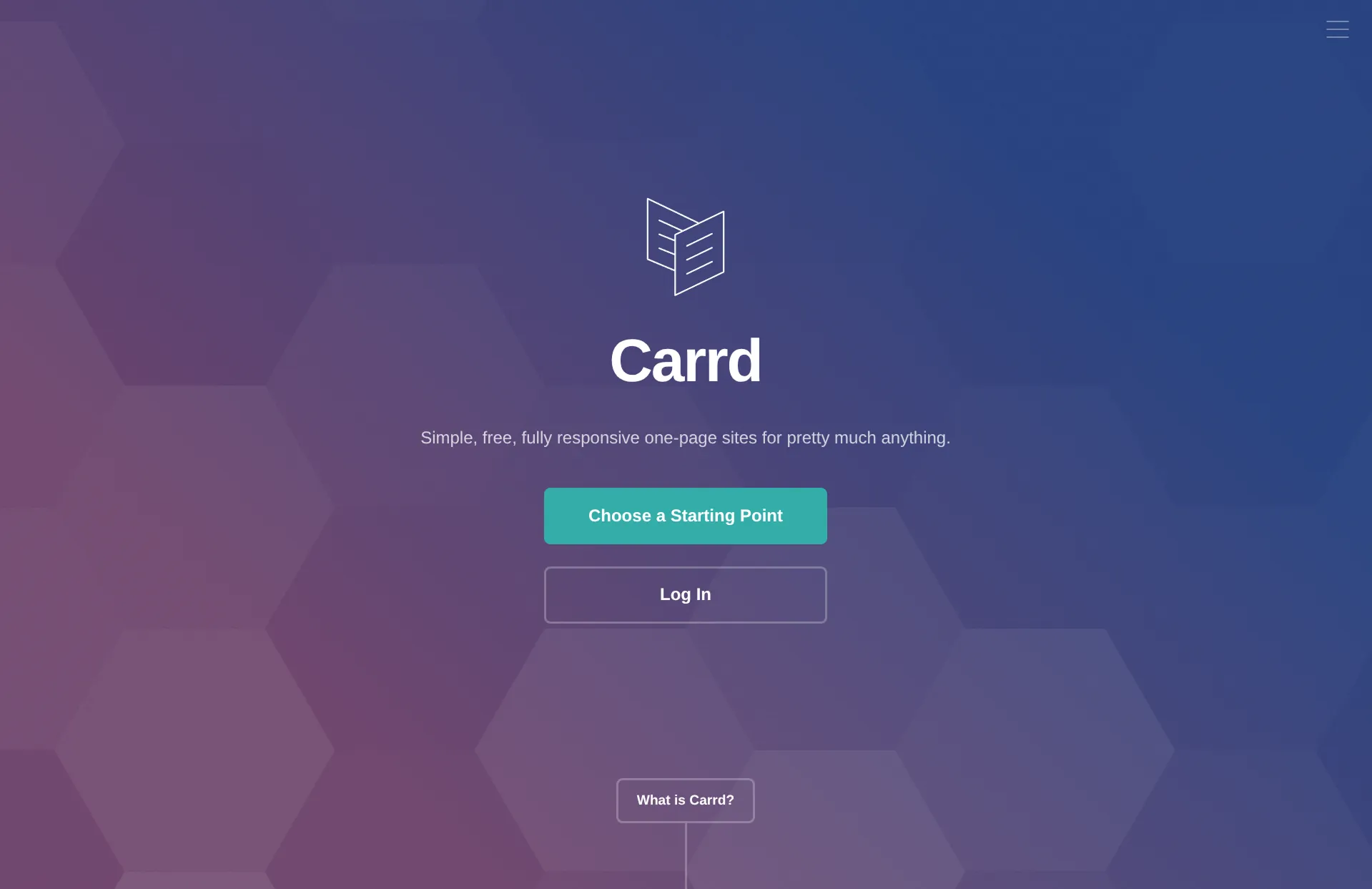
Carrd does not have AI features. It's the only tool I included which genuinely can't claim to be an AI website builder.
Review
Carrd is a very simple tool. It makes single-page websites and nothing else. That's limiting, but it's also why Carrd is so fast and cheap. If all you need is a landing page, a link-in-bio page, or a quick project page, Carrd does it well. Don't try to build a multi-page business site with it. That's not what it's for.
Key features
- Single-page website builder
- Extremely simple editor
- Starts at $9 per year
- Good for landing pages and link-in-bio
E-commerce
If you're selling physical products online, you need more than a website builder. You need inventory management, shipping, checkout, and payment processing. There's really only one tool that does all of this well.
If you don't want to use Shopify, you can always sell on a marketplace like Amazon, Etsy, or eBay. And then your website just needs to be a marketing website, which you could make with a dozen tools on this list, like Wix, Squarespace, or Repaint.
Shopify
How it uses AI
Shopify has AI features for generating product descriptions, editing product photos, and creating marketing content. But the core experience is still manual.
Review
The only reason I included Shopify is to clear something up. A lot of people try building eCommerce stores in Repaint. That doesn't really work. None of the AI-native website builders are even close to Shopify on so many things: inventory tracking, shipping calculations, tax handling, payment processing, order management. That's why Lovable added a Shopify integration. But I'm not sure why you would use Lovable + Shopify when you could just use Shopify. Design customization? I think the average Lovable site looks much worse than the average Shopify site. It doesn't make sense to me. Either way, eCommerce websites are still largely made without AI.
Key features
- Complete e-commerce infrastructure
- Inventory, shipping, and order management
- Thousands of apps and integrations
- Multiple sales channels (online, in-person, social media)
Conclusion
We're in the early innings of AI in website building. The traditional builders still dominate, and for good reason. They're reliable, predictable, and polished in ways that AI-native tools aren't yet. When you drag a box in Squarespace, it goes where you put it. When you ask an AI to move a box, sometimes it moves the wrong one, or breaks something else in the process. That gap is real and it matters for businesses that depend on their website.
But the trajectory is clear. AI-native tools are improving fast, and the core concept is just better. Describing what you want in plain language is fundamentally more efficient than manually arranging elements on a screen. And it's not just about efficiency. Within a few years, AI will be better at web design than most people, including many professional web designers. Eventually, these tools won't just build your website. They'll understand your business, your customers, and your goals, and keep your site aligned as things change. That's not a small improvement over drag-and-drop. It's a completely different paradigm.
I believe we're in a transition phase. The AI tools are good enough to impress you, but not yet reliable enough to fully trust. The traditional tools are reliable enough to trust, but feel increasingly outdated. If you're picking a website builder today, you're choosing between maturity and momentum. Both are valid choices right now. But over the next few years, AI-heavy workflows will become a much more dominant force in this market.
FAQ
Can AI website builders handle SEO properly?
Yes, and in many cases they handle it better than traditional website builders. AI-native tools like Lovable, Bolt, Replit, and Repaint generate real code, which means the AI can directly optimize your HTML, meta tags, sitemaps, and page structure. You can literally ask "audit my SEO and fix any issues" and the AI will work through a checklist of technical improvements. On top of that, AI is strong at content creation and optimization, which matters even more for SEO than the technical stuff. Traditional builders give you form fields to fill in for meta descriptions. AI tools understand what should go in them.
What happens to your site if you stop paying for an AI website builder?
In most cases, you keep your project but lose premium features like expanded editing and your custom domain. Some tools let you export the source code. Others don't. One thing to be aware of: if you're using an AI app builder for something with a database, user accounts, and backend logic, exporting is technically possible but practically difficult. The code often depends on the platform's infrastructure, so moving it somewhere else can break things. For simple marketing sites, this is less of a concern.
Can you move an existing website into an AI website builder?
Not directly. Website builders are remarkably non-transferable. Each one has its own system and doesn't give you raw files you can import elsewhere. That said, Repaint can scrape your existing site to pull in all your text content and images, then use that to build a new version. That's currently the best way to go from an existing site to an AI website builder without starting from a blank page.
Are AI-built websites actually custom, or do they all look the same?
They're all custom-built, but there's a recognizable default style that AI tends to produce. That's because coding AI models have habits, and without specific direction, they fall back on those habits. The harder problem is that it's difficult to push the AI out of its defaults with words alone. Telling it "bold, exciting" doesn't translate into unique layouts in code. This is why Repaint lets you provide visual styles, reference images, and links for inspiration. A picture gives the AI much more to work with than an adjective. The AI is capable of unique design. It just needs better inputs than most people know how to give it.
How do AI website builders handle updates and ongoing maintenance?
You just ask for changes. In most cases, updating an AI-built site is simpler than updating one in a traditional builder, because you don't have to figure out how to do something within the editor. You describe what you want changed, and the AI figures out the implementation. This is one of the biggest practical advantages of AI-native tools.
Should I use an AI website builder or hire a web designer?
The market isn't that different from before AI. Anyone can make a decent website by themselves. But it still takes an expert designer to reach the top tiers of visual quality. I'd only hire a web designer if premium design was genuinely important to my brand and a few thousand dollars wasn't a concern. One word of caution: if you do hire a designer, pay attention to which tool they build in. If they use something that only they know how to edit, you'll depend on them for every update. That makes you less likely to keep your site current, and the ongoing costs can add up.
What can't AI website builders do yet?
They can't make top-tier designs. A lot of people come to Repaint and say "make it look world class." It never works. There's a ceiling on the visual quality that AI website builders can produce, and it's lower than what a skilled professional web designer can achieve. A big reason is that AI can't see what it's making. It works in code, not pixels. It doesn't have an intuitive feel for how things look. It can follow instructions and apply patterns, but it can't step back and evaluate its own work the way a designer can. This will improve over time, but it's a real limitation today.
What is the best free AI website builder?
Most AI website builders have free tiers, but they come with limitations like usage caps or no custom domain. Among the AI-native tools, Repaint, Lovable, Bolt, and Replit all let you try building for free. Among traditional builders, Wix has the most generous free tier. For the best free experience, try a few and see which editing style you prefer before committing to a paid plan.
Are AI-generated websites mobile responsive?
Yes. AI-native tools generate real code, and modern code frameworks are responsive by default. In practice, AI-built sites are at least as mobile-friendly as sites from traditional builders, and often better, because the AI handles responsive behavior automatically rather than relying on you to check every breakpoint manually.
Can AI website builders make e-commerce stores?
They can build the surface layer, like product pages and a storefront. But real e-commerce requires inventory management, shipping, tax calculations, and payment processing. No AI-native tool handles all of that well yet. For serious e-commerce, use Shopify.
What is vibe coding?
Vibe coding means building software by describing what you want in natural language instead of writing code. You talk to an AI, it generates the code, and you refine through conversation. Tools like Lovable, Bolt, Replit, and Repaint all use this approach. The term has become popular in 2025 and 2026 as these tools have gained traction.
Do AI website builders require coding knowledge?
No. That's the whole point. You describe what you want in plain language and the AI writes the code. You never need to see or touch the code yourself. Some tools like Replit expose the code if you want to edit it directly, but it's never required.


