
Best Wix Alternatives in 2026
A breakdown of the best Wix alternatives in 2026, including how each one works, how much of your Wix site it can bring over, and how to pick the right one.

Introduction
Wix is one of the most popular website builders, and it can do a lot. It has stores, bookings, memberships, and an app for almost everything else. But all of that runs through a drag-and-drop editor that gets fiddly as your site grows, and the price tends to climb as you add the features you need.
There are plenty of good alternatives now, and they differ a lot in how you build and edit your site. They also differ in how much of your Wix site they can bring with you, which matters more than usual here, since Wix has no way to export your site. In this post, I'll go through the best Wix alternatives in 2026 and how to pick the right one.
Types of Wix Alternatives
The biggest difference between these alternatives is what happens under the hood when you build, which splits them into two groups.
AI app builders
Repaint and Lovable are built around a chat, and the AI writes your site's code itself. That means it can build whatever you describe, so when you need a feature you'd normally add from the Wix App Market, you ask for it instead.
Website builders
Squarespace, Framer, WordPress, Webflow, Shopify, Hostinger, and Carrd work more like Wix. Your site is assembled from each platform's own building blocks, whether you do it by hand or with their AI tools, so you're limited to the features each platform and its app store offer.
Our Picks
Prices are the lowest paid plan, billed annually where that's an option.
| Tool | Best For | Free Option | Price |
|---|---|---|---|
 Repaint | Best overall. It's far easier than the Wix editor, and it brings over your Wix site more completely than anything else here. | 14-day trial | $25/mo |
 Squarespace | Polished small business sites. Its templates make it hard to build a site that looks bad. | 14-day trial | $19/mo |
 Framer | Design-focused sites. Its AI agent can rebuild your Wix pages from their URL. | Free plan | $10/mo |
 WordPress | Blogs and flexible sites. It has a theme or plugin for almost anything. | Free plan | $4/mo |
 Webflow | Designers and agencies. It's the most powerful visual builder, with a strong CMS. | Free plan | $15/mo |
 Shopify | A standard online store. Its store tools are the most complete of any platform. | Free trial | $29/mo |
 Hostinger | A low starting price. It bundles an AI website builder with its hosting. | Free trial | $1.99/mo* |
 Lovable | Custom web apps. It builds almost anything you describe, with code access when you want it. | Free plan | $21/mo |
 Carrd | A simple one-page site. It's fast and costs a few dollars a year. | Free plan | $19/yr |
* Hostinger's starting price is an introductory rate on a 48-month plan. It renews at $10.99 per month.
AI App Builders
With an AI app builder, you build and change your whole site by chatting, and the AI writes everything to fit what you ask for. There's no editor to learn and nothing to drag into place, which makes this the group I'd recommend for most people leaving Wix.
Both can start from your Wix site's URL, but they bring over very different amounts. One rebuilds your actual pages and posts, while the other copies how your pages look.
Repaint

How it works
Repaint is an AI builder for business websites and apps. Using it feels a lot like using ChatGPT. You describe what you need, and Repaint plans it with you before building. To move from Wix, you paste your site's URL, and Repaint rebuilds it close to pixel for pixel, with your real pages, blog posts, and images.
Review
Repaint is much easier to use than the Wix editor. There's nothing to drag around or line up on each screen size. You describe what you want and the AI does the work, including features you'd otherwise look for in the Wix App Market. Booking, payments, memberships, and private dashboards for running your business are built in.
It's also the best way to bring a Wix site with you. Since Wix has no export, most alternatives mean rebuilding your site by hand. Repaint reads your live site instead and rebuilds every page, blog post, and form, with a design that closely matches the original. It keeps your page addresses the same too, so old links and search rankings carry over.
Key features
- Imports your Wix site from its URL
- Keeps your page and blog post addresses
- Features built by asking, instead of from an app market
- Payments, bookings, memberships, and customer accounts built in
- Hosting, security, and updates handled for you
Lovable

How it works
Lovable builds full web apps from a description, and you make changes by chatting. Its website import rebuilds pages from a public URL by copying how they look.
Review
Lovable can build almost any custom app you describe, and it gives you code access and GitHub sync when you want them. That makes it a strong option if you're comfortable with a little technical setup.
It's built for apps more than business websites, though. Its import copies the look of your Wix pages, but blog posts come in as fixed text on the page rather than posts you can manage, and forms don't send anywhere until you build that part.
Key features
- Custom web apps built from a description
- Website import that copies the look of each page
- Code view and GitHub sync
- Built-in database and logins through Lovable Cloud
Website Builders
Website builders work a lot like Wix. Your site is assembled from each platform's templates and building blocks, and you add features from its own tools and app store. Some are easier than Wix, and some give you much more control over the design.
They make sense if you like editing by hand and your needs fit what the platform offers. Moving from Wix is harder with these tools, since Wix has no export file for them to import. Apart from Framer, they mean rebuilding your pages yourself.
Squarespace
How it works
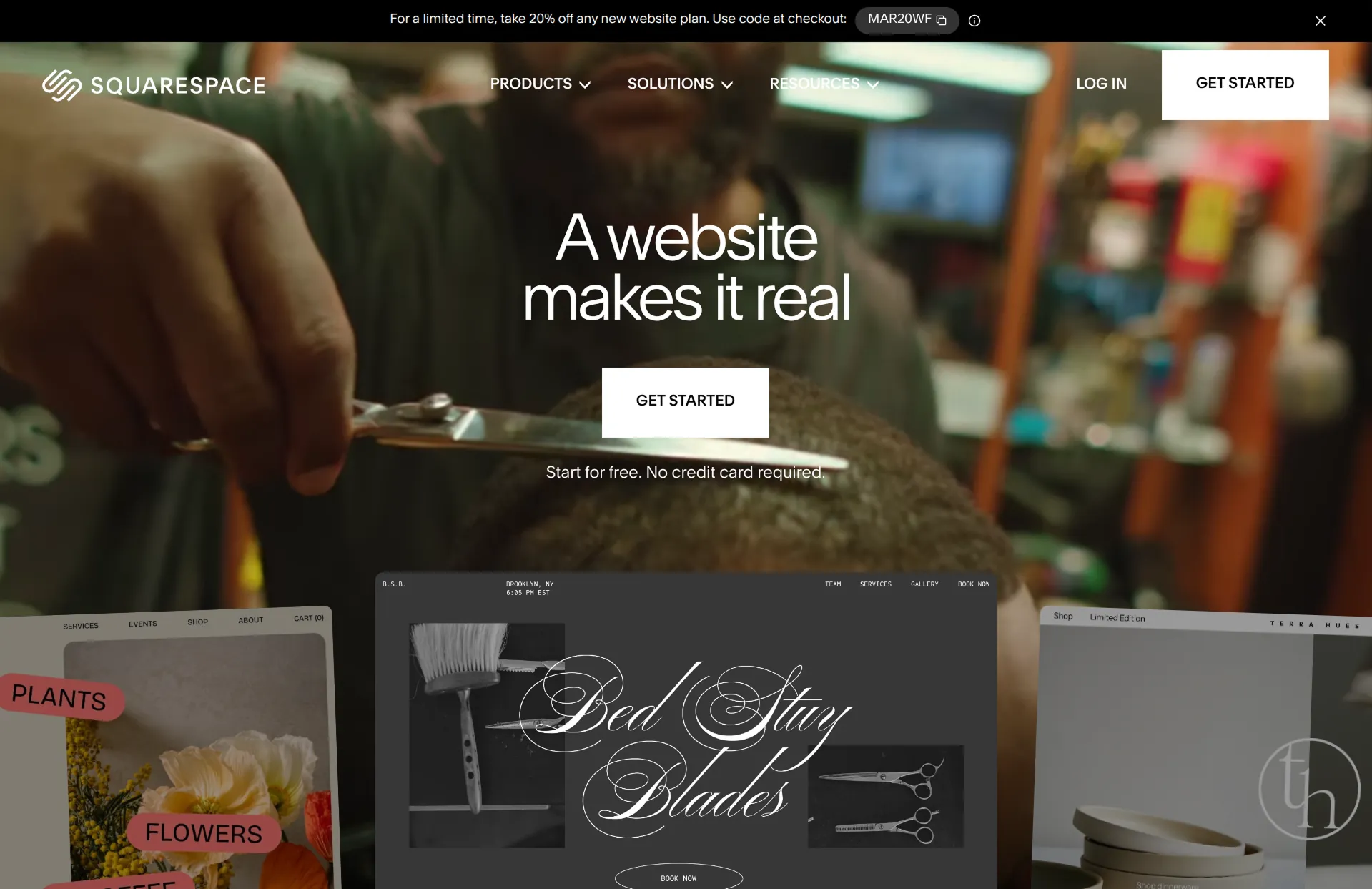
Squarespace is a website builder known for polished templates and a simpler editor than Wix. It has built-in stores, scheduling, and member areas.
Review
Squarespace is the most common switch from Wix, and for good reason. Its editor is more structured, so it's harder to end up with a messy layout, and its templates look good with very little work. The tradeoff is flexibility. If you want something your template or Squarespace's features don't support, there's no app market to fall back on.
Moving from Wix means starting over. Squarespace can't import a Wix site, so you rebuild your pages and copy your blog posts over by hand.
Key features
- Polished templates and a structured editor
- Built-in stores, scheduling, and member areas
- Hosting and security handled for you
Framer

How it works
Framer is a design tool for building websites, with an AI agent that can build and edit pages. The agent can import your current website from its URL.
Review
Framer makes beautiful, fast sites with smooth animations, and it's popular with designers. It has a steeper learning curve than Wix, though, since you control the layout and style of every element by hand.
Its AI import is the strongest of the website builders. It rebuilds your pages and blog posts from your site's URL, keeps their addresses, and turns a simple contact form into a Framer form. Some images and details need cleanup afterward, and a full import can use most of the free plan's monthly AI credits.
Key features
- AI agent that can import your current website
- Visual editor with full design control
- Smooth animations and interactions
- Built-in CMS for blogs
WordPress
How it works
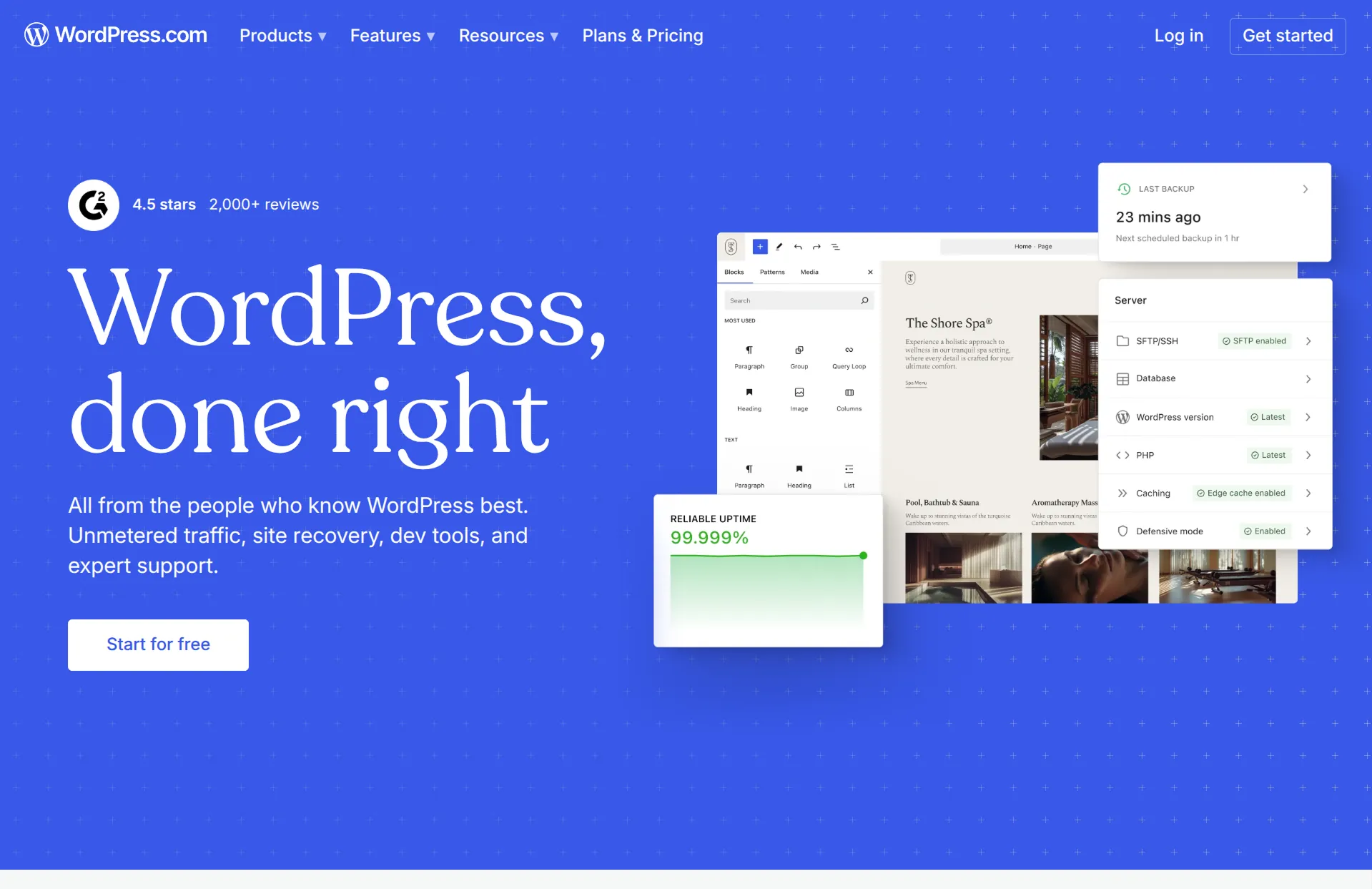
WordPress is the most widely used website platform, with thousands of themes and plugins. WordPress.com hosts it for you, and it has a basic Wix importer that reads your site's URL.
Review
WordPress is the most flexible option here, especially for blogs and content-heavy sites. There's a theme or plugin for almost anything, and you can move your site to any host later. That flexibility comes with more upkeep, though, and on WordPress.com, installing plugins requires its Business plan.
Its Wix importer doesn't bring over much, though. It sets up your page titles and menu, but not the text, images, or blog posts on them, so you'll copy your content in by hand and pick a WordPress theme for the design.
Key features
- Thousands of themes and plugins
- Wix importer for page titles and menus
- Strong blogging tools
- Can move to any WordPress host
Webflow
How it works
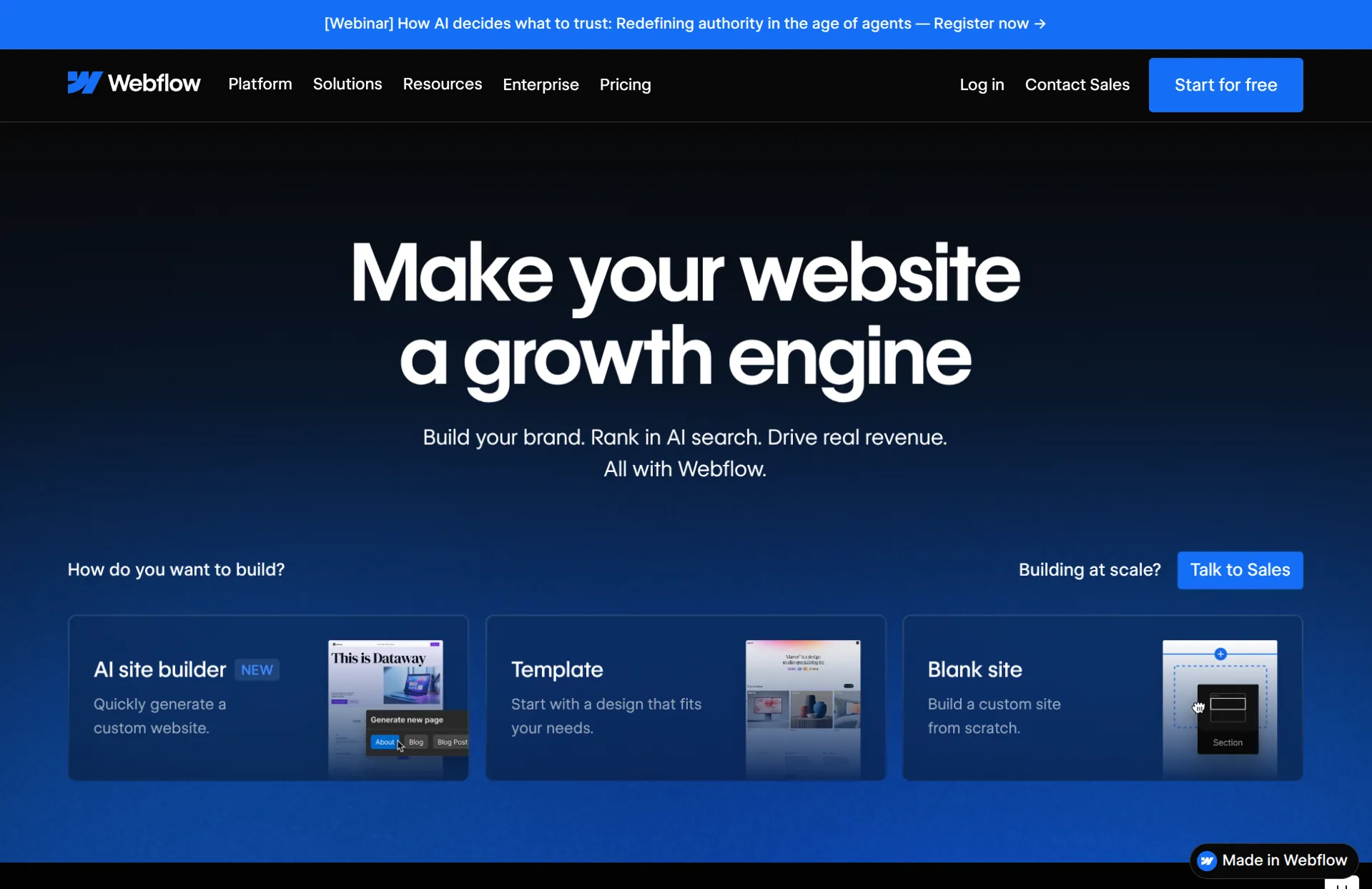
Webflow is the most powerful visual website builder, with a CMS for blogs and other content. It doesn't have a way to import a Wix site.
Review
Webflow can build almost anything a developer could, without code, and its sites look great. It's also the hardest builder here to learn. The interface is dense and the concepts are technical, which makes it a better fit for designers and agencies than for business owners.
Moving from Wix takes real work. Every page is rebuilt by hand, and blog posts come over through a spreadsheet you prepare and upload to its CMS.
Key features
- Complete visual control over layout and styling
- Powerful CMS for blogs and dynamic content
- Advanced animations and interactions
- Large template marketplace
Shopify

How it works
Shopify is an ecommerce platform with an AI store builder and an AI assistant called Sidekick. Its free Store Migration app can bring over your Wix products and customers, and the rest of your site is rebuilt.
Review
If your Wix site is mainly a store, Shopify is still a strong choice. It has the most complete tools for products, inventory, shipping, and checkout, and it sells across many channels.
It's built around stores, though, so it's not a natural home for a site that's mostly pages, bookings, or a blog. Your products and customers can come over, but your pages, blog, and design have to be rebuilt.
Key features
- Complete ecommerce tools
- Inventory, shipping, and order management
- Thousands of apps and integrations
- Sells online, on social, and in person
Hostinger

How it works
Hostinger is a web host with an AI website builder. You describe your business, and it generates a site you can edit with its AI agent or in its editor. The builder comes with Hostinger's hosting plans.
Review
Hostinger has the lowest starting price here, which makes it a natural look if Wix's price is your main reason for leaving. That price is an introductory rate on a multi-year plan, though, and it renews at a much higher monthly price.
It can't import a Wix site. Its AI builder can start from your Wix site's URL, but it generates new images and fills in anything it can't read, so you get a new site in a similar style rather than your actual pages.
Key features
- AI website builder included with hosting
- AI agent for edits
- Low introductory pricing
- Built-in store on higher plans
Carrd
How it works
Carrd builds simple single-page websites. It doesn't import from Wix.
Review
Carrd is fast, cheap, and easy, and it's great for a landing page, a link-in-bio page, or a simple project page. It only makes one-page sites, so it's not a replacement for a Wix site with several pages, a store, or a blog.
Key features
- Single-page website builder
- Very simple editor
- Costs a few dollars a year
- Good for landing pages and link-in-bio
Conclusion
Every alternative here can replace a Wix site. The bigger differences are in how you build, and how much of your current site comes with you. Website builders give you their own building blocks to work with, while AI app builders build whatever you describe. And since Wix has no export, most alternatives mean rebuilding your site by hand.
Repaint is the best place to start. It's far easier to use than the Wix editor, and when you need a feature, you ask for it instead of hunting through an app market. It also brings over your whole Wix site from its URL. If you'd rather build by hand, Squarespace is the easiest switch, Framer is the strongest pick for design, and WordPress is the most flexible.
Most of these tools have a free plan or trial, so it's easy to try a couple before you commit.
FAQ
What is the best alternative to Wix?
Repaint is the best Wix alternative for most small businesses. It's far easier to use than the Wix editor, features are built by asking instead of installing apps, and it brings over your existing Wix site from its URL. If you'd rather keep editing by hand, Squarespace is the most common switch.
Can I move my Wix website without rebuilding it?
Only with a tool that rebuilds it from your live site, since Wix doesn't let you export your site. Repaint and Framer's AI agent can rebuild your pages and blog posts from their URL. Other platforms' importers bring over little or nothing, so you rebuild your site by hand.
Will I lose my SEO if I leave Wix?
Not if your old page addresses keep working. Search engines rank each page by its address, so when a page moves, you need to redirect the old address to the new one. If your new platform keeps your original addresses, there's nothing to redirect.
Is there a cheaper alternative to Wix?
Yes. Framer, WordPress.com, and Carrd all have cheaper paid plans than Wix, and Hostinger has the lowest starting price, though it renews at a higher rate. Check what's included, since features like a store or custom domain often need a higher plan.
Is there a Wix alternative I can edit by chatting with AI?
Yes. AI app builders like Repaint and Lovable let you build and change your whole site by chatting. Wix, Squarespace, and Hostinger have AI tools too, but their edits are limited to what each editor's building blocks can do.


