
Best Website Migration Tools in 2026
A breakdown of the best website migration tools in 2026, including AI tools that rebuild your site from its URL, what each one brings over, and how to pick the right one.

Introduction
Moving a website to a new platform has always meant rebuilding most of it by hand. Website builders can usually import some of your content, often just your blog posts, while your pages and design stay behind. AI has changed that. A few tools can now rebuild your whole site from its live pages, so you can switch platforms without starting over.
These tools differ a lot in what they actually bring over, though. Some bring your real pages, posts, and forms, while others copy how your pages look or move only your text. In this post, I'll go through the best website migration tools in 2026, what each one brings over, and how to pick the right one.
Types of Migration Tools
The biggest difference between these tools is where they get your site from, which splits them into two groups.
AI migration tools
Repaint, Framer, 10Web, Lovable, and Base44 rebuild your site from its live pages or by connecting to your old platform. They can bring over your pages and design, not just your content, which is what makes switching platforms without starting over possible.
Website builder importers
WordPress.com, Squarespace, Wix, Ghost, Shopify, and Webflow import content into their own platform, usually from an export file your old platform creates. They bring over your words and images, but your design stays behind, and many only handle blog posts or products.
Our Picks
Prices are the lowest paid plan, billed annually where that's an option.
| Tool | Best For | Free Option | Price |
|---|---|---|---|
 Repaint | Best overall. It brings over your whole site from its URL, including your design, posts, forms, and page addresses. | 14-day trial | $25/mo |
 Framer | Moving to a design-focused builder. Its AI agent rebuilds your pages and blog from your site's URL. | Free plan | $10/mo |
 10Web | Copying your pages' design onto WordPress. Its AI cloning agent recreates each page from its URL. | Free to start | $10/mo |
 WordPress.com | Importing a blog's posts and pages. It reads export files from other WordPress sites, Squarespace, and more. | Free plan | $4/mo |
 Squarespace | Moving a WordPress blog to Squarespace. Its importer handles posts with their dates and categories. | 14-day trial | $19/mo |
 Ghost | Moving a blog or newsletter. Its WordPress importer brings posts, pages, and images. | 14-day trial | $15/mo |
 Shopify | Moving an online store. Its free Store Migration app brings over products and customers. | Free trial | $29/mo |
 Lovable | Turning a site into a custom app. Its import copies the look of each page into a project you can build on. | Free plan | $21/mo |
 Base44 | Moving WordPress content into an app. Its connector reads your posts and pages into a database. | Free plan | $16/mo |
 Wix | Moving a WordPress blog to Wix. Its blog importer brings over published posts quickly. | Free plan | $17/mo |
 Webflow | Designers rebuilding by hand. Its CMS takes your content in from a spreadsheet. | Free plan | $15/mo |
What Each Tool Brings Over
Moving off WordPress is the most common case, and it shows the differences clearly. Here's what each tool brings over from a typical small business WordPress site with a few pages, a blog, a menu, and a contact form. A check means it comes over ready to use, without rebuilding.
| Pages | Blog posts | Design | Forms | URLs kept | |
|---|---|---|---|---|---|
| Repaint | |||||
| Framer | |||||
| Lovable | |||||
| Base44 | |||||
| Squarespace | |||||
| Ghost | |||||
| Wix | |||||
| Webflow |
Where URLs aren't kept, your old links stop working unless you set up redirects yourself, which matters if your site gets traffic from Google.
AI Migration Tools
AI migration tools rebuild your site instead of importing an export file, so they aren't limited to what your old platform lets you export. That's what makes them the best option for platforms like Wix and Squarespace, which don't export your design at all.
They differ in what they rebuild. Some bring over your actual pages, posts, and forms as things you can keep editing, while others copy how your pages look and leave the content behind.
Repaint

How it works
Repaint is an AI builder for business websites and apps. You paste your current site's URL, and Repaint rebuilds it from the live pages, with your real text, images, blog posts, and page addresses. It works with sites on WordPress, Wix, Squarespace, and most other platforms, including apps made with AI builders like Lovable.
Review
Repaint brings over more of a site than any other tool here. It rebuilds every page with a design that closely matches the original, brings your blog posts over as posts you can keep editing, and recreates your forms so they work. It keeps your page addresses the same too, so old links and search rankings carry over without redirects. If your old platform exports data like products or bookings as a spreadsheet, you can share it in the chat and Repaint adds it to your new site.
Once your site is moved, you manage it by chatting, and you can keep it as it is or ask for a redesign. Payments, bookings, memberships, and customer accounts are built in, so features that relied on plugins or apps on your old platform can be rebuilt too.
Key features
- Rebuilds your site from its URL, design included
- Brings blog posts over as editable posts
- Keeps your page and post addresses
- Imports data from your old platform's exports
- Payments, bookings, and customer accounts built in
Framer
How it works
Framer is a design tool for building websites. Its AI agent can import your current site from its URL, rebuilding your pages and bringing your blog posts into Framer's CMS.
Review
Framer's AI import is the strongest of the traditional website builders. It rebuilds your pages with a close copy of your design and brings your blog posts into its CMS. It can rebuild a simple contact form, but more complex forms don't come over, and blog categories come in as plain text rather than categories you can filter by.
Some images and details need cleanup afterward, and a full import can use most of the free plan's monthly AI credits. When your post addresses change, Framer sets up redirects for them, but redirects only work on its Pro plan. After the move, you edit in Framer's visual editor, which gives you full control over the design but takes time to learn.
Key features
- AI agent that imports your site from its URL
- Blog posts brought into Framer's CMS
- Visual editor with full design control
- Redirects on the Pro plan
10Web
How it works
10Web is an AI website builder that runs on WordPress. Its cloning agent recreates a page from its URL, and the result is a WordPress site that 10Web hosts for you.
Review
10Web is a good fit if you want to end up on WordPress without rebuilding your site by hand. You get WordPress's CMS underneath, with hosting and updates handled for you, and a separate agent can redesign an outdated page into a more modern one.
You can start for free, and paid plans start at $10 per month for one site, billed annually, with a monthly allowance of AI credits. Since the result is a standard WordPress site, you can also bring in your blog posts with WordPress's own importer if your old platform exports them.
Key features
- Cloning agent that recreates pages from a URL
- Redesign agent for outdated pages
- Hosted WordPress with its full CMS
- AI credits included with each plan
Lovable
How it works
Lovable builds web apps from a description, and you make changes by chatting. Its website import rebuilds pages from a public URL by copying how they look. It can also import projects from other AI builders like Bolt, Replit, and Base44.
Review
Lovable's import is quick, and it copies the look of each page closely while keeping each page at its original path. It's built for apps more than websites, though. Blog posts come in as fixed text on the page rather than posts you can manage, and forms keep their look but don't send anywhere until you build that part.
That makes it a better fit for a small site you plan to turn into something more custom than for moving a business site as it is. Your first import is free, and later imports use credits.
Key features
- Website import that copies the look of each page
- Imports projects from other AI builders
- Custom web apps built from a description
- Code view and GitHub sync
Base44

How it works
Base44 is an AI app builder owned by Wix. Its migration tool connects to an existing site and reads your content into its database, with connectors for WordPress, Shopify, HubSpot, Lovable, and Bolt. Its Start from URL option recreates the look of a page instead.
Review
Base44's WordPress connector does more than most importers. Your pages and posts come over as content you can keep editing, along with your categories, and it rebuilds forms so they work. The design is new, though, since Base44's AI builds the app around your content, and it can swap your real photos for AI-generated ones.
Your post addresses also change, with no redirects set up for you. Its Start from URL option is much weaker for moving a site, since it reads a single page and fills in the rest with placeholder content.
Key features
- Connectors for WordPress, Shopify, and other platforms
- Content imported into a database you can edit
- Start from URL for copying a page's look
- Owned by Wix
Website Builder Importers
Most website builders can import some of your content, usually from an export file your old platform creates. They bring over your words and images, not your site. Your design doesn't come with them, many only handle blog posts or products, and your old links usually change.
They make sense when your content is what matters most, like a blog with hundreds of posts, or when you're moving a store's products. For everything else, plan on rebuilding your pages by hand.
WordPress.com
How it works
WordPress.com hosts WordPress for you. It can import content from another WordPress site, from Squarespace's export file, and from platforms like Blogger and Medium. It also has a basic Wix importer.
Review
Moving into WordPress is the most flexible path for your content, since many platforms can export to WordPress and there's a plugin for almost anything afterward. Moves from another WordPress site bring over your posts, pages, and media well.
Imports from other platforms are thinner. Squarespace's export brings your basic pages and one blog, and the Wix importer sets up your page titles and menu without the text or images on them. Your design changes to a WordPress theme either way.
Key features
- Imports from WordPress, Squarespace, Blogger, and Medium
- Basic Wix importer
- Thousands of themes and plugins
- Can move to any WordPress host later
Squarespace
How it works
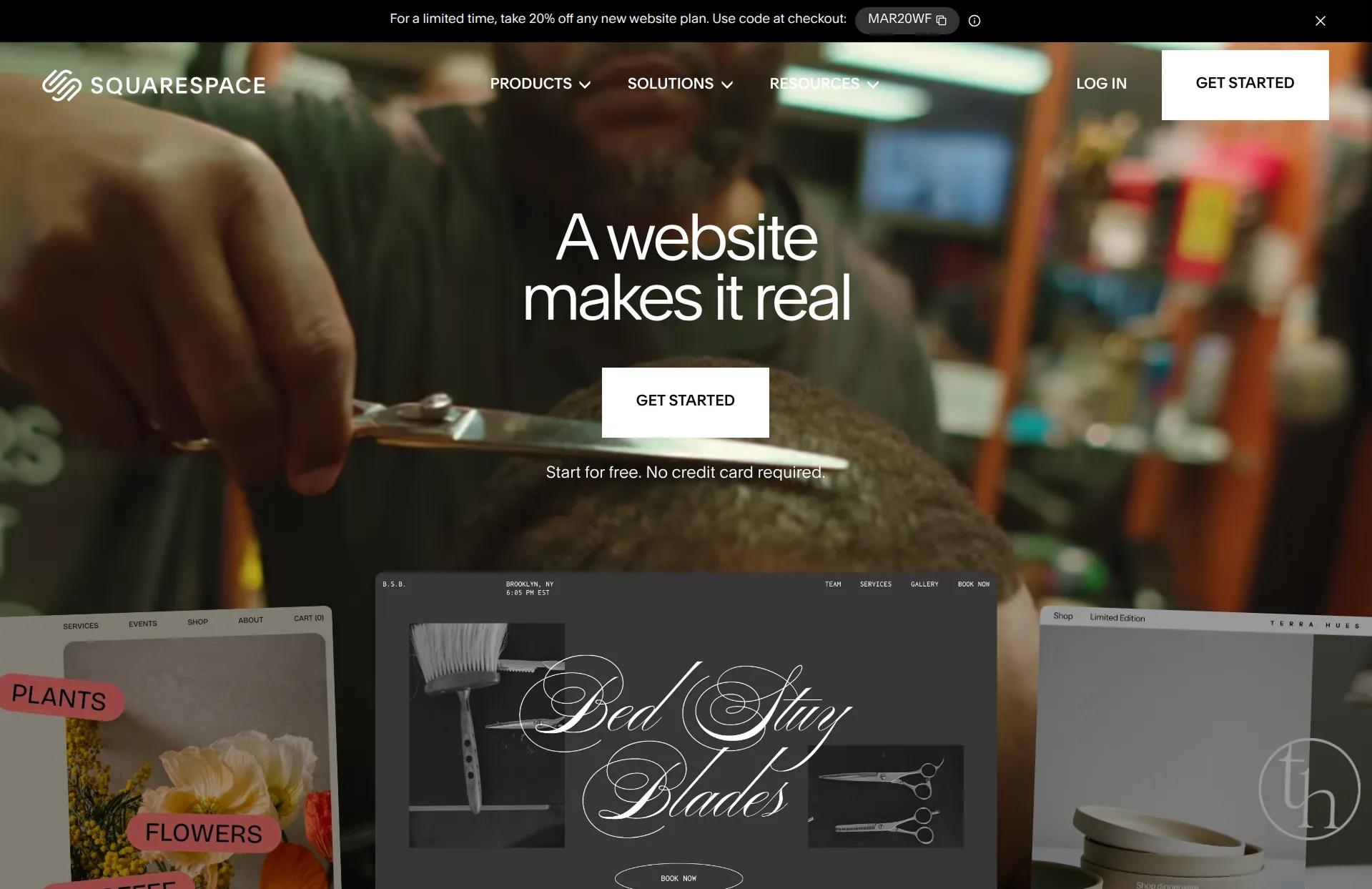
Squarespace can import content from WordPress, Blogger, and Tumblr. A WordPress import uses the export file from your WordPress dashboard.
Review
Squarespace's WordPress import handles blog posts well, with their dates, categories, and images. Pages are a different story. They arrive as one big block of plain HTML, and your menu, forms, and design don't come over at all.
Post addresses move under a new path, so you'll need to set up redirects by hand to keep old links working. Squarespace can't import a Wix site.
Key features
- Imports from WordPress, Blogger, and Tumblr
- Keeps post dates, categories, and images
- Redirect settings for old addresses
- Import works on the free trial
Wix
How it works
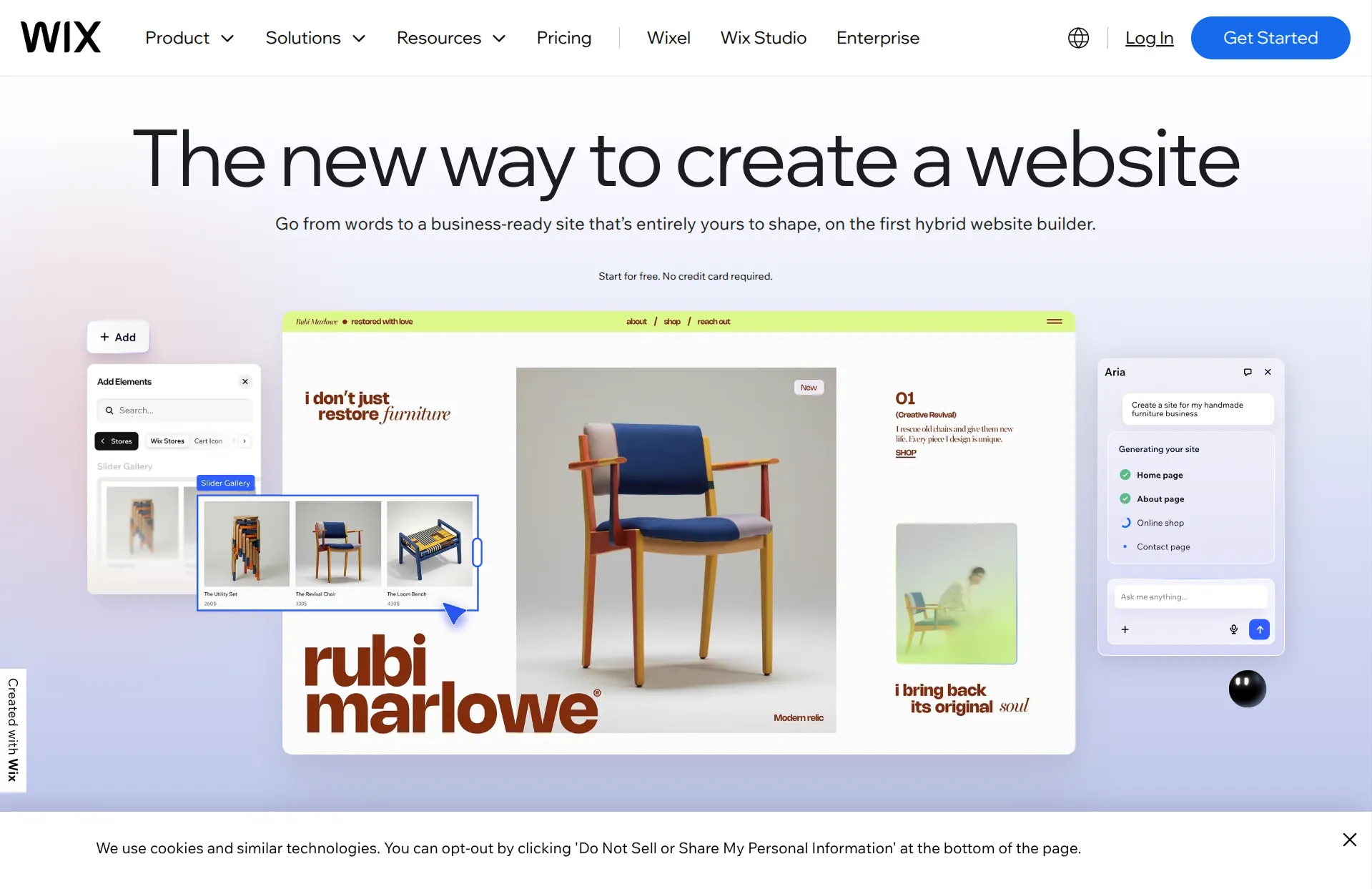
Wix's blog importer brings posts over from WordPress, either from your site's URL or an export file. Its Create from URL tool builds a new Wix site based on an existing home page.
Review
Wix's blog importer is fast and brings over your published posts with their categories, but not their featured images, and it doesn't touch your pages. Create from URL only reads your home page, then generates a new design around it and fills in the other pages on its own.
Post addresses change, so you'll add redirects by hand. It's also a one-way move, since Wix sites can't be exported if you ever want to leave.
Key features
- Blog importer for WordPress posts
- Create from URL for a new site based on your home page
- Redirect manager for old addresses
- Built-in stores, bookings, and memberships
Ghost

How it works
Ghost is a publishing platform for blogs and newsletters. Its WordPress importer takes the export file from your WordPress dashboard.
Review
Ghost's importer brings over your posts, images, and categories well, turning categories into tags. Pages come over too, but some need cleanup, and your menu, forms, and design don't come over.
Post addresses lose their dates, so old links break unless you add redirects or change Ghost's routing settings. It's a great destination for a blog, and less so for a business site that needs booking or a store.
Key features
- WordPress importer for posts and pages
- Newsletters and member signups built in
- Redirects through an uploaded file
- Hosting handled for you on Ghost(Pro)
Shopify

How it works
Shopify's free Store Migration app imports products and customers from platforms like Wix, WooCommerce, Square, and Etsy. Third-party apps in its app store can also move orders and redirects.
Review
If you're moving an online store, Shopify makes the product side straightforward, and it has the most complete tools for running a store afterward. Some platforms don't export everything cleanly, so expect a few manual fixes.
It only moves store data, though. Your pages, blog, and design have to be rebuilt, which makes it a better fit for a site that's mostly a store.
Key features
- Free Store Migration app for products and customers
- Third-party apps for orders and redirects
- Complete ecommerce tools
- Sells online, on social, and in person
Webflow
How it works
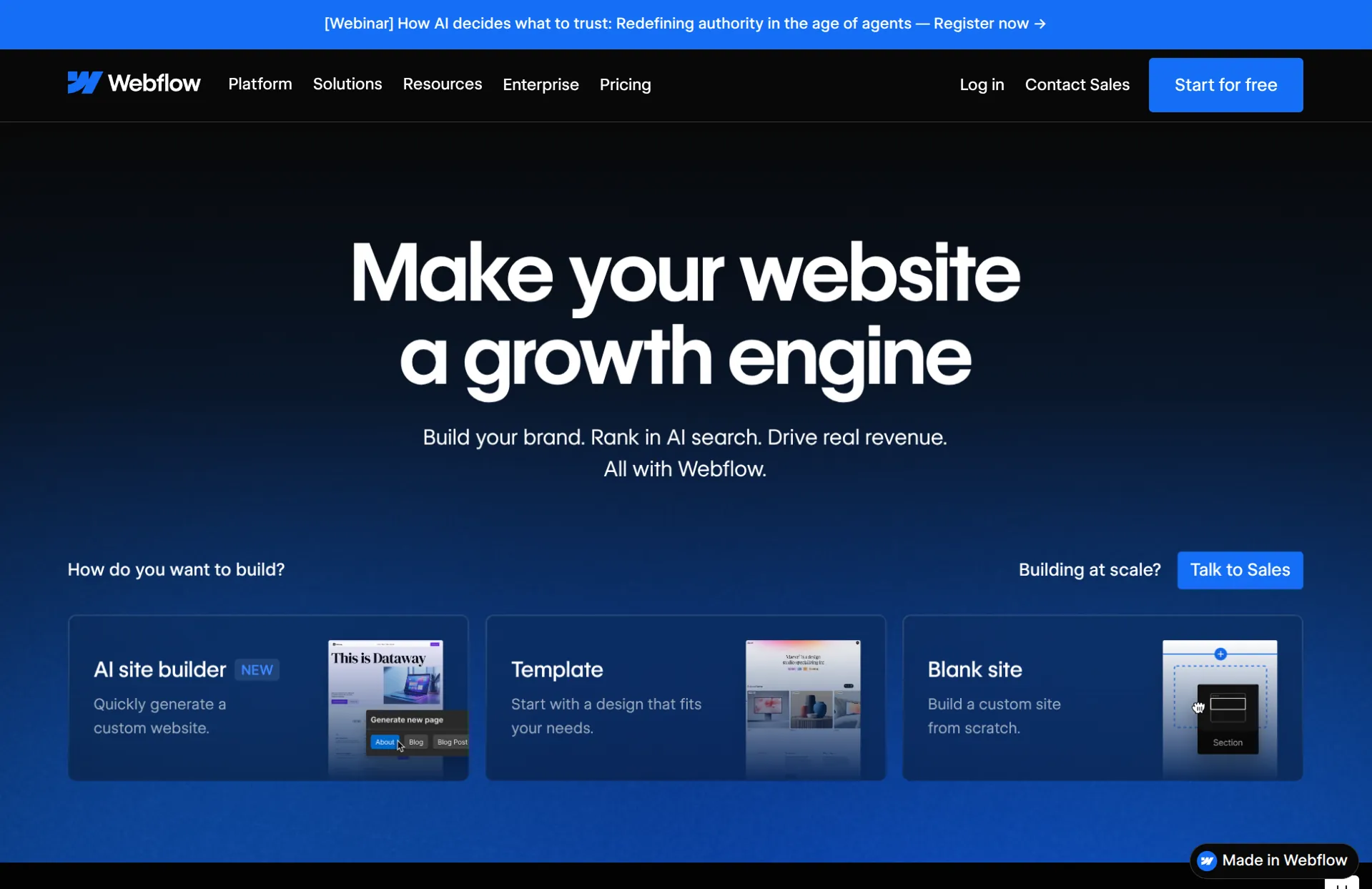
Webflow doesn't have an importer for other website builders. Content comes in through a spreadsheet you upload to its CMS.
Review
Webflow can build almost anything a developer could, without code, but moving to it takes the most work of any tool here. Every page is rebuilt by hand, and your blog posts come over through a spreadsheet you prepare yourself. It's the right choice for designers and agencies who want full control and plan to rebuild anyway.
Key features
- CSV import into its CMS
- Complete visual control over layout and styling
- Redirect settings for old addresses
- Large template marketplace
Moving WordPress to a New Host
If you're keeping WordPress and only changing hosts, you need a different kind of tool. WordPress migration plugins copy your whole site, including your theme, plugins, and settings, to the new host.
Duplicator and All-in-One WP Migration package your site into a file you upload to the new host, and both have free versions with paid upgrades for larger sites. Migrate Guru moves a site directly between servers and is free. Many hosts also move your site for you when you sign up.
Conclusion
Most migration tools only move your content, because that's all your old platform lets you export. AI migration tools are the first that can bring over your whole site, but they differ a lot. Some rebuild your actual pages, posts, and forms, while others copy how your pages look.
Repaint is the best place to start. It brings over the most of any tool here, including your design, blog posts, forms, and page addresses, and you manage the new site by chatting. If you're moving to a specific platform, Framer has the strongest builder import, WordPress.com is the most flexible home for your content, and Shopify is the easiest way to move a store's products.
Most of these tools have a free plan or trial, so you can see how your site comes over before you commit.
FAQ
What is the best website migration tool?
Repaint is the best website migration tool for most small businesses. It rebuilds your whole site from its URL, including your design, blog posts, forms, and page addresses, so you don't have to start over. If you're only moving WordPress to a new host, a migration plugin like Duplicator or Migrate Guru is the simpler choice.
Can I switch website builders without starting over?
With most website builders, only partly. Their importers usually bring over your blog posts and sometimes your pages as plain text, and you rebuild the rest. AI migration tools rebuild your site from its live pages instead, so your pages and design can come with you.
Will I lose my SEO if I switch website platforms?
Not if your old page addresses keep working. Search engines rank each page by its address, so when a page moves, you need to redirect the old address to the new one. Some tools keep your original addresses, which means there's nothing to redirect.
Can I keep my design if I change builders?
Only with a tool that rebuilds your site from its live pages, like Repaint or Framer's AI import. Export files and importers don't carry your design, so with most website builders you start from a new template.
How much does it cost to move a website?
Doing it yourself usually costs only the new platform's plan, since most importers and AI migration tools are included or free to try. Hiring a freelancer or agency costs more and depends on the size of your site and how much needs to be rebuilt.


