
Turn a Word document into a website with AI
Generate a custom website from your Word document, refine it by chatting with AI, and publish in minutes.

- Generate a website with AI
- Extract text and images
- Edit anything with chat
- Publish on your domain
Extract your content.
Repaint extracts the text, images, and styles from your Word document to build you a custom website.


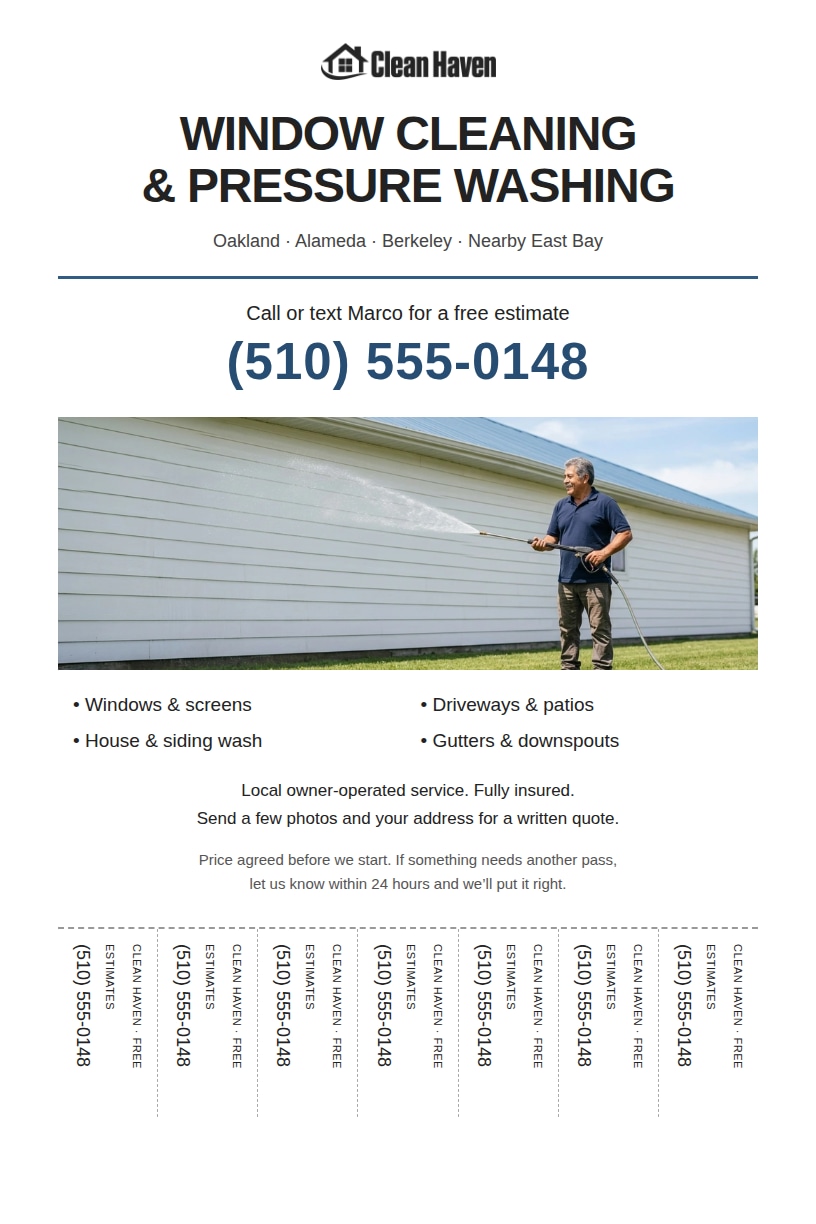
Generate full websites.
Repaint builds a full website from your content. Add pages, contact forms, bookings, or payments by chatting with AI.



How to turn a Word document into a website
Repaint reads the text, images, and styles from your document to customize your design.
Repaint uses your instructions and content to build you a full website.
Ask for changes in plain language. Repaint can do anything from small edits to a full redesign.
Go live on the internet in one click, directly from Repaint.
Point your domain at your website, or use a Repaint subdomain during your free trial.



You don't have to build anything
Repaint does the work of a web designer. It turns your Word document into a finished website, whether that's a flyer, a menu, a resume, or a proposal. You don't retype anything, and there's no page editor to learn. Your job is just to review the result and ask for the changes you want.
You're not limited to a single file, either. Repaint can combine several documents and images into one site, and it follows any written instructions you include.
A custom design, not a template
Template builders start you from a premade layout, and you fit your content into it. Repaint works the other way around. It reads your content and your brand first, then designs the site to fit them.
You're not locked into the AI's choices, either. You can restyle the whole site with a single request, and keep adjusting until it looks the way you want.
Get found on Google
A website gives your content its own pages, navigation, and a layout that works on phones. Repaint adds page titles and descriptions that help search engines understand each page, so customers can find and browse your services without opening a Word document.
The link is easier to share, too. It opens right in the browser and reads well on a phone, with no file to download.
Publish now, update anytime
You can go from uploading the document to a published site in a few minutes. Publishing is one click, and Repaint hosts the site for you. Updates work the same way after launch. When your hours change or you add a new service, just ask the AI and it updates the site.
FAQ
Upload your Word document to an AI website builder like Repaint. It reads the text, images, and structure in your file, then generates a full website from that content. You can refine the site by chatting with the AI. When you're happy with it, you can publish in one click. There's no coding and no retyping your content into a template. Uploads are currently limited to 16 MB per file.
It depends on who the document is for. If a few specific people need to read it, sharing the file directly works fine. You can email it or send a OneDrive link that opens in the browser. The tradeoff is that visitors still browse a document rather than a website with pages and navigation.
If the content is meant for a wider audience, it's better to turn the document into a website. A website gives the content a real design, reads well on phones, and can be found through Google search. Repaint automates the conversion. It builds the site from your document and hosts the result for you.
Not really. Word can save a document as a web page, but that just exports a fixed .htm file. There's no mobile layout, no navigation between pages, and no hosting, so it falls short of a real website.
A better approach is to keep the writing in Word and build the site from it. You can upload your document to an AI website builder like Repaint, and it generates a full, multi-page website from what you've written.
Word can export HTML directly. Use Save As and choose the Web Page format, and you'll get an .htm file you can open in a browser. Free DOCX to HTML converters do the same job online. The markup these produce is cluttered, but it works if you need raw HTML to paste into an existing site or an email tool.
If the goal is a published website, you'll be better off uploading the document to an AI builder like Repaint. It turns the content into a finished, hosted website, and you never have to touch the code.
You can try Repaint free for 14 days. The trial includes website building, publishing, and business features, with a weekly AI usage allowance.
Paid plans start at $25 per month. When the trial ends, your workspace is paused until you start a paid plan. Your websites go offline, and you can no longer accept payments, send emails, or chat with the AI. Your work stays saved, and you can reactivate your workspace anytime with a paid plan. See our pricing page for plan details.