
Build an artist website by chatting with AI
The easiest way to build a website for your art. Describe what you do and how you want it to look, and Repaint generates a full, custom site in minutes.
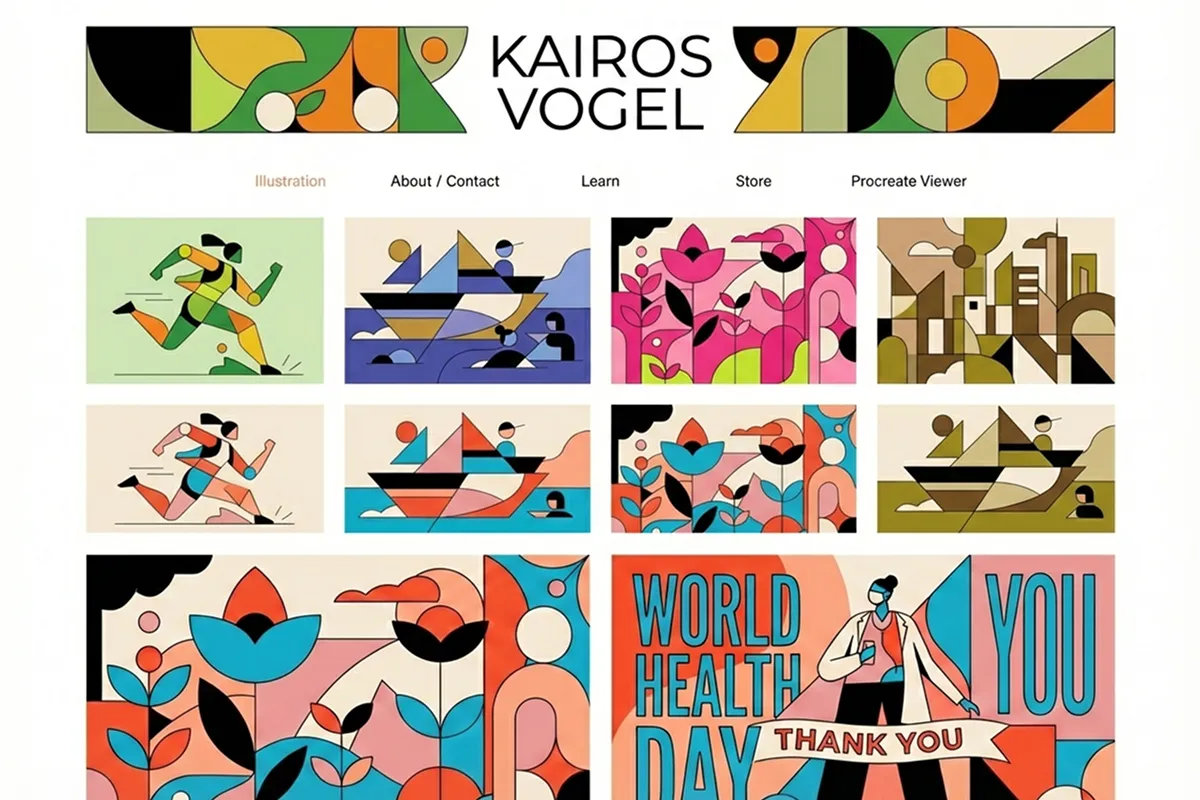
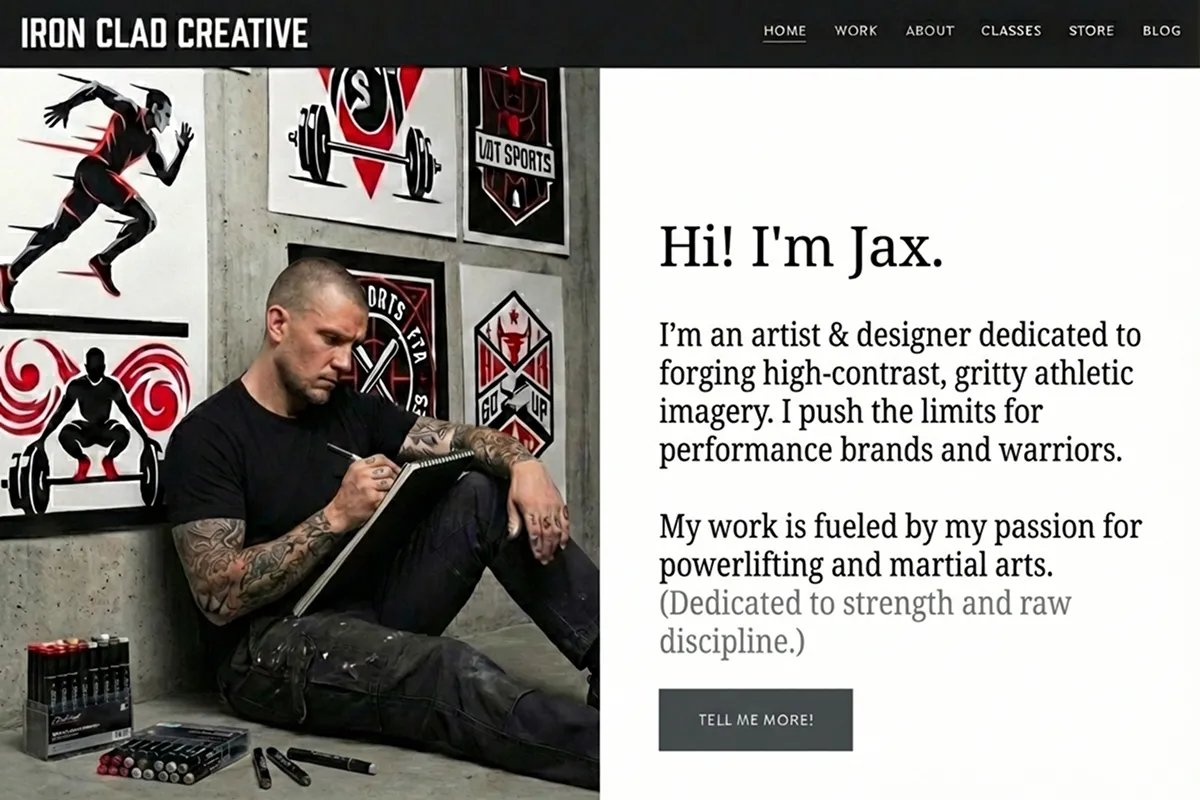
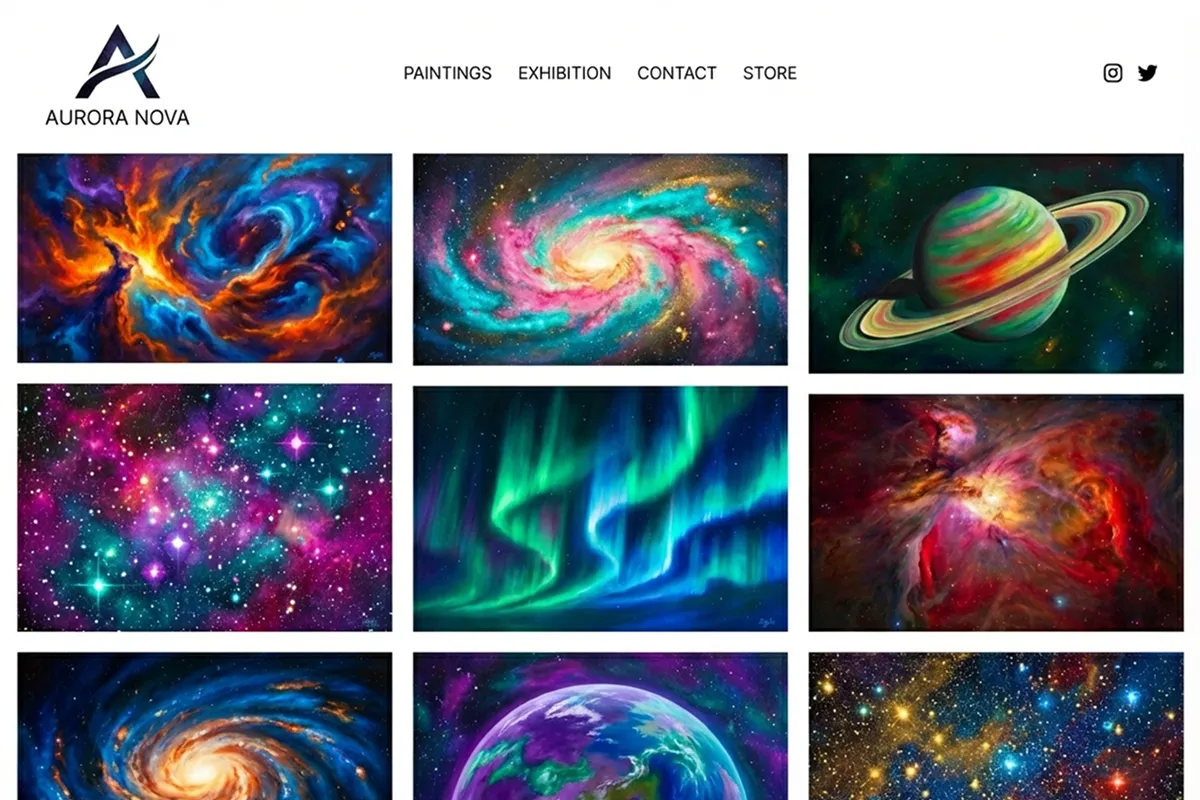
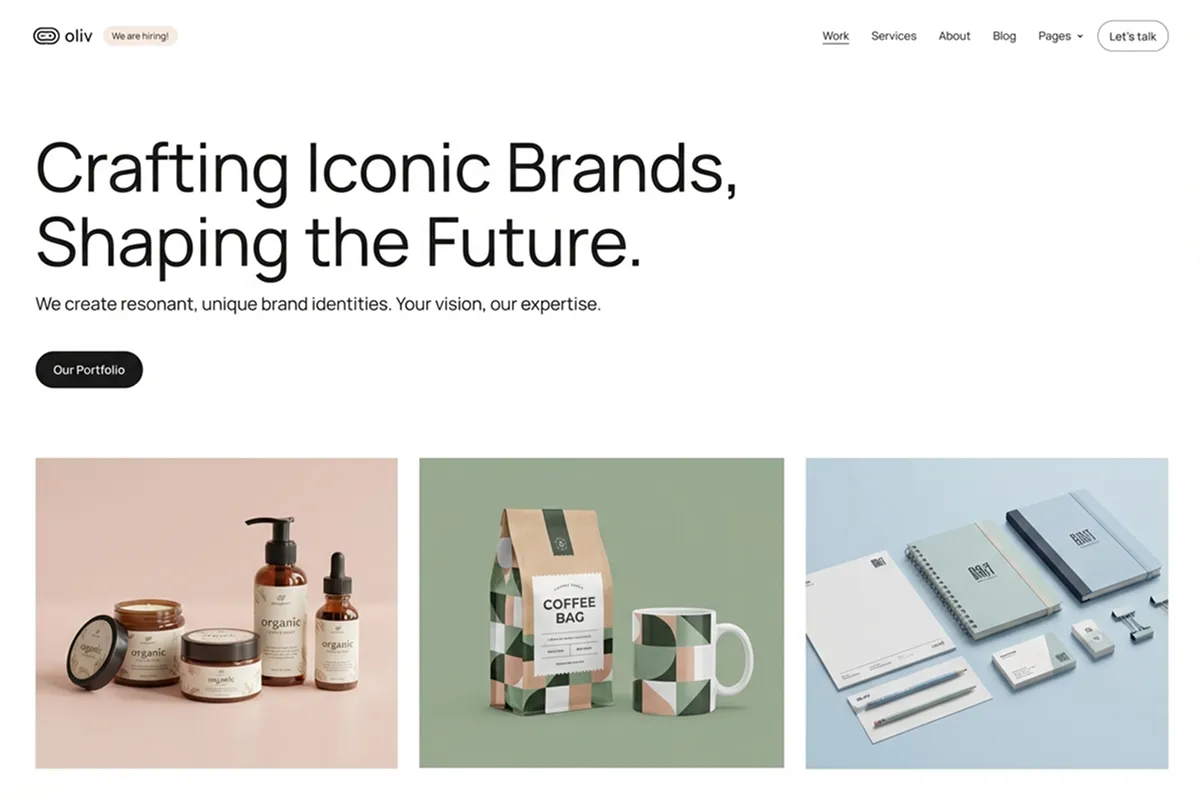
How Repaint builds artist websites
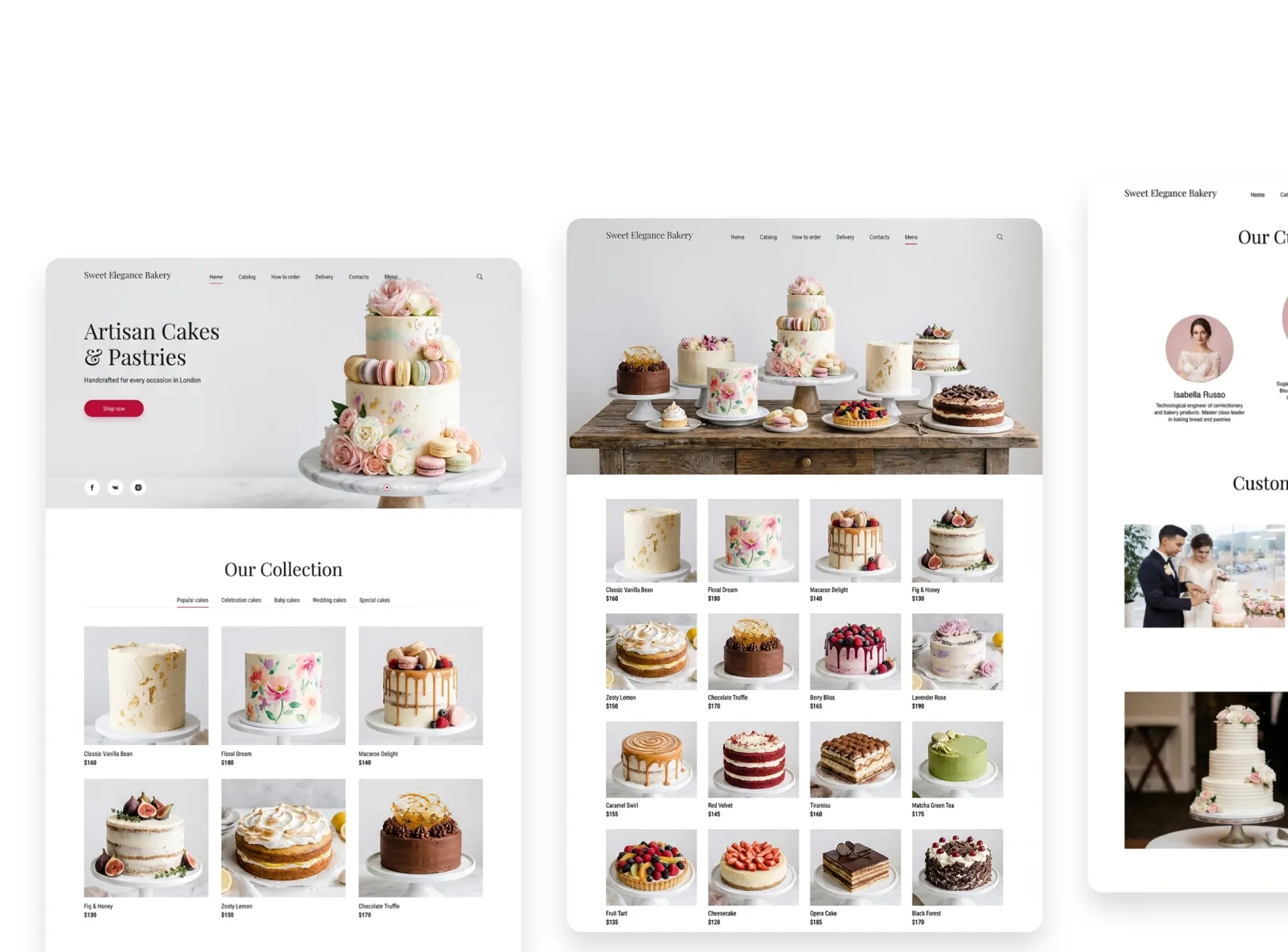
Generate a full website in minutes
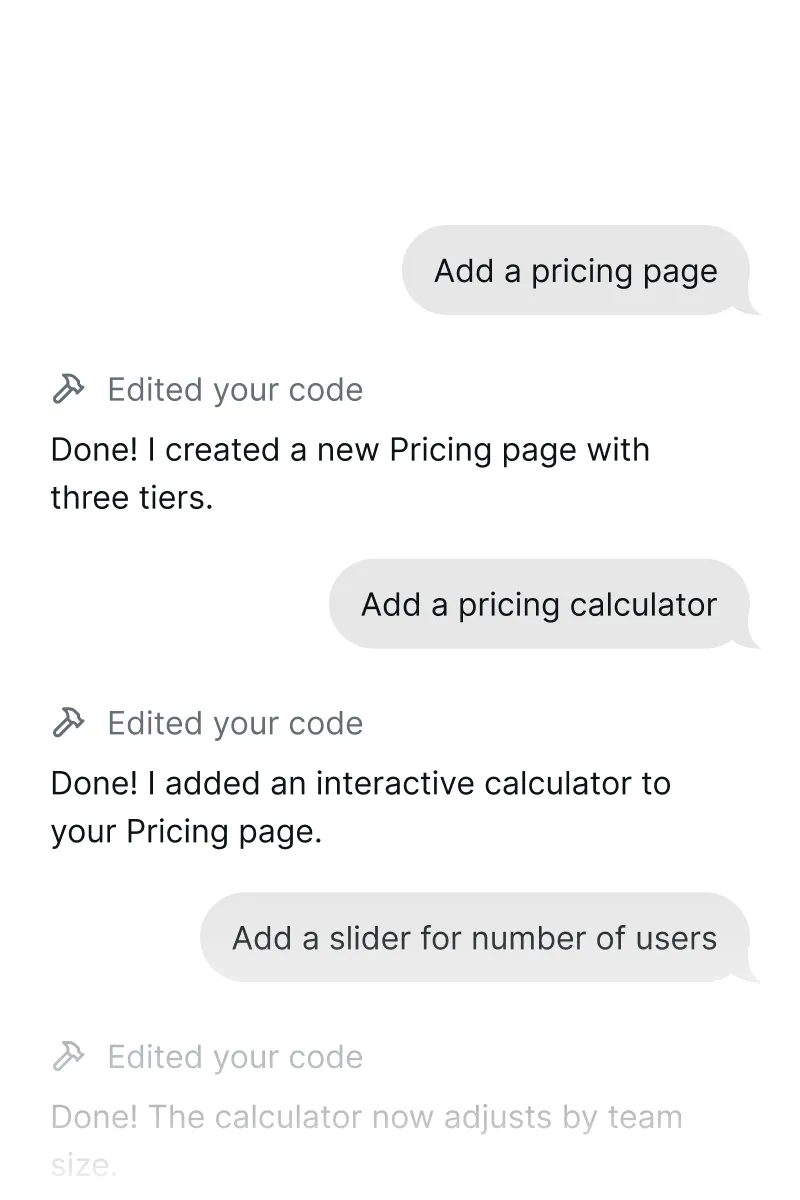
Edit with chat
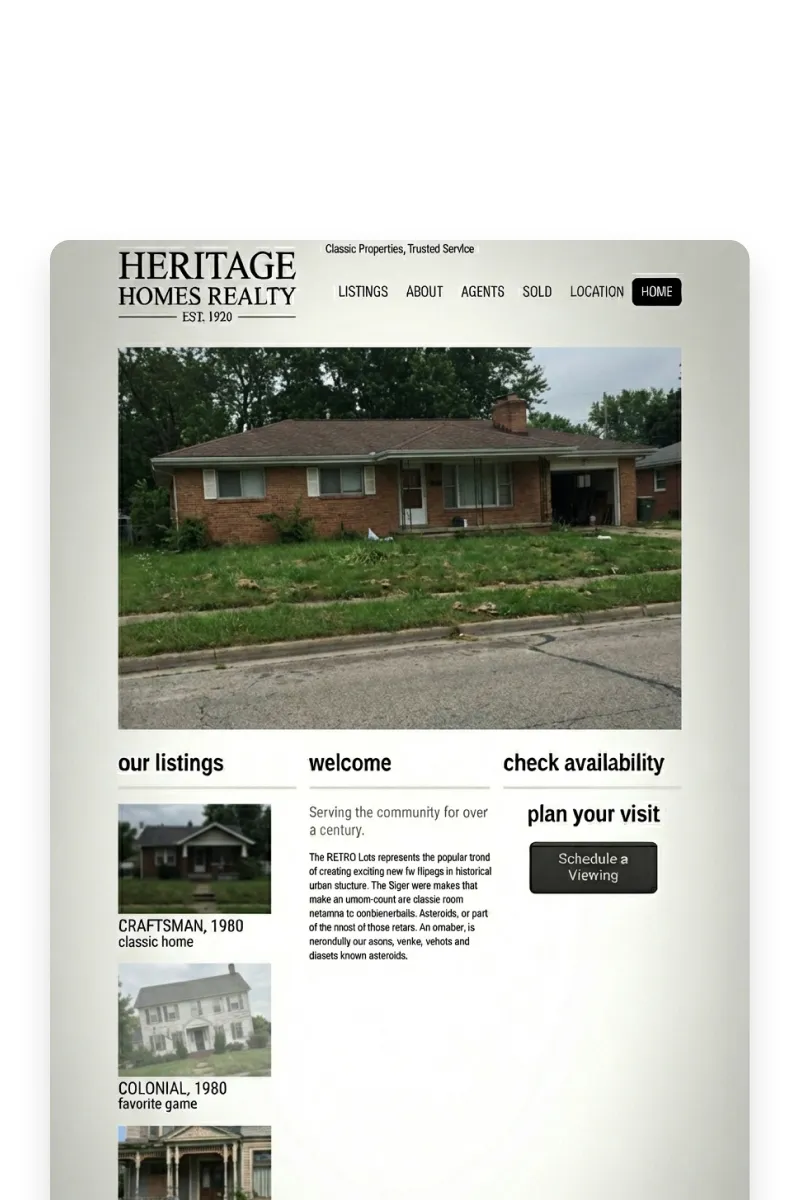
Import your old site
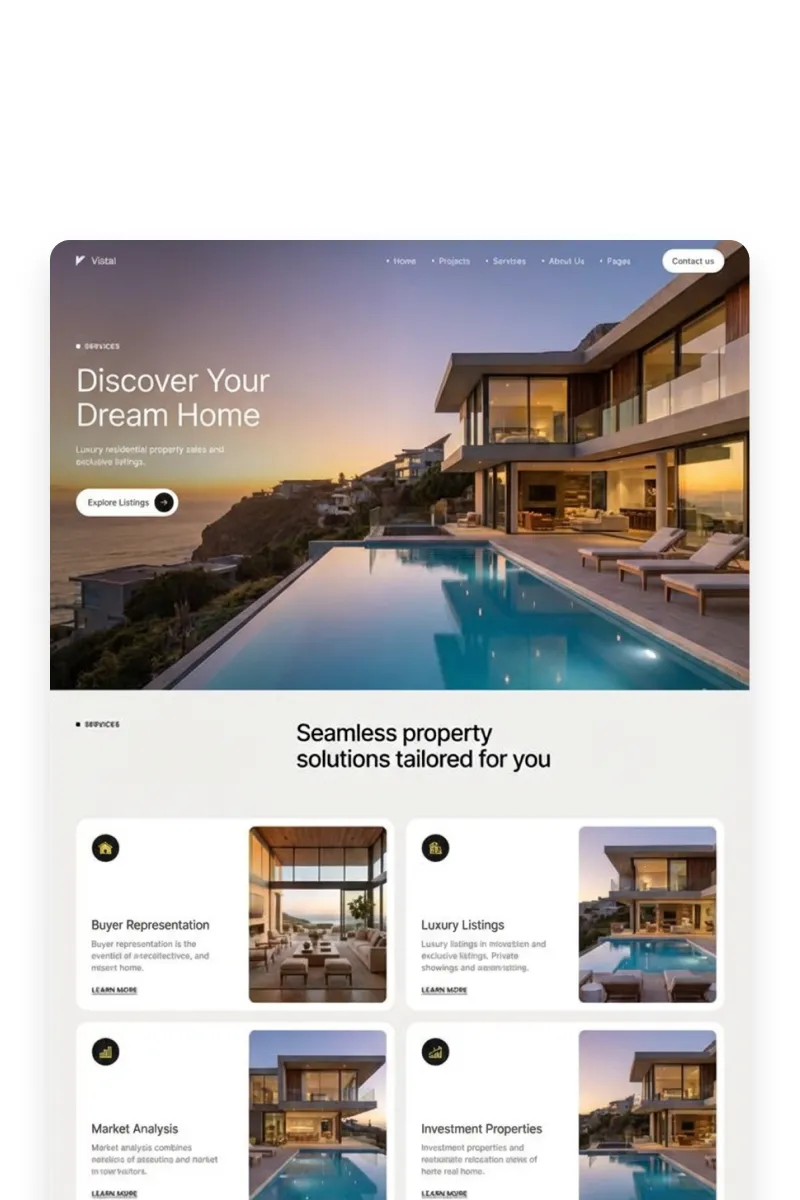
Match styles on other sites
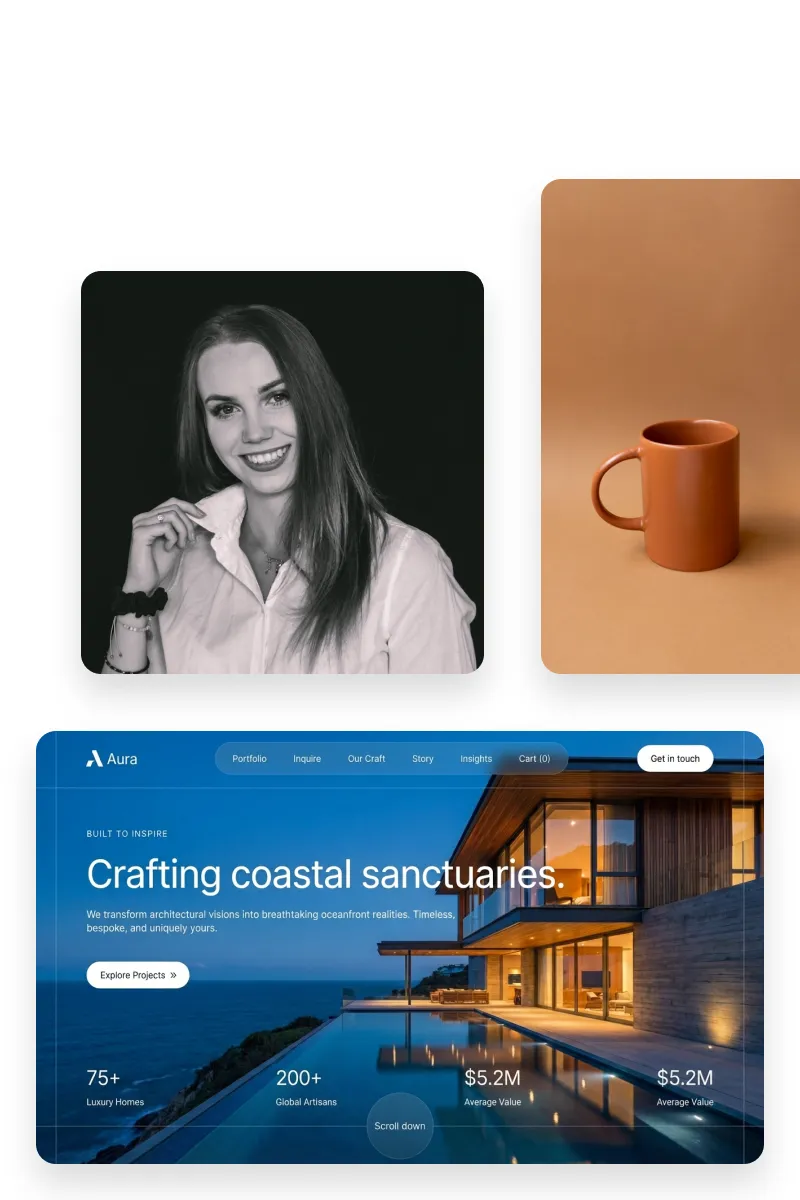
Use themes from images
Why artists choose Repaint
Go from idea to website in minutes
Describe your work and drop in your images, and Repaint builds a complete, multi-page site around them. What usually takes a weekend with a traditional builder takes one conversation.
Skip the web design learning curve
Repaint handles layout, typography, responsive sizing, and mobile views for you. You spend your time making art, not learning how website builders work.
Organize your work however makes sense
Repaint lets you present your work by series, medium, year, or whatever makes sense for you. Visitors can actually browse your portfolio instead of scrolling one endless page.
Let AI help with the writing
Repaint drafts your artist statement, bio, and page copy from the conversation you have about your work. You get a real starting point instead of a blank page, and you can always rewrite it.
Update your site by talking to it
Tell Repaint what changed and drop in your new images, and your site is updated. Keeping your portfolio current is as easy as sending a message.
A site that actually looks like you
Describe your work, your aesthetic, and your personality, and Repaint designs a site around that. You end up with something that reflects your style, not every other artist's template.
FAQ
Repaint is an AI website builder that creates fully designed, multi-page websites from a conversation. Describe your work, your medium, and what you want your site to feel like, and Repaint asks follow-up questions, researches you online, and builds a complete site in minutes. After that, you can edit anything by chatting with the AI.
Those platforms are built for creative portfolios, but they still make you do the building. You're picking templates, arranging galleries, writing your own copy, and configuring settings. Format is primarily built for photographers. Pixpa gives you portfolio tools but a rigid editor. Cargo gives you design freedom but expects you to construct everything from scratch. Repaint generates the whole site from a conversation, so you skip the construction entirely.
Squarespace and Wix give you a blank canvas and expect you to build the whole thing. That means learning a page editor, writing your own bio, and arranging galleries section by section. Most artists would rather spend that time making work. Repaint builds your site from a conversation about your art, so you skip the construction entirely.
Repaint builds image-forward layouts designed to present visual work clearly. Your images display at high resolution with proper spacing, and the site is responsive so they look right on desktop, tablet, and phone. If you want to adjust how a gallery is laid out or how large the images appear, you can ask the AI to change it.
Yes. Repaint can add inquiry forms, pricing details, and contact info so collectors and buyers can reach you directly. If you also sell through Etsy, Shopify, or Big Cartel, you can link to your shop from your Repaint site or embed it on a page.
Yes. Repaint can pull in your existing site and rebuild it from scratch. You can also point Repaint at a site you like and it will match that visual style. Either way, you end up with a fresh site without starting from a blank page.
You can try Repaint for free. Paid plans start at $20/month billed annually, or $25/month billed monthly. That includes your full website, hosting, unlimited edits through chat, custom domain support, and removes the Made in Repaint badge.
Yes. You can connect any custom domain to your Repaint site. If you don't have one yet, you can get started on a free Repaint subdomain and add your domain later.